
-
Hot Selling :
Autel |
Launch |
AVDI |
Multidiag Pro+ |
ELM327 |
ALLDATA |
MB STAR |
BMW ICOM |
MB STAR C4 |
C5 |
|


 |  |  |  |

1.If you meet this error notice when you double click Alldata icon on the desktop:
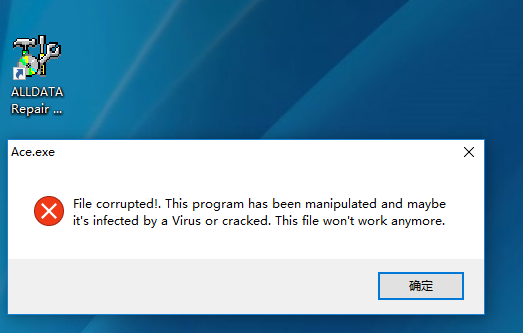
2.Right click Alldata icon on the desktop-select Properties-Find Target-
C:\ALLDATAW
3.Click Mobile Hard Disk-01.alldata 10.53\AllData.10.52_Crack.only -alldata 10.52 3Q12 Folder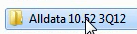 , Copy Ace.exe( it’s 2288KB)
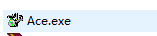 , Paste and replace the Ace.exe file on the C:\ALLDATAW
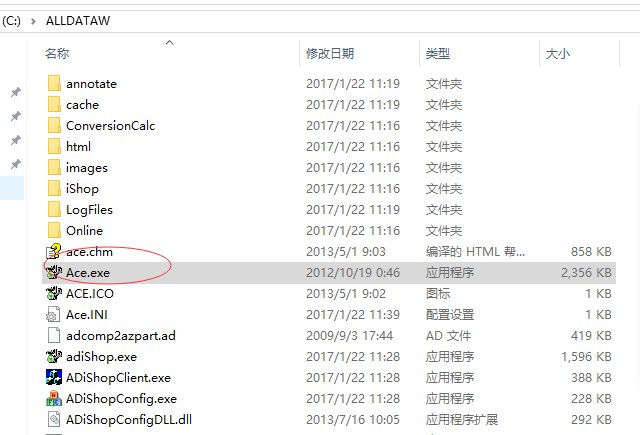
4.After replace, alldata program on the desktop can work normally

Join our community: |
 |
 |
 |
 |
 |
