
-
Hot Selling :
Autel |
Launch |
AVDI |
Multidiag Pro+ |
ELM327 |
ALLDATA |
MB STAR |
BMW ICOM |
MB STAR C4 |
C5 |
|


 |  |  |  |

2025A Lastest Version CAT Caterpillar ET Diagnostic Software(Real Caterpillar ET3 Adapter III)
Caterpillar Comm Adapter III - diagnostic scanner interface is a cat group dealer workshop diagnostic tool built to work with Caterpillar heavy vehicles and Caterpillar engines. It is the latest generation of the cat Communication Adapter group and replaces the cat Comm Adapter II & the old 466-6258 and 317-7487 tool number.
Caterpillar scan tool includes:
CAT Comm Adapter III (part # 317-7485)
CD with the drivers
USB Cable (From device to your computer)
J1939/J1708 Cable (from device to your truck)
Hard Shell Case with foam inserts
Caterpillar ET 2025A
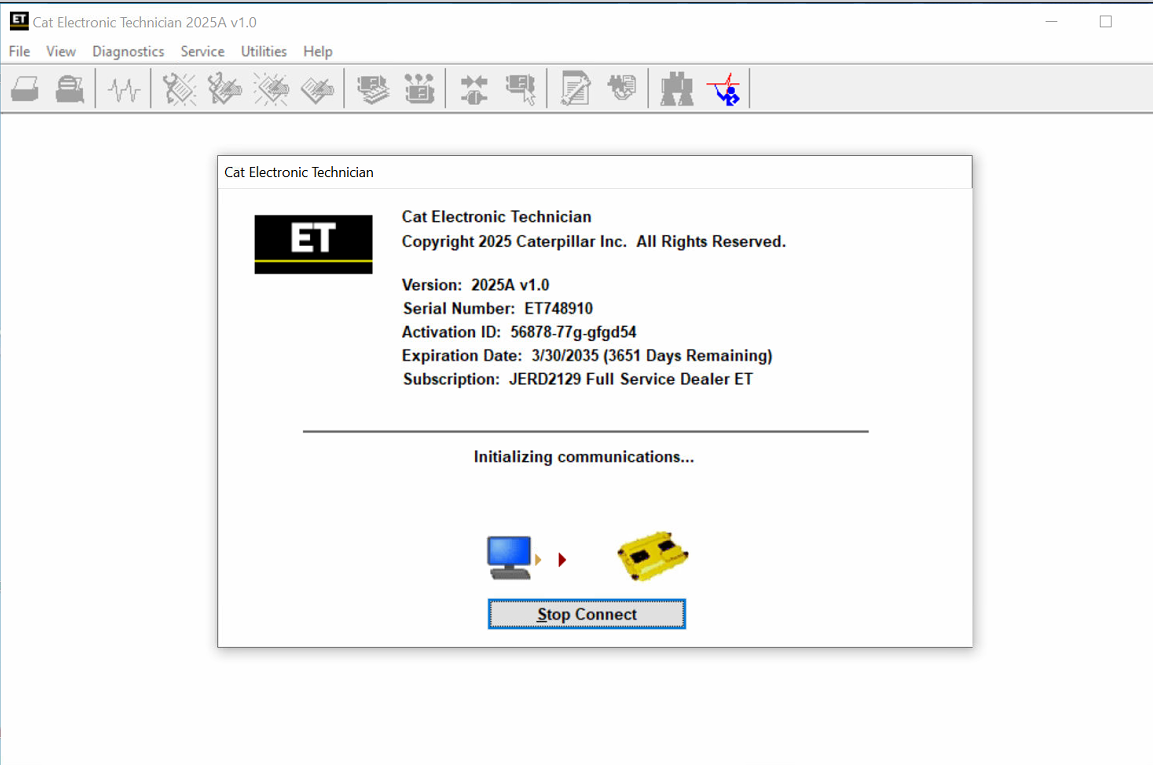
Caterpillar Electronic Technician (Cat ET) is a service tool designed to run on a personal computer (PC) under Microsoft Windows. It will communicate with the Electronic Control Modules (ECMs) through a communication data link thus allowing you to diagnose existing and potential problems, configure the product and obtain data for analysis.
With the CAT Diagnostic Tool, you can:
View active and logged diagnostics
View events where irregularities occurred and were logged by the ECM
View the status of a group of parameters (temperatures, pressures, etc.) simultaneously
Record and log performance data
Graph a group of status parameters
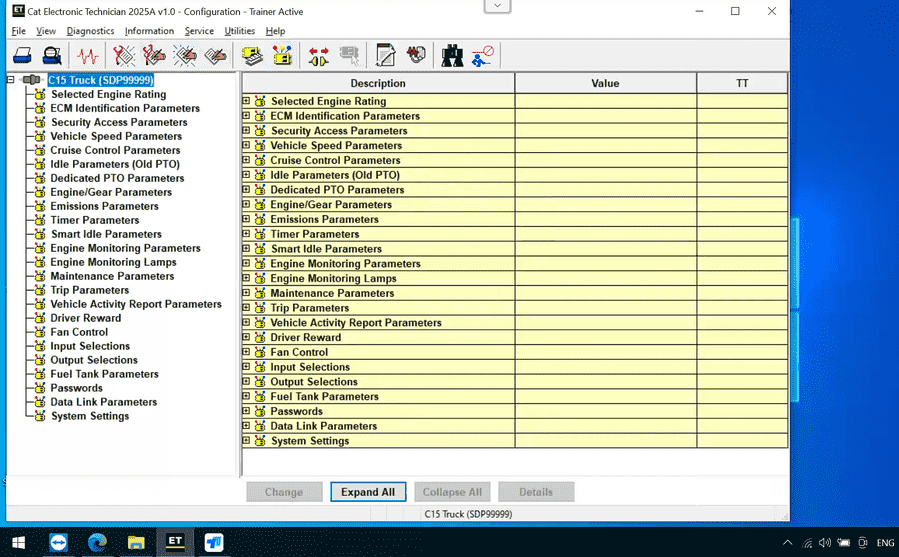
View the current configuration of an ECM
Change ECM configurations
Perform diagnostic tests
Perform calibrations
Print reports and diagnostic results
For some machine and engine products, additional functionality has been included with the service tool program
Caterpillar ET 2025A (replaces CAT ET 2024C, 2024A,2023C) Electronic Technician Diagnostic Software [02/2025]
1.Latest Caterpillar ET 2025A Software to work with CAT/CAT3 Truck Scanner
2.With one free activation, can send software online
3.Support Multi-languages:English, Chinese, Danish, French, German, Italian, Japanese, Portuguese, Russian, Spanish
4. OS: Windows 8/8.1 32 bit, Windows 8/8.1 64 bit, Windows 10 32 bit, Windows 10 64 bit, Windows 11 64 bit, Windows 11 Pro 64bit
5.Make: caterpillar
6.Region:WorldWide

Supported Hardware
The following communication adapters are supported:
Caterpillar Comm Adapter 2
Caterpillar Comm Adapter 3
Caterpillar Comm Adapter 4
Nexiq USB-Link 1/2/3(for On-Highway only)
RP-1210C Compliant Communication Adapters, such as:
Noregon® DLA+ 2.0 Adapter Kit
Other compliant adapters: Please check with us if your adapter is not on this list.
PC, Communication Hardware, and Cable Requirements
To run the service tool, the next PC, communication hardware, and cable requirements must be met.
NOTE: The minimum PC Configurations should not be used as a standard when buying new personal computers for service tool purposes. If the existing equipment meets these minimum requirements, it will run the service tool.
PC Requirements for CAT ET 2025
Recommended configurations:
PC with a 2.0 GHz dual-core processor
4 GB RAM
5 GB of available hard disk space
12-inch or larger screen, Windows desktop compatible
Microsoft Windows™ 8.1 Professional, Windows 10 Professional, or Windows 11 Pro (Note: Windows 8 RT is not supported)
RS232 port with 16550AF UART or compatible (for use with Comm Adapter II)
USB v1.1, v2.0, v3.0, or v3.1 port (for use with Comm Adapter 3)
Ethernet RJ45 connector (or Wi-Fi adapter)
Built-in pointing device or mouse
Microsoft Internet Explorer version 11, Microsoft Edge, Firefox, or Chrome browsers are recommended.
Note: The most recent version of Microsoft Internet Explorer may not be validated to work with the service tool.
Wi-Fi (for the Wireless Comm Adapter 3)
Caterpillar electronic technician 2025A with WinFlash future is an updated version of the caterpillar dealer diagnostic software that can help technicians to diagnose existing and potential problems with their electronically controlled Caterpillar Engines and Machines.
To get the vehicle information the Cat ET software must be connected to the Electronic Control Module (ECM). For this purpose, you need a suitable diagnostic link adapter (DLA), for instance, Genuine CAT Comm Adapter III .
The laptops with ARM CPUs (Snapdragon 8cx, Microsft SQ1, etc) type are not supported!
The list of supported CAT machines and engines can be found below:
Engines:
Electric Power
Electric Power Generation
Industrial
Marine Power Systems
Oil and Gas
Machines:
Articulated Trucks
Asphalt Pavers
Backhoe Loaders
Cold Planers
Compactors
Dozers
Drills
Excavators
Feller Bunchers
Forest Machines
Forwarders
Harvesters
Hydraulic Mining Shovels
Knuckleboom Loaders
Material Handlers
Motor Graders
Off-Highway Trucks
Pipelayers
Road Reclaimers
Site Prep Tractors
Skid Steer and Compact Track Loaders
Skidders
Telehandlers
Track Loaders
Underground - Hard Rock
Underground - Longwall
Underground - Room and Pillar
Utility Vehicles
Wheel Dozers
Wheel Excavators
Wheel Loaders
No significant new features or feature enhancements
Automatic Connection Preferences
Users are now able to change multiple automatic connection preferences for the service tool and WinFlash. After navigating to the Preferences dialog, users may enable the service tool to connect automatically when opened in service and/or flash mode. Both options may also be disabled if the user wishes to connect manually.
No significant new features or feature enhancements
Feature Protection System (FPS) Default Browser Update
During flash, a progress bar that tracks the flash progress will display over the service tool application icon on the taskbar. This allows the user to work in other windows or applications without having to switch back and forth to monitor the progress of the flash.
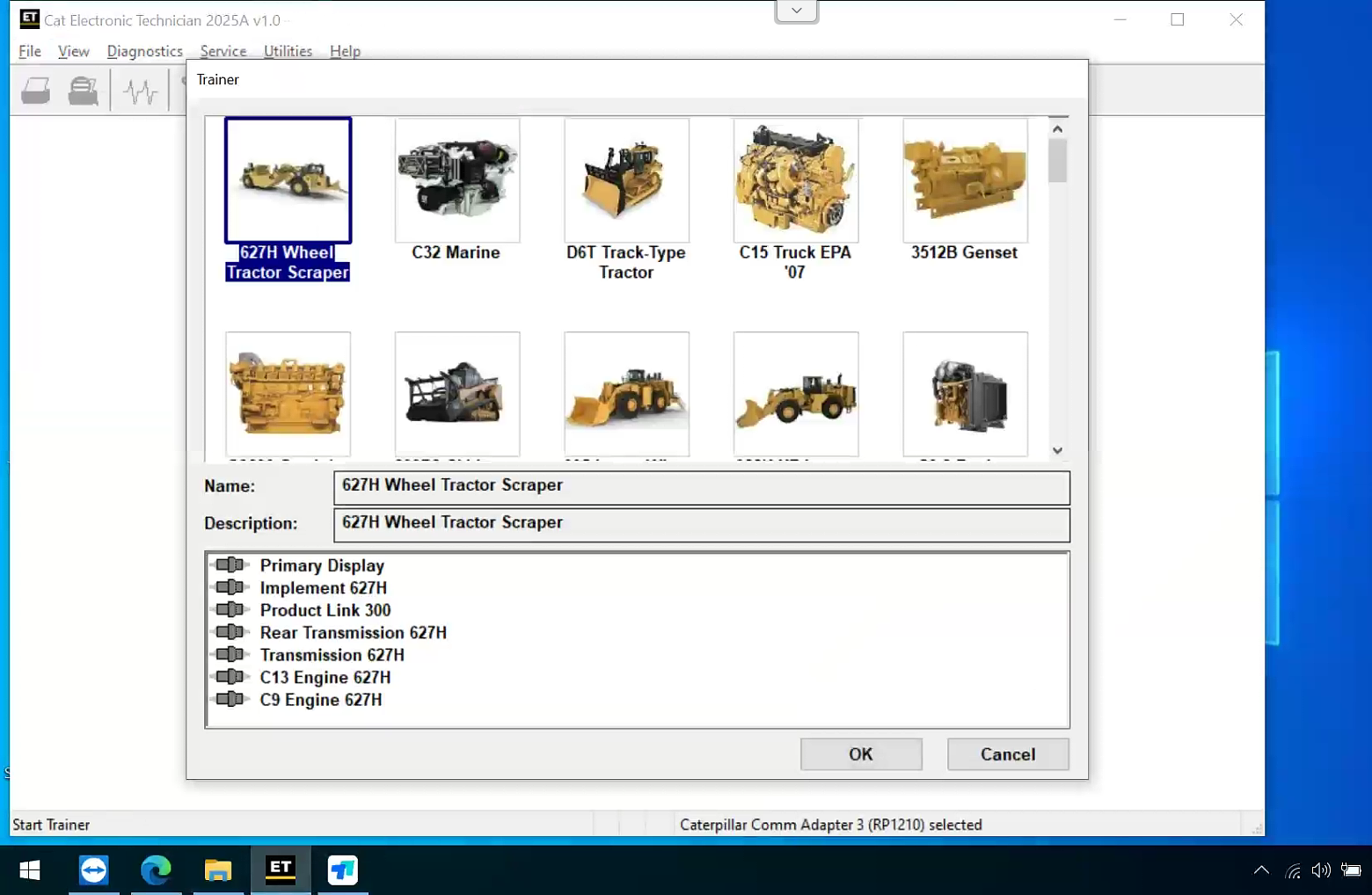
Trainer Update – 995 Large Wheel Loader
The 995 Large Wheel Loader has been added to the Trainer application.
Flash Progress Bar
The default browser selection options for the Feature Protection System (FPS) have been updated. After installation or upgrade, “Default Browser” will be the default browser selected, eliminating the need for technicians to manually change the setting. Internet Explorer remains a selectable option.
Graphing Colors
The color schemes for features that use graphing, such as Real Time Graph, Data Logger, or Histograms, have been changed. The manual color selection process for the Real Time Graph and the Data Logger features has also been updated. User-selected graph colors are now maintained through any disconnections and only change when the user chooses to revert to the default color settings or selects different graph colors manually.
No significant new features or feature enhancements for these versions.
No significant new features or feature enhancements
New Hot Key to Reposition Service Tool Window
When the service tool window is not showing in the viewable area, there is now a hotkey to allow the user to recover the window. CTRL-ALT-H will reposition the window in the viewable area. The original window proportions will be preserved, unless they exceed the main monitor size. The window will be resized to fit the main monitor dimensions in such cases.
Microsoft® Windows™ 11 Compatibility
Service tool testing has been performed, and the service tool is compatible with Windows 11.
ECM File Replacement Compare Feature
The service tool now has an ECM Replacement File Compare feature for troubleshooting purposes. This feature allows the user to compare one ECM replacement file with another from within the ECM Replacement feature screen. The feature will highlight the differences between the selected files as a whole, or the user may select the “only show differences” checkbox.
Configuration Group Headings on ECM Replacement Feature
To help the user find ECM replacement configuration items more quickly, configuration items in the ECM Replacement, Fleet Configuration, and Product ECM features are now grouped under their group sub-headings, as is done in the main configuration feature.
Feature Protection System Password Copy
The Feature Protection System (FPS) has a new "Easy Copy" link to copy passwords in a single operation. The service tool can automatically obtain the passwords from the clipboard and populate the FPS dialog. The service tool dialog also has a new "Easy Paste" button that allows the user to paste data in the correct format from the clipboard. Passwords can still be pasted using customary copy/paste operations, such as the context menu or the CTRL + V hotkey combination.
Screen Resolution Requirement Update
The minimum requirement for screen resolution has been updated to 1366x768, or at least 1366 pixels horizontally and at least 768 pixels vertically. The recommended screen resolution is at least 1600x1200. The service tool window displays with a minimum size of 1024x680.
End of Support for Windows 8
Microsoft is ending extended support for Windows 8 as of January 2023. The service tool will be ending support for Windows 8 after the 2021C release.
Calibration Images
Images attached to calibration instructions will no longer need to be opened manually to be viewed by a technician. The service tool will now have split user interface windows for calibrations that display pictures. This will allow the technician to see the images without having to navigate away from the instructions.
Images may be opened into individual windows and resized for better clarity. The user interface for calibrations that do not display pictures will remain unchanged.
Default PC Browser
The service tool will no longer automatically launch web pages in Microsoft Internet Explorer. Web pages will now launch in whatever application is configured as the default internet browser. Certain web pages require a specific browser and may launch in a different browser.
No significant new features or feature enhancements
No significant new features or feature enhancements
Trainer Update – 299D3
The 299D3 Skid Steer Loader has been added to the Trainer application.
Product Status Report Updates
The Product Status Report has been updated to include throttle configuration information.
Built-in Factory Password Generator
The experimental feature allows you to decode (18-Bit passwords not supported) factory passwords
Indication of Selected Communications Adapter
The service tool now displays the selected communications adapter when the service tool is disconnected. The adapter name is displayed in the status area at the bottom right of the service tool window.
End of Support for Windows 7
Microsoft is ending extended support for Windows 7 as of January 2020. The service tool will be ending support for Windows 7 as of the 2020A release.
Automatic Product Status Report (PSR) Upload
The service tool includes a new tool that automatically uploads Product Status Reports. The tool scans for newly generated Product Status Reports and uploads them when an internet connection is available. The default is that automatic report uploading is enabled. The Preferences dialog has the option to disable the tool.
ECM Naming Changes
Certain ECMs connect to the service tool over two data links at the same time. The service tool shows a message popup when the ECM is only detected on one link. The service tool has been changed to add the text **INCOMPLETE** in the ECM name when the connection is incomplete. Service tool features that display a connection icon also use a new icon for an incomplete connection.
No significant new features or feature enhancements
CEOS Fleet Configuration File TOP
A CEOS (Customer Electronic Option Selection) Fleet Configuration File can be created/modified for an engine using the Service Tool. This is available in connected and disconnected mode.
Error When Launching Service Tool
There is a Microsoft issue with upgrading libraries during an installation involving certain versions of the C++ redistributable. After a successful service tool installation, when trying to run the service tool for the first time, one of the following errors may occasionally appear: “The entry point could not be located in api-ms-win-crt-runtime” or “The program can't start because mfc140u.dll is missing from your computer.”
If either of these messages is displayed, please let us know and we will send you by step troubleshooting guide. This procedure requires administrator rights.
Windows 10 updates 1709 and 1803 will corrupt service tool licenses. Future Windows 10 updates may do the same
If either of the license error messages is displayed, please let us know and we will send you by step troubleshooting guide.
Trainer Update - 988K XE Wheel Loader
The 988K XE Wheel Loader has been added to the Trainer application.
What's New - 2017C
Preferences Option to Save a Product Status Report to PDF
The Preferences dialog for the Product Status Report has changed. The dialog contains a new checkbox to automatically save a Product Status Report as a PDF file when the report is created. The service tool will continue to automatically save Product Status Reports as an XML file.
What's New - 2017B
Product Status Report Updates
The Product Status Report has been updated to include certain history features supported by the ECM, such as the after-treatment Regeneration History and the Service Test History.
Winflash Screen Update
The screen for the Winflash feature has been updated. A new Expand All button opens all sections of the screen to show all details for ECMs detected by WinFlash. A new Collapse All button hides all sections of the screen, except for header rows showing detected ECM names.
Join our community: |
 |
 |
 |
 |
 |
