
-
Hot Selling :
Autel |
Launch |
AVDI |
Multidiag Pro+ |
ELM327 |
ALLDATA |
MB STAR |
BMW ICOM |
MB STAR C4 |
C5 |
|


 |  |  |  |
Shop by Category


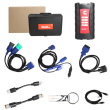


Cummins Calterm 4.7.1 Engineering Level Auto Repair Software
After payment, we will send the software and activation tool to your email. If not, please email us(sale@cnautotool.com).
CALTERM The program for the diagnosis of Cummins engines. Calterm 4.7.1 is an engineering development tool used to monitor Electronic Control Modules for Cummins engine systems and to alter the calibration data contained therein. Calterm is designed to modify fueling calibration parameters and feature settings in an engineering development and test environment
Languages
English , Spanish , French , Italian , Russian
Compatible
Window 7, Window 8, Window 10 64 Bit
Activation
PC Activation
Interface hardware tool :
WORKS WITH INLINE, NEXIQ, NOREGON DLA, DG DPA5
Package include
Cummins Calterm 4.7.1 + Activation
What can you do with Calterm
Installation Quality Assurance testing
Perform DPF regeneration
View active and inactive fault codes
Troubleshoot integration issues
Troubleshoot calibration issues
Collect engine/AT test data
It can be used to:
monitor ECM or any J1939/Datalink device parameters
temporarily change calibrations
view and erase fault codes
log ECM and J1939/Datalink parameters
Cummins Calterm 4.7.1 installation instruction:
Cummins calterm 4.7 installation instructions
1.Install LCT1.12.0.17.exe under the LCT folder
2.Install java.exe
3.Install Calterm4v4.7.1.007.exe
4.Run HWID6.exe and click copy to Clipoard to get the machine code
5.Open KMforKM.exe in the registration machine and paste the machine code in the box under HWID, a random name in the box 1 or abc will be okay and click make key
6.Open the km.lic file in the generated lics folder and copy it to the KM folder,keep them both in same folder,so that you can open the registration machine KM.exe
7.Click HWID6.exe again and click copy to Clipoard to get the machine code, paste it in the HWID box of KM.exe, write any name you want then click make key
8. Open the newly generated lics folder and find this cc.sn file, copy and paste it in installation directory of calterm.
9.Copy Calterm_ start.exe and fnp_ _ld.dII, paste them into the installation directory of calterm.
Then send a shortcut of calterm_start.exe to the desktop. Click the shortcut of calterm_start.exe every time you use it.
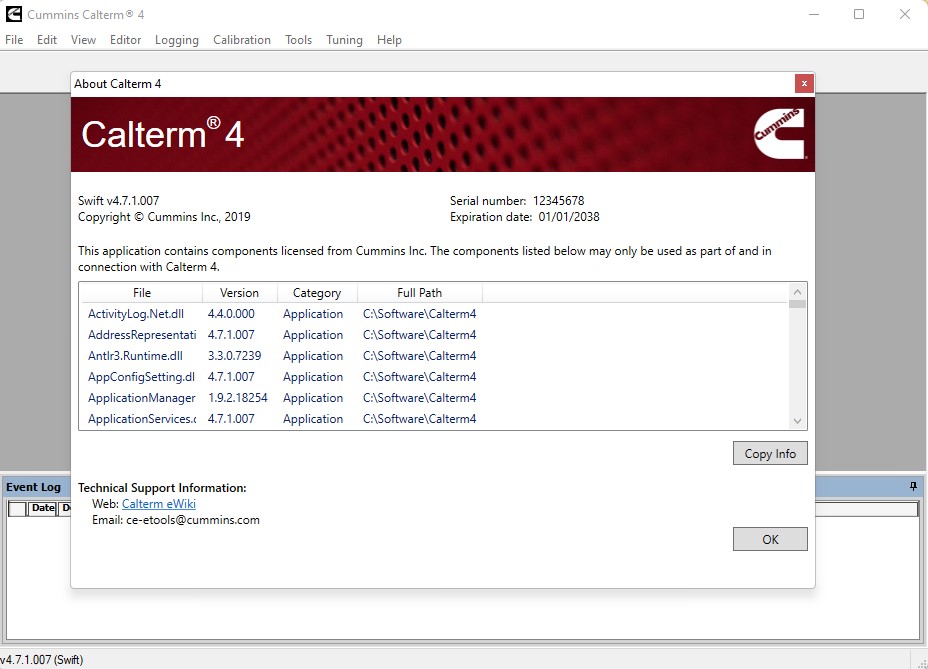
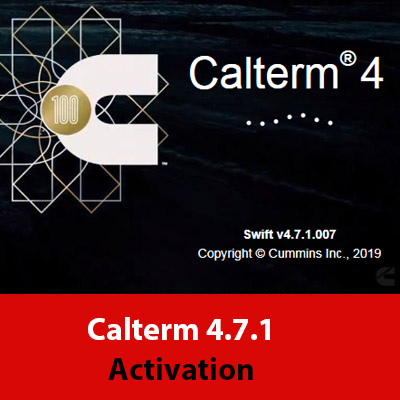
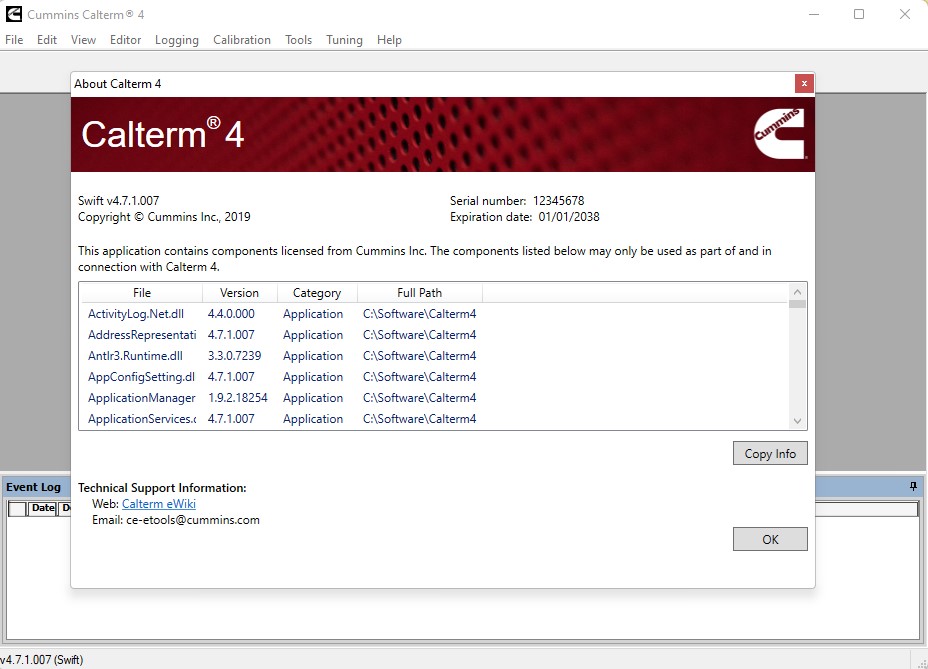
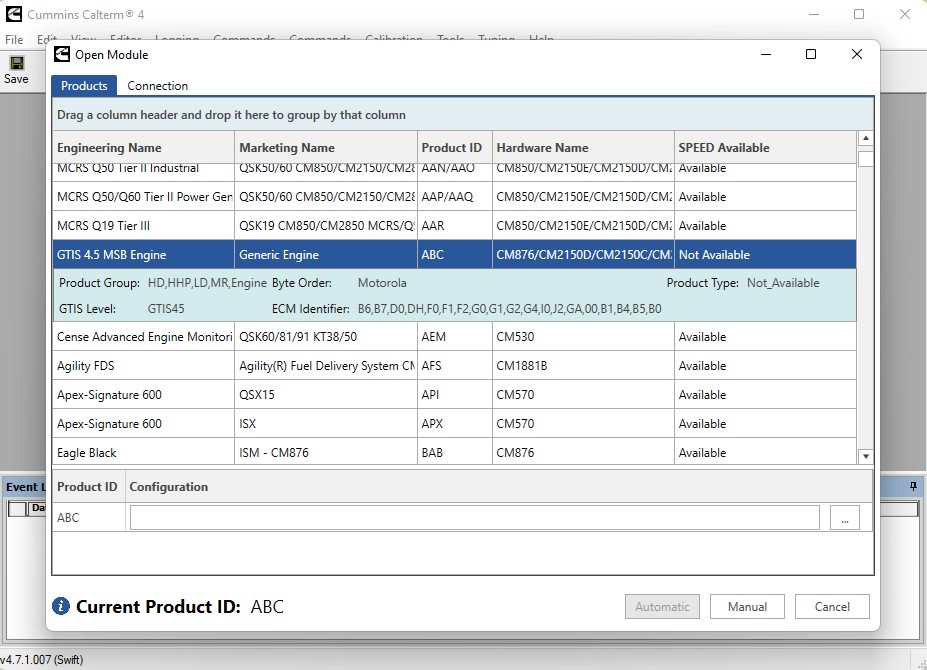
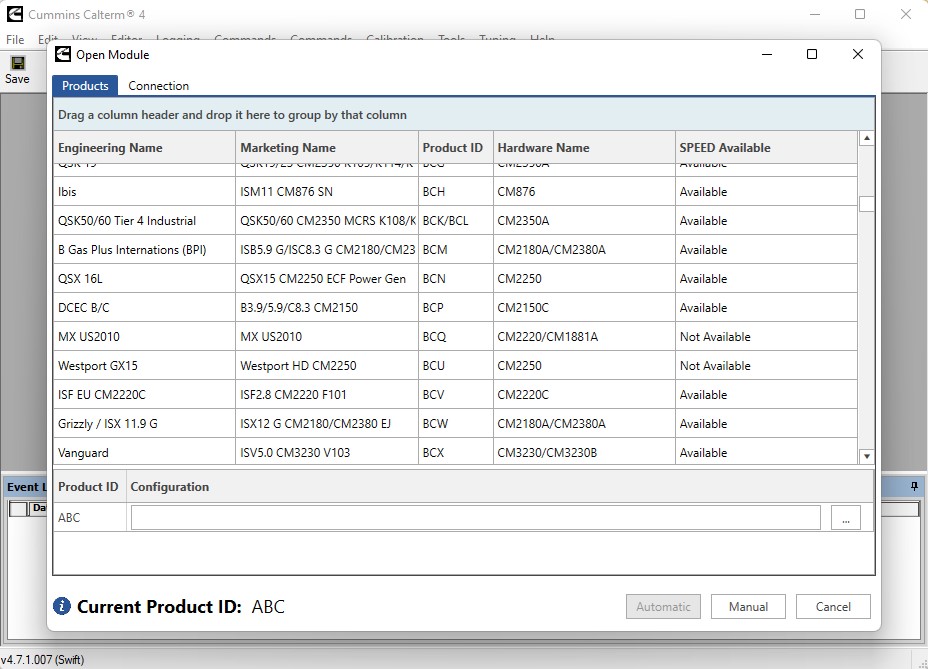
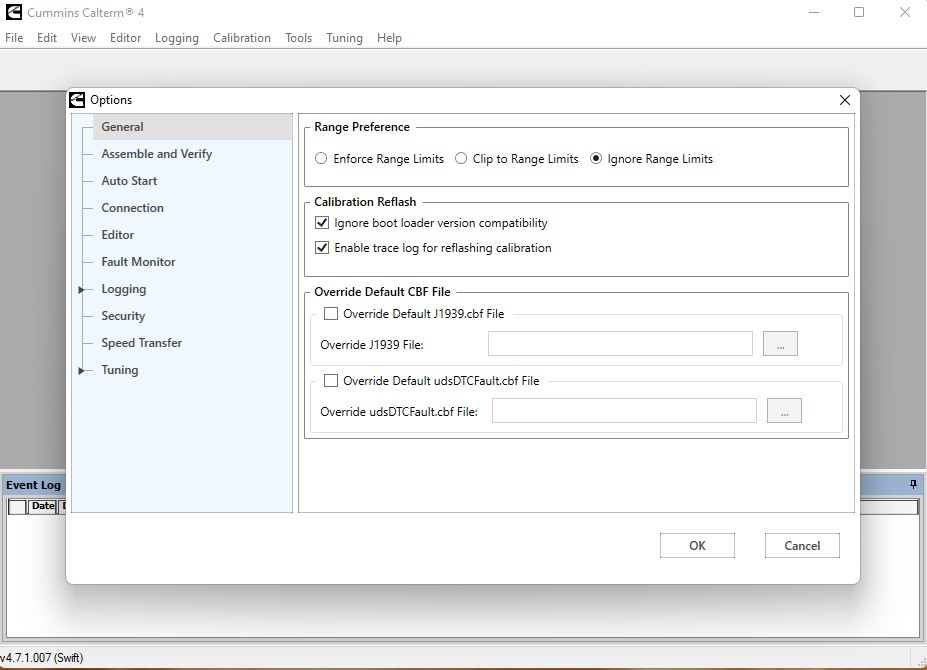
Software display:
User Comment(Total 0 Customer Reviews)
- No comment
CnAutotool.com - Professional Auto Diagnostic Tools Supplier. We provides car diagnostics tools for Do-It-Yourself and professional automotive mechanics. If you have any problems, don't hesitate to contact us, send email to sale@cnautotool.com or chat online. We are well organized by a group of rich-experienced design experts who have been engaging in auto diagnostic tools for more than 10 years. FREE, Professional & Unlimited Technical Support, Factory Price!
Please feel free to contact us ,If you have any question:
Shipping Terms: a 1) Items will be sent to all the countries over the world.This package will be sent by Hongkong Airmail Post,EMS,UPS or DHL. b 2) Items will be checked carefully before sent out. c 3) We will use air bubbles to wrap the items carefully.
Shipping Time: Usually the shipping time is about 5-7 days via DHL, UPS, TNT and Fedex Express, 15-30 days via POST AIR to Worldwide, but Because the COVID-19 Global Pandemic recently, the delivery date will may be delayed. We are sincerely sorry to bring all inconvenience to you.Note: We hope it arrive on time but since this is an international delivery, shipping time will be highly depended on the courier company and local customs/duties. Thank you for your understanding
Return Policies:
If you are not satisfied with your purchase .please contact us quickly, we can exchange one to you,but buyers is responsible for the returning shiping cost .
Contact Us:
Our office hours are 24hours 7 days online service
Attention: PLZ leave your telephone number and address in detail when you take order in our website, it is very important to ship your order. (Customers from Brazil PLZ leave your Cutsom ID also, thanks!) |
Join our community: |
 |
 |
 |
 |
 |

