-
Hot Selling :
Autel |
Launch |
AVDI |
Multidiag Pro+ |
ELM327 |
ALLDATA |
MB STAR |
BMW ICOM |
MB STAR C4 |
C5 |
|


 |  |  |  |
> Auto Scanner Tools > Original brand > Launch X431 > Launch X431 SmartLink B – Remote Diagnostic Device Vehicle Data Link Connector Shop by Category
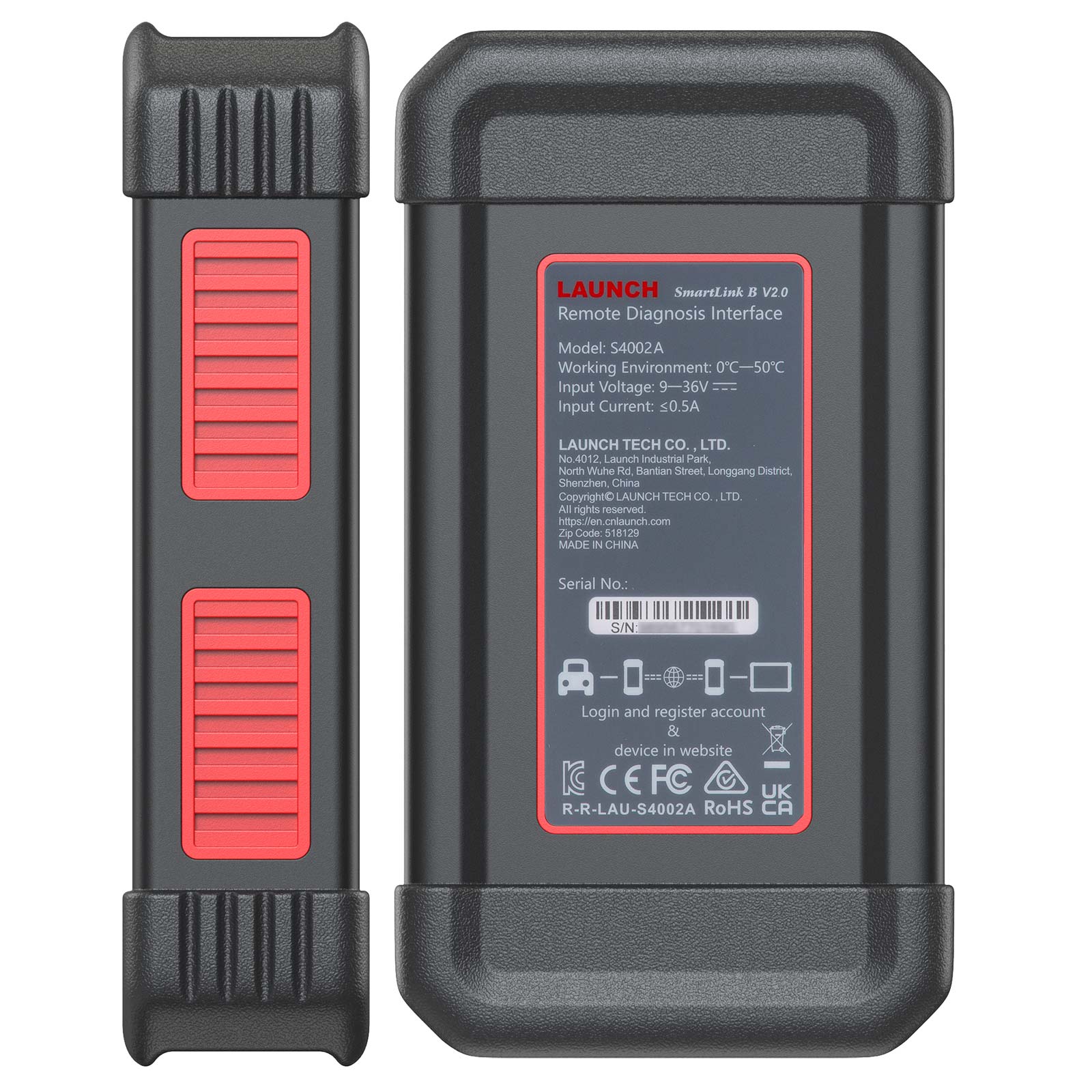
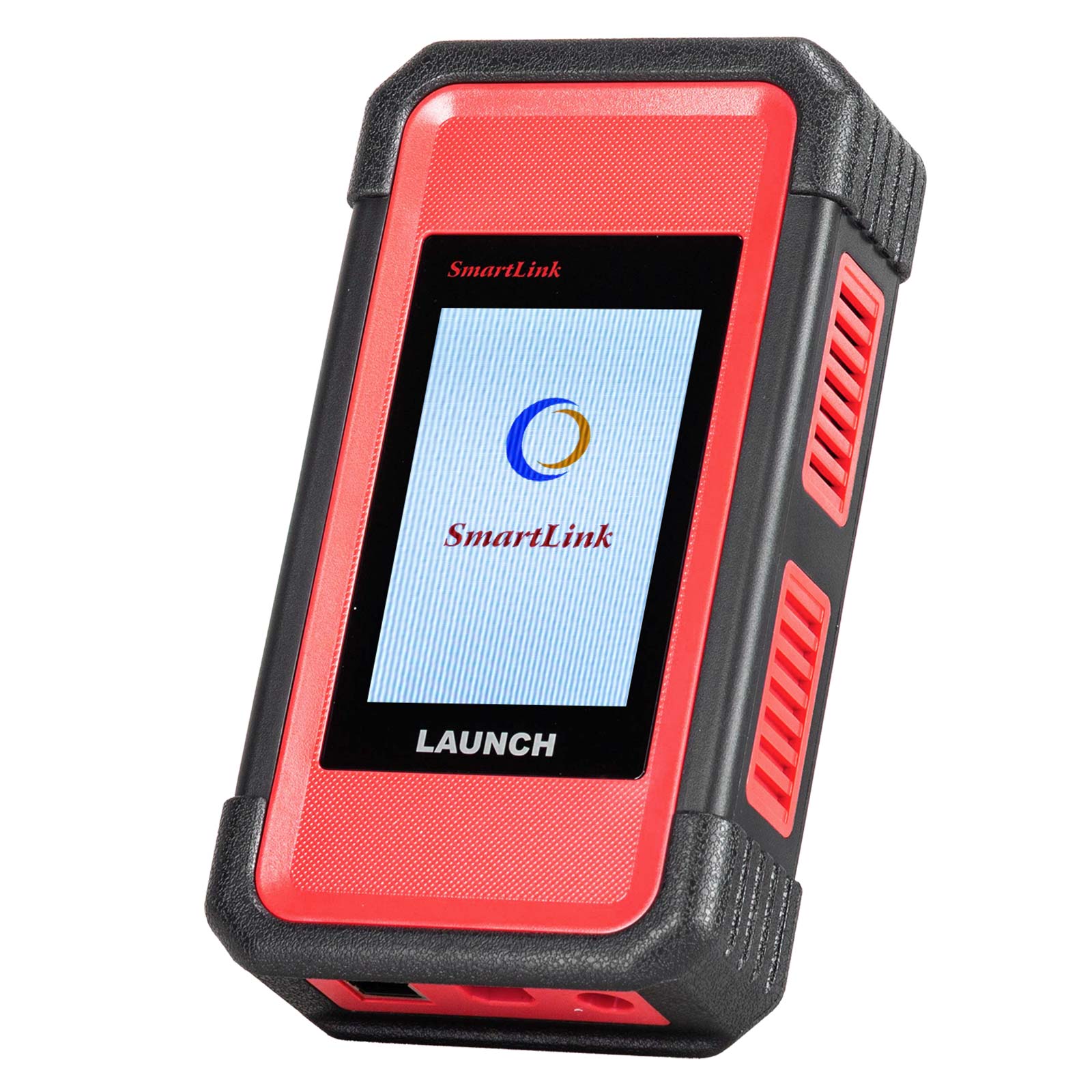
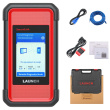
Launch X431 SmartLink B – Remote Diagnostic Device Vehicle Data Link Connector
Notice:
United States, Canada, Mexico and Australia Brazil Japan etc. Please contact our customer service before purchasing to confirm whether you can use this device in your country.
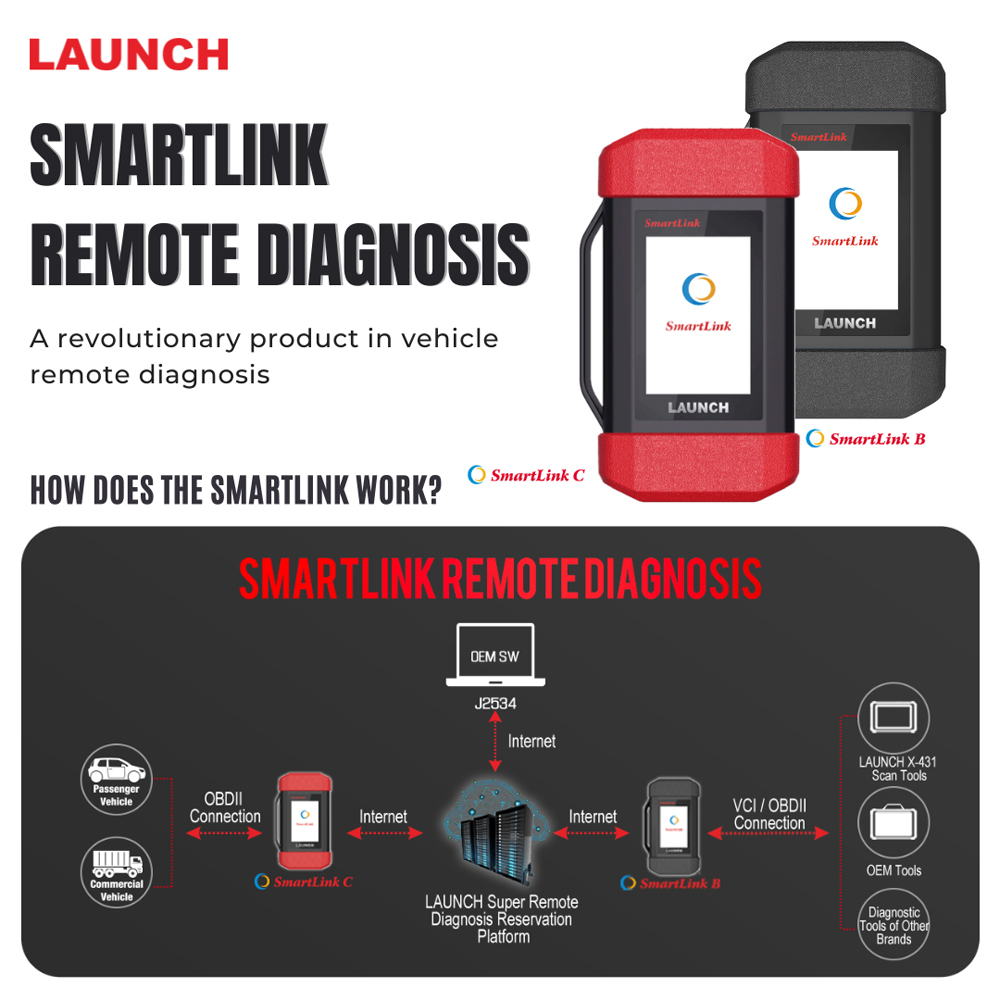
The SmartLink Remote Diagnostics System is a newly developed powerful service system dedicated to remote vehicle diagnosis and service. In this system, SmartLink B (Business), as a SmartLink Service Provider, can accept remote repair orders issued by SmartLink C users via SmartLink Service Platform. The SmartLink B applies to vehicles that comply with CAN/ DoIP/ CAN FD/ J2534 diagnostic protocol standard.
The SmartLink B system consists of the following two parts:1. SmartLink Service Platform – For binding the SmartLink B dongles and accepting the remote repair orders.
2. SmartLink B Dongle – Works with the compatible diagnostic tool to perform diagnosis of the vehicle connected to the SmartLink C dongle.
Launch X431 SmartLink B Features
Compatible with LAUNCH tools, OE tools or any other diagnostic tools
SmartLink can be used not only remote diagnosis but also local diagnosis by working with LAUNCH intelligent diagnostics
Support more advanced protocols like J2534, DoIP, CAN FD, CAN 2.0, RP1210, D-PDU
Publish request and accept offer from Launch Super Remote Diagnosis Reservation Platform
Requires Activation card (First-time use.)Then you can buy times card later.
1 Time Activation Card,
10 Times Activation Card,
20 Times Activation Card,
50 Times Activation Card,
Or buy Annual Activation Card for use.
Link:https://www.cnautotool.com/goods-7530-Launch-Smartlink-Remote-Diagnosis-Renewal-Card-for-Smartlink-C.html
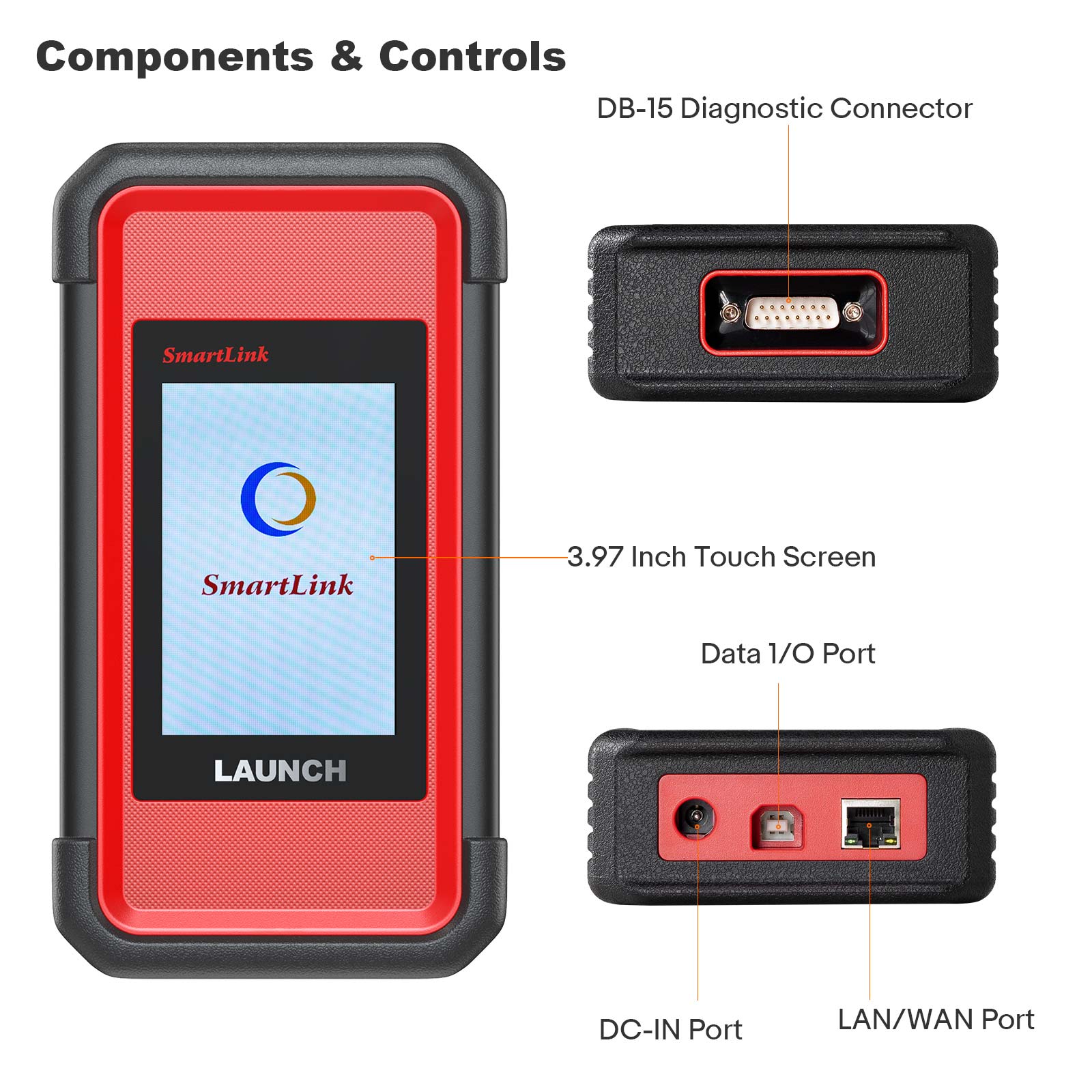
Launch X431 SmartLink B Technical Parameters3. 3.97“ Single-Touch Screen, 320 x 480
4. Working Voltage: DC 9V ~ 36V
5. Communication method: Ethernet
6. Type B USB 2.0
7. Storage: 8GB
8. Memory: 256M
9. Power Consumption: < 6W
10. Working temperature: -10°C ~ 50°C
11. Storage temperature: -20°C ~ 60°C
12. Storage humidity: 10% ~ 90%
13. Dimension: 204 x 110 x 45 mm
Launch X431 SmartLink B Service Platform:
1. SmartLink Platform is used to pair the connection between SmartLink C and SmartLink B operated with the internet browser.
2. SmartLink C user can post the remote diagnosis request on this platform. SmartLink B user can see the requests from their clients and accept the request to do the remote diagnosis.
Launch X431 SmartLink B Management Modes:
The service provider can select ONE of the two Management Modes:
The service provider manages the Smartlink C account status of the customer.
The service provider can activate the Smartlink C under his own account and manage the Smartlink C (post remote diagnosis request, license renewal) for the customer.
The customer doesn’t need to do anything on the platform, he just needs to contact the service provider and connect the Smartlink C hardware to the vehicle.
The customer manages the Smartlink C account status himself.
The customer can register his own user account on the SRDs platform and manage the Smartlink C (post remote diagnosis request, license renewal) himself.
The service provider can “Pre-bind” the customer’s Smartlink C, after “Pre-bind”, the customer’s request can only be seen by this service provider. No worry about other provider taking the customer.
NOTE: Each Smartlink can be activated only in one account.
How Does the LAUNCH SMARTLINK REMOTE DIAGNOSIS WORK?
This picture may help you better understand the complete procedure of the Smartlink remote diagnosis.
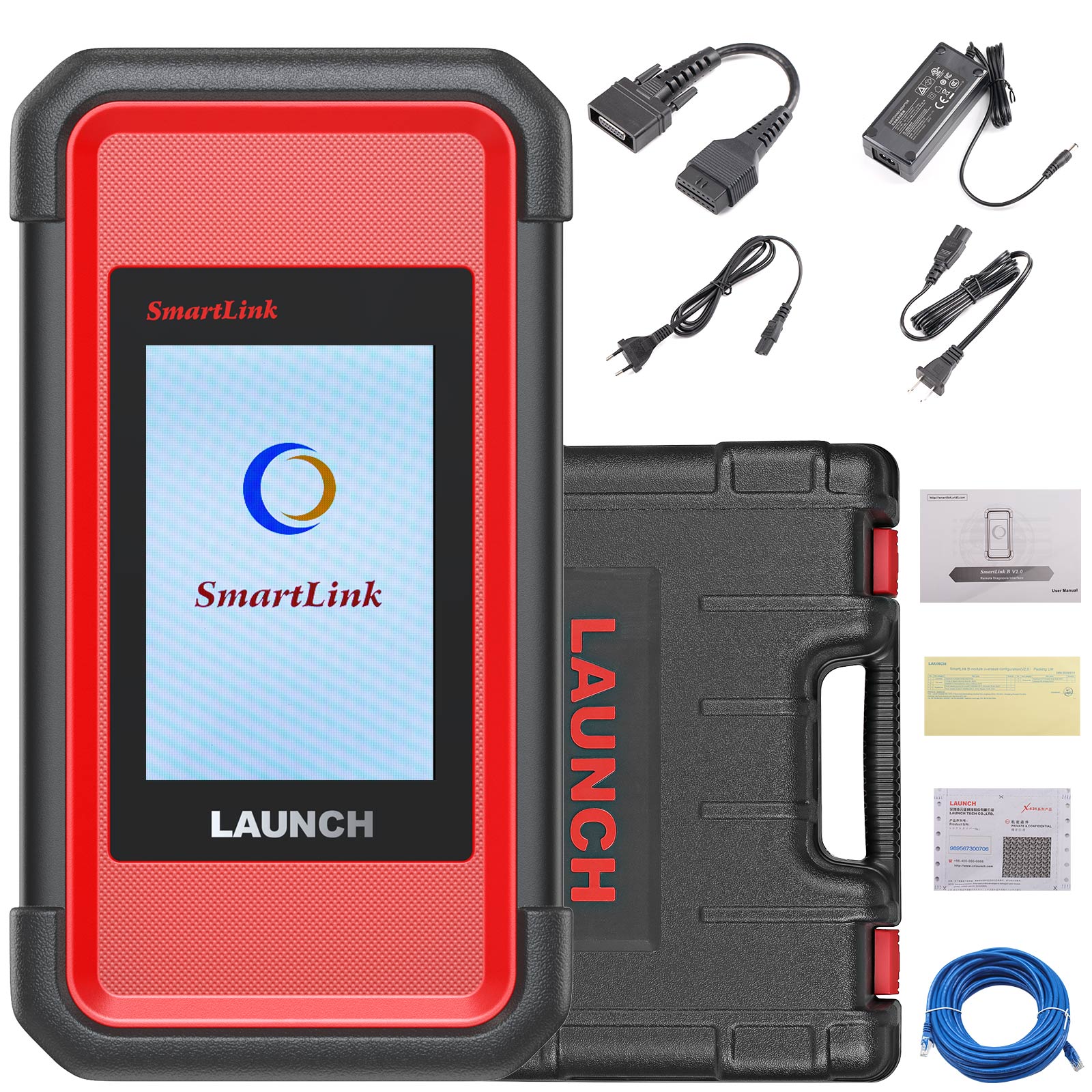
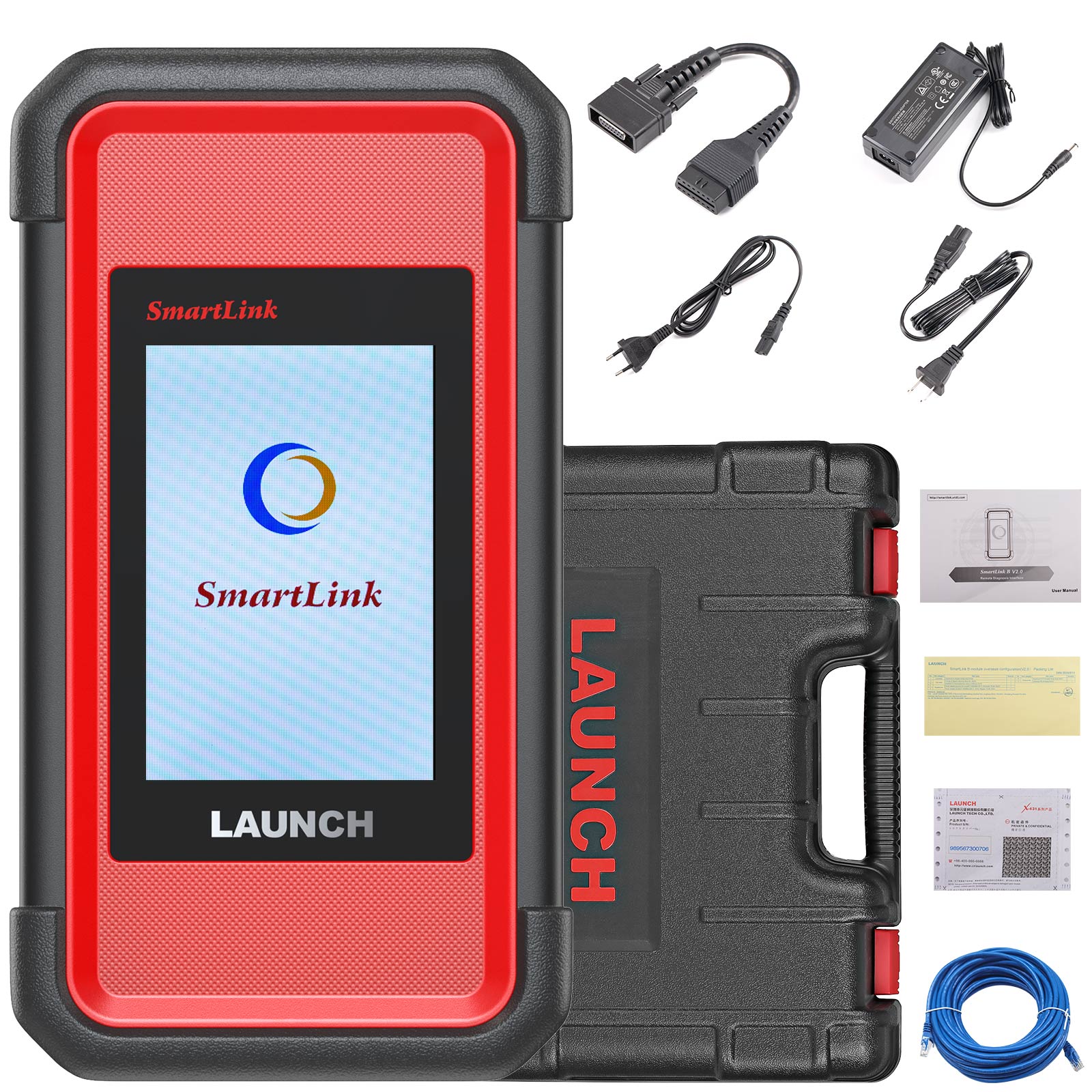
Launch X431 SmartLink B Packing List:
The following accessory items are for reference only. For detailed items, please consult with a local agency or check the packing list supplied with the device.
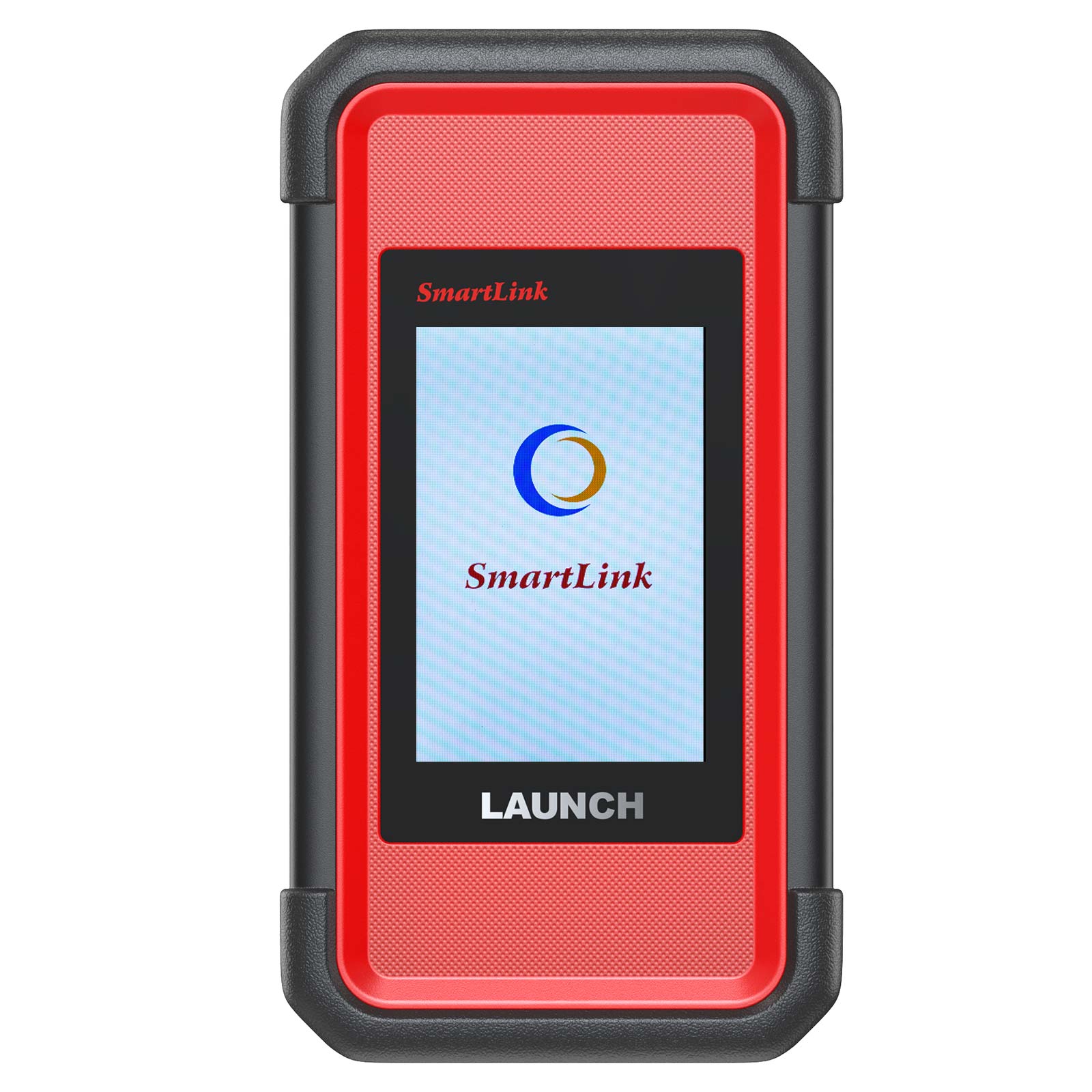
1.B Dongle – For SmartLink Service Subscriber
2.OBD II Extension Cable – Connects the dongle to the vehicle’s DLC port
3.CAT-6 Crossover Cable – Connects the dongle to the network modem
4.Data Cable – Connects the dongle to the PC via the data cable when as a J2534 PassThru device.
User Comment(Total 0 Customer Reviews)
- No comment
CnAutotool.com - Professional Auto Diagnostic Tools Supplier. We provides car diagnostics tools for Do-It-Yourself and professional automotive mechanics. If you have any problems, don't hesitate to contact us, send email to sale@cnautotool.com or chat online. We are well organized by a group of rich-experienced design experts who have been engaging in auto diagnostic tools for more than 10 years. FREE, Professional & Unlimited Technical Support, Factory Price!
Please feel free to contact us ,If you have any question:
Shipping Terms: a 1) Items will be sent to all the countries over the world.This package will be sent by Hongkong Airmail Post,EMS,UPS or DHL. b 2) Items will be checked carefully before sent out. c 3) We will use air bubbles to wrap the items carefully.
Shipping Time: Usually the shipping time is about 5-7 days via DHL, UPS, TNT and Fedex Express, 15-30 days via POST AIR to Worldwide, but Because the COVID-19 Global Pandemic recently, the delivery date will may be delayed. We are sincerely sorry to bring all inconvenience to you.Note: We hope it arrive on time but since this is an international delivery, shipping time will be highly depended on the courier company and local customs/duties. Thank you for your understanding
Return Policies:
If you are not satisfied with your purchase .please contact us quickly, we can exchange one to you,but buyers is responsible for the returning shiping cost .
Contact Us:
Our office hours are 24hours 7 days online service
Attention: PLZ leave your telephone number and address in detail when you take order in our website, it is very important to ship your order. (Customers from Brazil PLZ leave your Cutsom ID also, thanks!) |
Join our community: |
 |
 |
 |
 |
 |