
-
Hot Selling :
Autel |
Launch |
AVDI |
Multidiag Pro+ |
ELM327 |
ALLDATA |
MB STAR |
BMW ICOM |
MB STAR C4 |
C5 |
|


 |  |  |  |
> Auto Scanner Tools > Heavy Duty Diagnostic > CAT Caterpillar ET 2026B 2019C Software Caterpillar Electronic Technician With 2023 Caterpillar CAT SIS Service Shop by Category
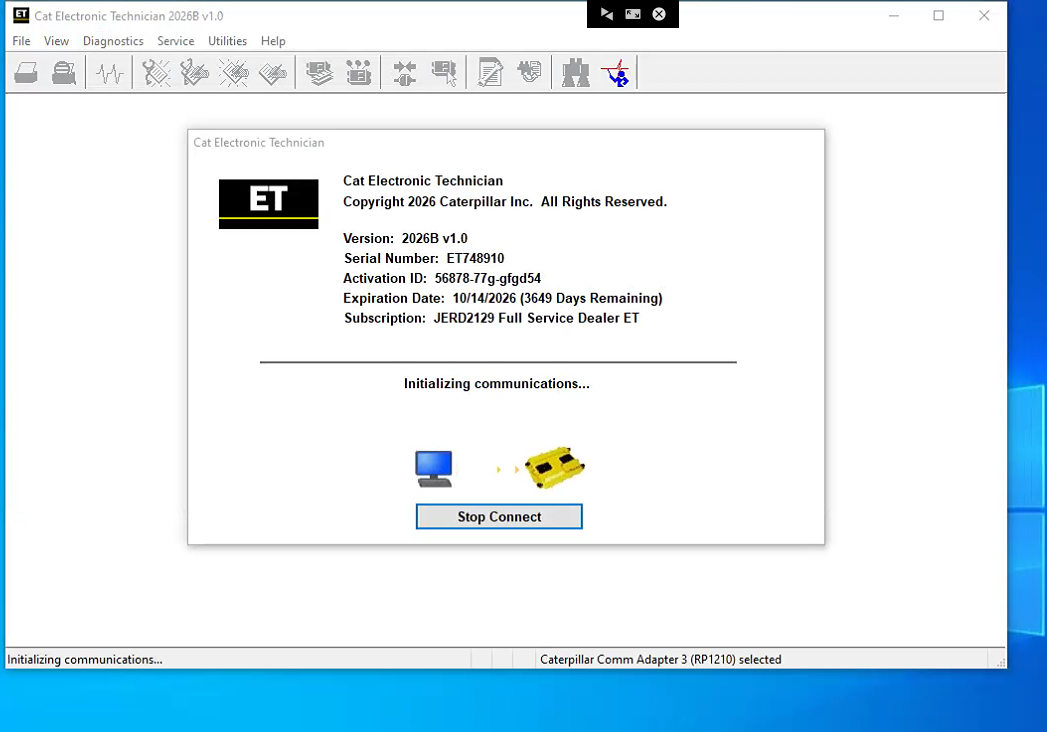
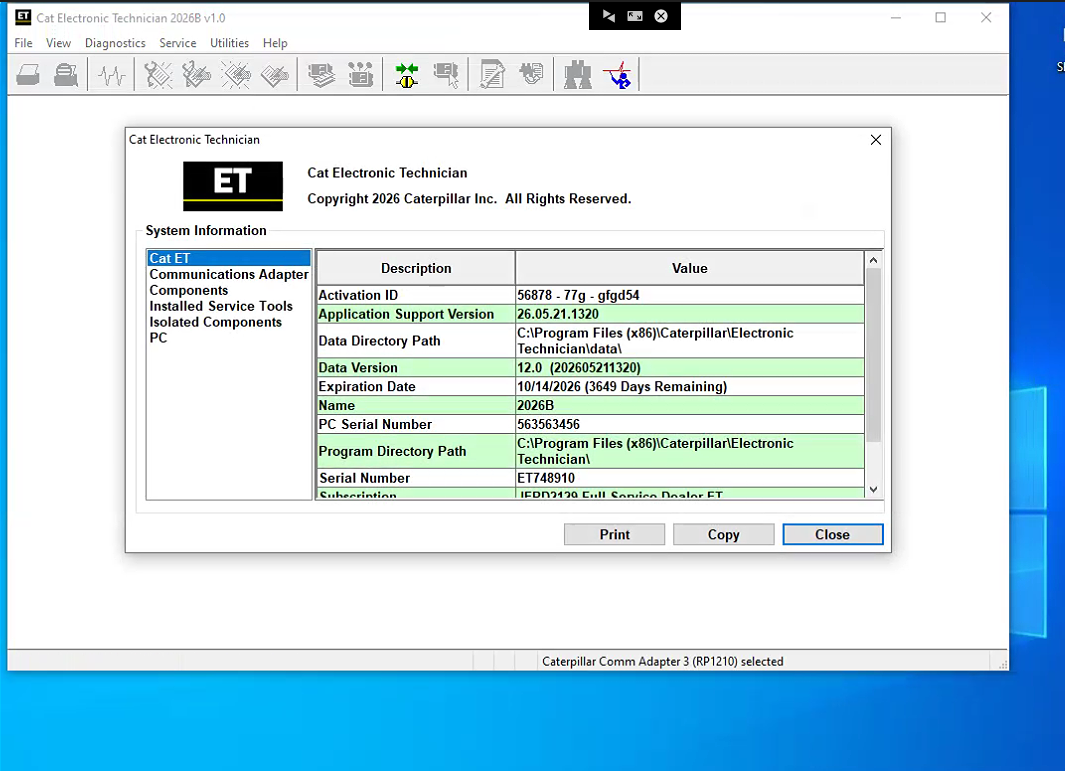
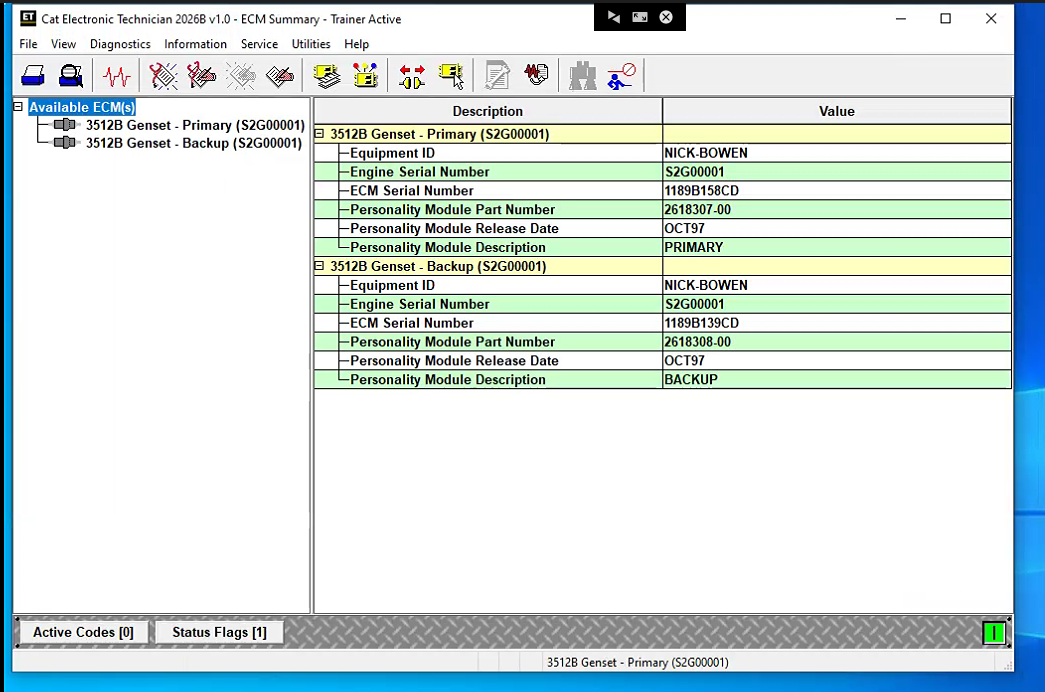
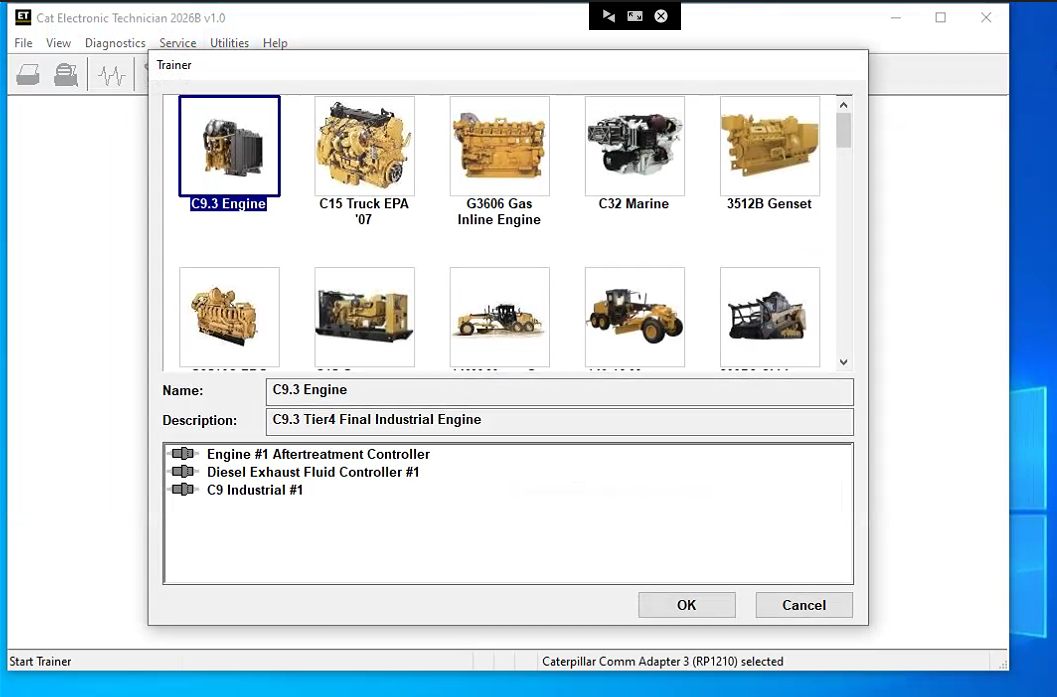
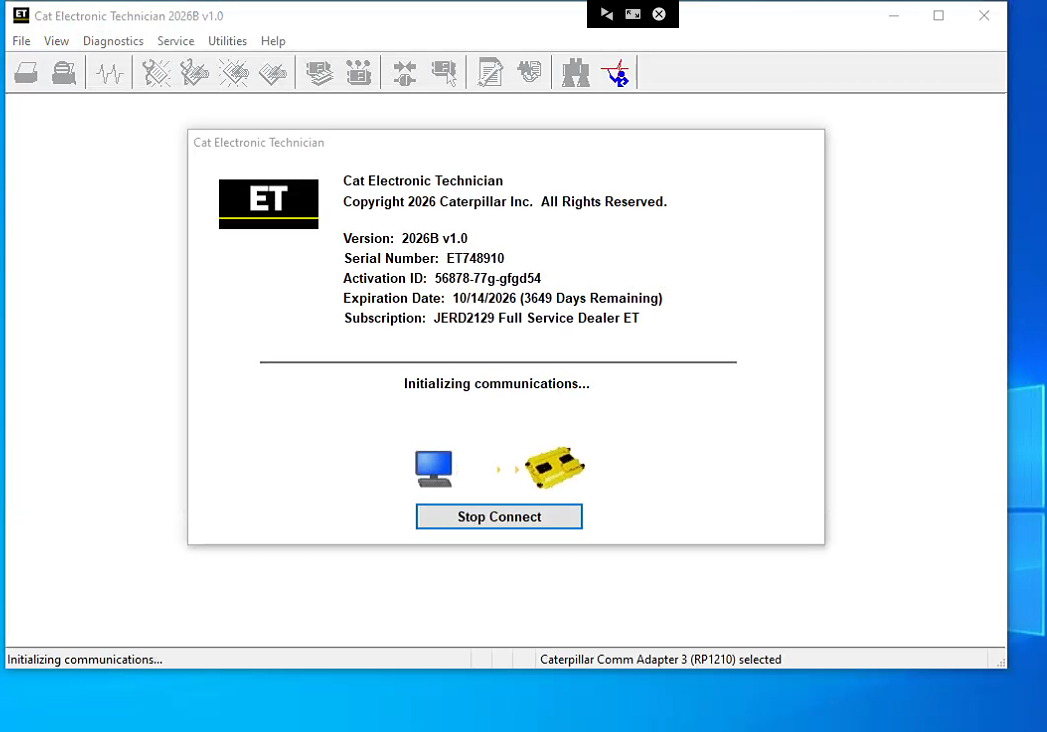
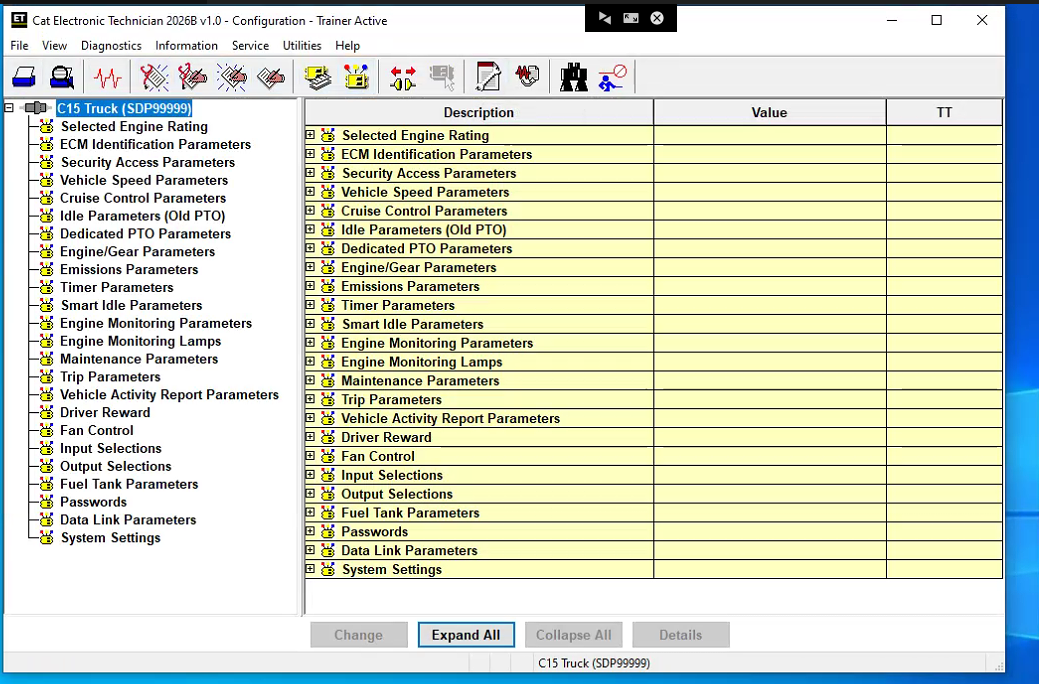
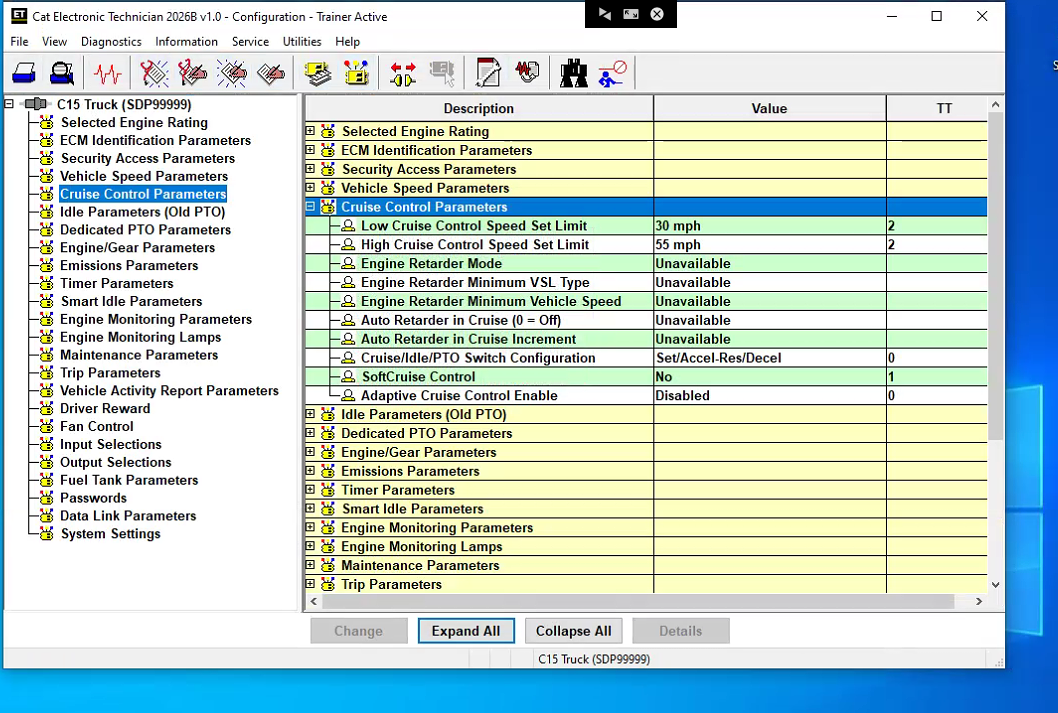




Latest Version Cat Caterpillar ET 2026B 2019C Electronic Technician Diagnostic Software
Note:
A single payment covers only a one-time remote installation and activation service via teamviewer.
Cat ET 2026B Software download link : :
https://mega.nz/file/ehNTwJaK#j92C-COtx2bga-K9Ias-TyDhnIjKXBGZ6_zjRKkAtBg
Diagnostic Software Caterpillar ET 2026B(replaces CAT ET 2026A, 2025C, 2019C)
[07.2026] :1.Latest Caterpillar ET 2026B Software to work with CAT/CAT3 Truck Scanner, this software version include the 10 factory password generator,does not contain 18 Digit Factory Password. when you push the ctrl+f2 shortcut button,you can open the 10 bits of password generator.
2.Support Multi-languages:English, Chinese, Danish, French, German, Italian, Japanese, Portuguese, Russian, Spanish
3.OS: Windows 8/8.1 32 bit, Windows 8/8.1 64 bit, Windows 10 32 bit, Windows 10 64 bit
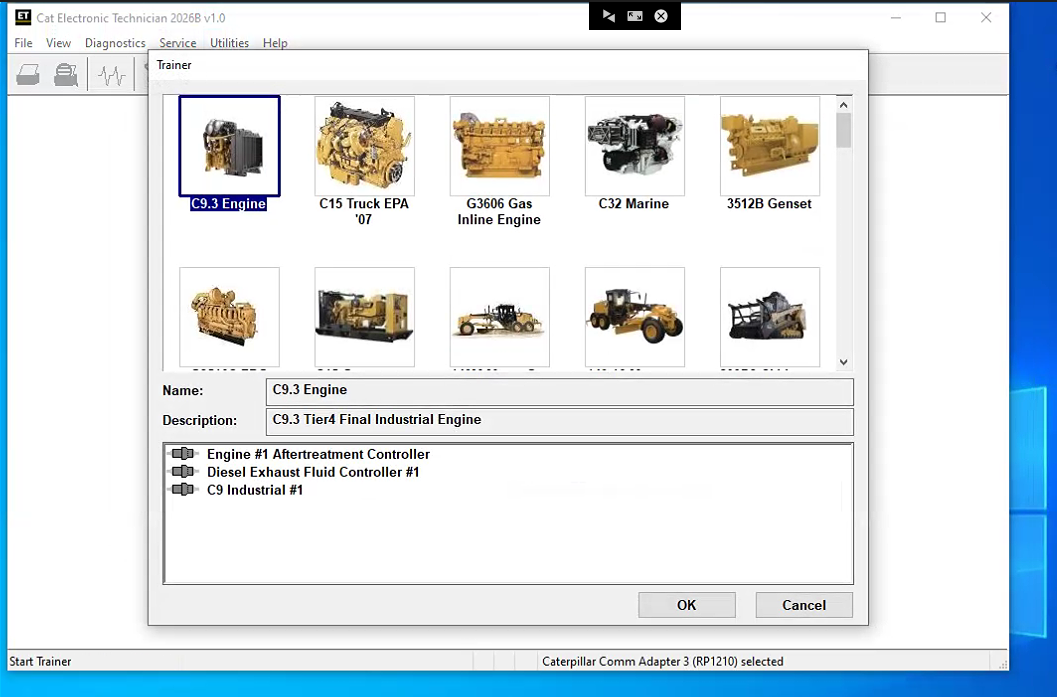
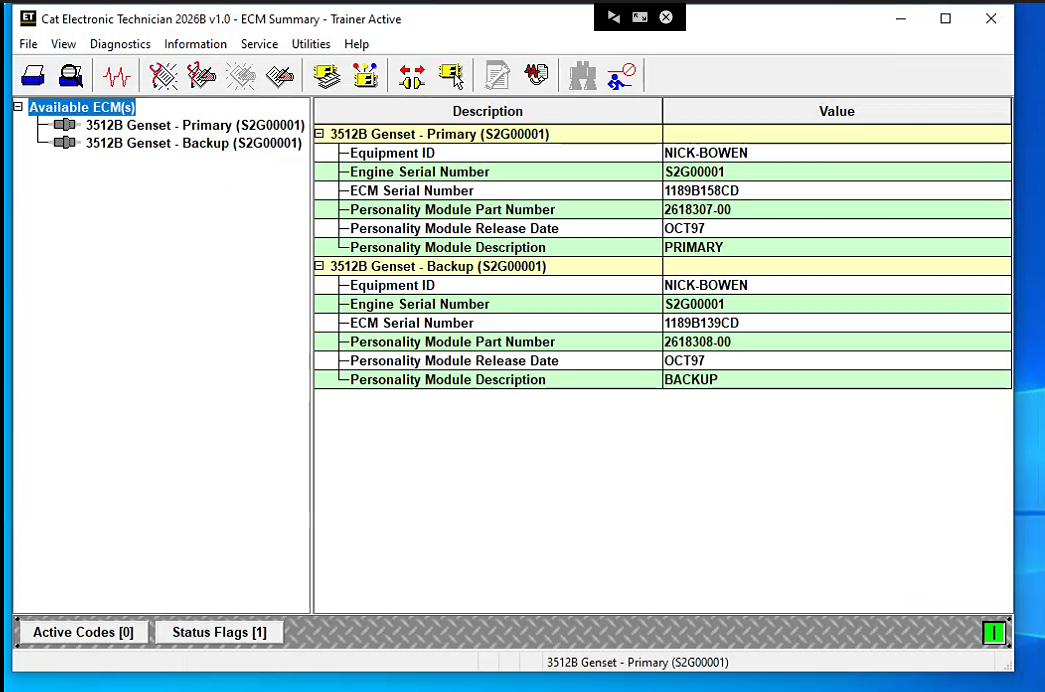
The Electronic Technician is Caterpillar's computer diagnostic software. It communicates diagnoses and services electronically controlled Caterpillar engines and machines. When connected to an ECM, a technician can diagnose existing and potential problems, configure the product, and obtain data for analysis.
The CAT ET Software 2026B v1.0 software replaces all the previous versions of CAT ET with stability, new driver support features, and a smoother performance with Windows. The Caterpillar program can help technicians diagnose existing and potential problems with their electronically controlled Caterpillar Engines and Machines.
To get the vehicle information the Cat ET software must be connected to the Electronic Control Module (ECM). For this purpose, you need a suitable diagnostic link adapter (DLA), for instance, Genuine CAT Comm Adapter III.
The list of supported CAT machines and engines can be found below:
Engines:
Electric Power
Electric Power Generation
Industrial
Marine Power Systems
Oil and Gas
Machines:
Articulated Trucks
Asphalt Pavers
Backhoe Loaders
Cold Planers
Compactors
Dozers
Drills
Excavators
Feller Bunchers
Forest Machines
Forwarders
Harvesters
Hydraulic Mining Shovels
Knuckleboom Loaders
Material Handlers
Motor Graders
Off-Highway Trucks
Pipelayers
Road Reclaimers
Site Prep Tractors
Skid Steer and Compact Track Loaders
Skidders
Telehandlers
Track Loaders
Underground - Hard Rock
Underground - Longwall
Underground - Room and Pillar
Utility Vehicles
Wheel Dozers
Wheel Excavators
Wheel Loaders
Wheel Tractor-Scrapers
PC, Communication Hardware, and Cable Requirements
Potential compatibility issues!
Ø Laptops with ARM CPUs (e.g., Snapdragon 8cx, Microsoft SQ1) are not supported.
Ø As of the 2020B release, the CAT ET service tool no longer supports Windows 7. Installation is possible but not guaranteed to be stable.
Supported Hardware
The following communication adapters are supported:
Ø Caterpillar Comm Adapter 2
Ø Caterpillar Comm Adapter 3
Ø Nexiq USB-Link 1/2/3(for On-Highway only)
Ø RP-1210C Compliant Communication Adapters, such as:
Ø Noregon® DLA+ 2.0 Adapter Kit
Ø Other compliant adapters: Please check with us if your adapter is not on this list.
Ø PC Requirements for CAT ET 2026
Recommended configurations:
l PC with a 2.0 GHz dual-core processor
l 4 GB RAM
l 5 GB of available hard disk space
l 12-inch or larger screen, Windows desktop compatible
l Microsoft Windows™ 8.1 Professional, Windows 10 Professional, or Windows 11 Pro (Note: Windows 8 RT is not supported)
l RS232 port with 16550AF UART or compatible (for use with Comm Adapter II)
l USB v1.1, v2.0, v3.0, or v3.1 port (for use with Comm Adapter 3)
l Ethernet RJ45 connector (or Wi-Fi adapter)
l Built-in pointing device or mouse
l Microsoft Internet Explorer version 11, Microsoft Edge, Firefox, or Chrome browsers are recommended.
l Note: The most recent version of Microsoft Internet Explorer may not be validated to work with the service tool.
l Wi-Fi (for the Wireless Comm Adapter 3)
What's New - Updates by Version
2026B
No significant new features or feature enhancements
2026A
Open Report File Feature Update
New security models no longer allow XML files to be opened in browser windows. The “Report File” function on the File => Open menu now creates an HTML file when an XML file is opened. This restores the ability to open report files created in the service tool in a browser.
2025C
No significant new features or feature enhancements
2025B
Trainer Update – 140-16 Motor Grader
The 140-16 Motor Grader has been added to the Trainer application.
Trainer Update – 627 Wheel Tractor-Scraper
The 627 Tractor-Scraper has been added to the Trainer application.
2025A
No significant new features or feature enhancements
2024C
Automatic Connection Preferences
Users are now able to change multiple automatic connection preferences for the service tool and WinFlash. After navigating to the Preferences dialog, users may enable the service tool to connect automatically when opened in service and/or flash mode. Both options may also be disabled if the user wishes to connect manually.
2024B
No significant new features or feature enhancements
2024A
Feature Protection System (FPS) Default Browser Update
During flash, a progress bar that tracks the flash progress will display over the service tool application icon on the taskbar. This allows the user to work in other windows or applications without having to switch back and forth to monitor the progress of the flash.
Trainer Update – 995 Large Wheel Loader
The 995 Large Wheel Loader has been added to the Trainer application.
2023C
Flash Progress Bar
The default browser selection options for the Feature Protection System (FPS) have been updated. After installation or upgrade, “Default Browser” will be the default browser selected, eliminating the need for technicians to manually change the setting. Internet Explorer remains a selectable option.
Communication Hardware
Caterpillar Communication Adapter III
Configuring Cat Electronic Technician to use the Communication Adapter 3
For Cat Electronic Technician to work with the Communication Adapter 3, the settings must be changed to select the Communication Adapter 3 as the Communication Interface Device:
Step 1 Start Cat Electronic Technician.
Step 2 Click the Stop Connect button when it appears.
Step 3 Select the Utilities menu.
Step 4 Choose “Preferences > Modify...”.
Step 5 Select the Communications tab.
Step 6 Select Cat Comm Adapter 3 (RP1210) and click OK.
NOTE: Because a growing number of products require multiple data link service, the “Enable Dual Datalink Service” checkbox has been pre-selected.
Servicing ECMs on more than one data link requires this check box to be enabled.
Failure to do this will result in undetected ECMs and reduced functionality.
Package Includes:
1pc x Caterpillar ET 2026B software
User Comment(Total 4 Customer Reviews)
CnAutotool.com - Professional Auto Diagnostic Tools Supplier. We provides car diagnostics tools for Do-It-Yourself and professional automotive mechanics. If you have any problems, don't hesitate to contact us, send email to sale@cnautotool.com or chat online. We are well organized by a group of rich-experienced design experts who have been engaging in auto diagnostic tools for more than 10 years. FREE, Professional & Unlimited Technical Support, Factory Price!
Please feel free to contact us ,If you have any question:
Shipping Terms: a 1) Items will be sent to all the countries over the world.This package will be sent by Hongkong Airmail Post,EMS,UPS or DHL. b 2) Items will be checked carefully before sent out. c 3) We will use air bubbles to wrap the items carefully.
Shipping Time: Usually the shipping time is about 5-7 days via DHL, UPS, TNT and Fedex Express, 15-30 days via POST AIR to Worldwide, but Because the COVID-19 Global Pandemic recently, the delivery date will may be delayed. We are sincerely sorry to bring all inconvenience to you.Note: We hope it arrive on time but since this is an international delivery, shipping time will be highly depended on the courier company and local customs/duties. Thank you for your understanding
Return Policies:
If you are not satisfied with your purchase .please contact us quickly, we can exchange one to you,but buyers is responsible for the returning shiping cost .
Contact Us:
Our office hours are 24hours 7 days online service
Attention: PLZ leave your telephone number and address in detail when you take order in our website, it is very important to ship your order. (Customers from Brazil PLZ leave your Cutsom ID also, thanks!) |
Join our community: |
 |
 |
 |
 |
 |

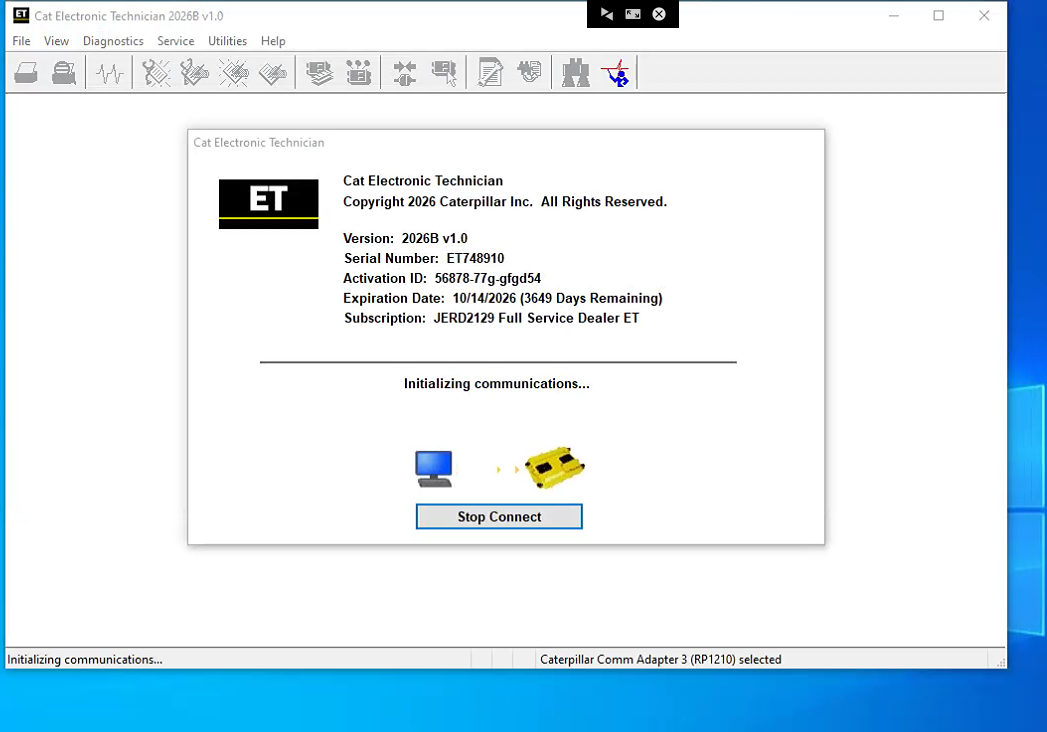
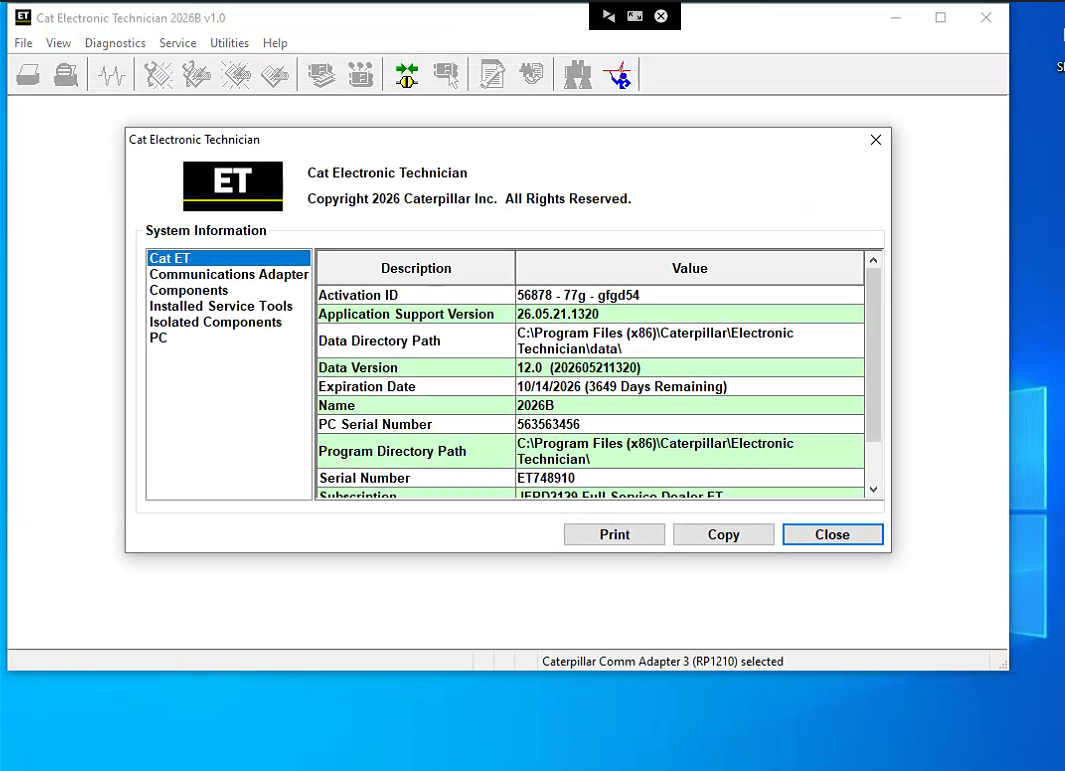

Thank you! very much for your help.Much appreciated
Reply #1 by Vivian Apr 13,2023
Thanks for your feedback
Vivian
Can you help me installation and activation if I buy it?I think I can’t do it.
Reply #1 by CnAutotool Oct 17,2022
Yes,we can support you by remote.
CnAutotool
May I know if I buy this from you, are you going to send me the licence code? Or there is another way?
Reply #1 by Cara Jan 20,2021
Hi, this version software , we offer one time activation service by remote , thank you
Cara
can this support 2018 vehicles?
Reply #1 by Cara Sep 02,2018
Yes , it can support the part 2018 vehicles ,thank you
Cara