-
Hot Selling :
Autel |
Launch |
AVDI |
Multidiag Pro+ |
ELM327 |
ALLDATA |
MB STAR |
BMW ICOM |
MB STAR C4 |
C5 |
|


 |  |  |  |
> Auto Scanner Tools > Car Diagnostic Tools > VXDIAG VCX FD OBD2 Diagnostic Tool for Ford Mazda Supports CAN FD Protocol Shop by Category

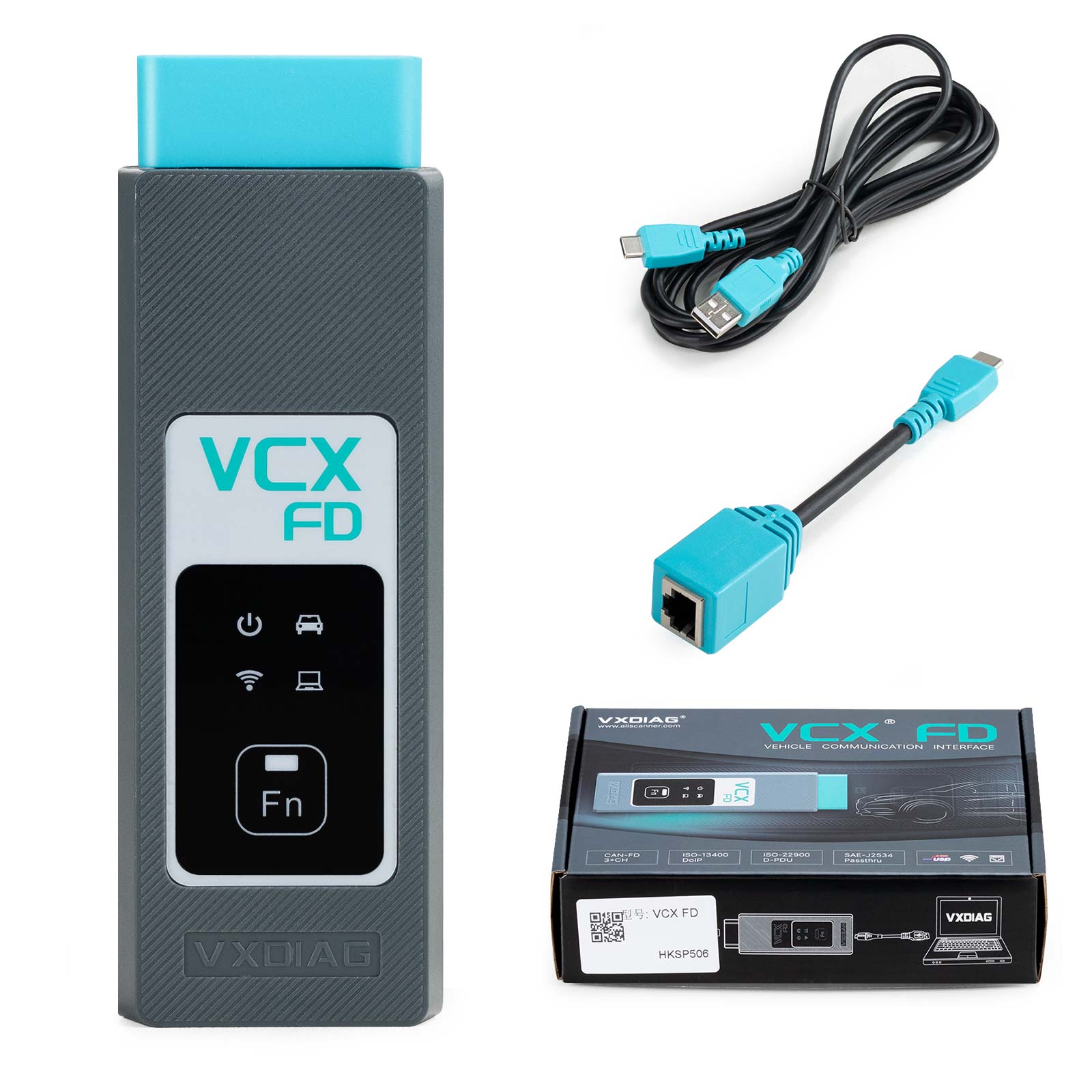
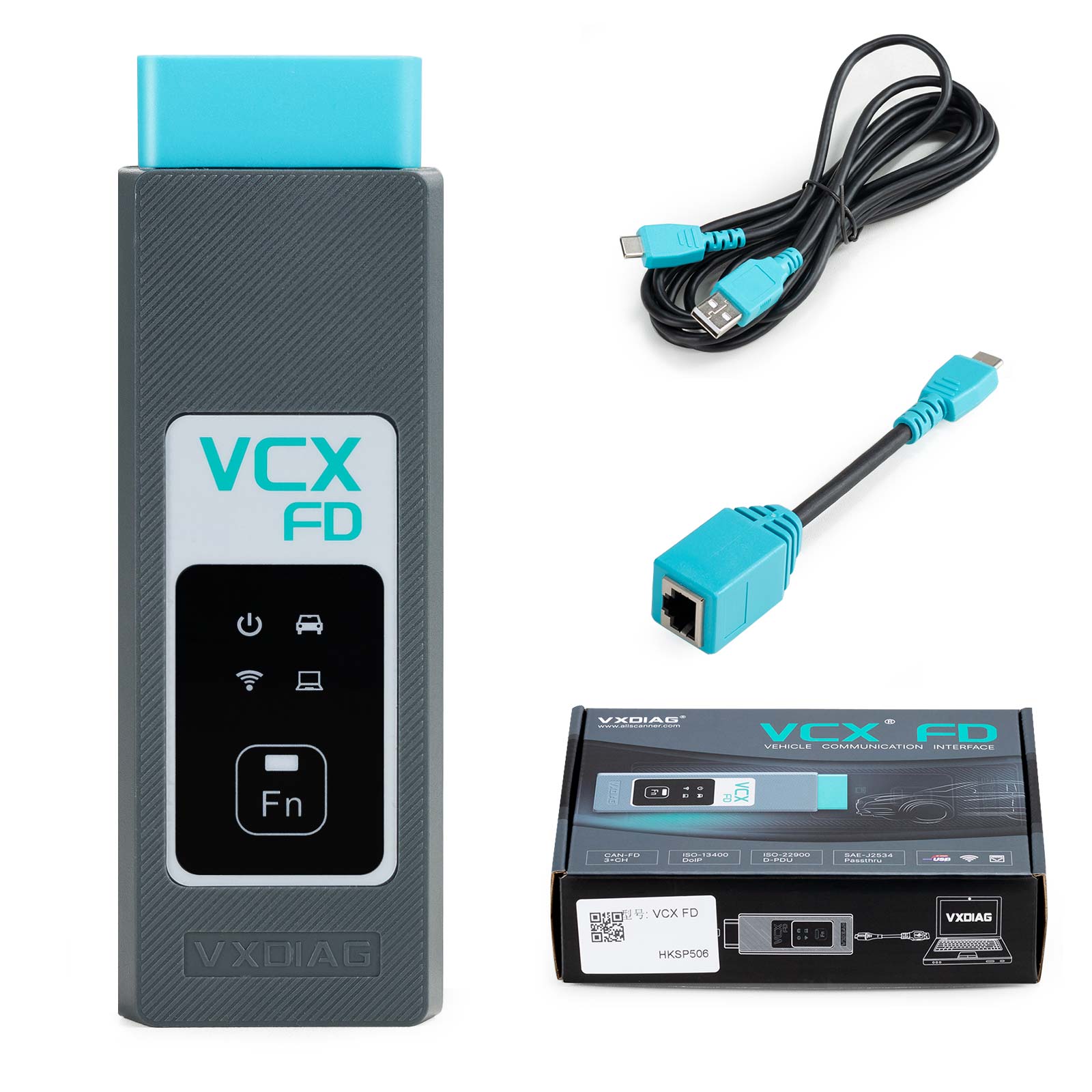
VXDIAG VCX FD OBD2 Diagnostic Tool for Ford Mazda Supports CAN FD Protocol
NOTE:
If you select option 1:
You need to download and install the software yourself to use on your computer
If you select option 2:
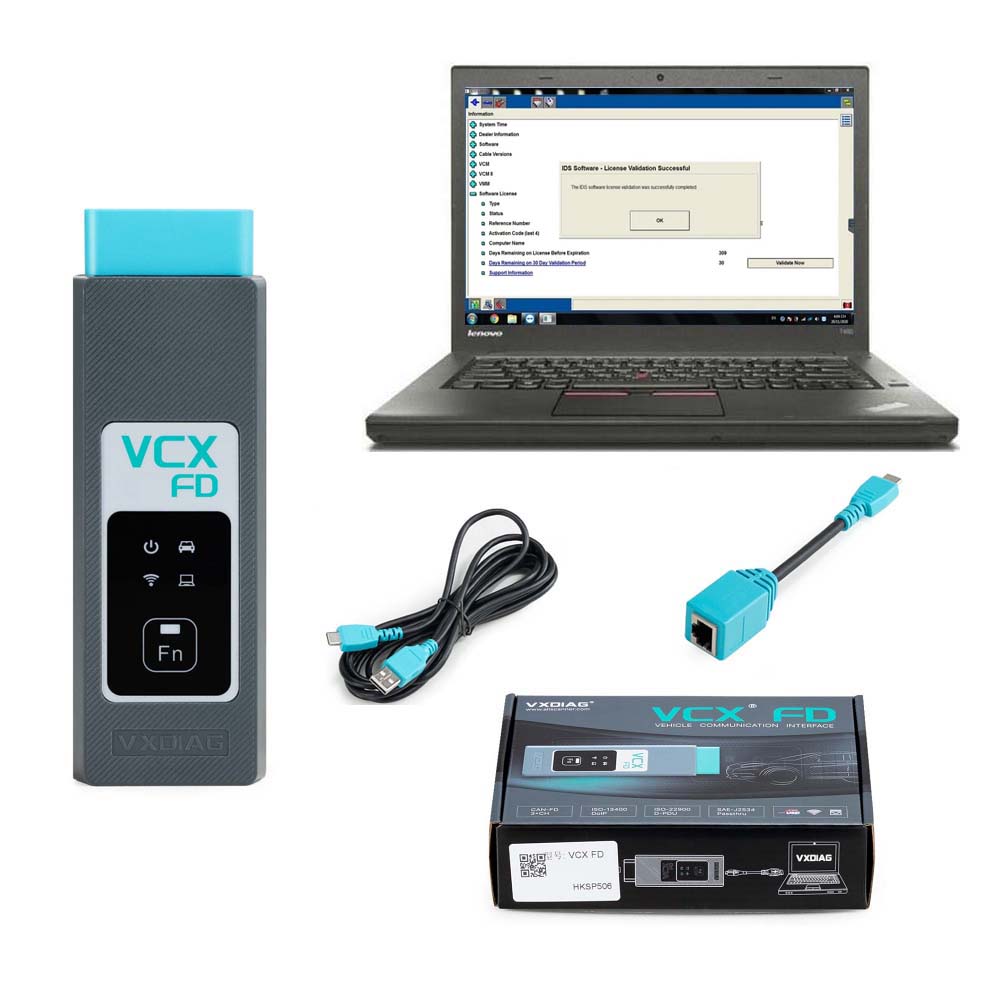
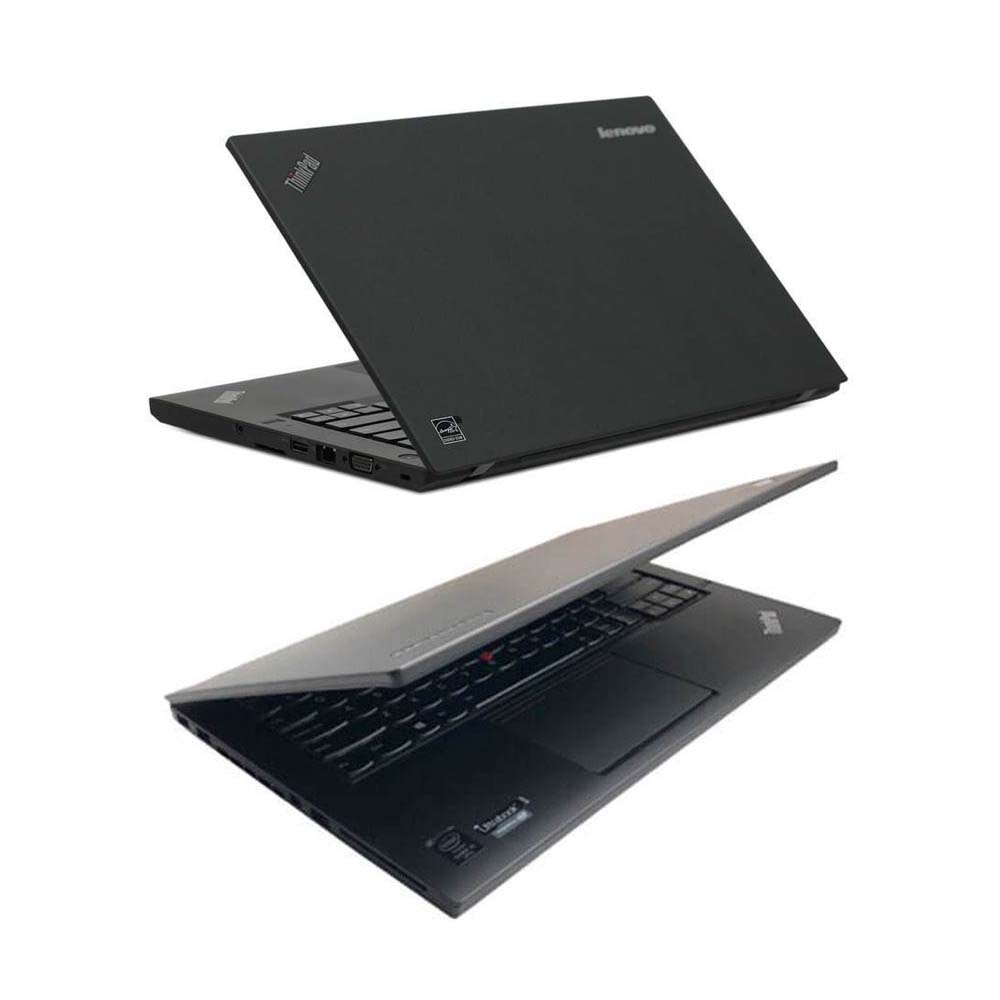
We will help you install all the software on the Lenovo T450 Laptop, and once you receive the product, you can use it directly
Highlights:
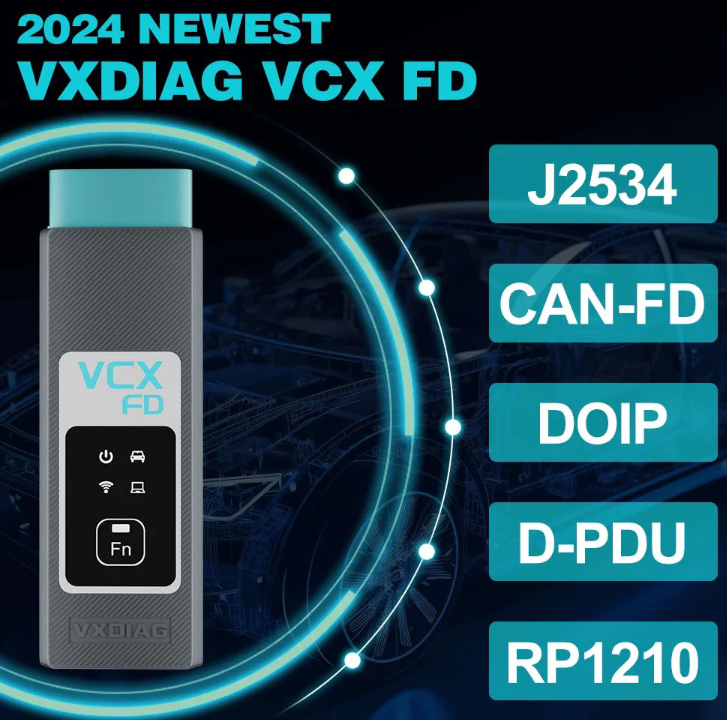
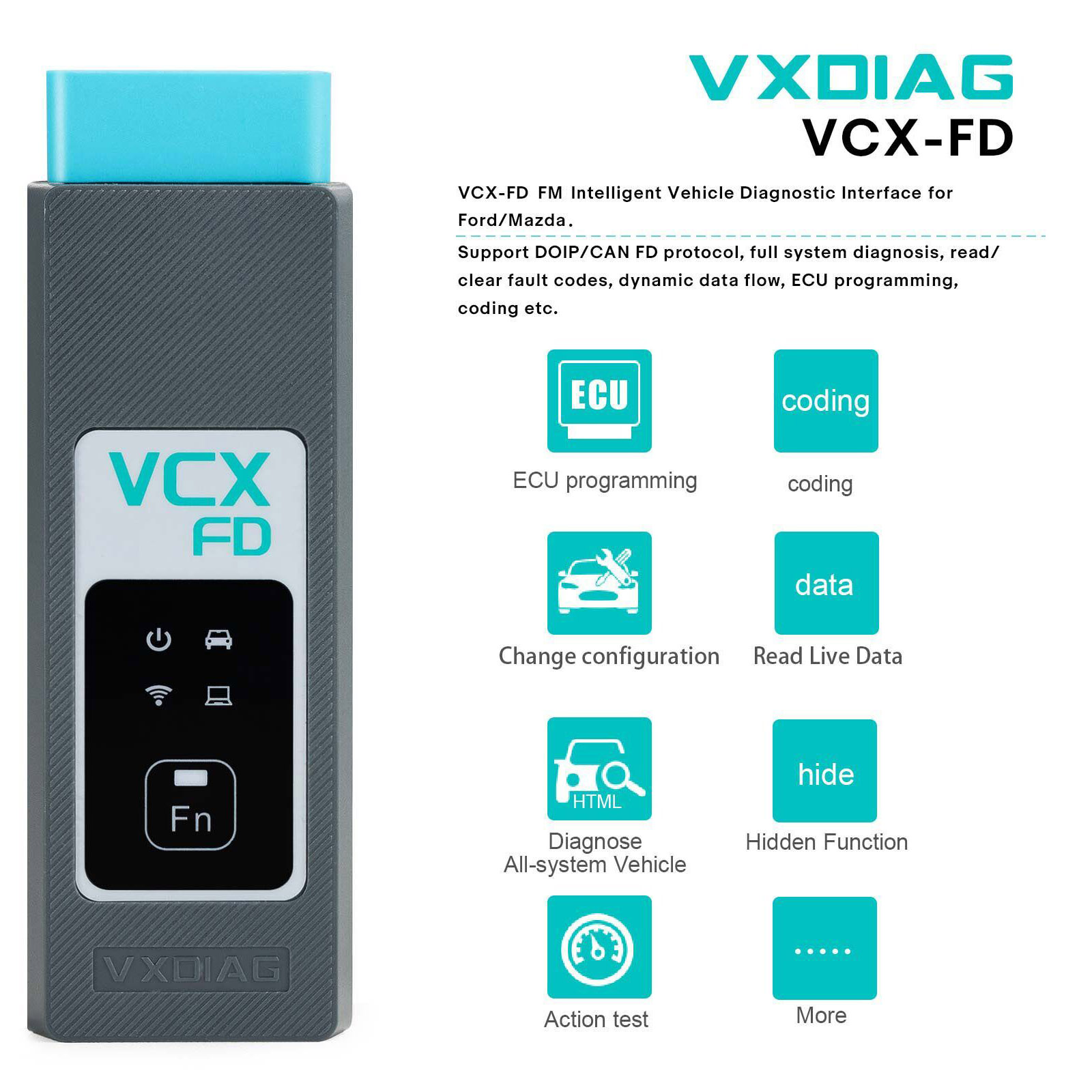
Supports CAN FD and DoIP protocol
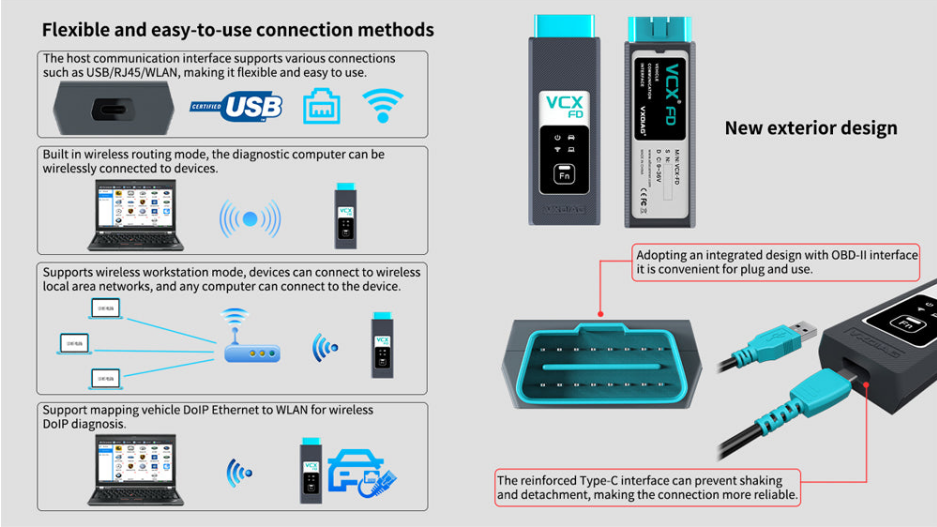
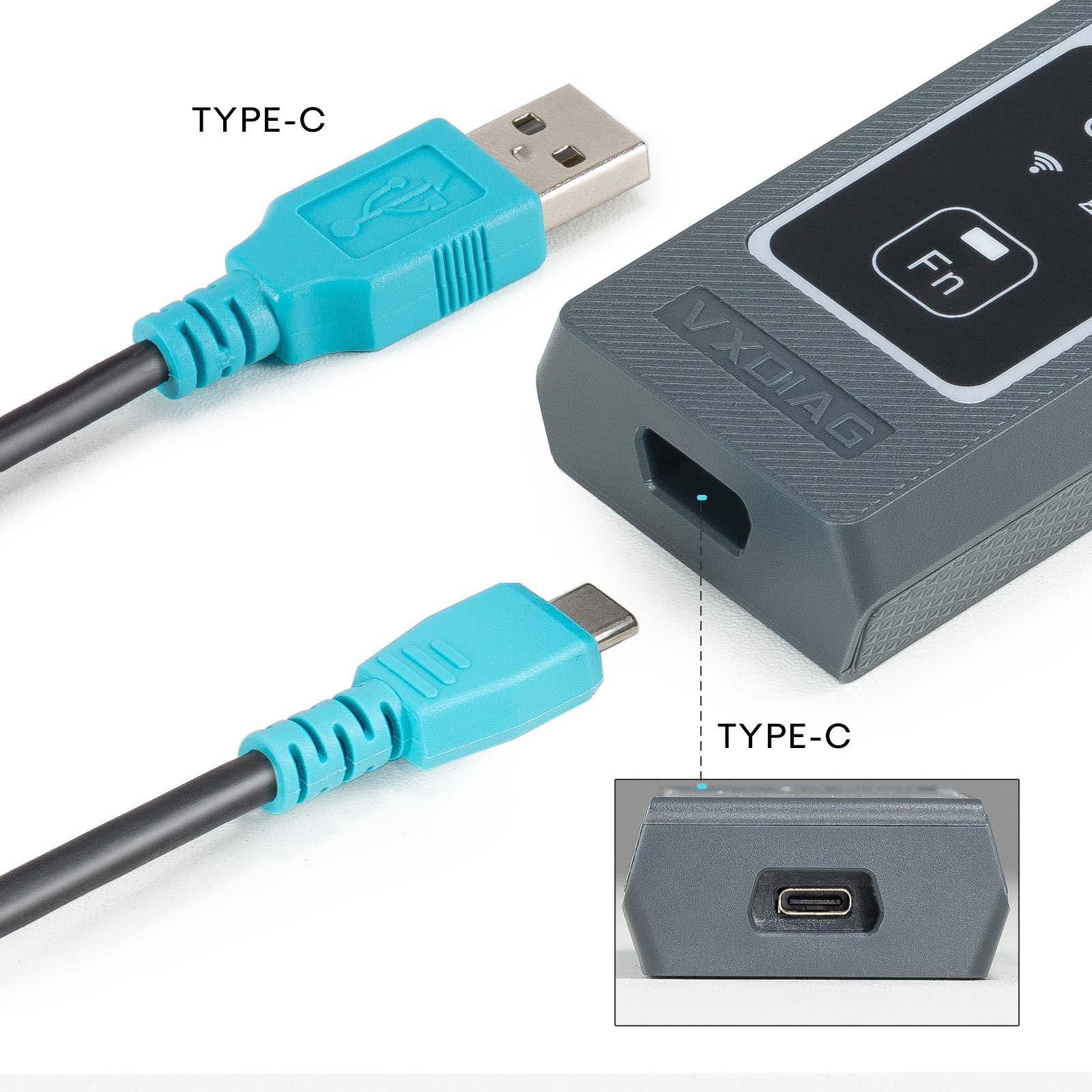
Supports USB Type C, WiFi and WLAN Connection
J2534 passthru for online programming
VXDIAG VCX FD for Ford/Mazda Features:
1. Ford IDS Version: V132, Mazda IDS Version: V138
2. Perfect replacement for Ford VCM2
3. Support multi-languages: English, German, French, Italian, Dutch, Spanish, Swedish, Finnish, Danish, Norwegian, Portuguese (European), Portuguese (Brazil)
4. Update Software link with unlocked firmware
5. Support both new and old vehicles from year 2005 to 2025, Ford F series after 2010.
6. Compatible with IDS, ForScan, FJDS, FDRS and MDARS. New Models after 2020 need to use FDRS or MDARS.
VXDIAG VCX FD Free Download IDS software:
FORD IDS V132
MAZDA IDS V138
Patch
VXDIAG VCX FD Connection:
VXDIAG VCX FD Installation Instructions:
Requirements on PCs:
OS: WINDOWS 10/11 PRO 64BITS
RAM: At least 8GB
Make sure there is no other Software installed on the computer, Ford IDS and Mazda IDS need to install on 2 separate clean windows systems.
VXDIAG VCX FD Ford IDS Installation:
1. Install Ford IDS-1**
2. Wait for the installation of Ford IDS – 1**, and restart the computer
3. Install the Ford original VCI software_ 1.0.0.10.exe
4. Install VX manager and IDS driver on VX manager "Diagnostic" Menu
5. Wait for VX manager and IDS driver installation to complete
6. Connect VCX device and install idspatch
7. Use idspatch to open IDs and start diagnosis.
VXDIAG VCX FD Mazda IDS Installation:
1. Install mazdaids-1**
2. Wait for mazdaids – 1** installation to complete and restart the computer
3. Install VX manager and IDS driver on VX manager "Diagnostic" Menu
4. Wait for VX manager and IDS driver installation to complete
5. Connect VCX device and install idspatch
6. Use idspatch to open IDs and start diagnosis.
VXDiag VCX Ford Scanner Function: (Programming & Special Service functions require original online account):
1. Programming & Installation of new ECUs (PCM, ABS, Instrument Cluster, Air Bag, Fuel Pumps, etc.)
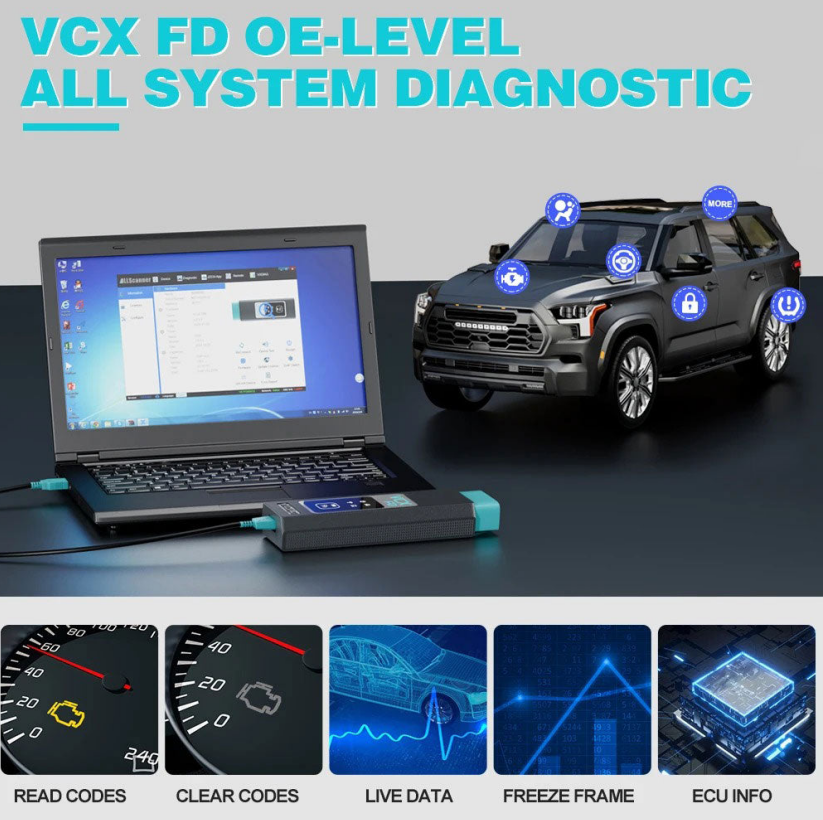
2. Live Data-stream with Recording & Playback Functions for Main ECUs
3. Read & Clear Diagnostic Trouble Codes (DTCs)
4. Set, Adjust or Remove Speed Governors
5. Automatic vehicle recognition
6. New Software Re-flash for Existing ECUs
7. All Other Dealer Functions
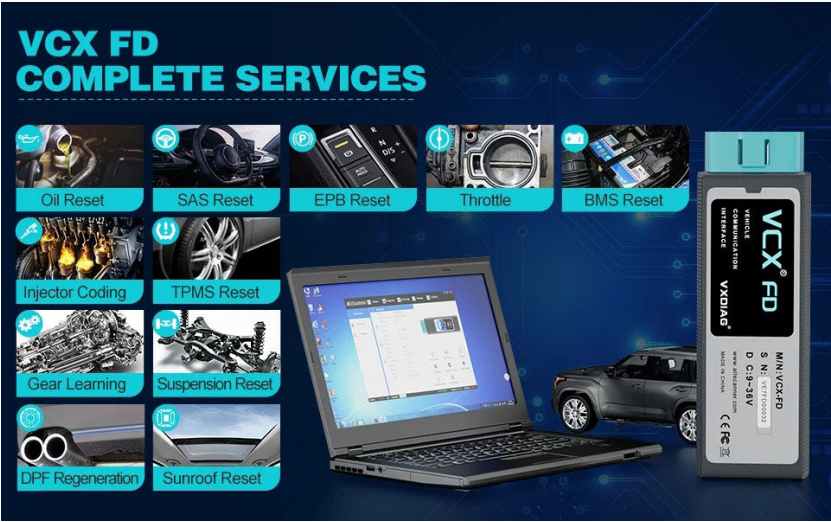
8. Steering Angle Resets
9. Guided Fault Finding
10. Program New Keys
11. DPF Regeneration
12. Brake Bleeding
13. Injector Coding
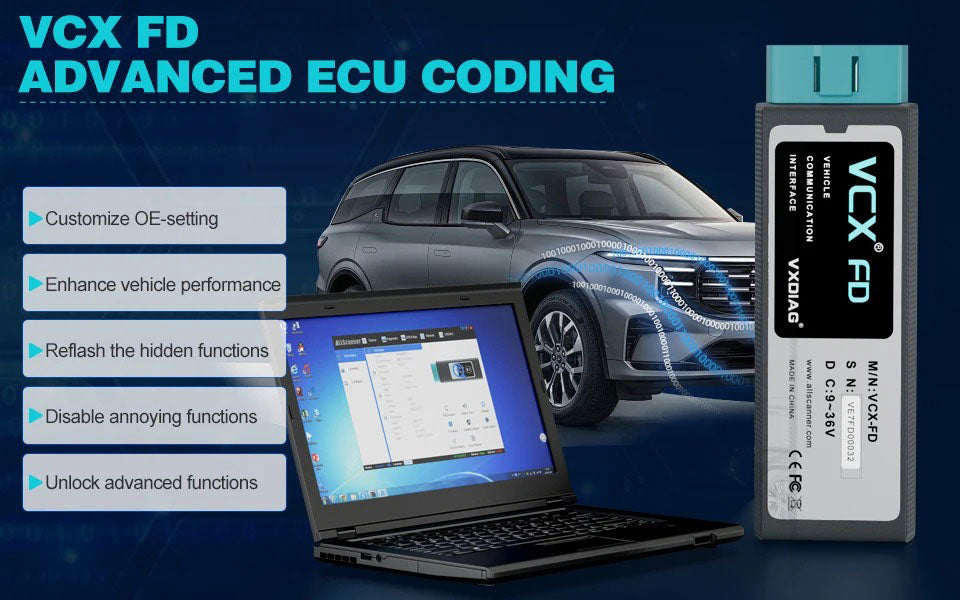
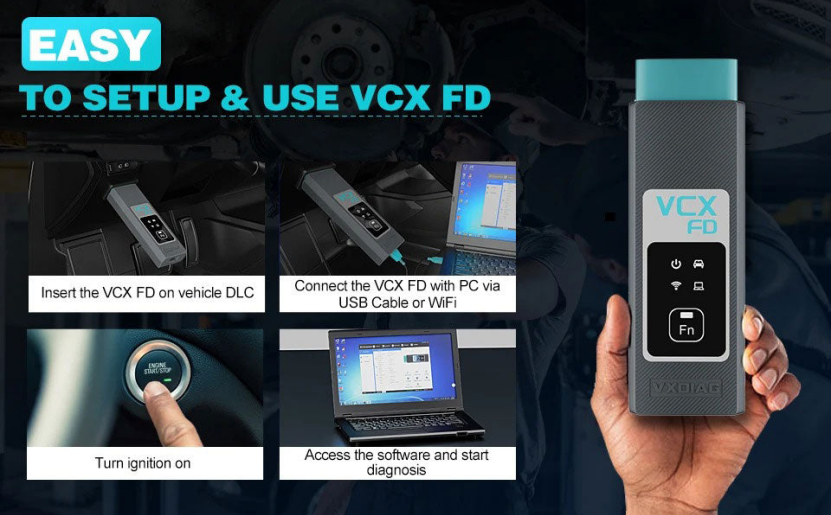
How to Set Up & Use VXDIAG VCX-FD?
Let’s start the software installation on WINDOWS system:
1. First download and install software (we don't provide the link)
2. Install the latest VX MANAGER version via www.vxdiag.net
3. Start the VX Manager. Make sure you your computer network is good. Connect your device by USB cable/WiFi to computer and OBD2 Socket to your ECU Bench connector or Your car’s OBD2 Port.
4. Install Passthru driver. Check your device license.
5. Turn on the car ignition. You can start to diagnose the car.
Installation Tips: Please turn off anti-virus software before install.
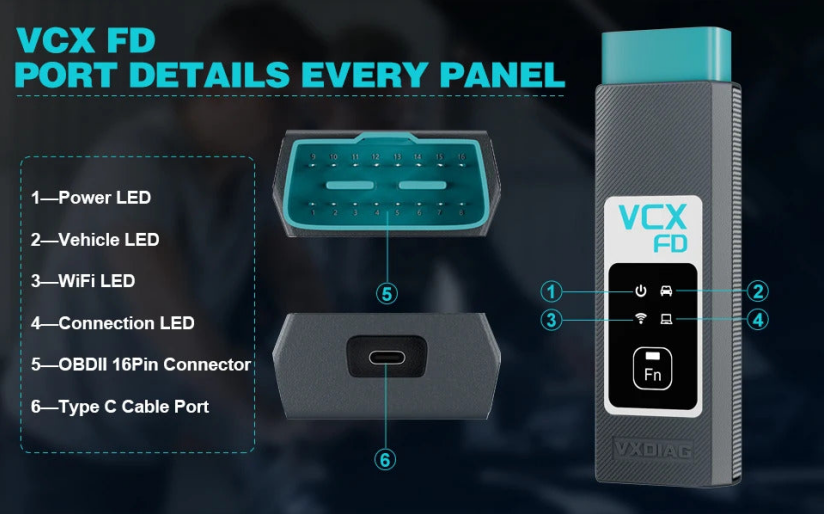
VXDIAG VCX FD for Ford/Mazda Parameters:
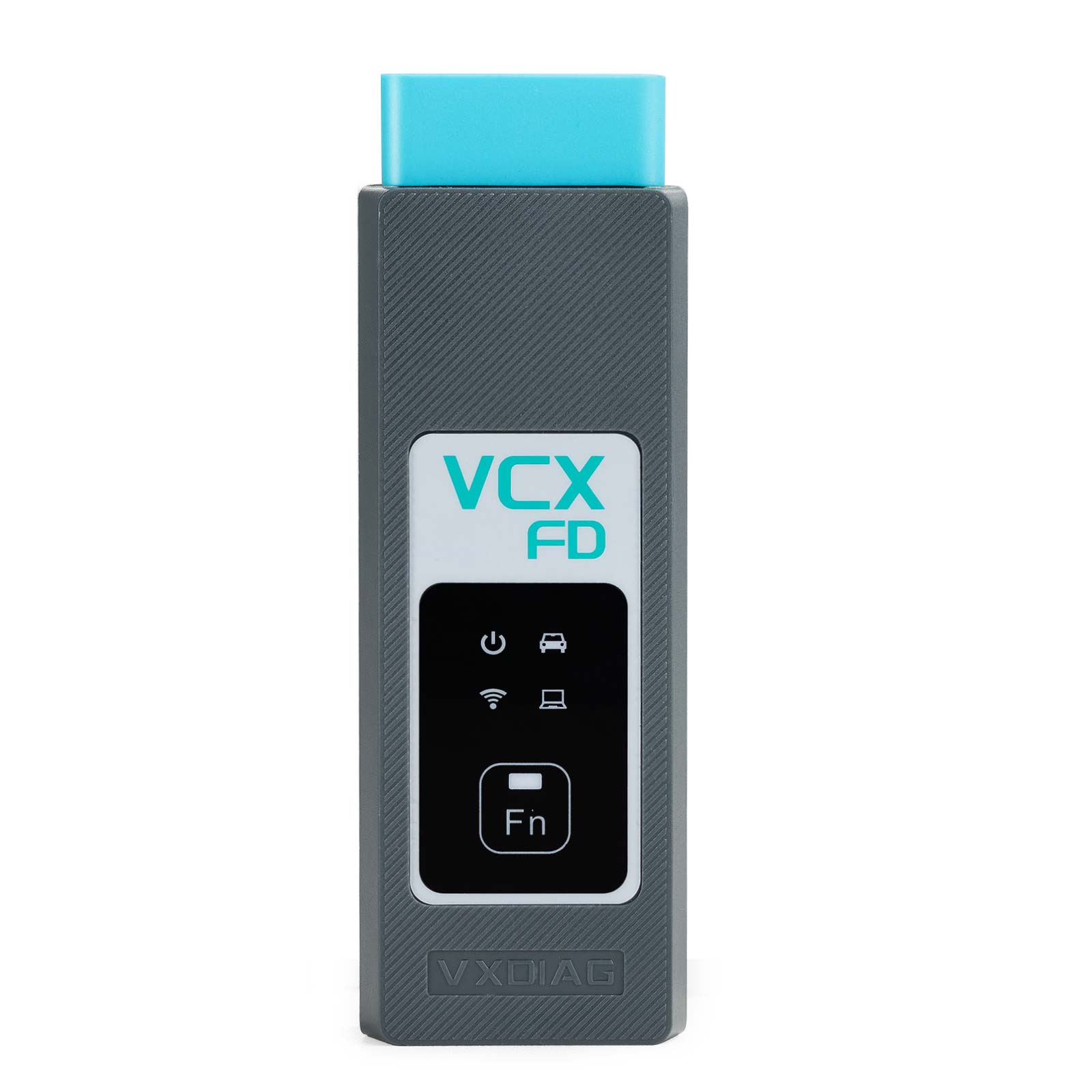
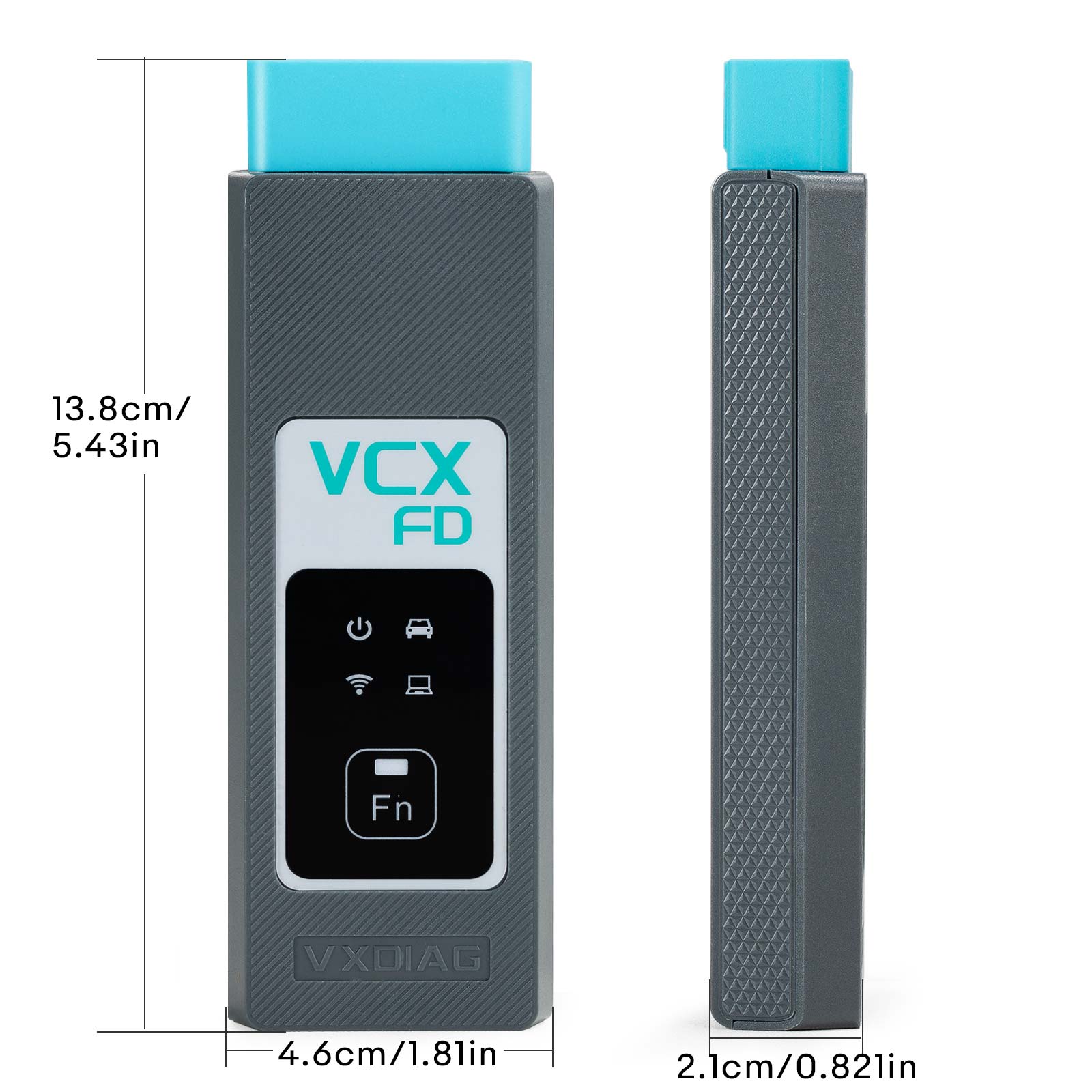
1-Power LED: Equipment Working Status: RED
Breathing flash when starting normally
Flash rapidly during hardware failure
2-Vehicle LED: Vehicle communication Status:TWO-COLOR
Flash blue during traditional protocol
Flash green during DoIP protocol
3-WiFi LED: Wireless Network Status: BLUE
Flash quickly during wireless communication
Flash slowly during wireless distribution
4-Connection LED: Host Communication Status: TWO-COLOR
Flash BLUE during USB communication
Flash GREEN during LAN communication
Fn Button: Remote Diagnostic Status: GREEN
Flash slowly after remote connection
Flash quickly during remote diagnosis
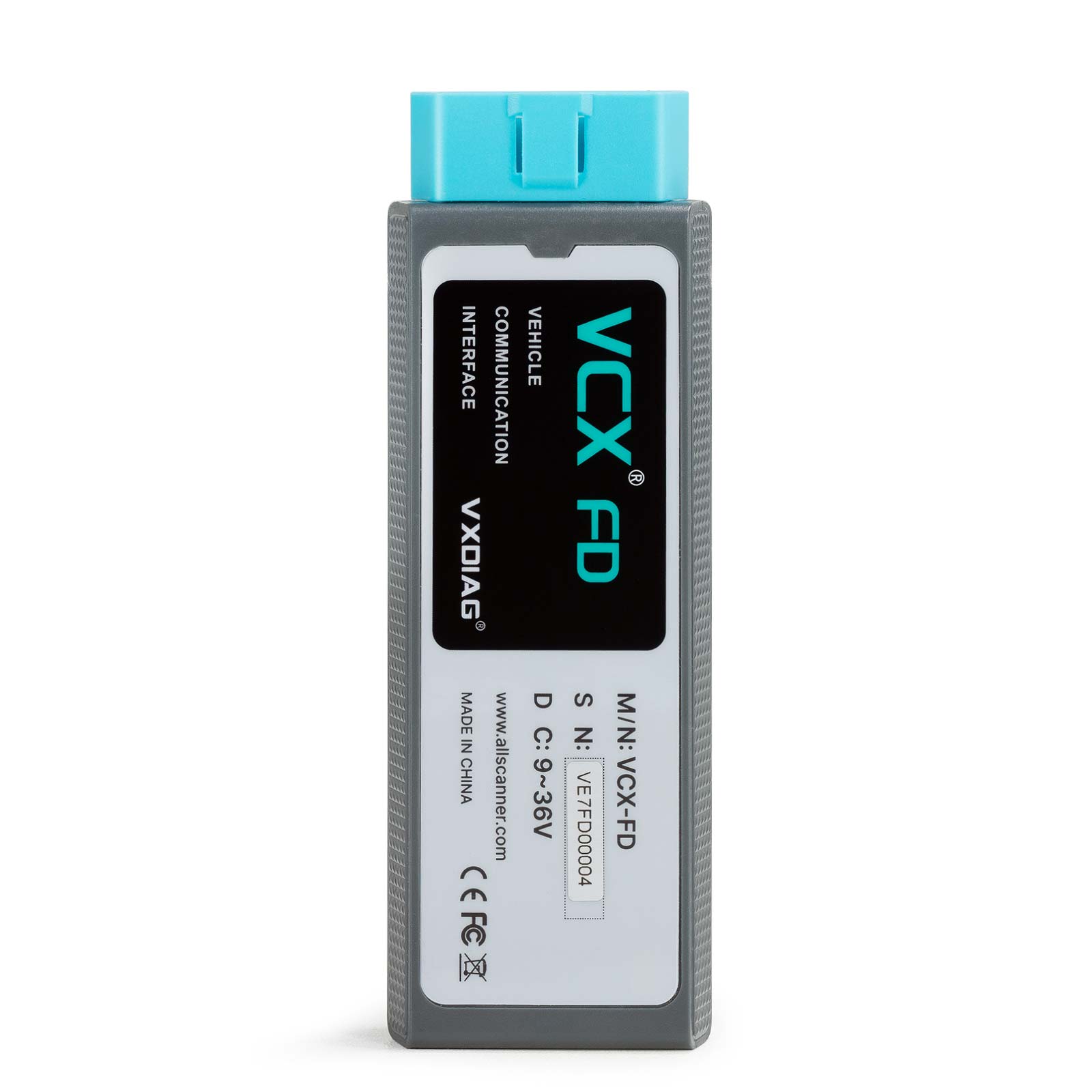
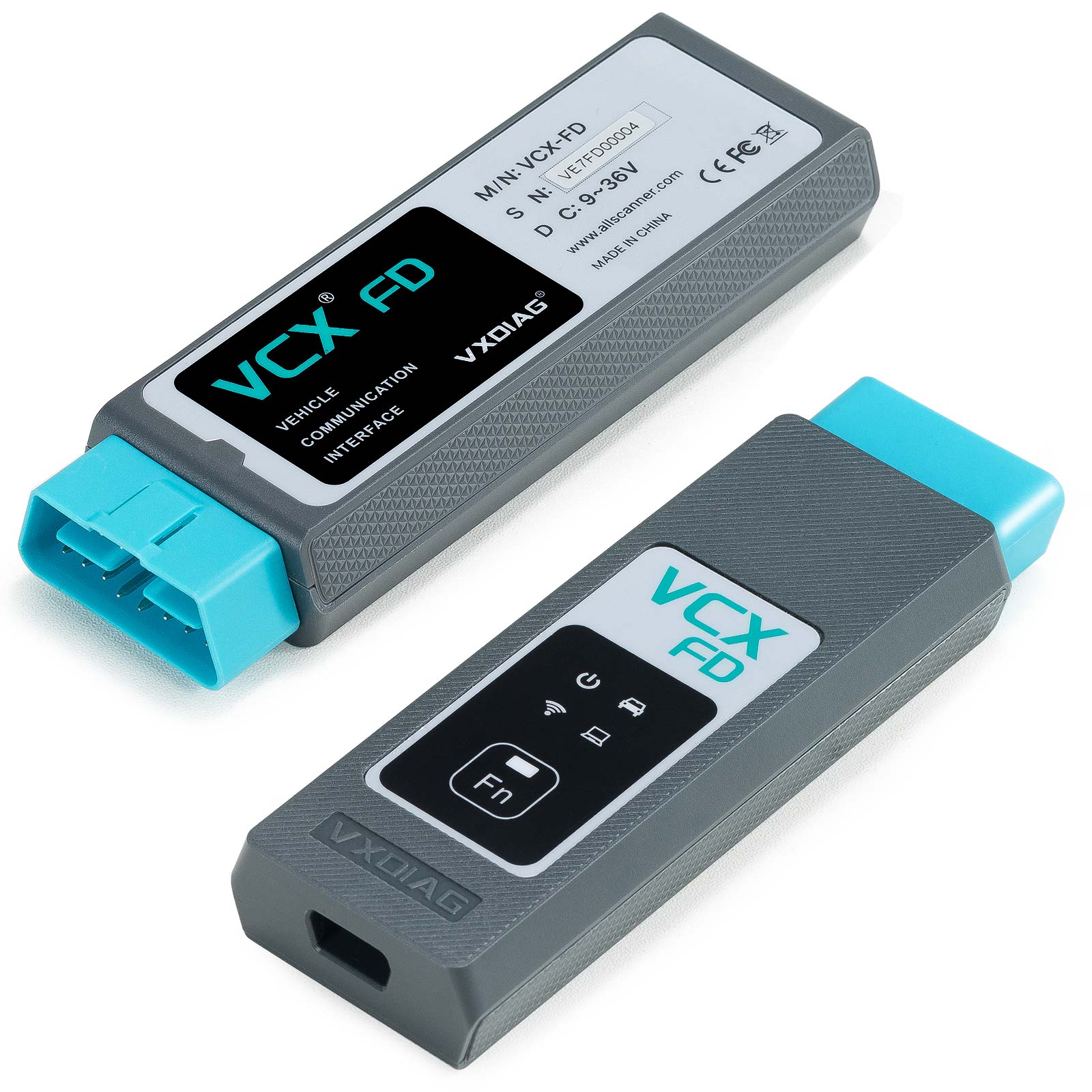
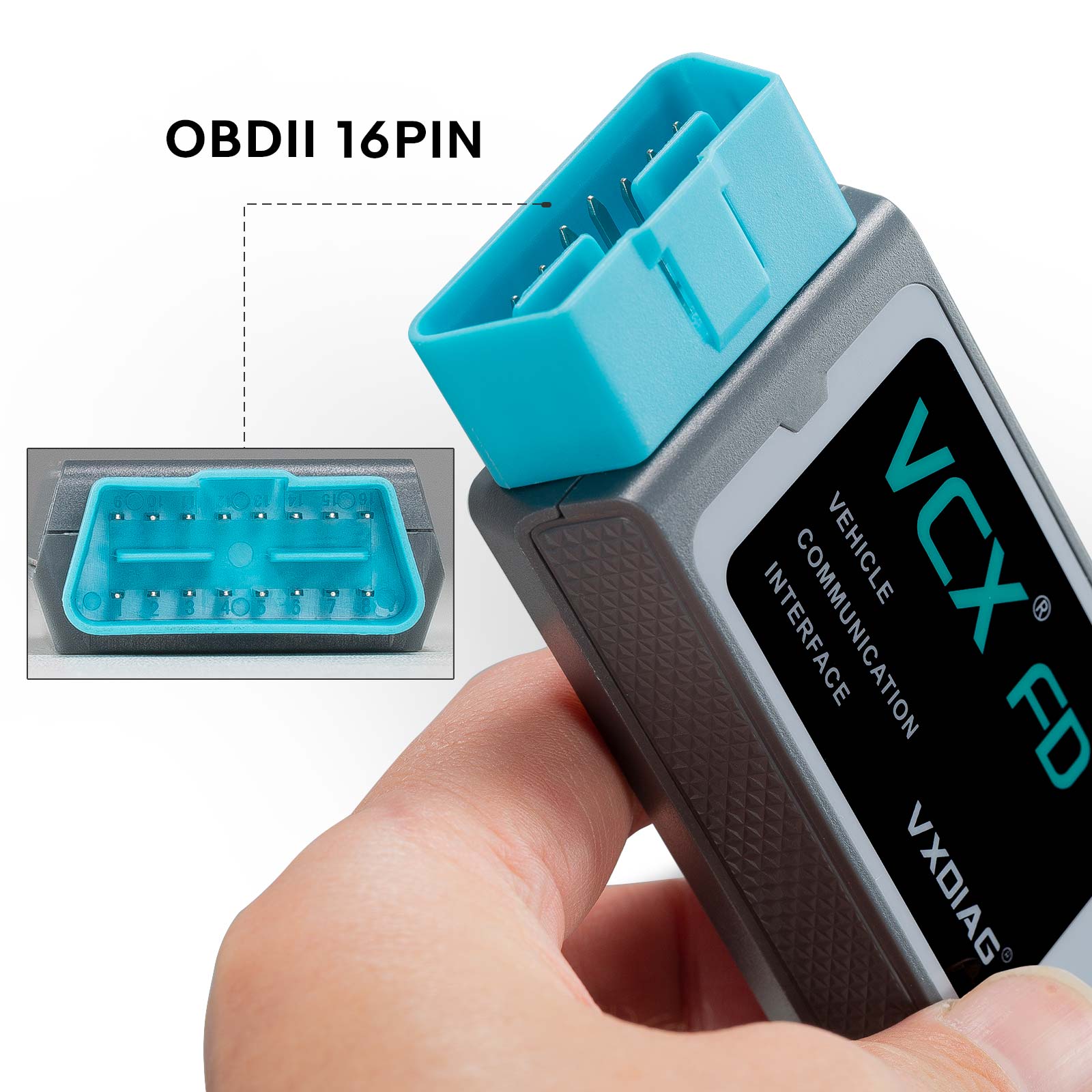
5-OBDII 16Pin Connector: Connect to vehicle's OBD2 port
6-Type C Cable Port: Connect to PC via cable
VXDIAG VCX FD for Ford/Mazda Packing list:
1pc x VCX-FD Interface
1pc x Type-C USB Cable
1pc x RJ45 Lan Converter
1pc x Paper Case
1pc x Lenovo T450 I5 8G Laptop (Option)
Second Hand Laptop Lenovo T450 Laptop with latest software:
Brand: Lenovo
Condition: Used
Type:Laptop/Notebook
Screen Size:14
Processor Type:Intel (R) Core(TM) I5-5200U CPU
Memory: 8GB
User Comment(Total 0 Customer Reviews)
- No comment
CnAutotool.com - Professional Auto Diagnostic Tools Supplier. We provides car diagnostics tools for Do-It-Yourself and professional automotive mechanics. If you have any problems, don't hesitate to contact us, send email to sale@cnautotool.com or chat online. We are well organized by a group of rich-experienced design experts who have been engaging in auto diagnostic tools for more than 10 years. FREE, Professional & Unlimited Technical Support, Factory Price!
Please feel free to contact us ,If you have any question:
Shipping Terms: a 1) Items will be sent to all the countries over the world.This package will be sent by Hongkong Airmail Post,EMS,UPS or DHL. b 2) Items will be checked carefully before sent out. c 3) We will use air bubbles to wrap the items carefully.
Shipping Time: Usually the shipping time is about 5-7 days via DHL, UPS, TNT and Fedex Express, 15-30 days via POST AIR to Worldwide, but Because the COVID-19 Global Pandemic recently, the delivery date will may be delayed. We are sincerely sorry to bring all inconvenience to you.Note: We hope it arrive on time but since this is an international delivery, shipping time will be highly depended on the courier company and local customs/duties. Thank you for your understanding
Return Policies:
If you are not satisfied with your purchase .please contact us quickly, we can exchange one to you,but buyers is responsible for the returning shiping cost .
Contact Us:
Our office hours are 24hours 7 days online service
Attention: PLZ leave your telephone number and address in detail when you take order in our website, it is very important to ship your order. (Customers from Brazil PLZ leave your Cutsom ID also, thanks!) |
Join our community: |
 |
 |
 |
 |
 |