Changing options or coding on Porsche vehicles using the Porsche PIWIS 3 software is a complex task that usually requires specialized knowledge and experience with Porsche systems. The PIWIS 3 (Porsche Integrated Workshop Information System) is the latest dealership diagnostic tool for the full range of Porsche vehicles. Here’s a basic guide on how you might go about changing options or performing coding tasks using the PIWIS 3 software:
Related content:
porsche piwis 3 software download
Requirements:
- Porsche PIWIS 3 Diagnostic Tool: This is the primary hardware that connects to Porsche vehicles for diagnostics and configurations.
- Laptop or Tablet: This runs the PIWIS 3 software and must be connected to the PIWIS 3 hardware.
- Vehicle Communication Interface (VCI): This interface connects the diagnostic tool to the vehicle.
- Proper Authorization: Access to certain vehicle functions and programming might require specific authorization codes from Porsche.
Steps to Change Options with PIWIS 3:
1. Connect the Hardware:
- Connect the PIWIS 3 hardware to your Porsche vehicle using the VCI. Typically, the connection is made through the OBD-II port located under the dashboard.
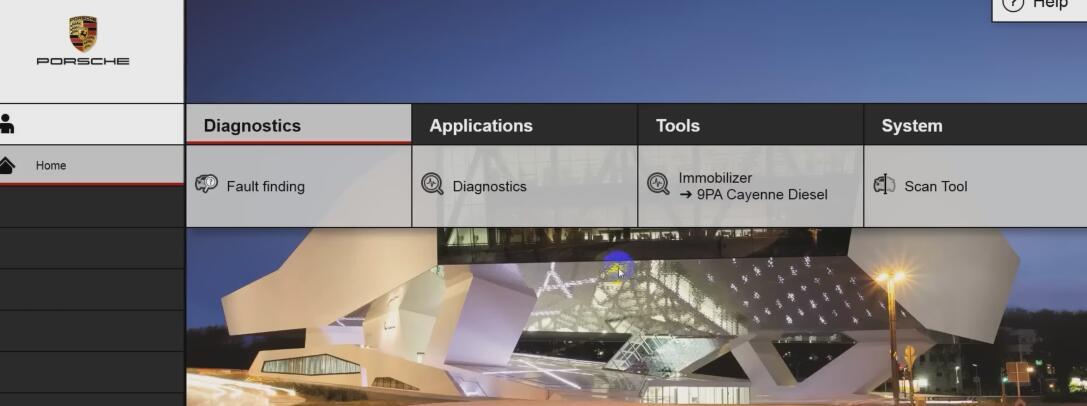
2. Start PIWIS 3 Software:
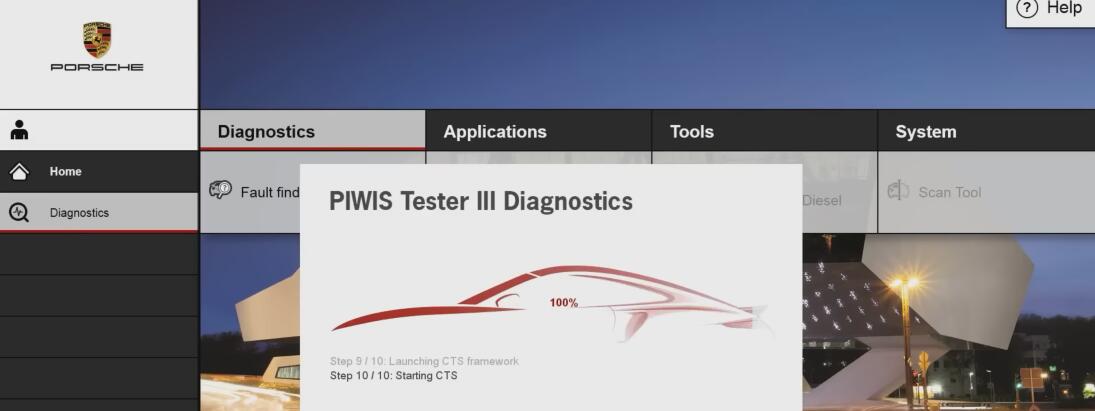
- Power up your laptop or tablet and launch the PIWIS 3 software. Ensure that the software is up-to-date to support all the latest vehicle features and security protocols.
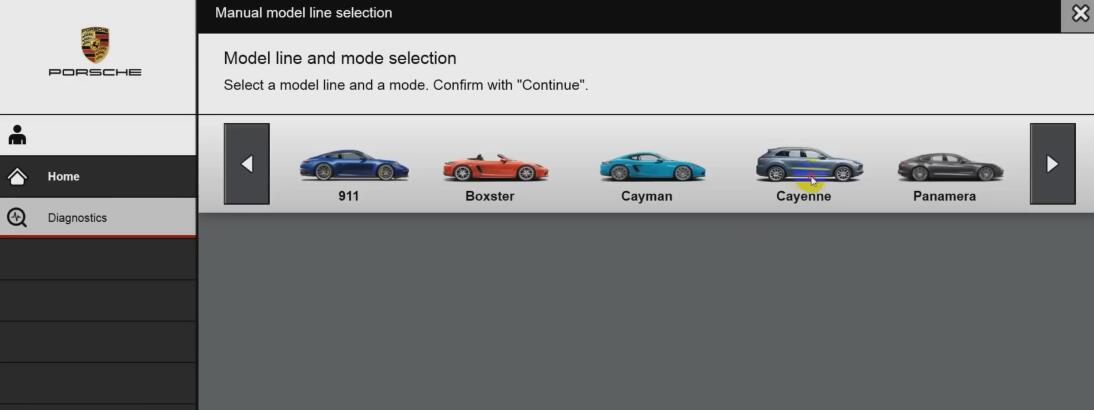
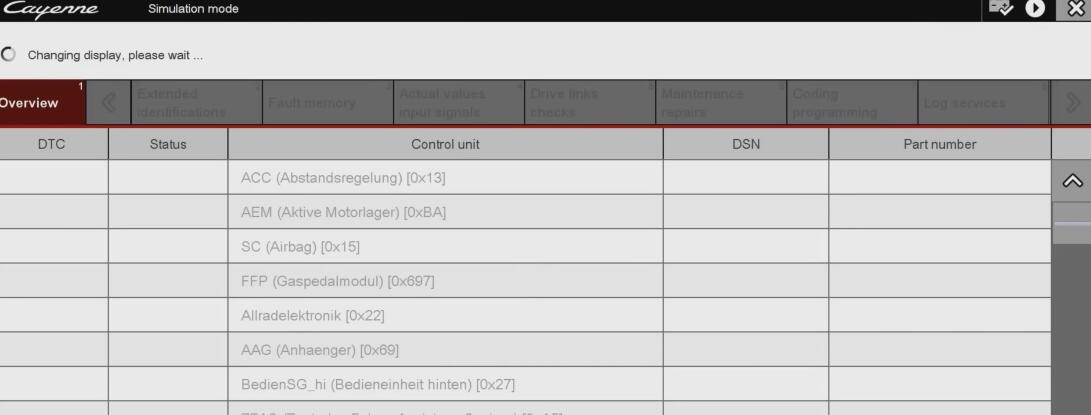
3. Vehicle Identification:
- Allow the PIWIS 3 to identify the vehicle. This can be automatic or may require you to enter details such as the model, year, and VIN.
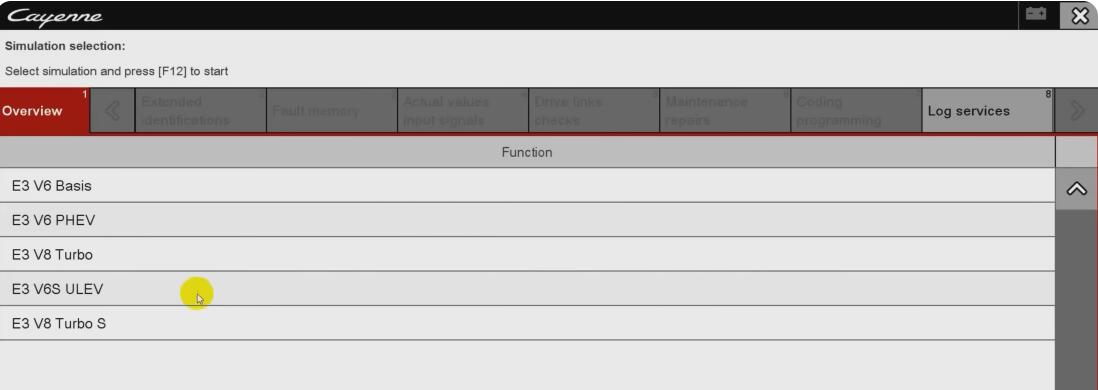
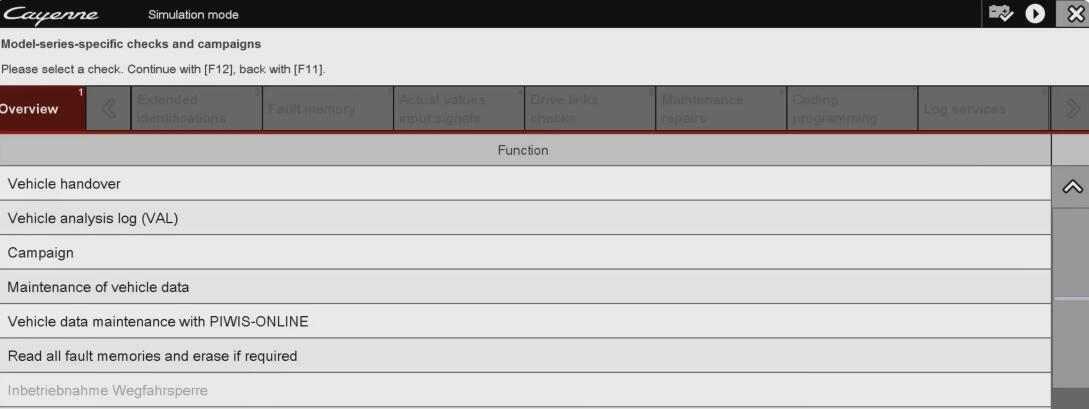
4. Navigate to Coding/Programming Section:
- Once the vehicle is recognized, navigate to the programming or coding section of the software. Here, you’ll find options to modify vehicle settings.
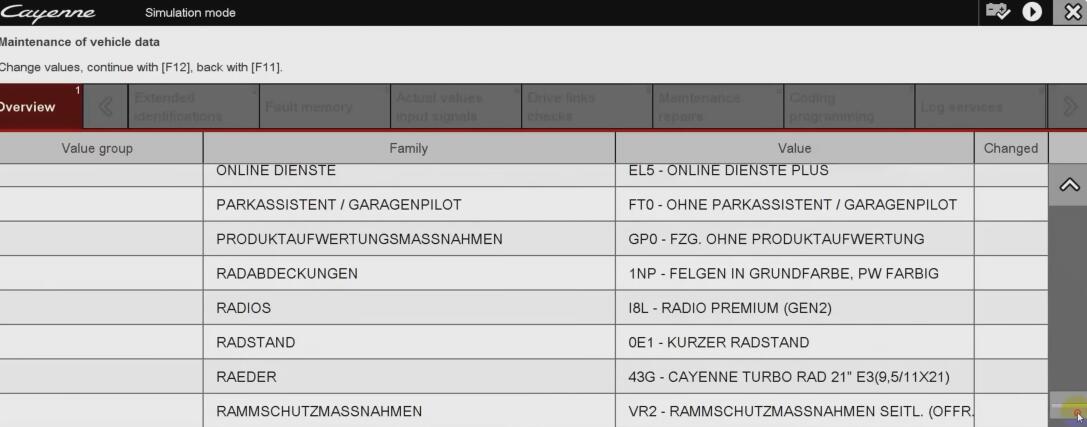
5. Select the Feature to Modify:
- Choose the specific feature or option you wish to modify. This could range from activating certain convenience features, changing country codes, enabling or disabling electronic features, etc.
6. Make Changes:
- Make the desired changes according to the options available for that feature. Each option should include a description of what it does. Ensure that you understand the modification you are making to avoid unintended consequences.
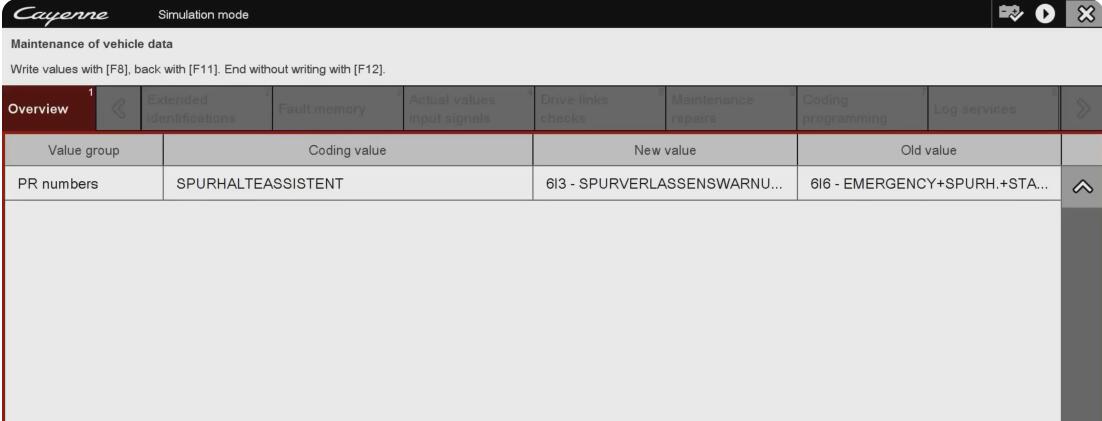
7. Save and Apply Changes:
- Once the changes are made, save them and apply to the vehicle. The PIWIS 3 might prompt you to cycle the ignition or perform a reset to apply the changes.
8. Test the Vehicle:
- After applying the changes, it is crucial to test the vehicle to ensure that the modifications have taken effect and that they work as expected. Check to ensure no error messages or warning lights appear.
9. Documentation:
- Document any changes made, including the date and the vehicle’s mileage. This can be important for service history and future diagnostics or repairs.
Tips and Warnings:
- Back-Up Vehicle Data: Before making any changes, it’s recommended to back up existing configurations. This can help restore the vehicle’s settings to the original state if needed.
- Follow Porsche Guidelines: Always follow the official Porsche guidelines and use only authorized tools and software to avoid damaging the vehicle’s software or voiding the warranty.
- Training and Authorization: Due to the complexity and the risks involved in vehicle programming, these tasks are generally recommended for trained and authorized Porsche technicians.
Modifying vehicle software can lead to changes in the behavior of the vehicle that might affect warranty and functionality. Always ensure that any modifications comply with local regulations and Porsche’s standards.
More information about porsche, please refer to Porsche Cayenne Repair Cases
