Issue:
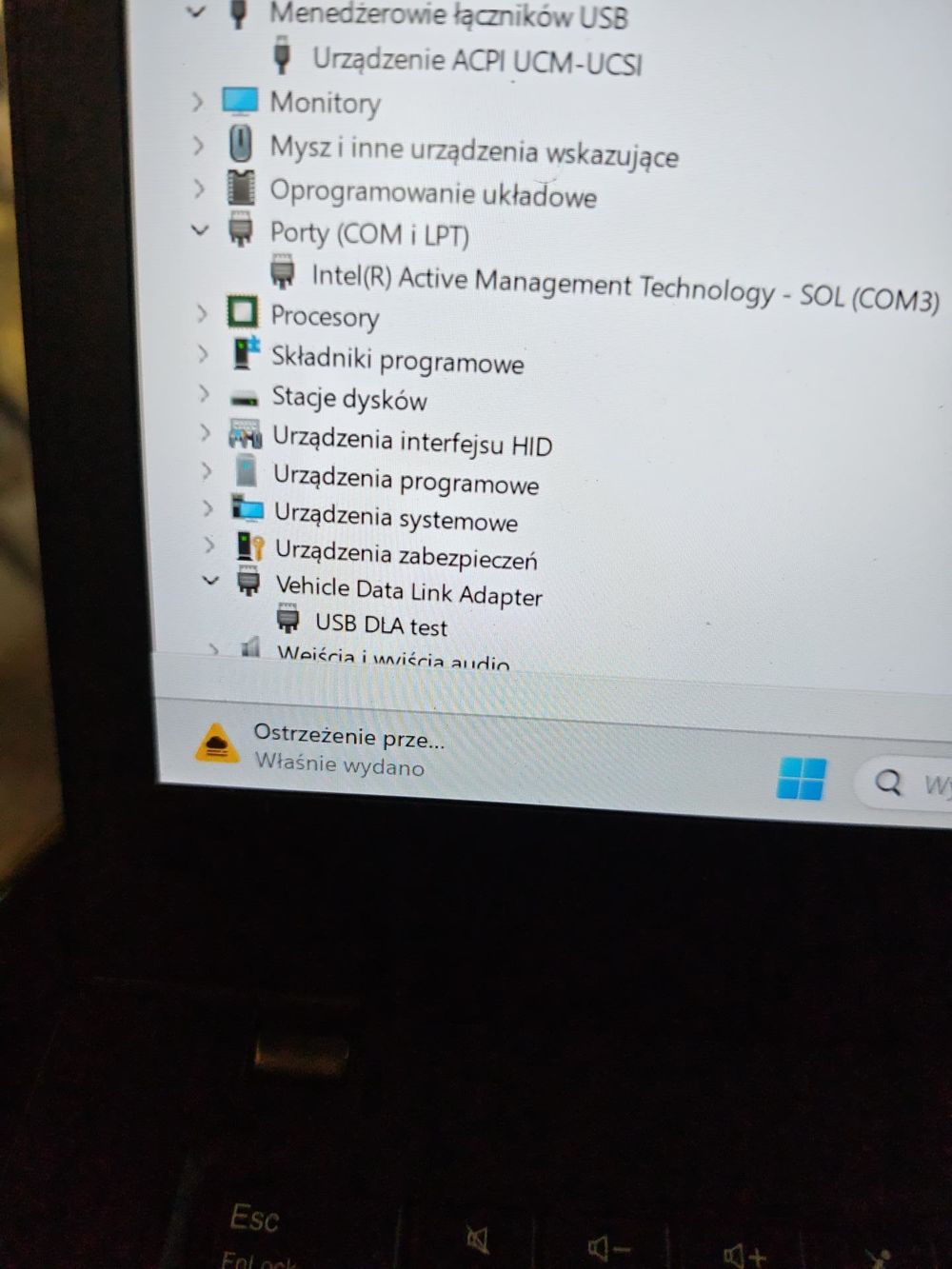
JCB isn’t working; I installed the driver
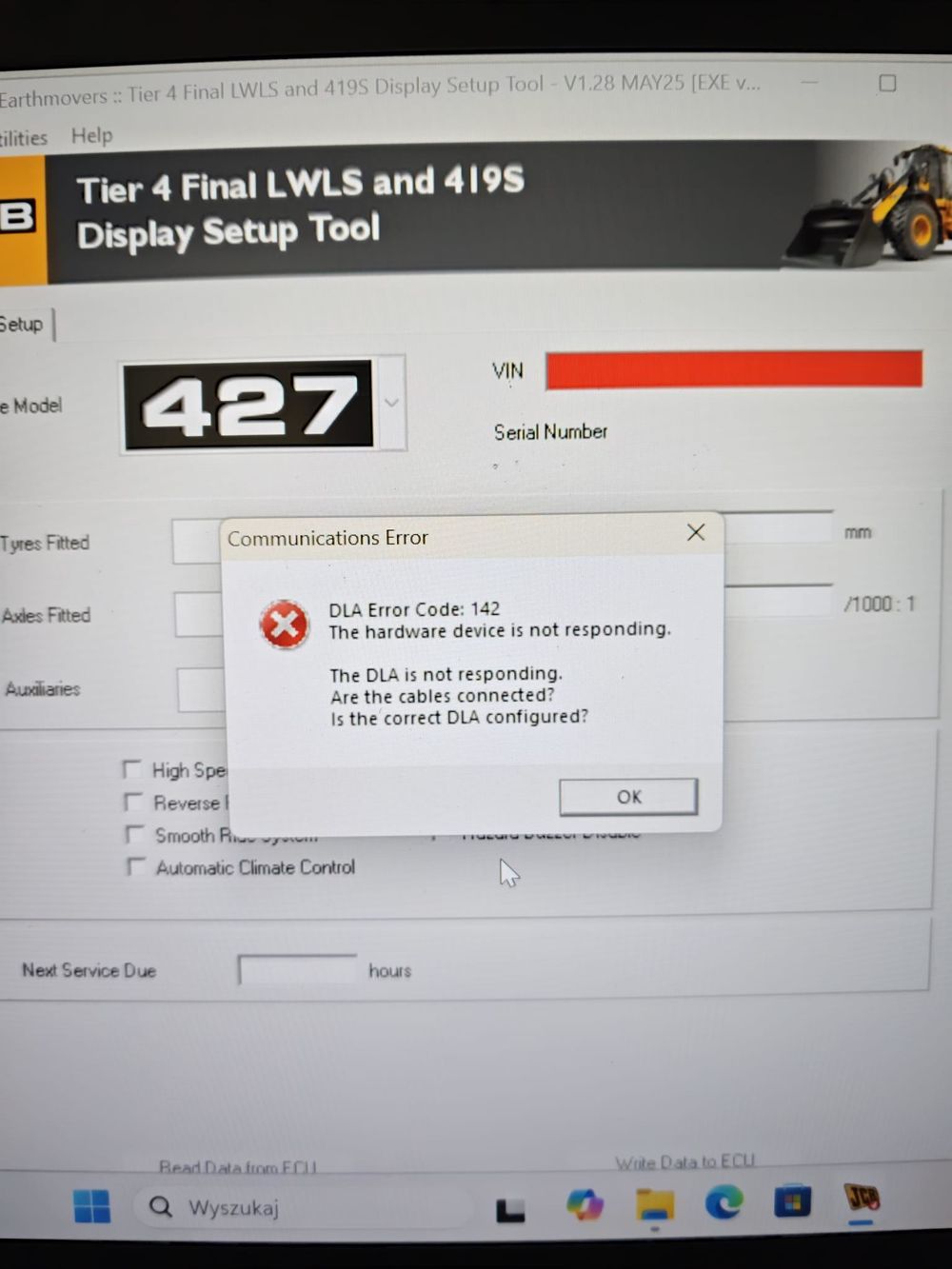
Reply:
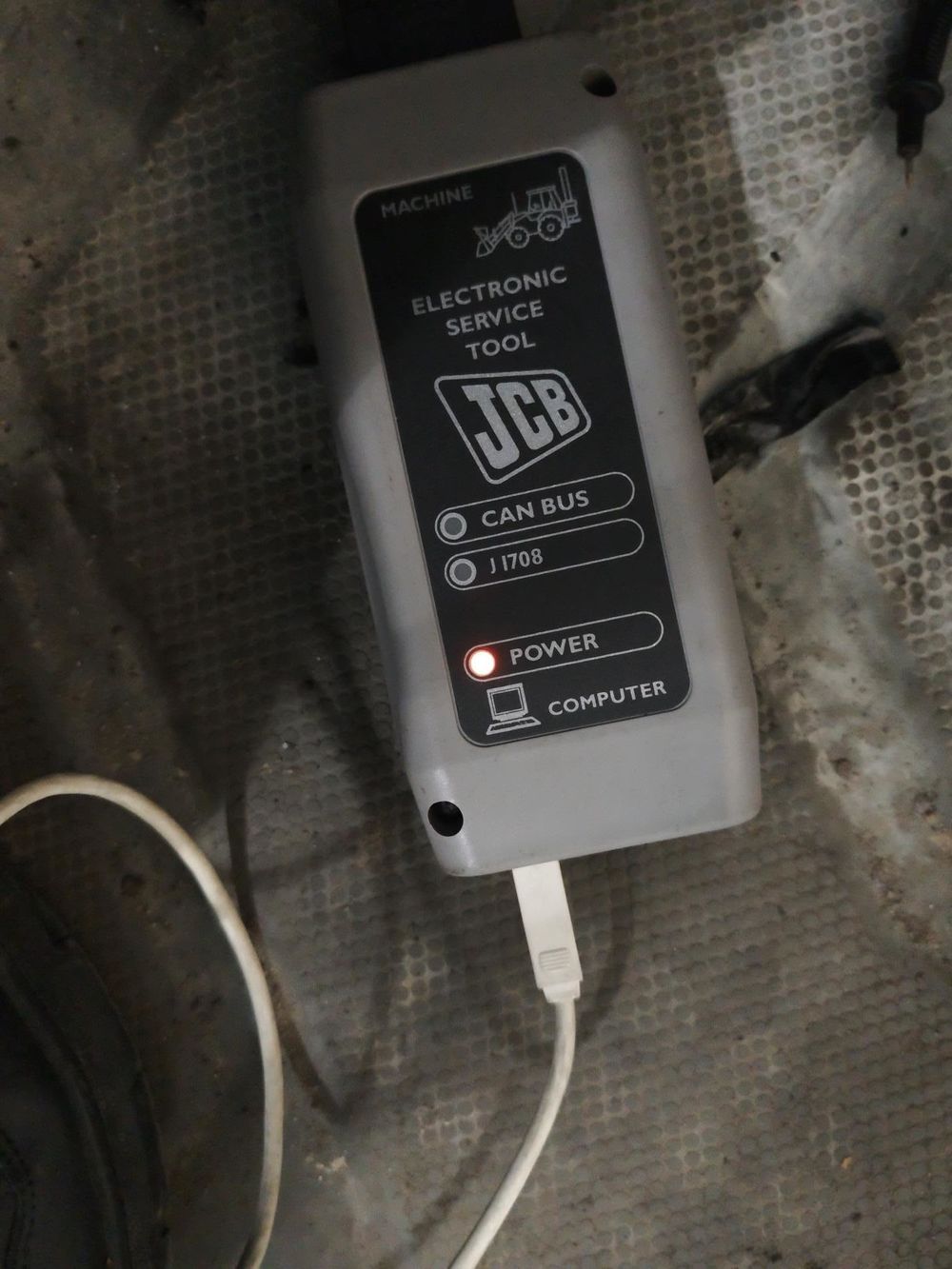
Engineer said the tool’s red light might indicate a malfunction or a driver issue,we can test remotely.
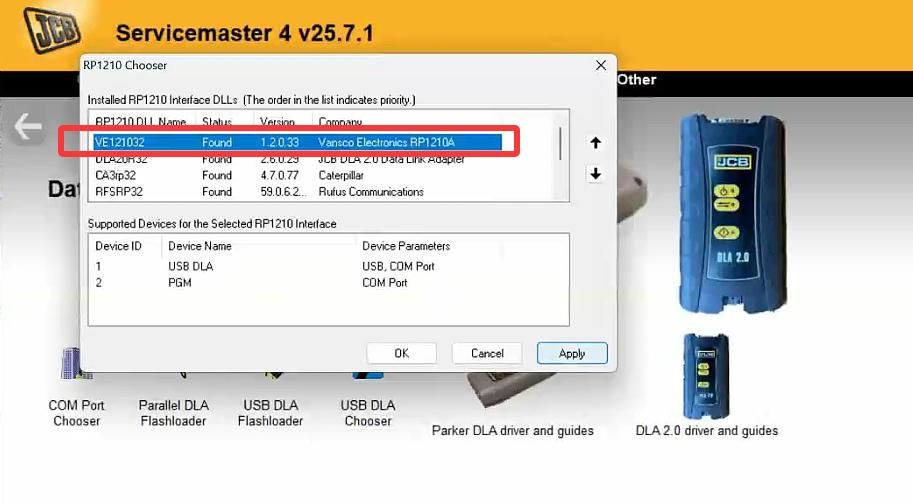
After a remote inspection by an engineer, it was discovered that there was a conflict between the JCB and CAT drivers; the JCB unit is now operational after the CAT driver was uninstalled.
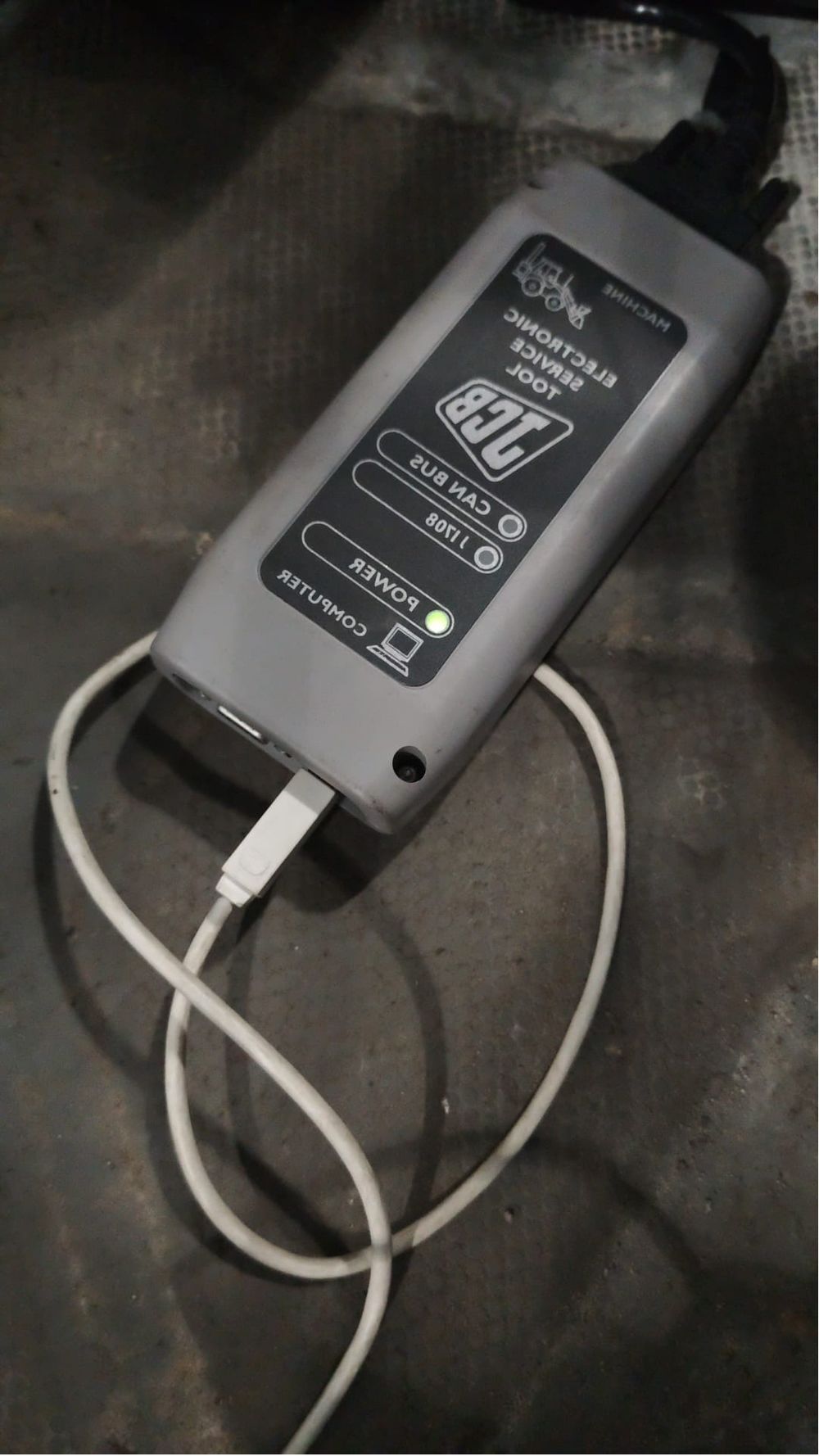
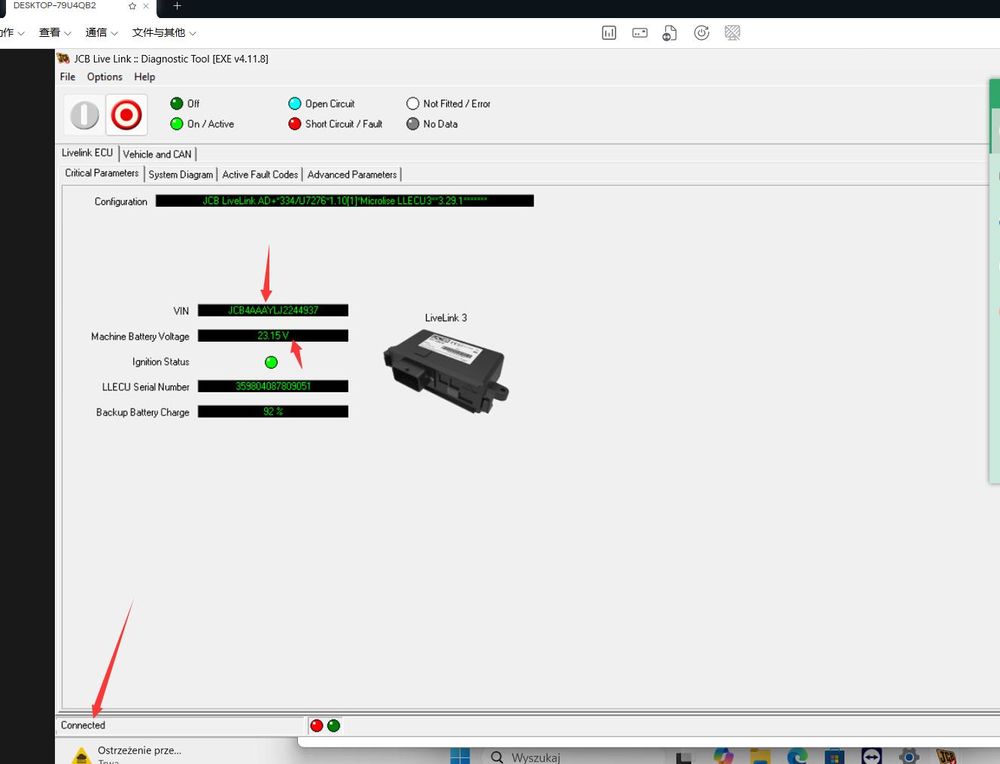
Feedback:
Jcb work,Thanks my friends
Need a JCB Diagnostic Tool?
If you need a diagnostic interface for JCB equipment, the JCB Electronic Service Tool with JCB ServiceMaster 4 is designed for JCB diagnostic and service applications.
It supports functions such as fault-code reading, diagnostics, calibration and parameter-related service functions on supported JCB machines.
This troubleshooting case also highlights an important installation point: if the JCB interface is not detected or does not communicate correctly, check Windows Device Manager and other heavy-equipment diagnostic drivers. In this case, a conflict between the JCB and CAT drivers was identified, and the JCB tool worked normally after the conflicting CAT driver was removed.
Recommended JCB Diagnostic Tool:
👉 JCB Electronic Service Tool with JCB ServiceMaster 4
Before ordering, confirm your JCB machine model, engine and required diagnostic functions for compatibility.
More request,welcome to contact us directly: sale@cnautotool.com
Our Website link: https://www.cnautotool.com/
