How to set the WIFI function of C4/C5 device?
1. Right click on the network icon,choose Open Network and SHaring Center:
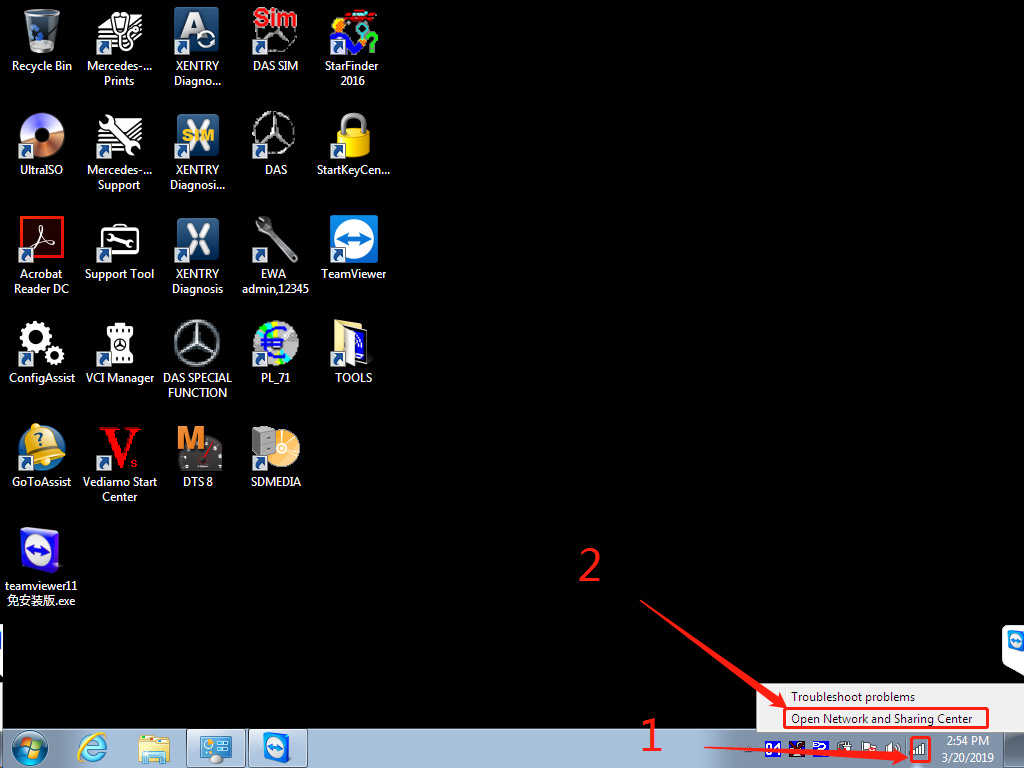
2. Choose the left“Change adapter settings”

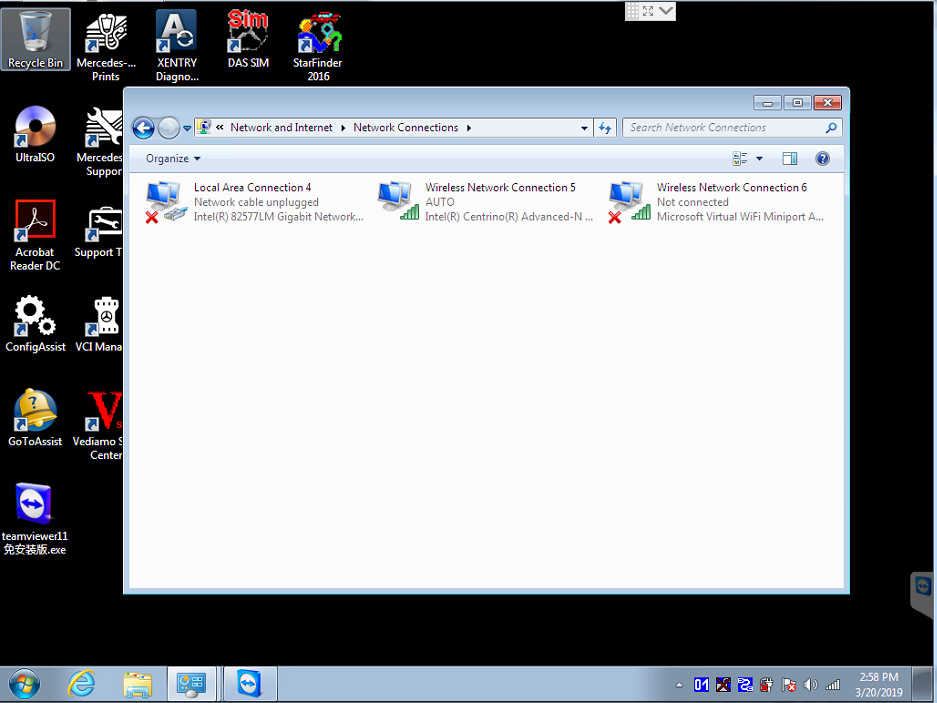
3. Set up wired IP
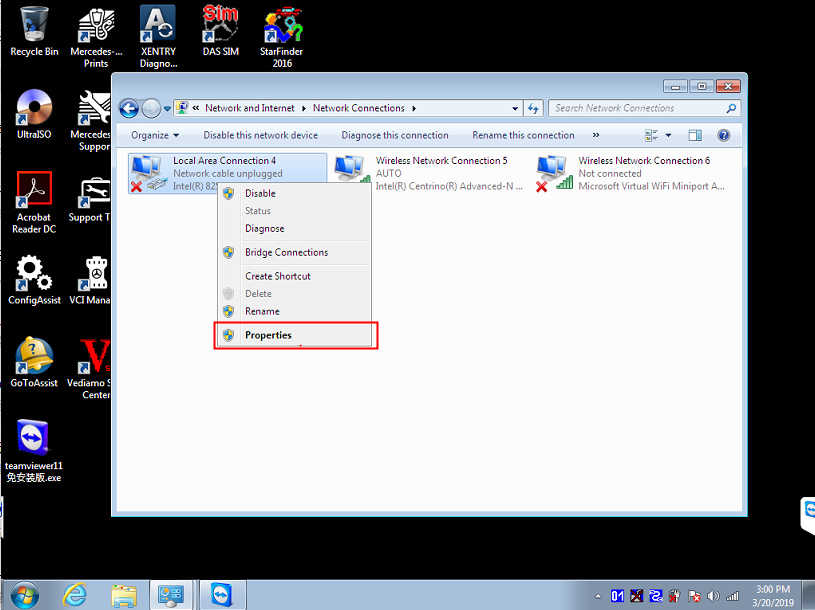
IP:172.29.127.118 Subnet mask:255.255.0.0
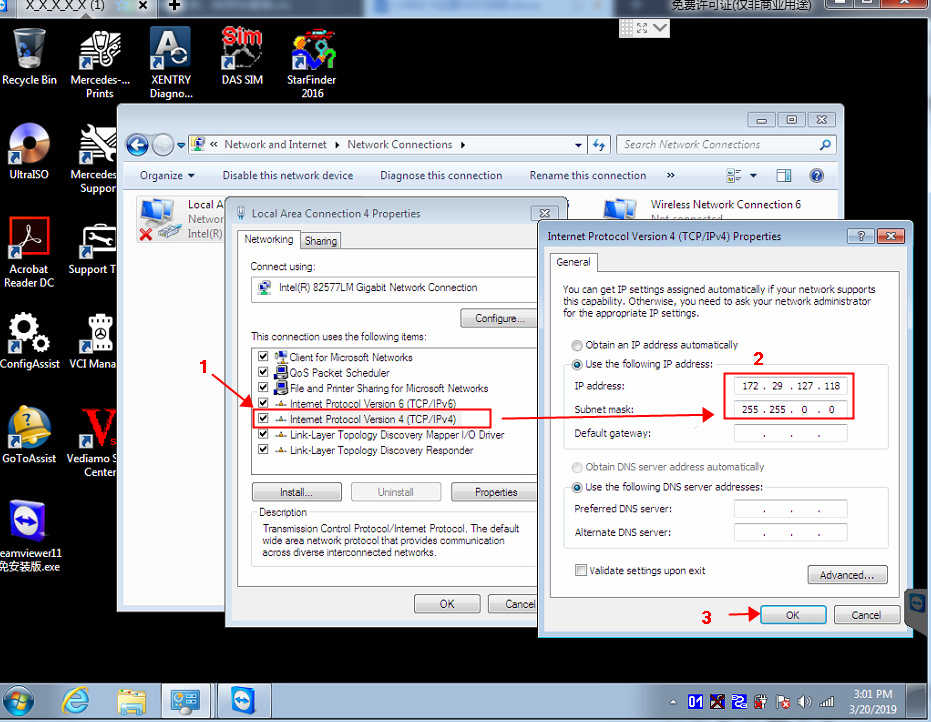
4. Set WIFI IP address:


5. Set the C4/C5 host WIFI connection password. First connect C4/C5 to the car (start the car), and then connect the network cable to C4/C5 and the computer.

Right click on the lower right corner 11 icon,choose Administration
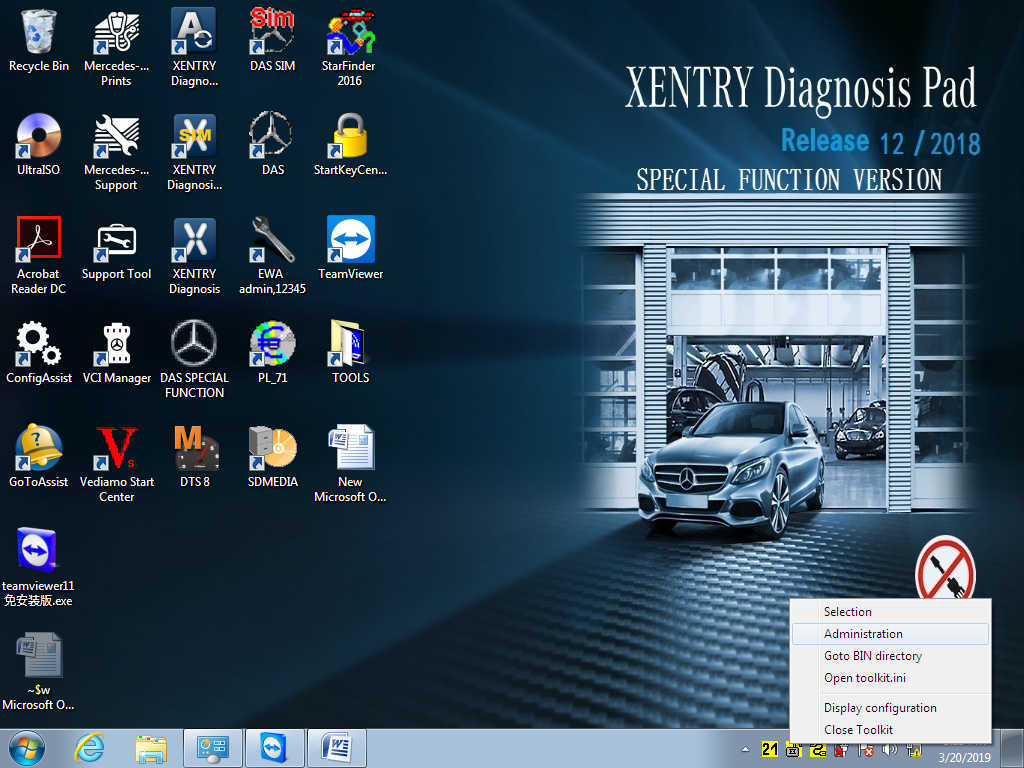
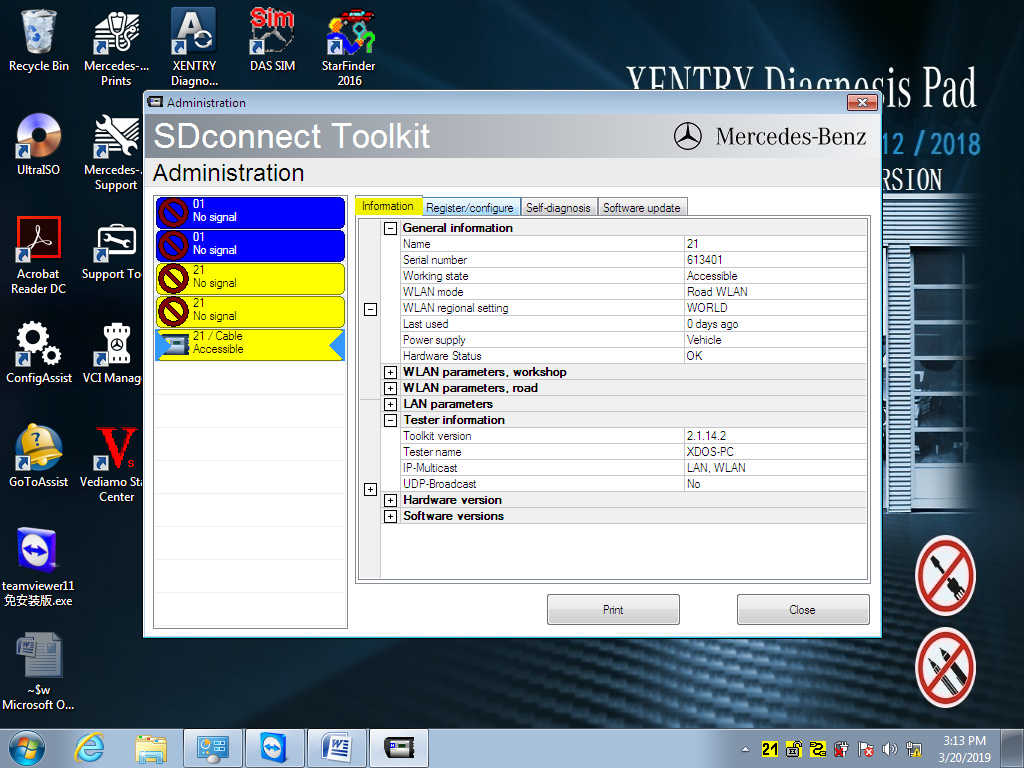
Under the Administration menu  ,Choose
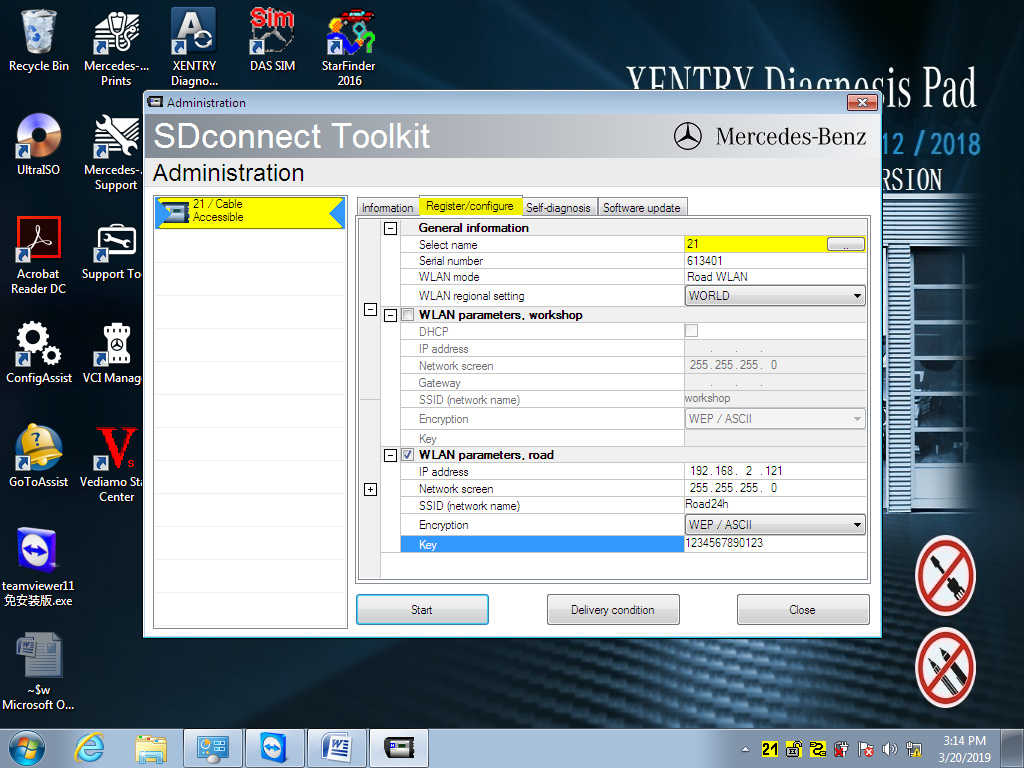
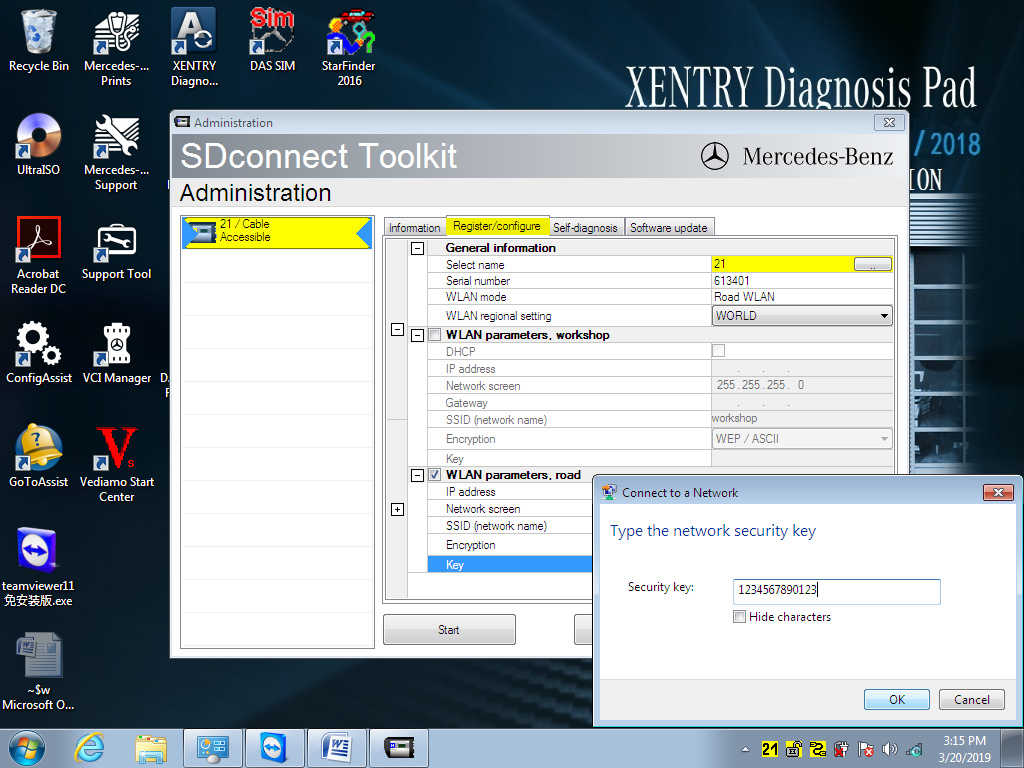
  Register/configure,At the KEY, please enter: 1234567890123 (13 digit password),Then Click Star
  to confirm.
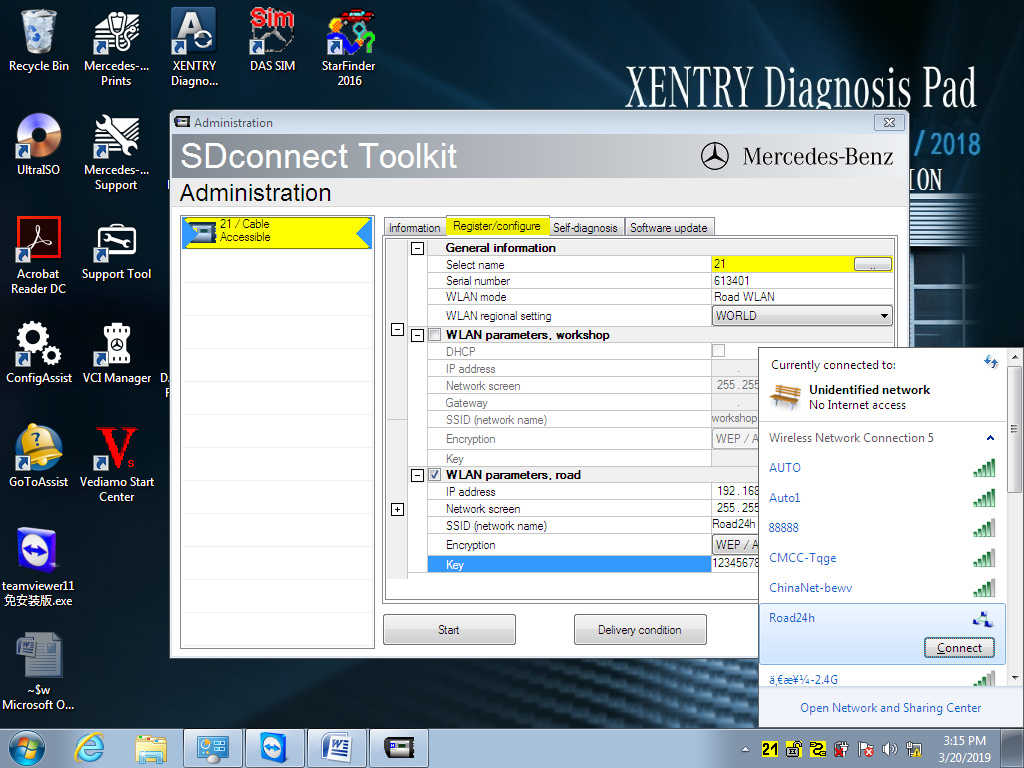
Click the computer icon in the lower right corner  ,Found in the WIFI tab
 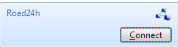 Road24h,Click Connect
Enter the set 13-digit password:1234567890123
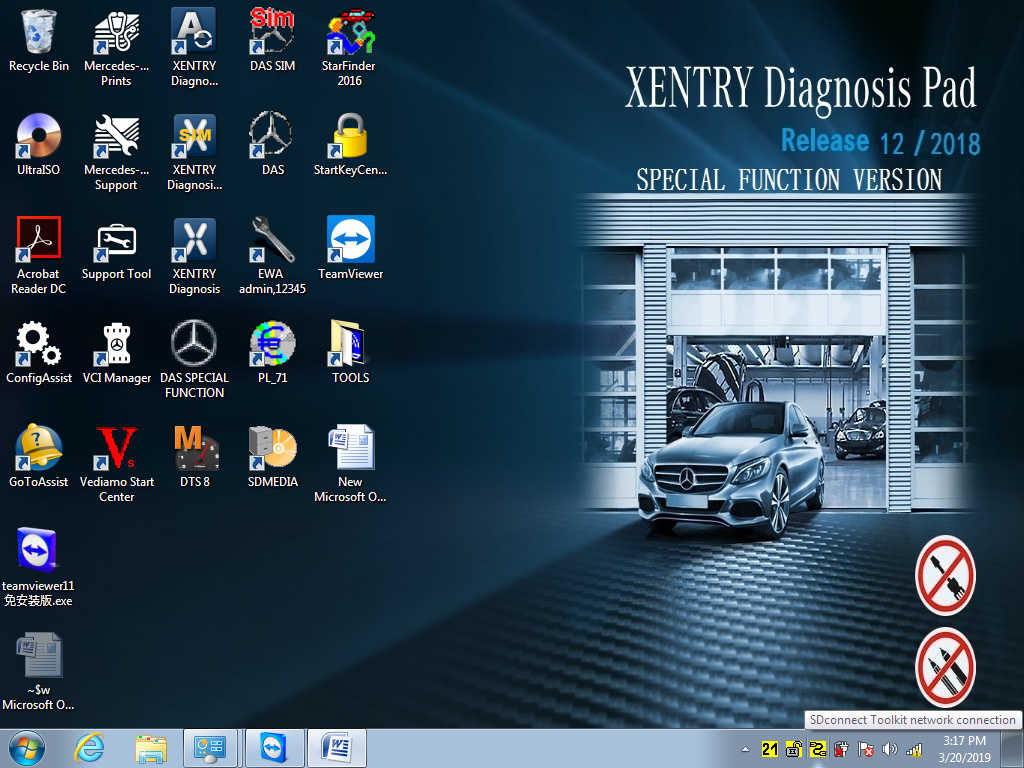
Right click on the lock icon  ,choose Selection
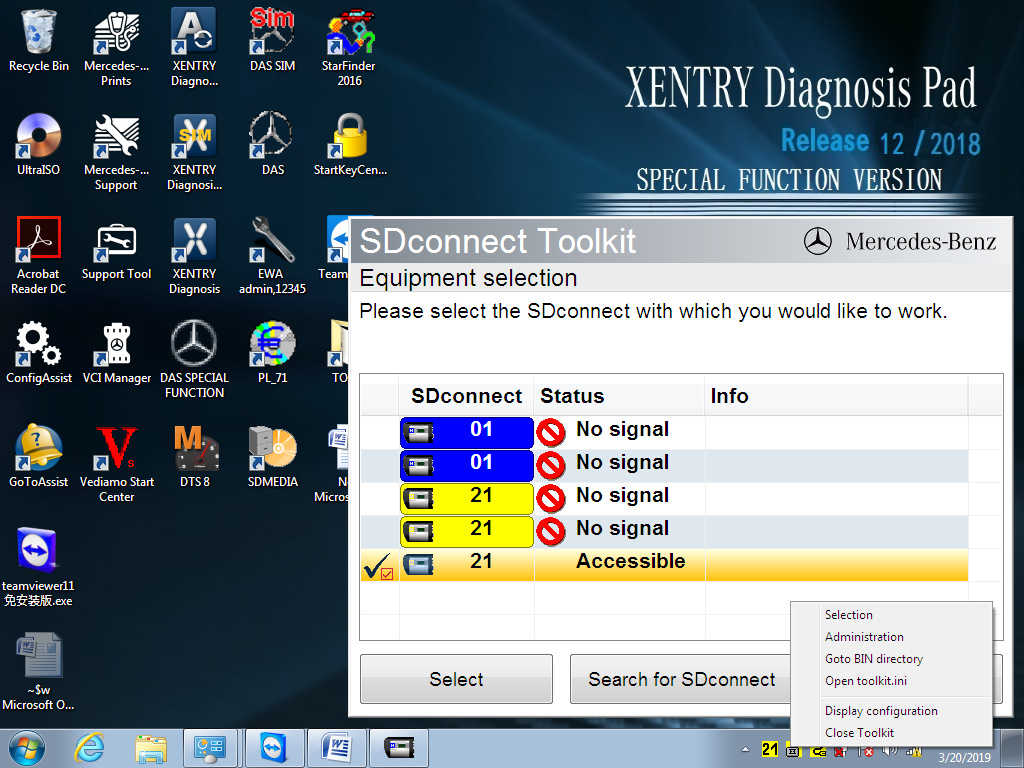
Disconnect the C4/C5 host network cable and click on:

Then choose  。
。
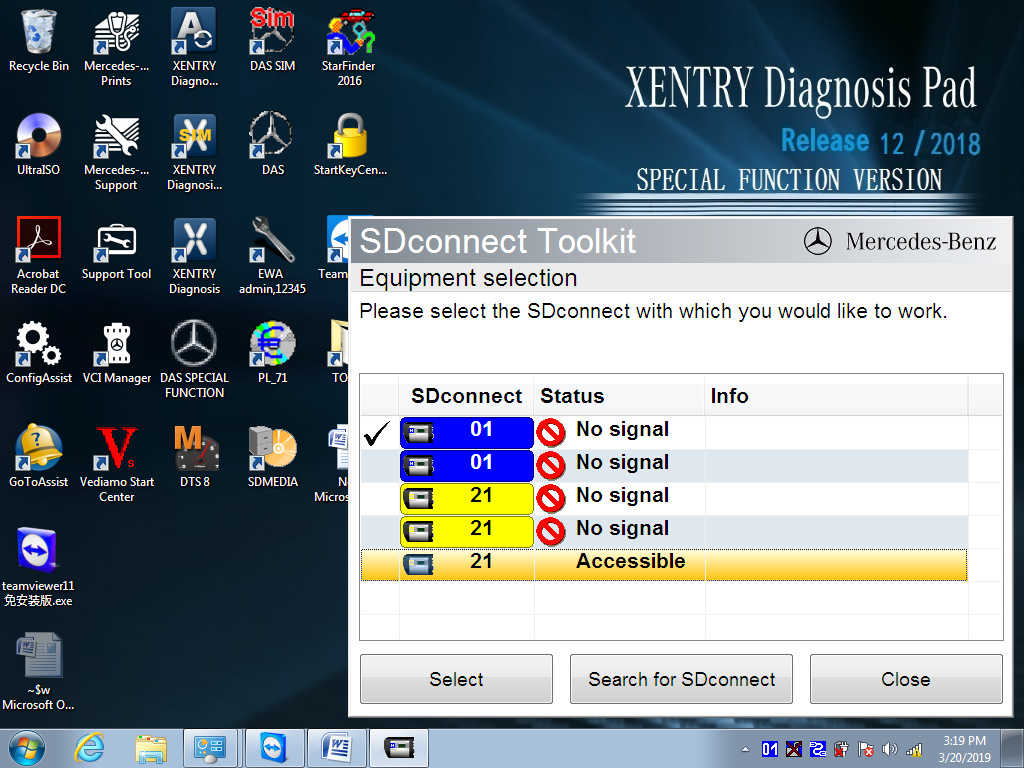
This icon will appear in the lower right corner  .
.

More request,welcome to contact us directly: sale@cnautotool.com
Our Website link: https://www.cnautotool.com/
