V06/2020 Xentry OpenShell XDOS is confirmed working perfectly with 12v/24v Mercedes Car, Bus, Truck, Sprint, Smart ,(from 1989 to the 2019 year)
This article is about how to activate 2020.06 Star diagnostic Xentry, DTS & EPC/WIS. As known, only after activation can 2020.06 Star diagnostic can work.
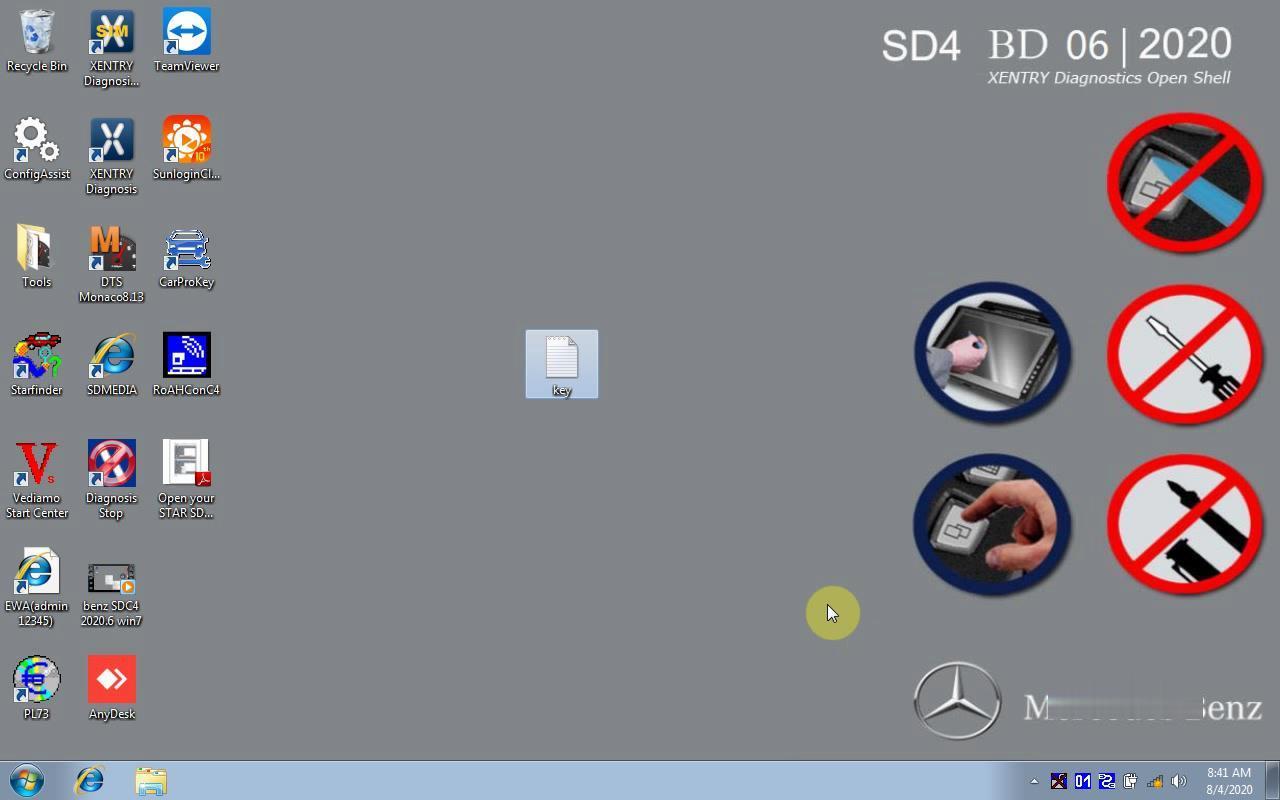
2020.06 Star diagnostic software update details:
Xentry OpenShell 2020.06
WIS/EPC 11.2018
HHT-WIN
DTS Monaco 8.13
Vediamo
SDMedia
StarFinder 2016
PL73 etc
The compatible SDS devices:
– MB SD Connect C4
– MB SD Connect C5
– XENTRY VCI
– eCOM
OS:
Windows 7
Windows 10
Offline /online programming:
Offline programming: N
Online programming: need luck
Part 1. Activate 06.2020 MB Star Xentry
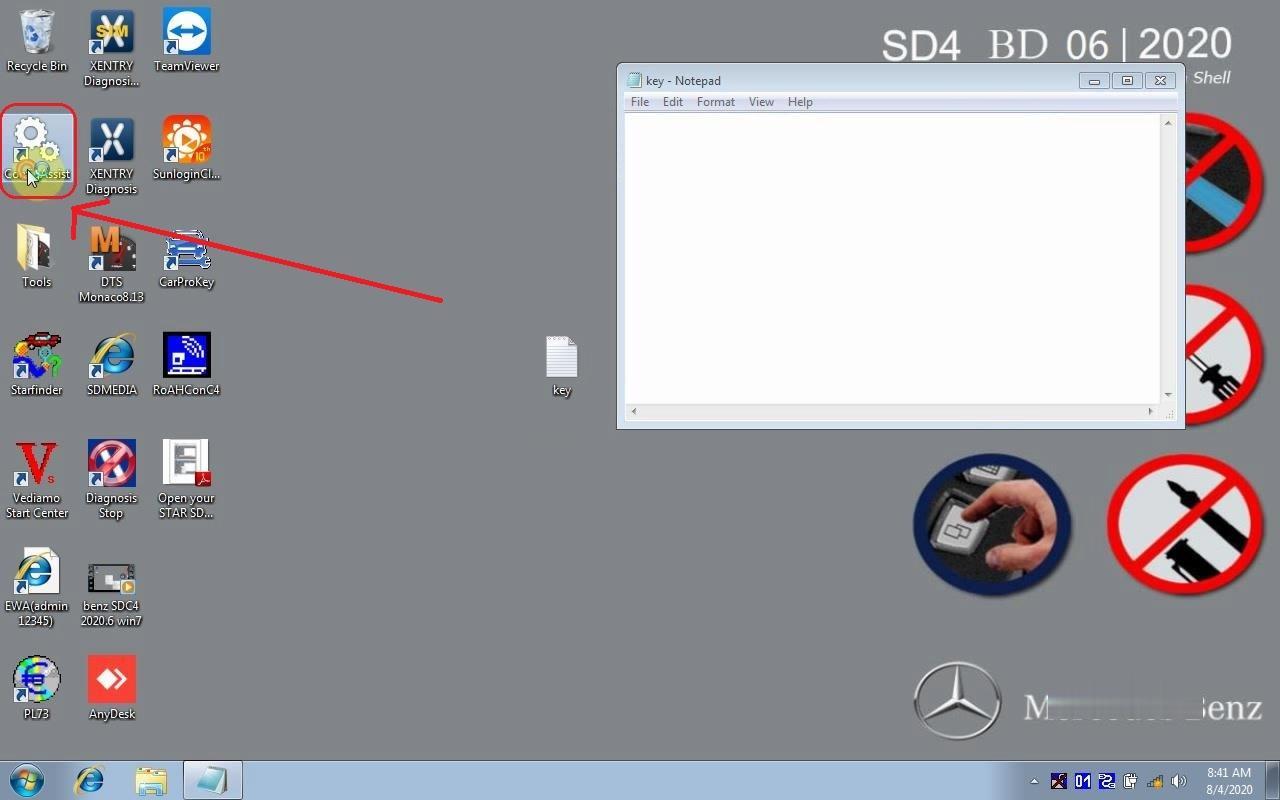
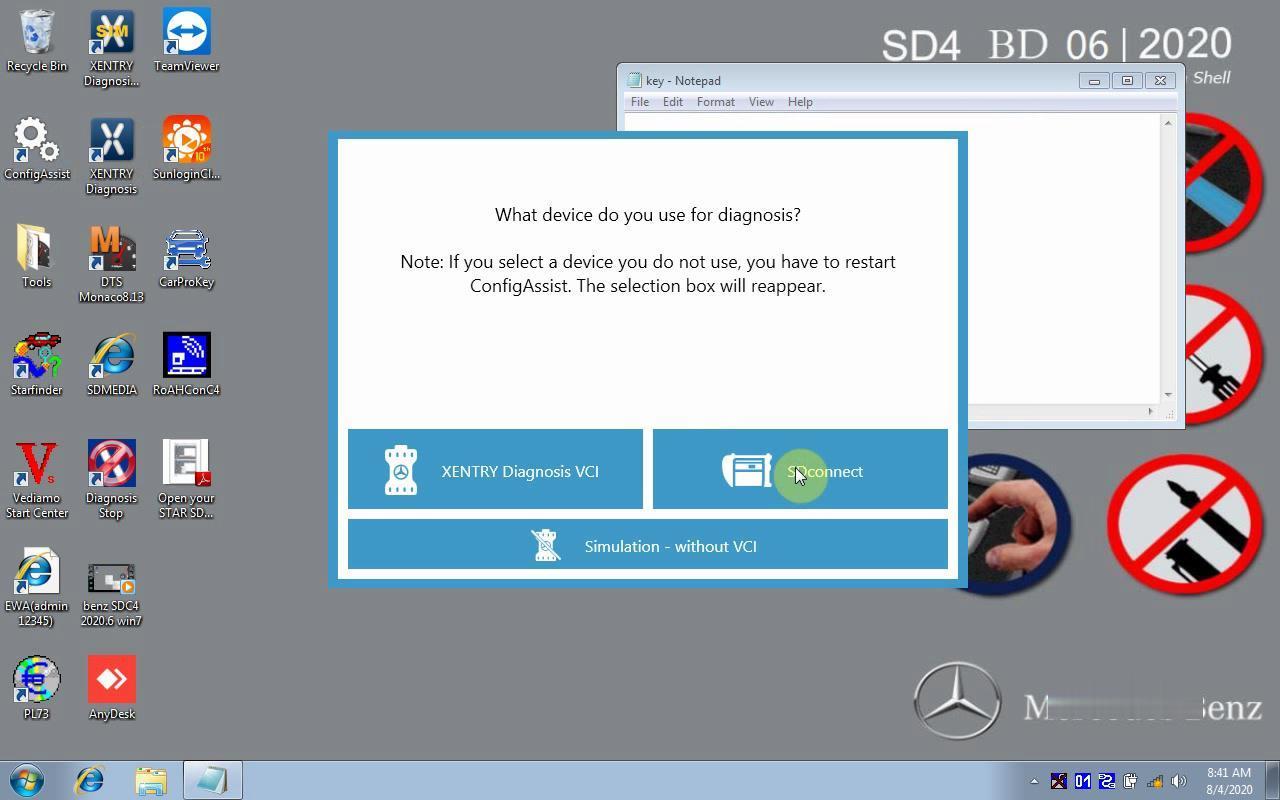
Open “ConfigAssist”on the desktop
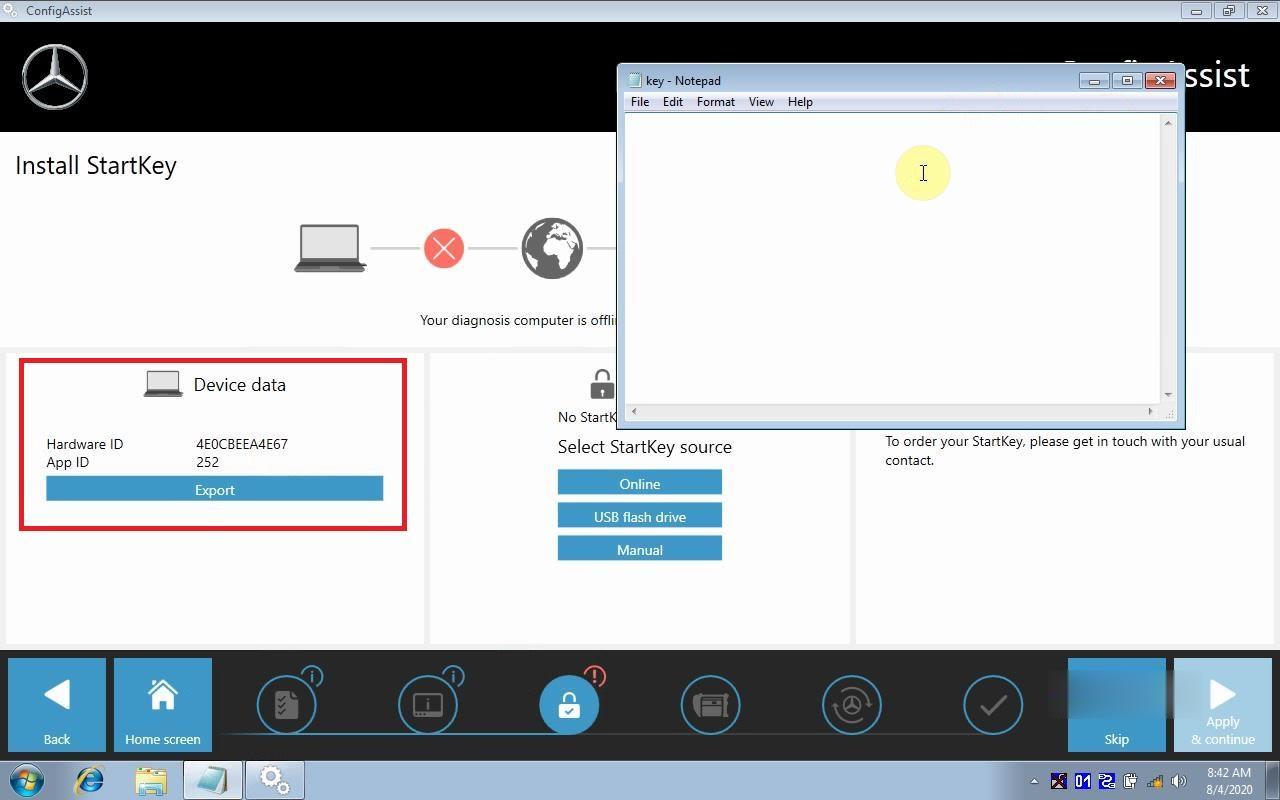
Copy “Hardware ID” and paste it to Notepad
Open “DTS Monaco 8.13” software on the desktop, it will automatically show DTS ID
Copy the ID to Notepad
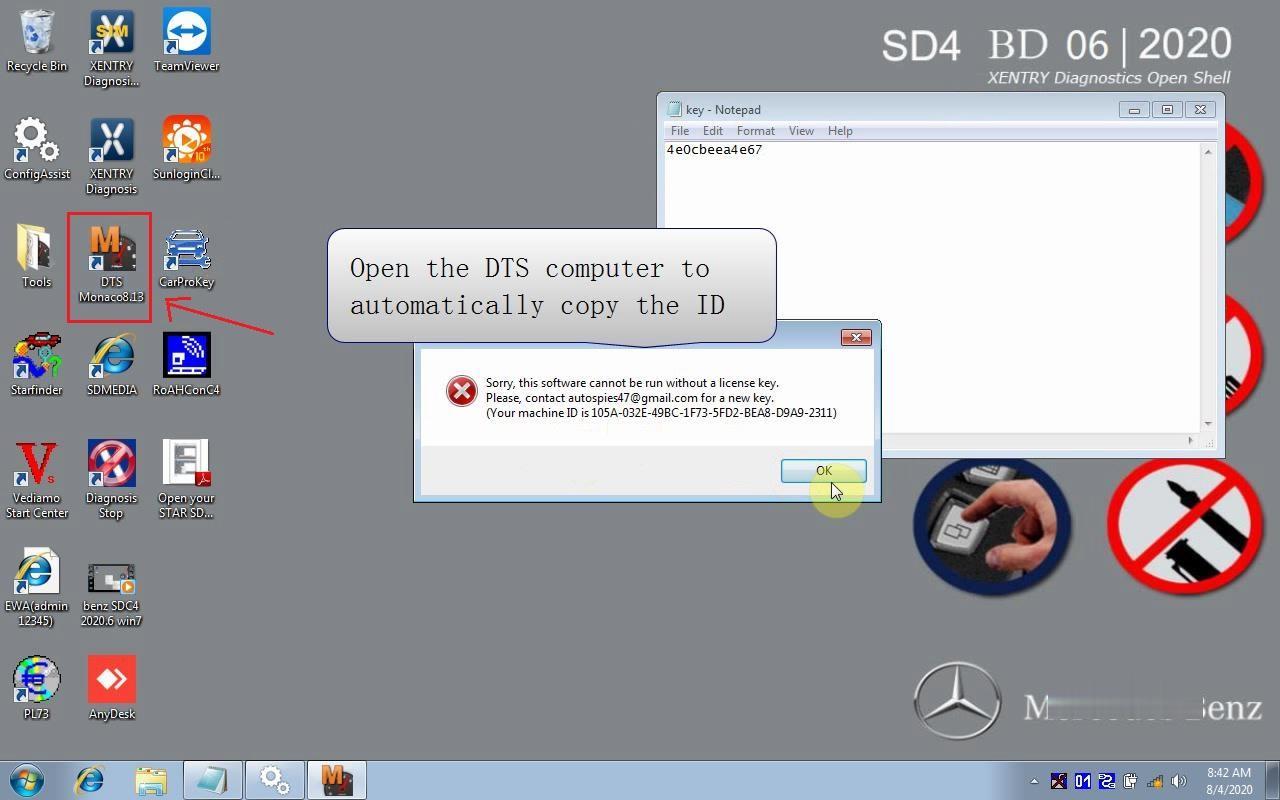
Send both Hardware ID and DTS ID to the dealer cnautotool.com
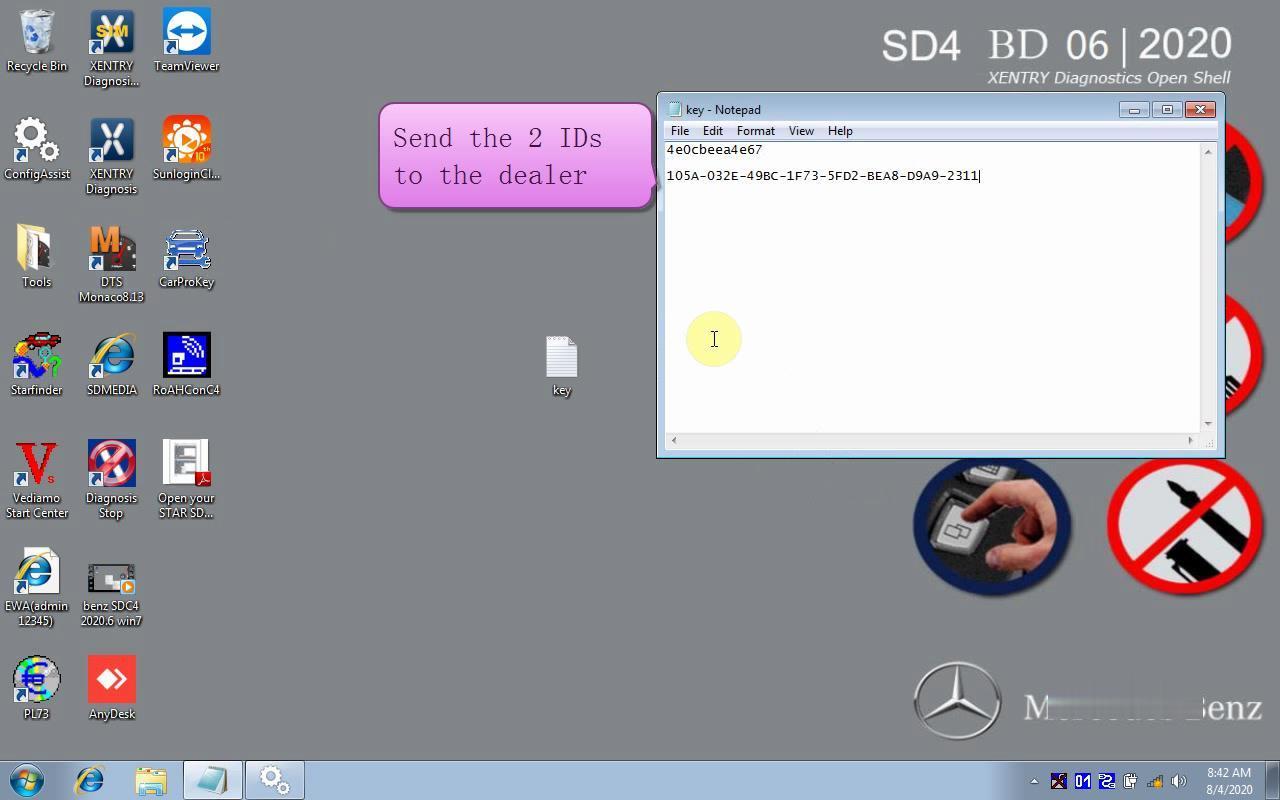
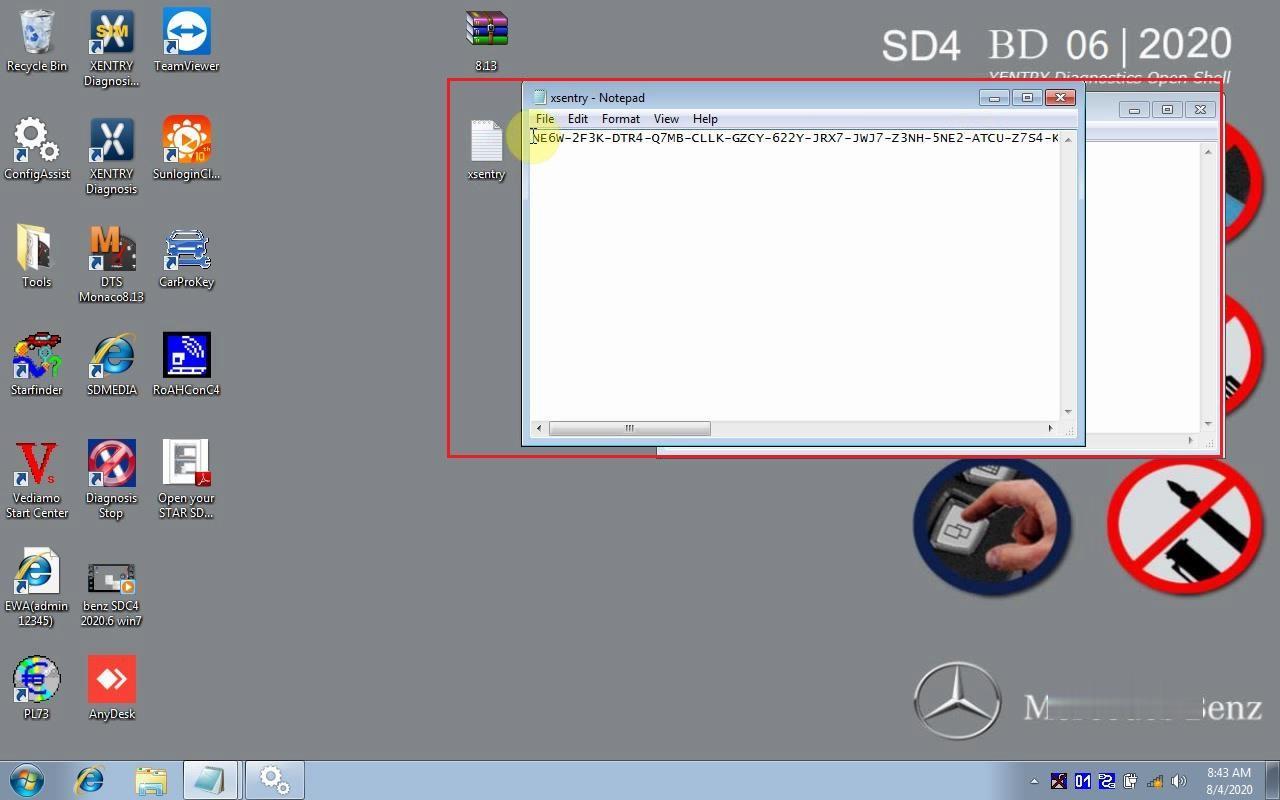
Receive the activation file from the dealer.
Open the activation file and Copy the ID inside
In “ConfigAssist”, choose ” StartKey” ->”Manual”.
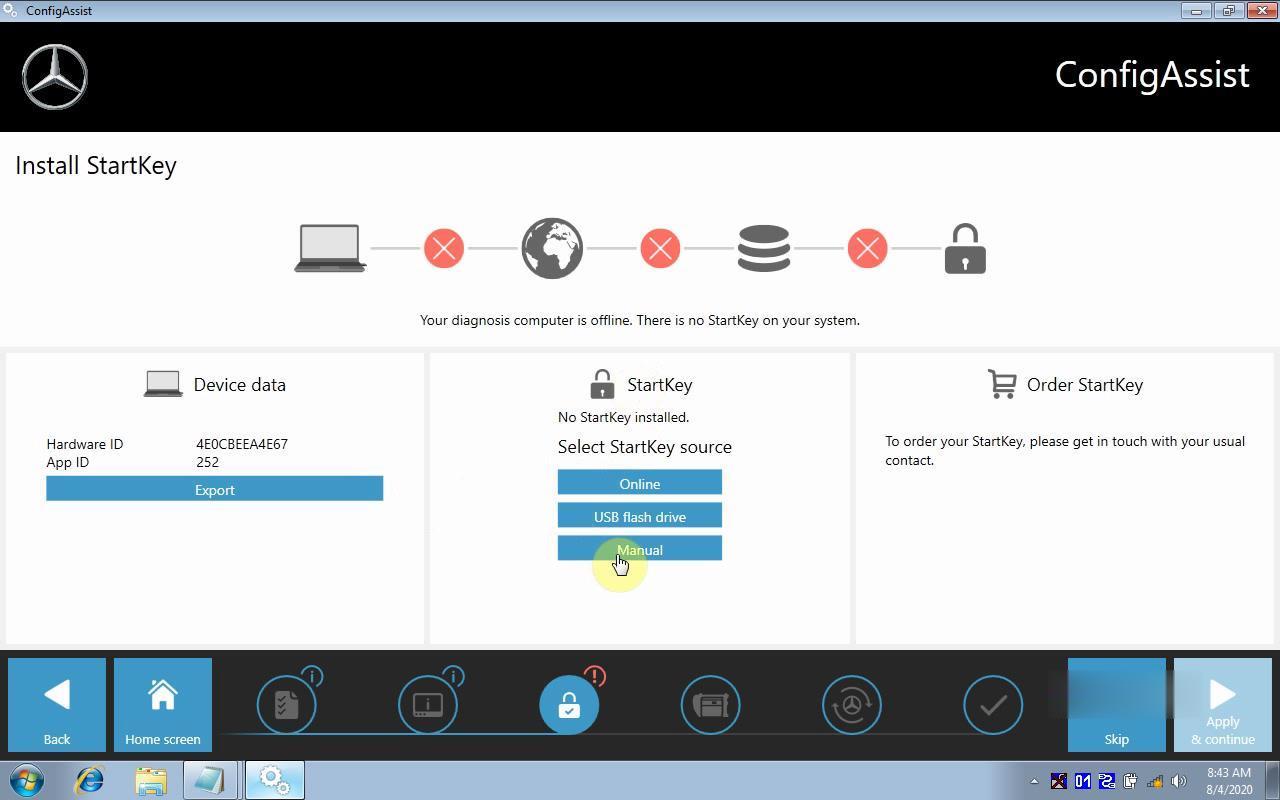
Paste Xentry activation key here and Save
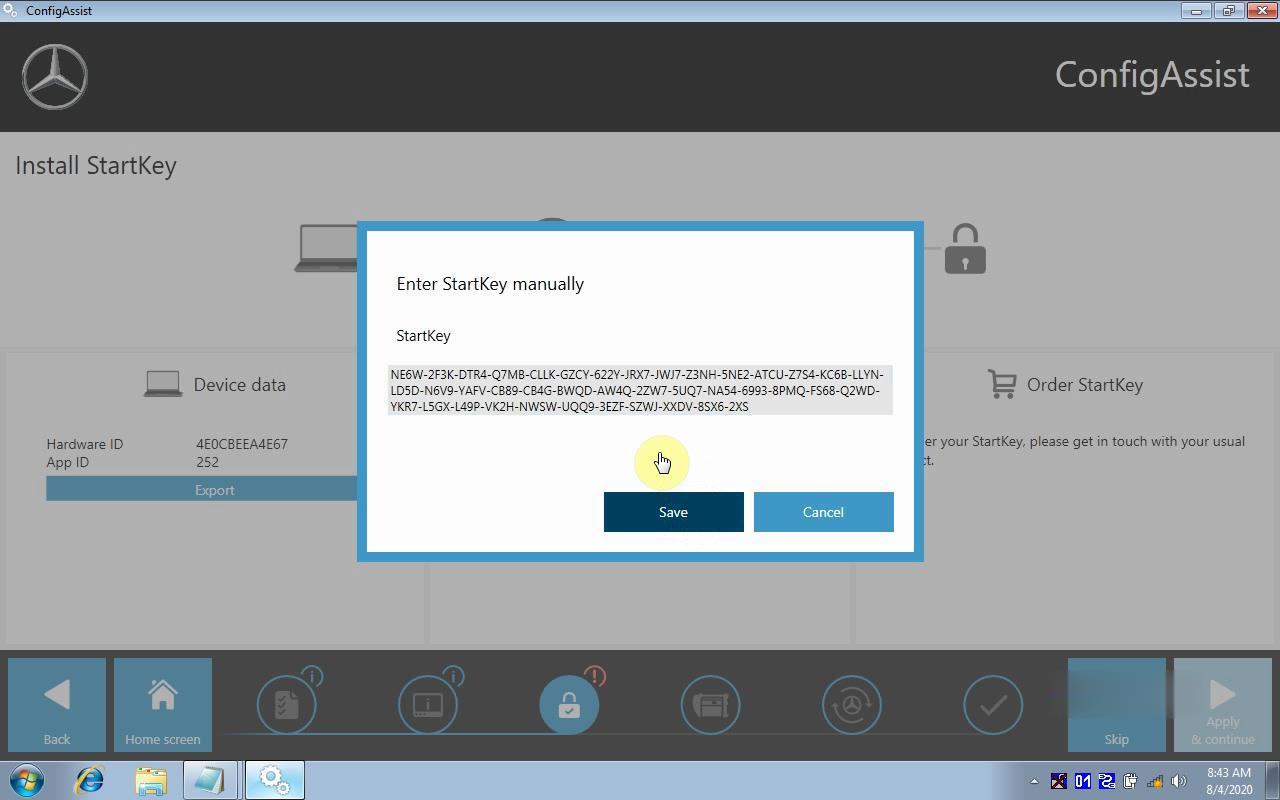
Xentry activation completed.
Part 2. Activate 06.2020 MB Star DTS
Open the “8.13.rar ” activation zip file
Copy the files inside
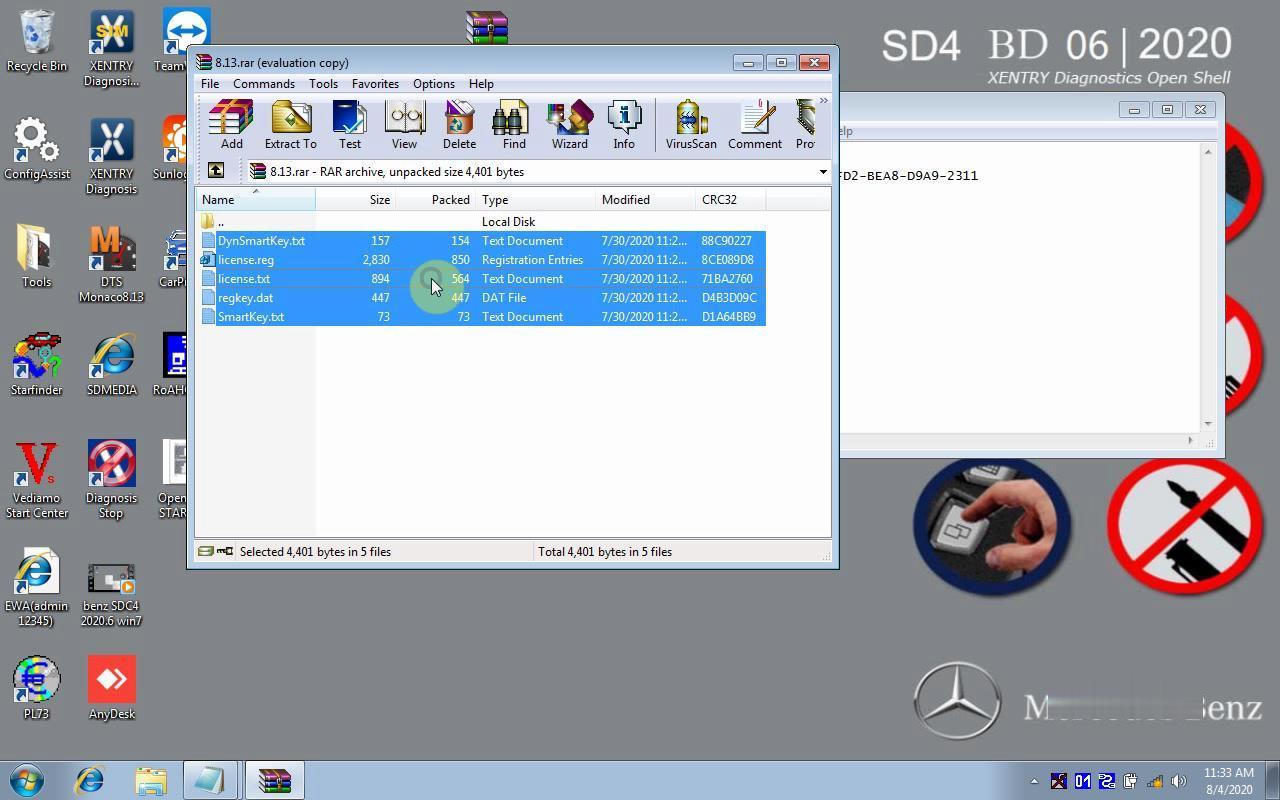
Paste all these files to C/Program Files/Softing/Diagnostic Tool Set 8/8.13 to activate DTS Monaco

Part 3. How to Activate 06.2020 MB Star EPC/WIS?
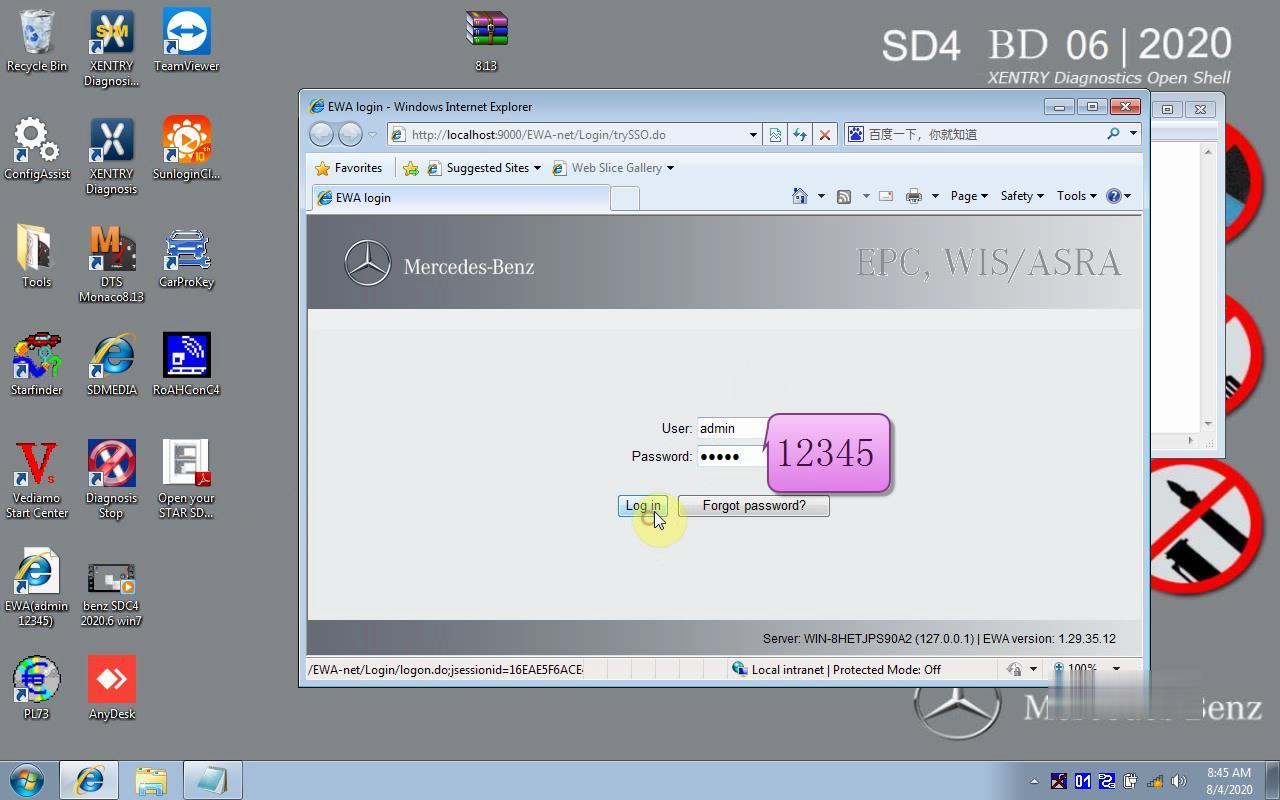
Open EWA on desktop
Enter User: admin and password: 12345
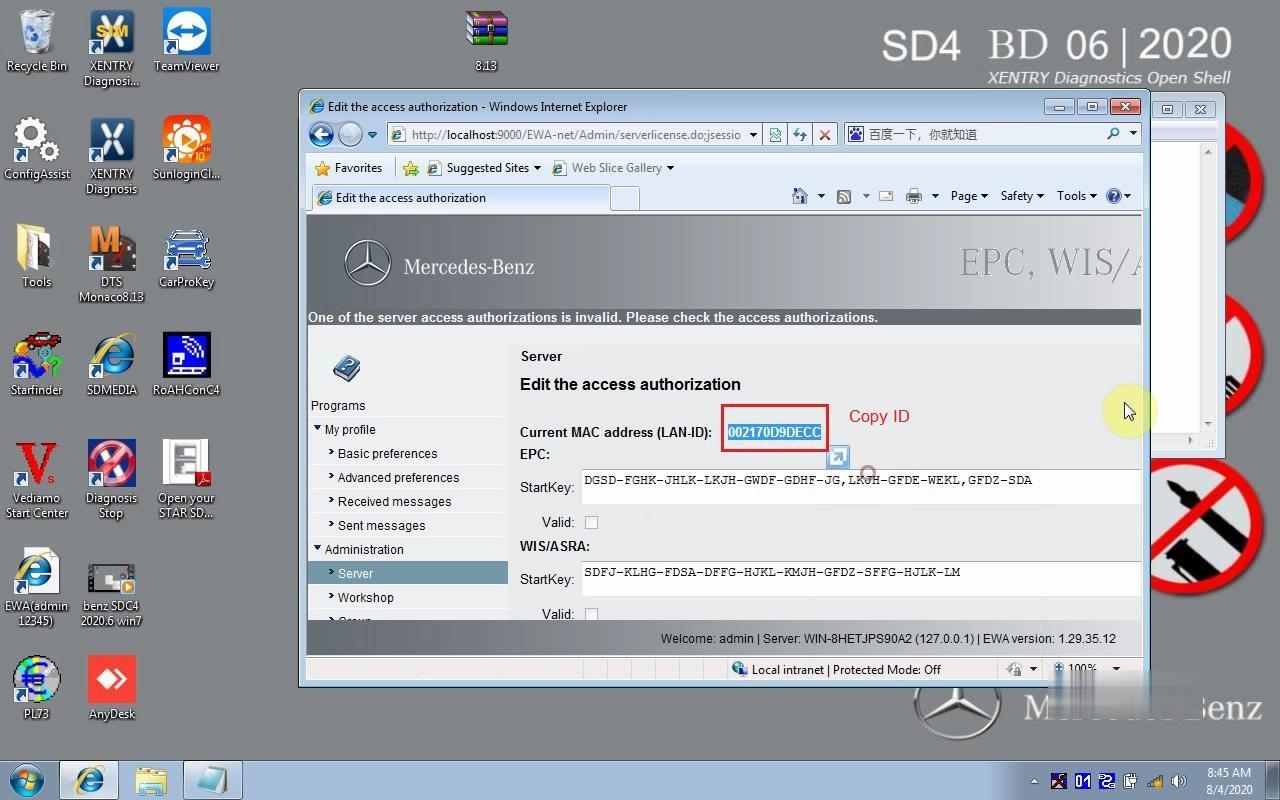
Copy LAN-ID here
Open CarProKey program
Select EPCnet/WISnet program
Paste LAN-ID and generate activation key for EPC WIS
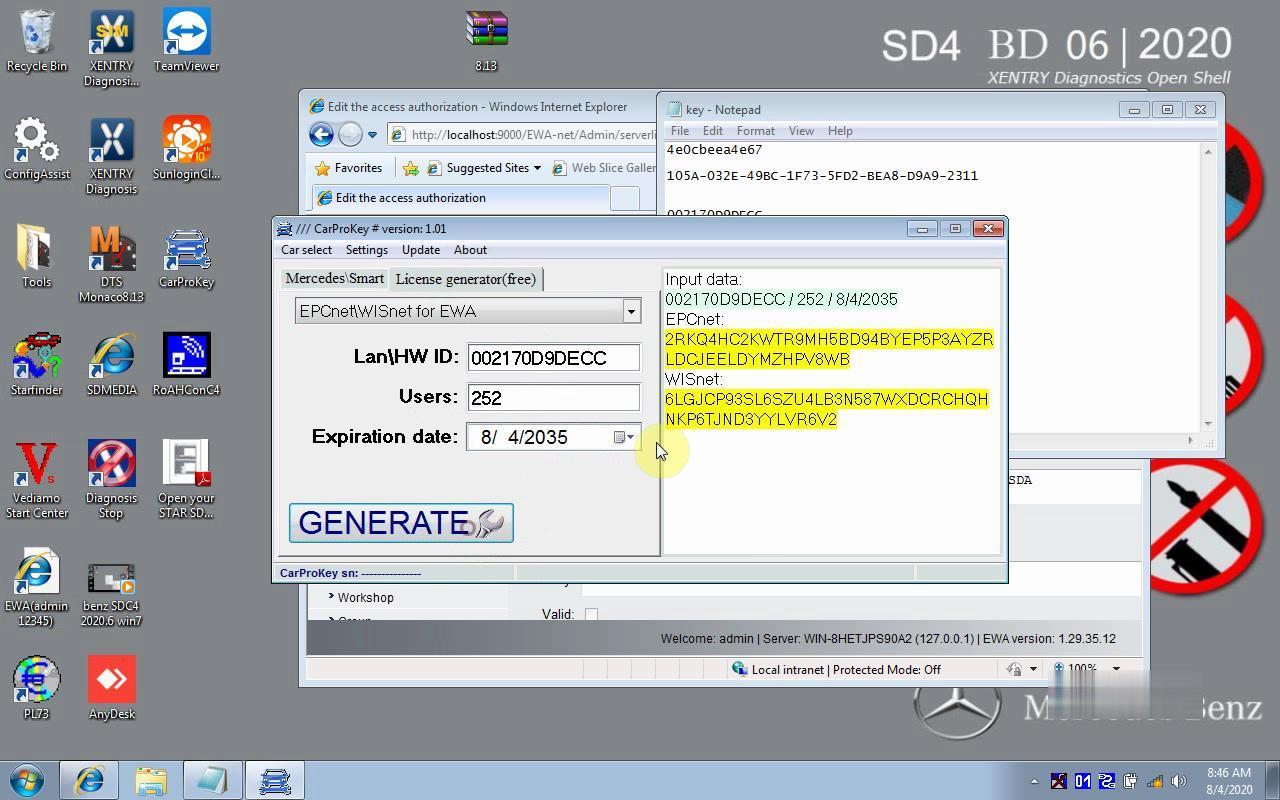
Paste EPC WIS registration key
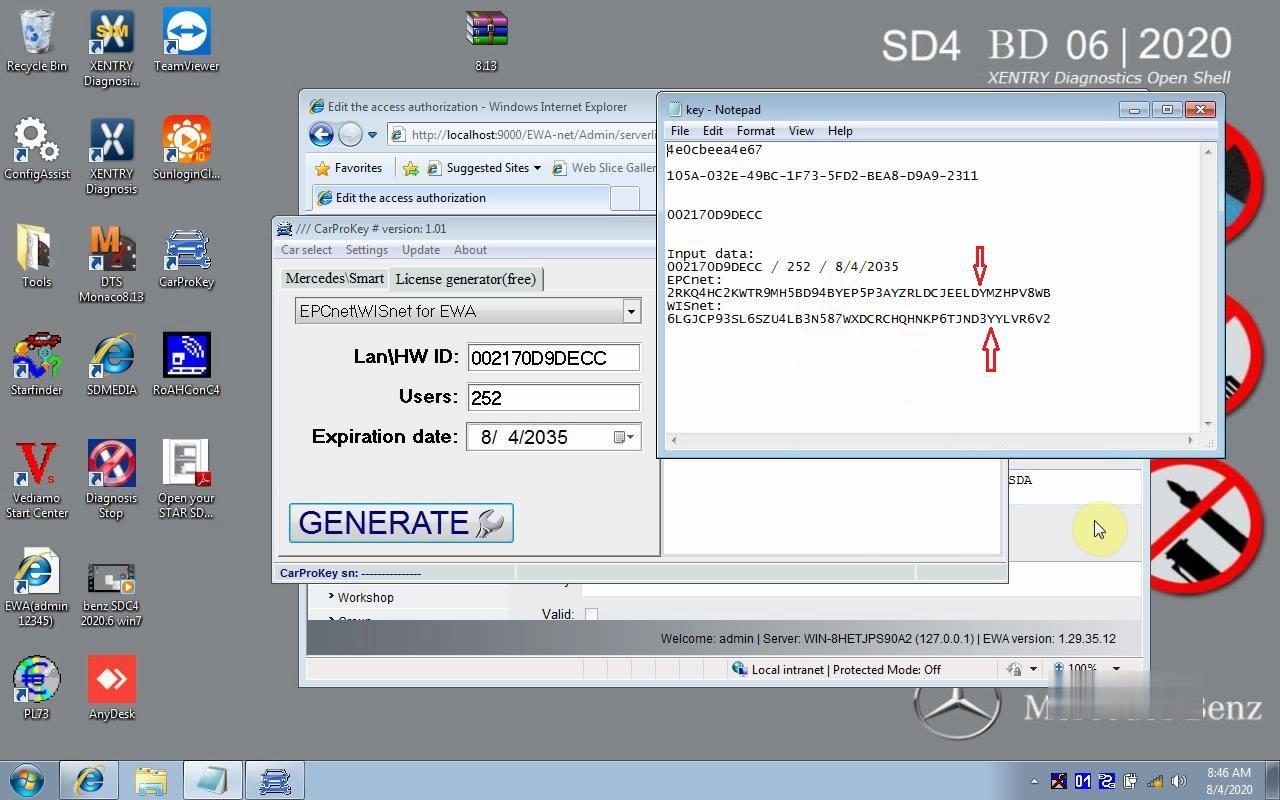
Copy and paste both of them into the activation box. And then Save
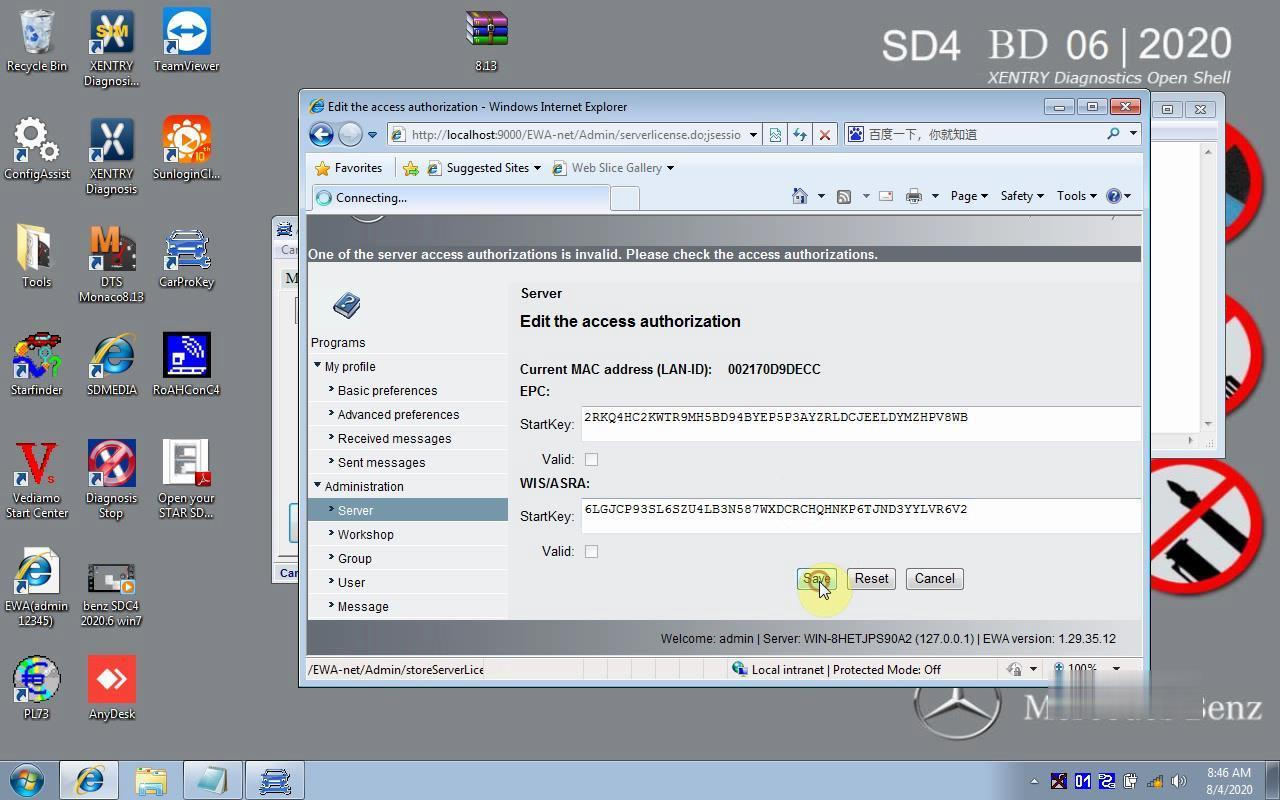
WIS EPC software activation finish.
Now you can connect sd c4/c5 and set IP to use.
