You will need a GM Tech 2 Scan Tool with it’s 32MB card (updated) and the CANdi module.

PROGRAM KEY FOBS
2009 HHR
Install the GM Tech 2 scan tool
Turn ON the ignition with the engine OFF
Power On the Scan Tool
Hit Enter
Main Menu > F0: DIAGNOSTICS
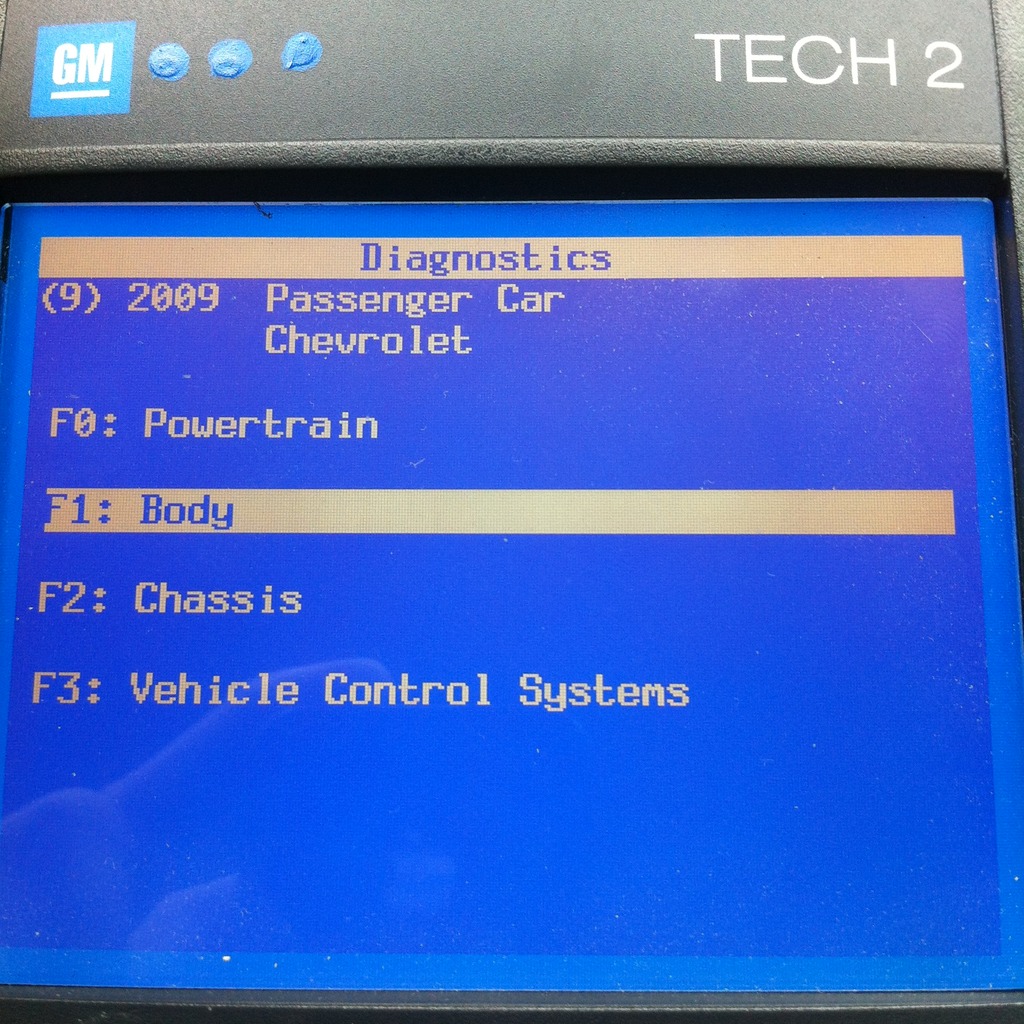
Vehicle identification – Model Year > (9) 2009
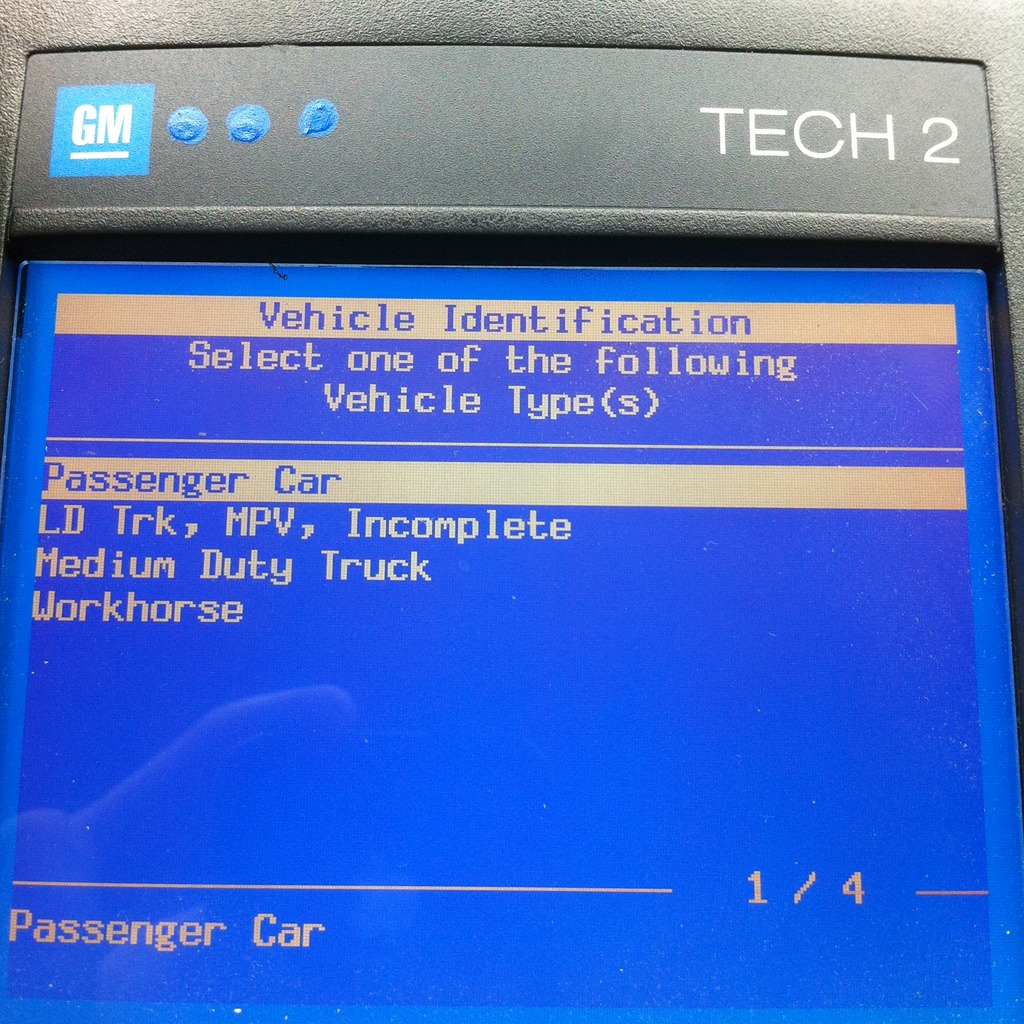
Vehicle identification – Product Type > Passenger Car
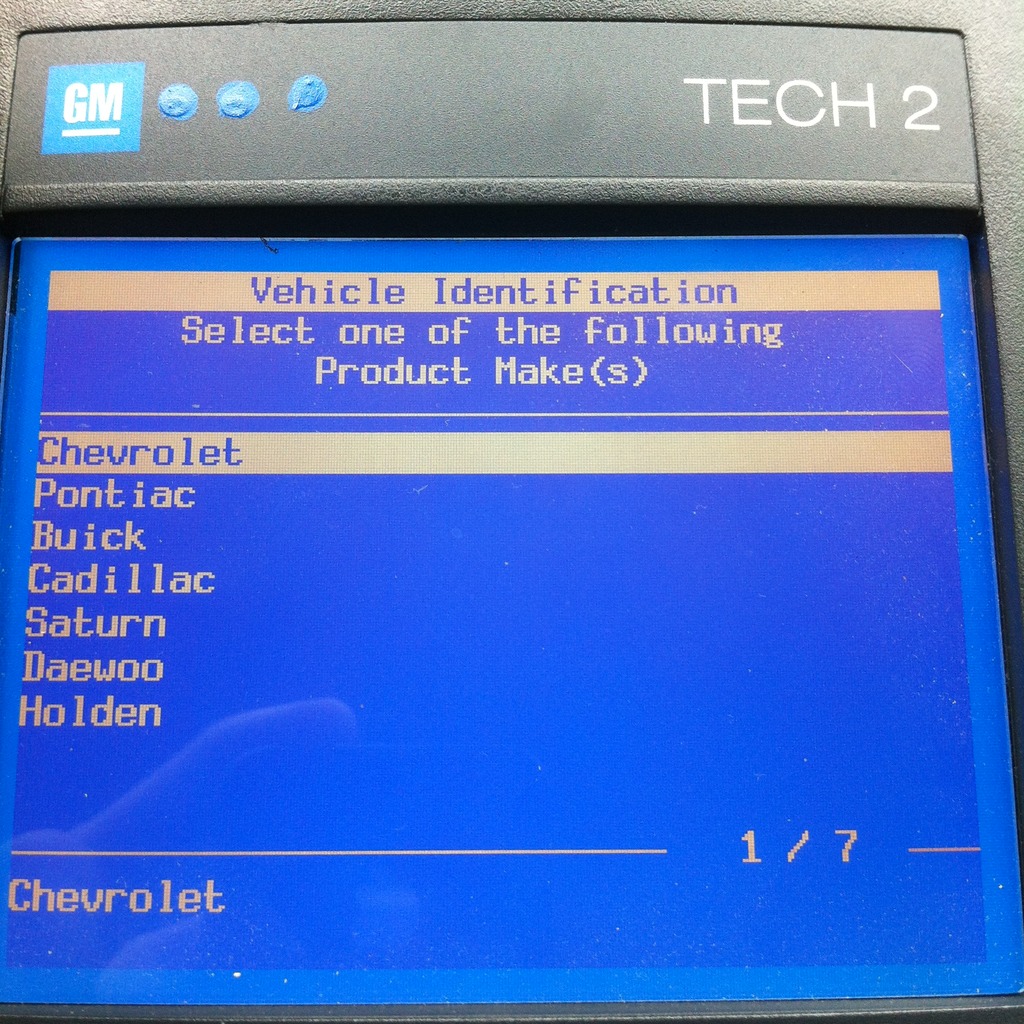
Vehicle identification – Product Make > (1) Chevrolet
Vehicle identification – Product Line > A
Diagnostics > F1: Body
Body> F5: Remote Control Door Lock Receiver
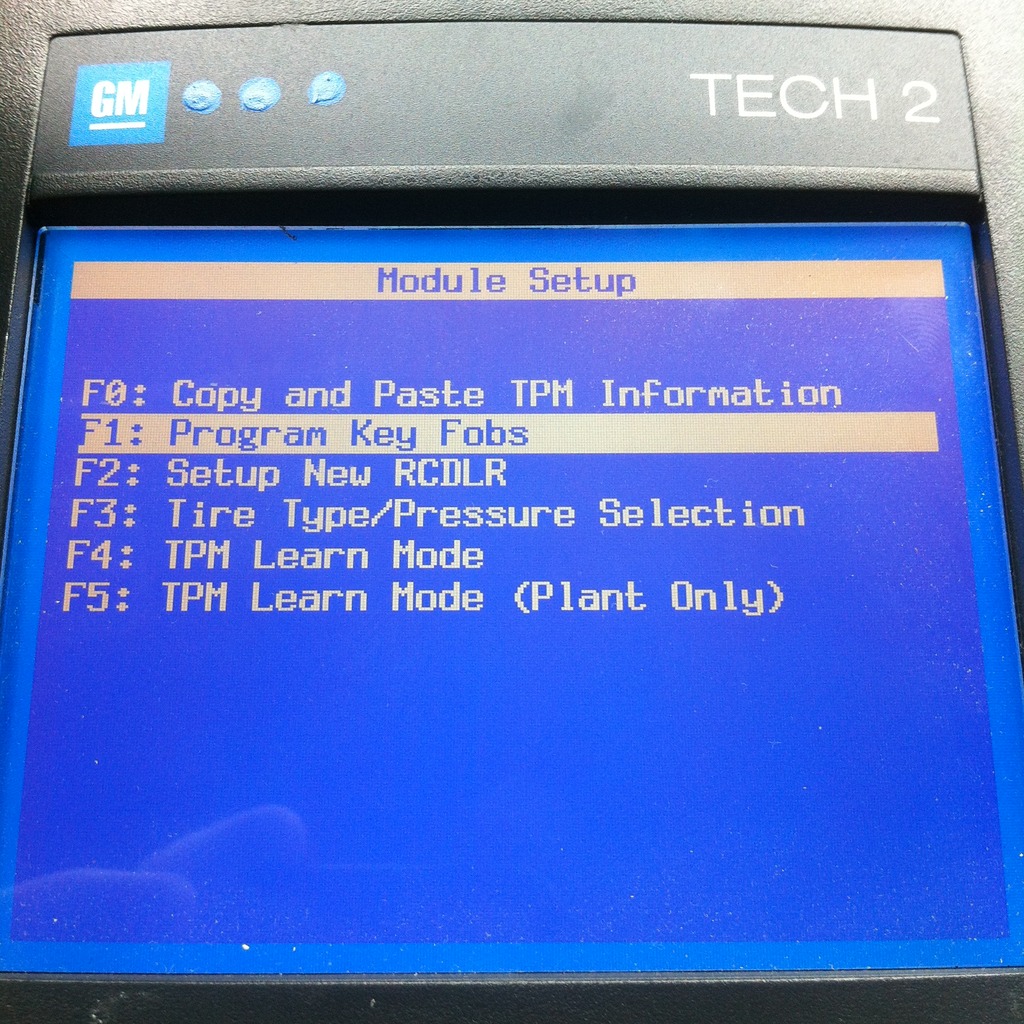
Remote Control Door Lock Receiver > F5: Module Setup
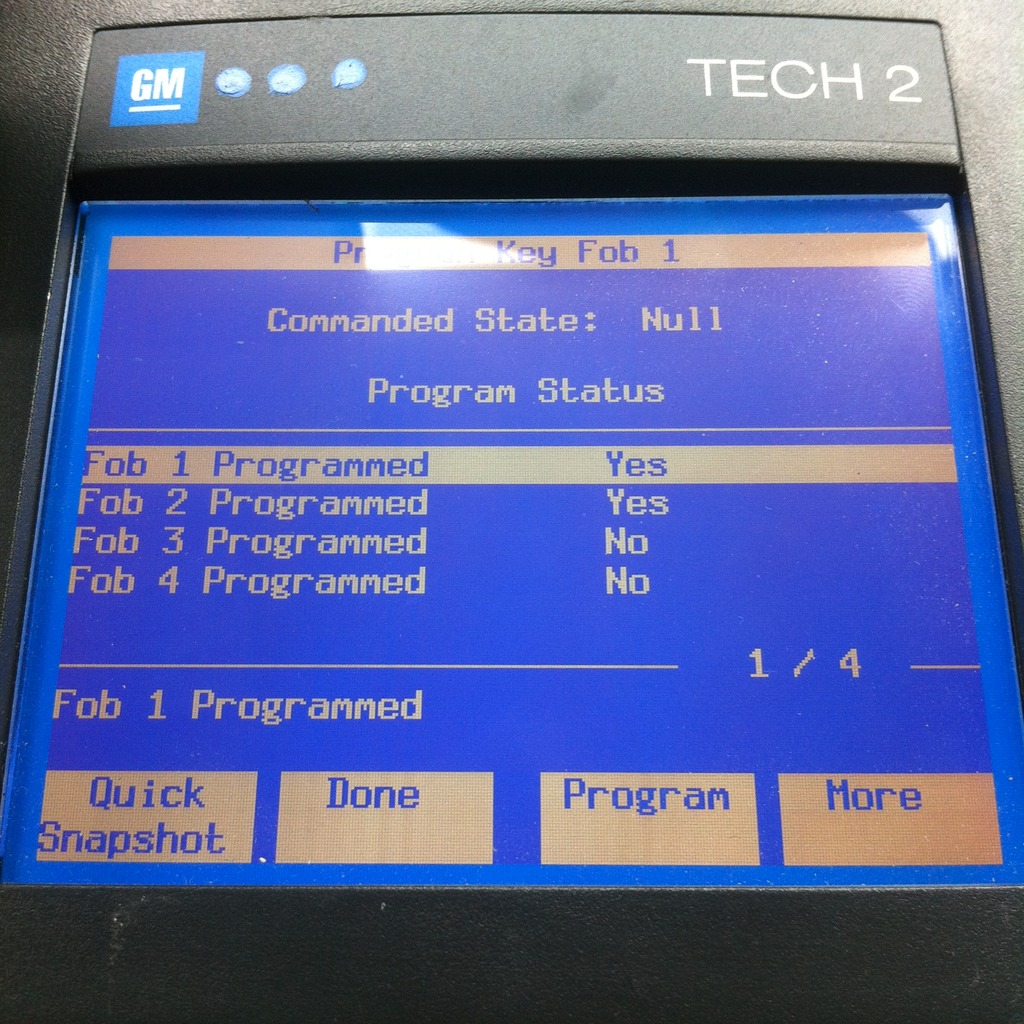
Module Setup > F1: Program Key Fobs
Program Key Fobs > F0: Invalidate all key fobs
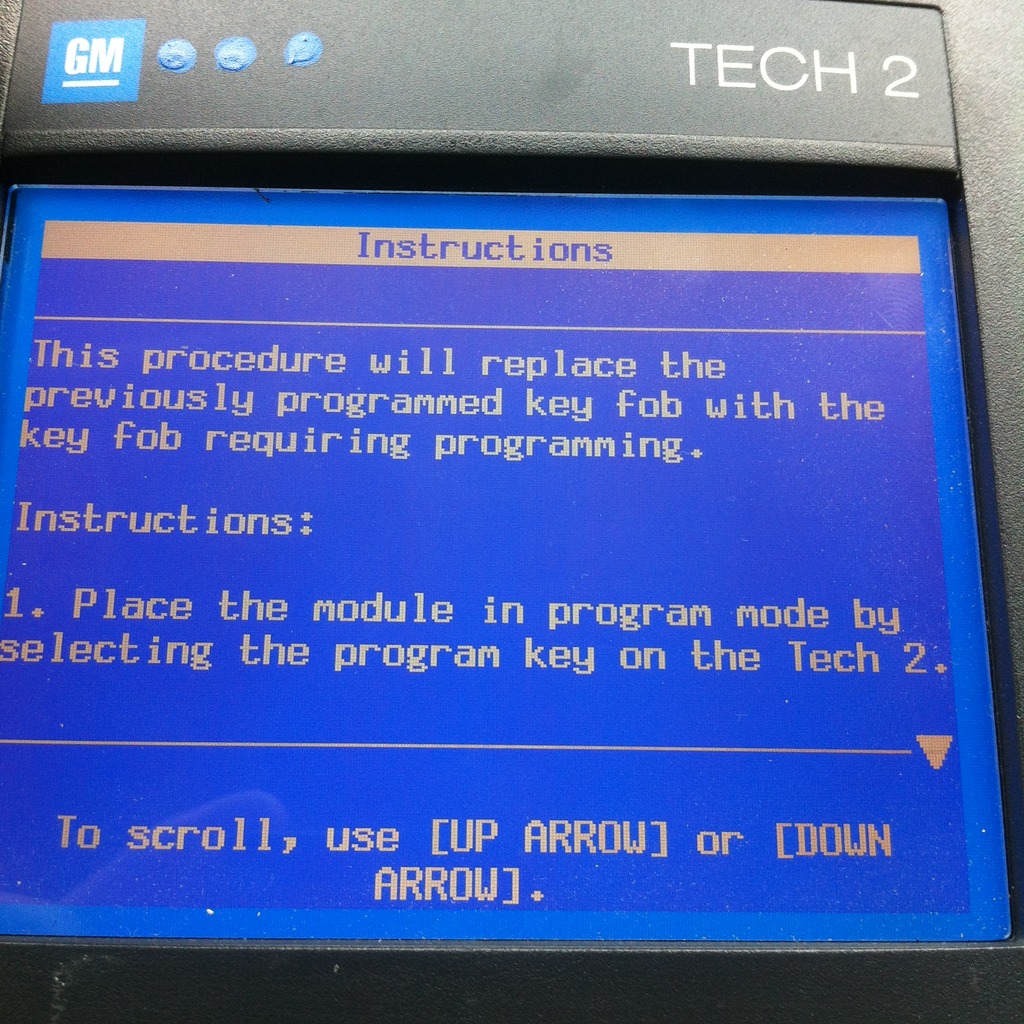
Instructions (Follow Instructions, if it don’t work repeat entire procedure)