CnAutotool.com here provides VXDIAG Subaru SSM3 and SSM4 (Subaru Select Monitor) software free download and installation guide. SSM4 is verified working great with this version.
Software version: SSM3 2020.7; SSM4 V22.60; FlashWrite2 V1.3.4
Operating system: Windows 7, Windows 8 and Windows 10
Compatible device: VXDIAG Subaru SSM3 SSM4 scan tool
Language: English, German, Spanish, French, Italian
Free Download VXDIAG Subaru SSM3 SSM4 2020.7 Software
https://mega.nz/folder/ucIEhR7J#QUGAbagyLLsCslE585Fu2Q
Contains: SSM3 2020.7; SSM4 V22.60; FlashWrite 2
Free Download Subaru SSM4 Patch (Required)
https://mega.nz/folder/zJASHJ6b#FgXQQluqoFyVSKkQ2k5KMw
Main Steps:
Install FlashWrite setup
Install SSM3 setup
Install SSM4 setup
Install VX Manager
Run Patch
Subaru SSM3 SSM4 Installation Procedure:
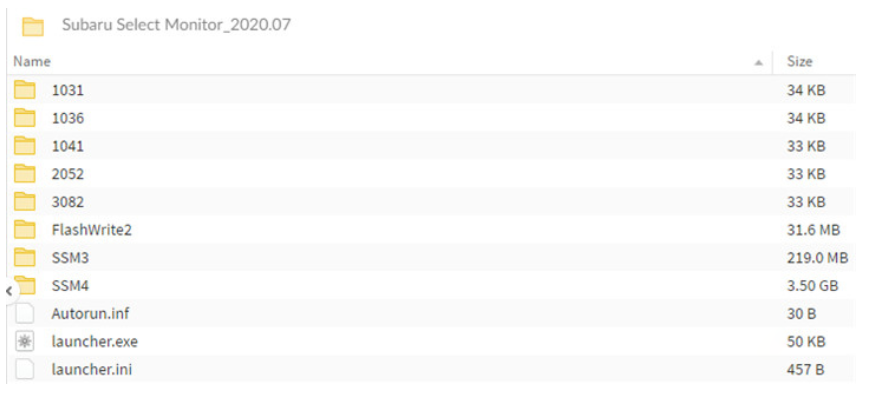
Download, copy and Paste Subaru 2020.7 software folder to desktop
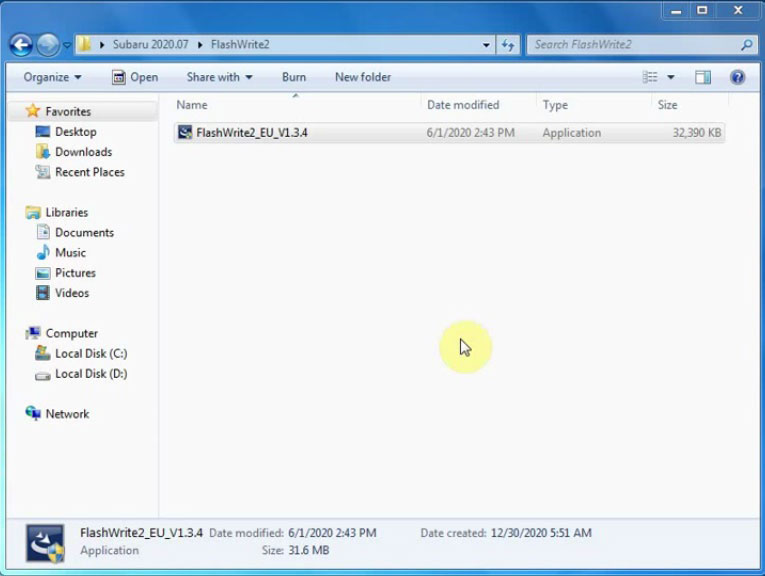
Open FlashWrite2 EU V1.3.4 setup on FlashWrite2 folder
Install FlashWrite2 setup
Accept license agreement
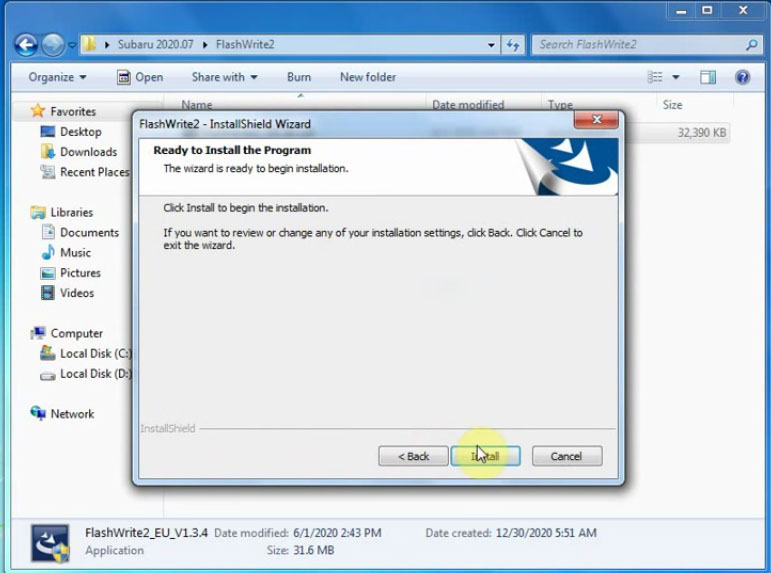
Press Install
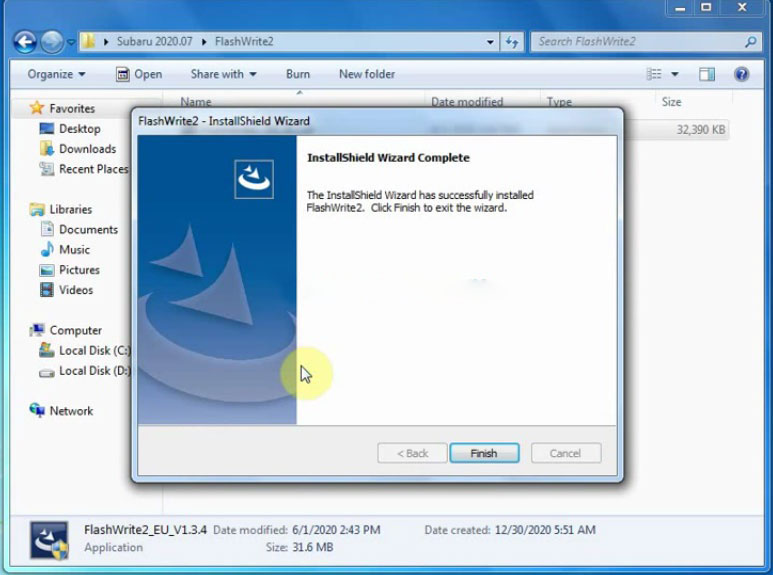
Finish install FlashWrite2 setup
Open SSM3 folder
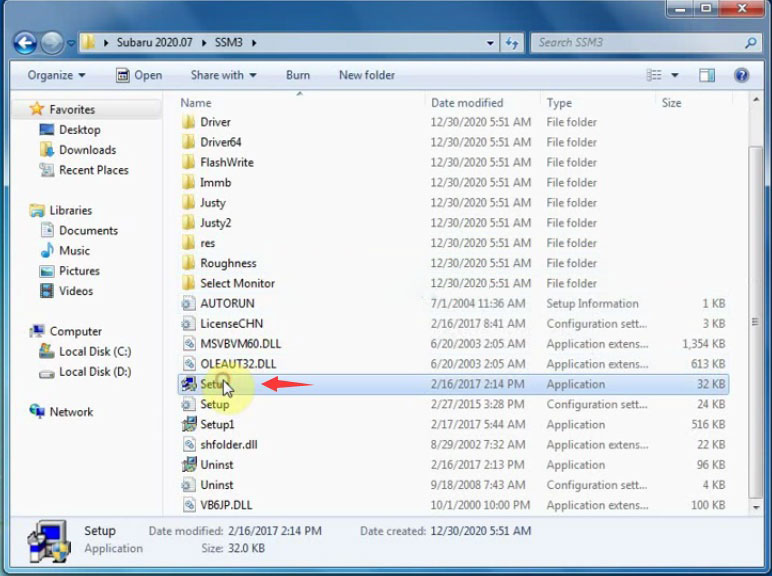
Install Setup
Accept license agreement
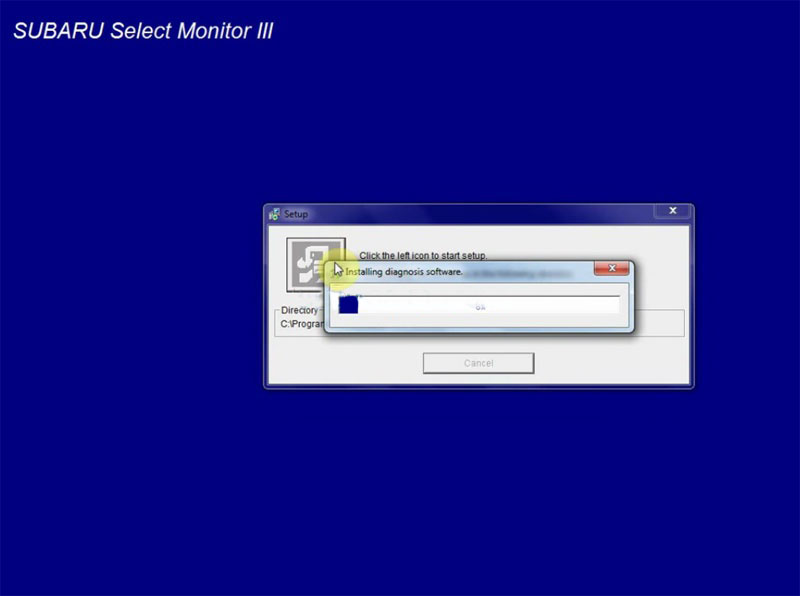
Click the left icon to start setup
Installing diagnosis software
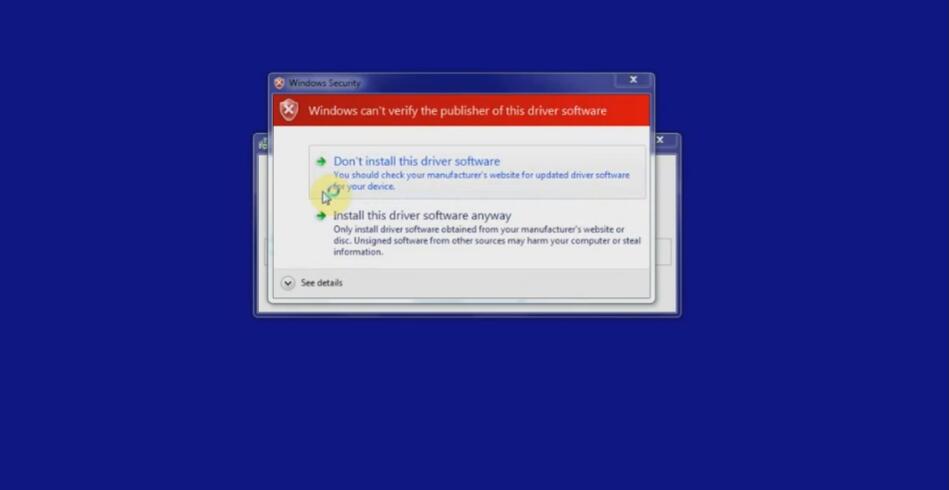
verify windows security warning, select Install this driver software anyway
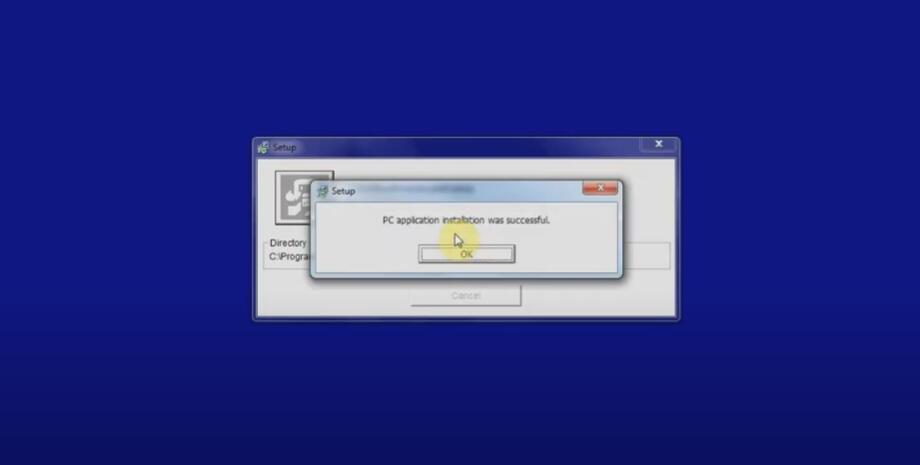
PC application installation was successful.
Open SSM4 folder
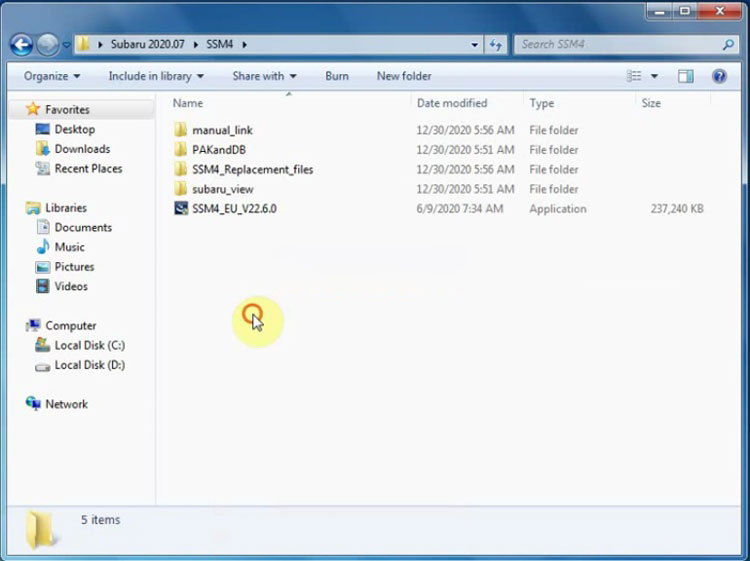
Install SSM4_EU_V22.6.0 setup
Install wizard for Subaru Select Monitor 4, press Next
Accept license agreement
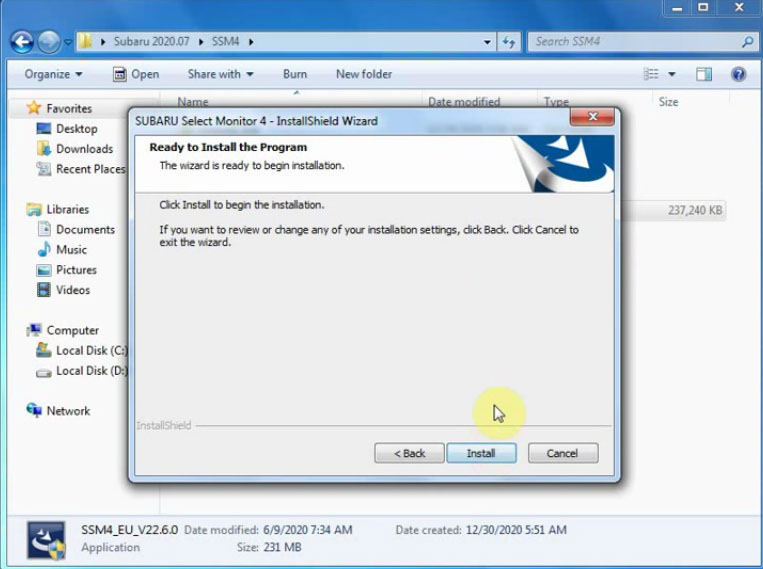
Press Install
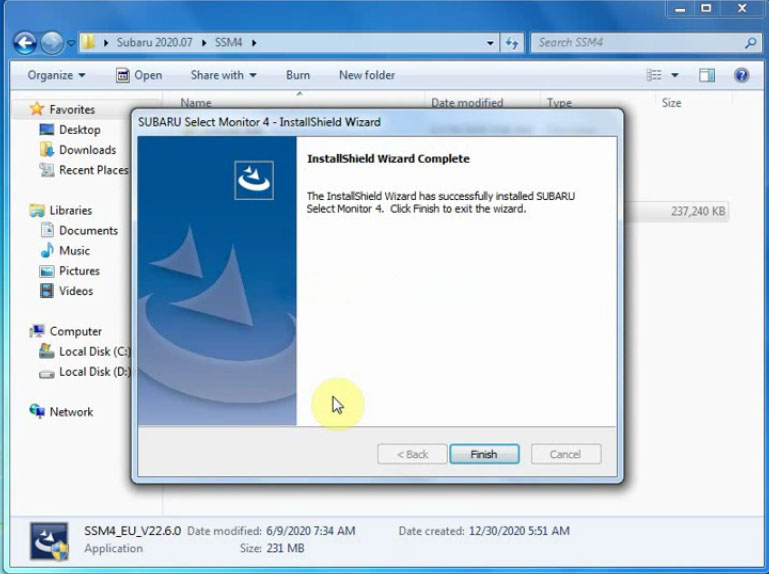
Finish installing SSM4 setup
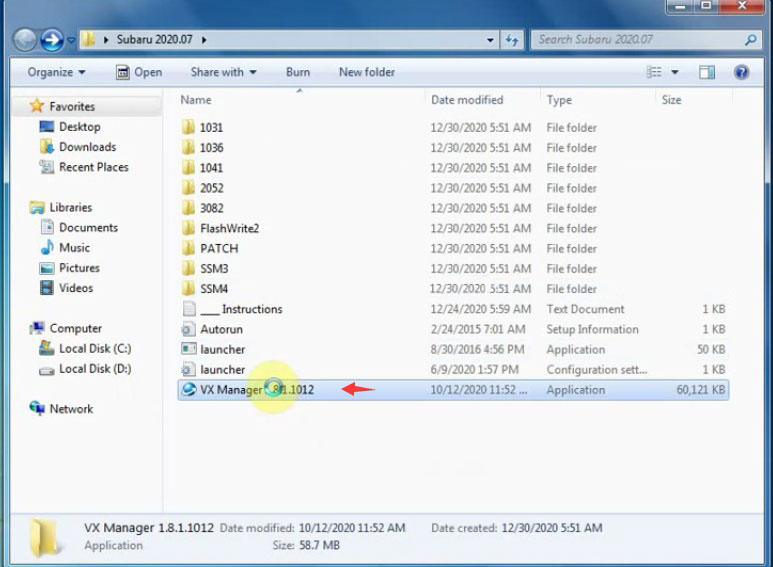
Install VX Manager driver
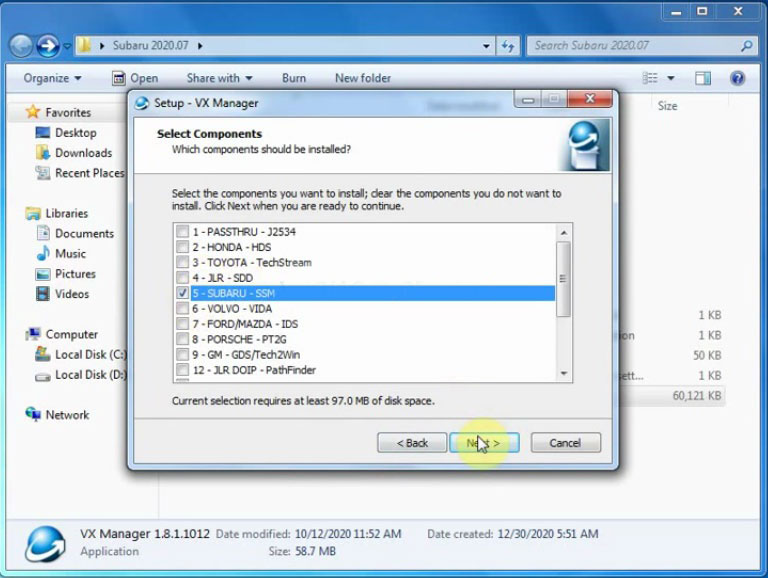
Select Subaru-SSM software to install, press Next
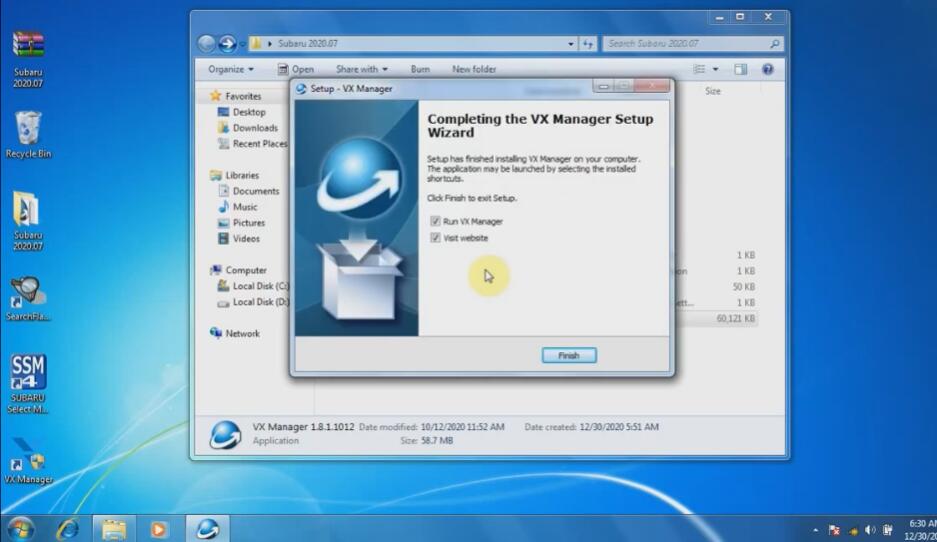
Finish install VX Manager
Connect vxdiag subaru with computer

Install device driver software
Open PATCH folder, copy and paste Subaru patch to desktop
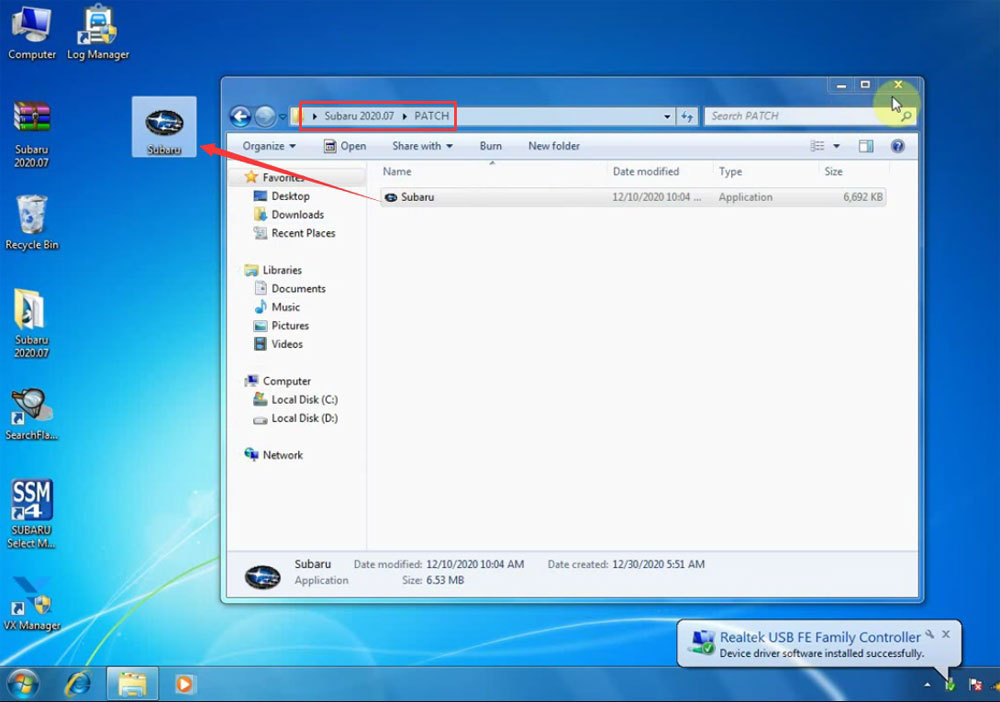
Run Subaru patch on desktop as Administrator
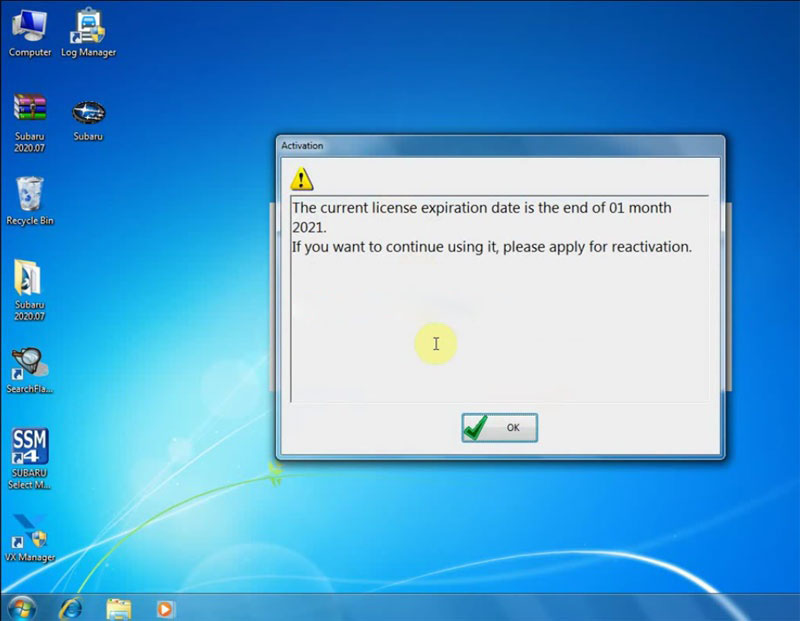
Is SSM3 prompt license expiration information, don’t worry, you can renew your license by provide S/N number to vxdiag engineer
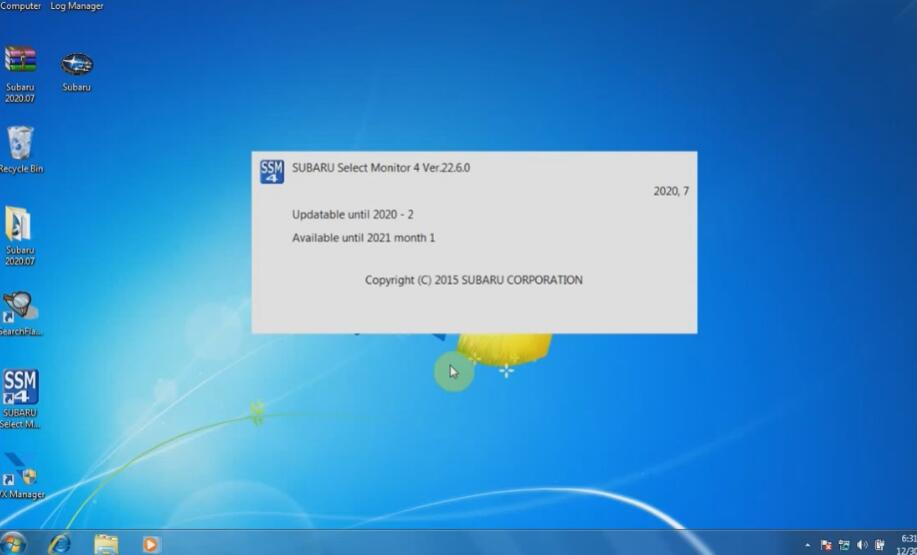
Select Region
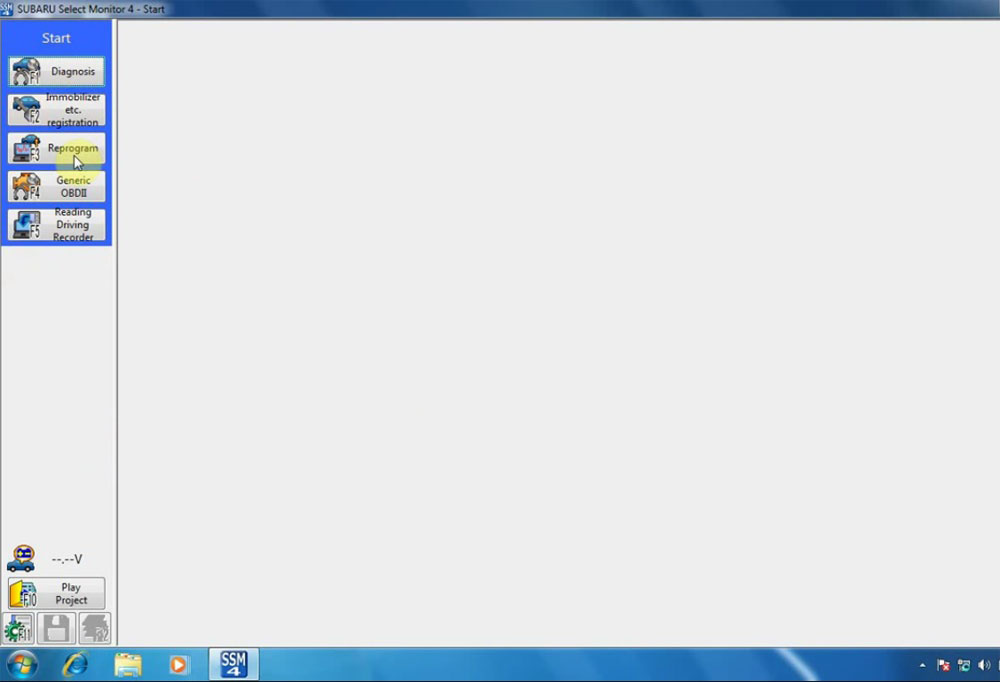
Now Software is ready to use.
