How to use Autel MaxiIM IM608 or IM508 to read and backup data ether diagnostically or with the programmer.
Here is the guide of How to Export Files and Data from IM608 IM508 to Loptop.
Go to Home menu.
Open ES File Explorer ->Scan folder->sdcard folder->Scan folder-> UserData folder
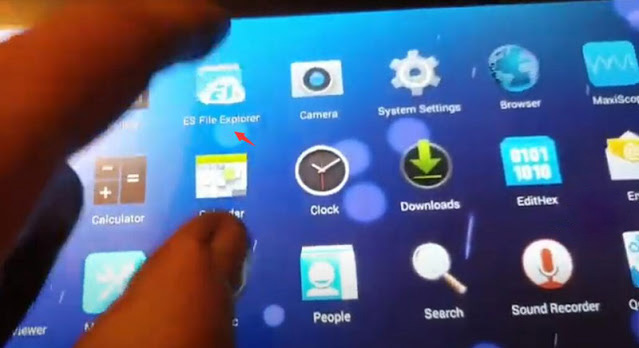
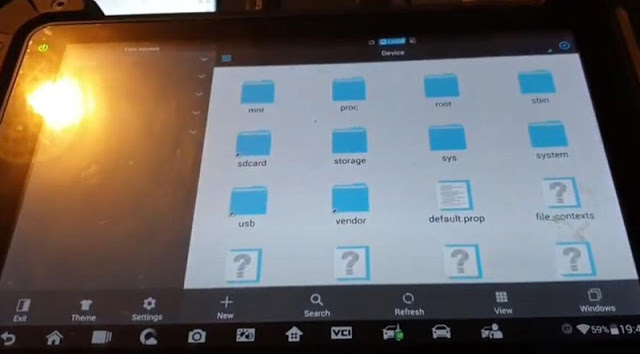
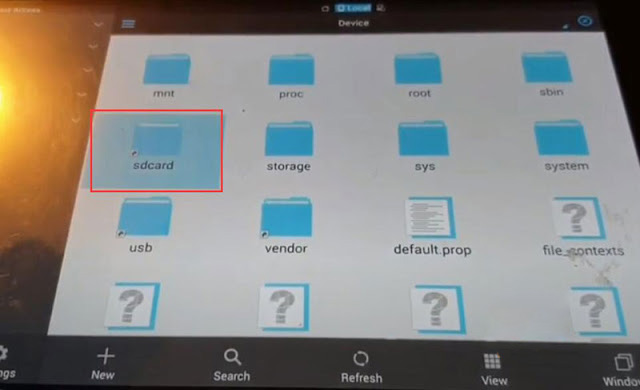
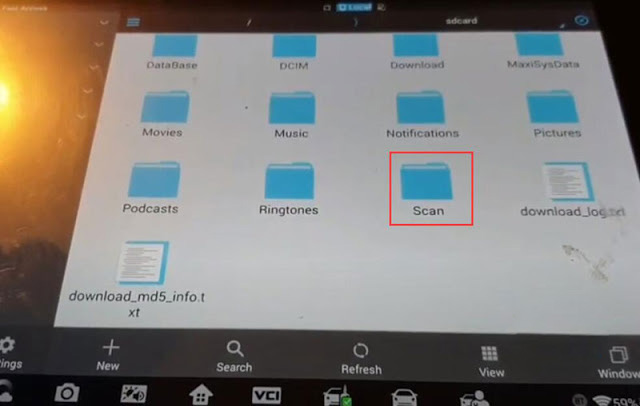
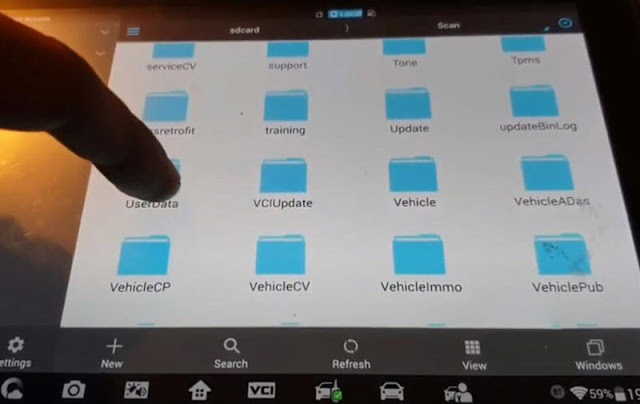
Here is where data exists.
Go to Programmer folder,
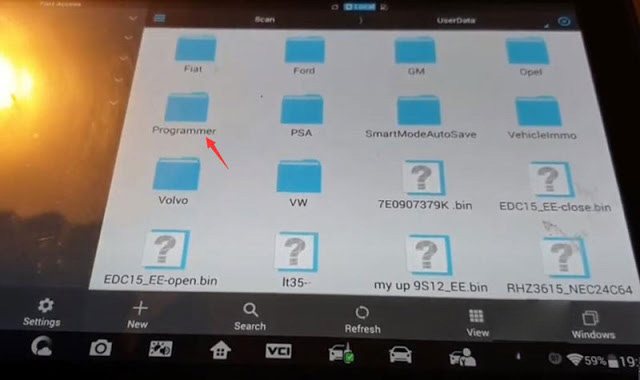
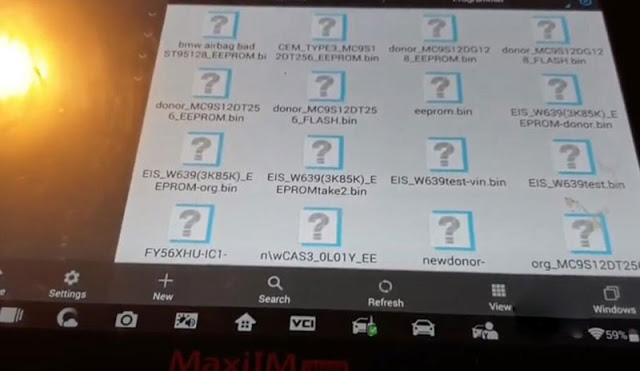
You can see chip data saved.
Mount the data you desired to export
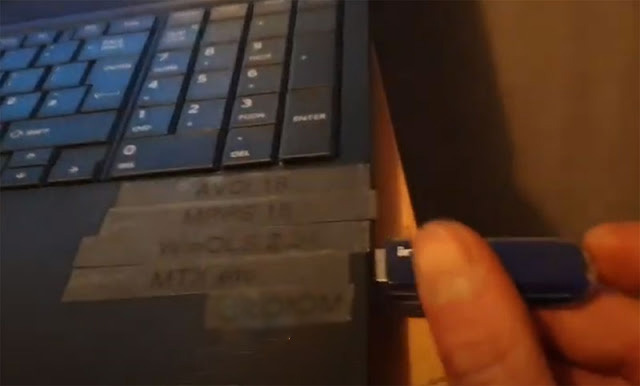
Insert USB disk into IM608/IM508
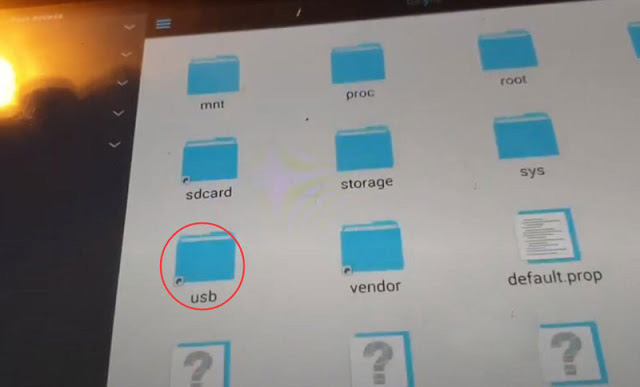
Go to usb folder
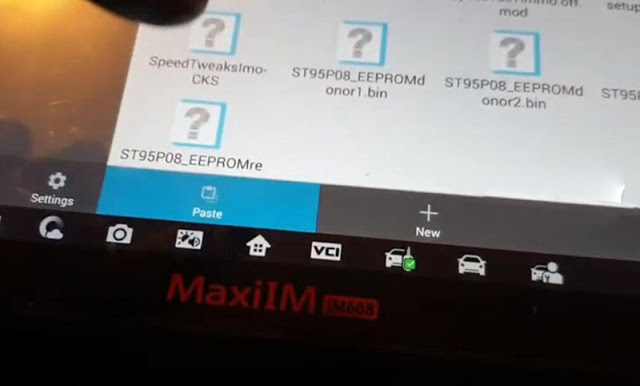
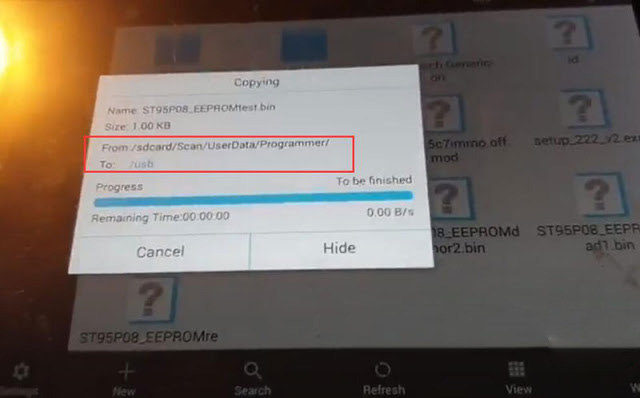
Paste the data here (usb folder)
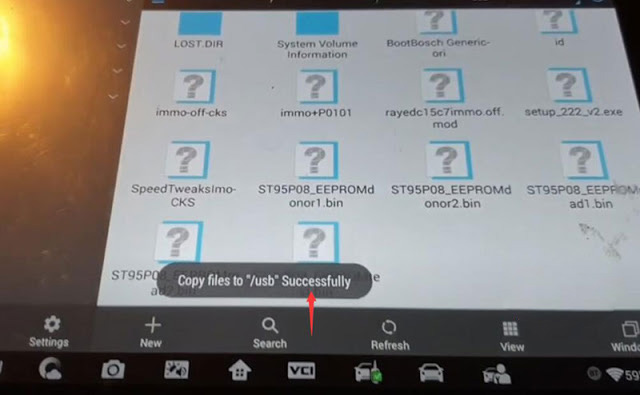
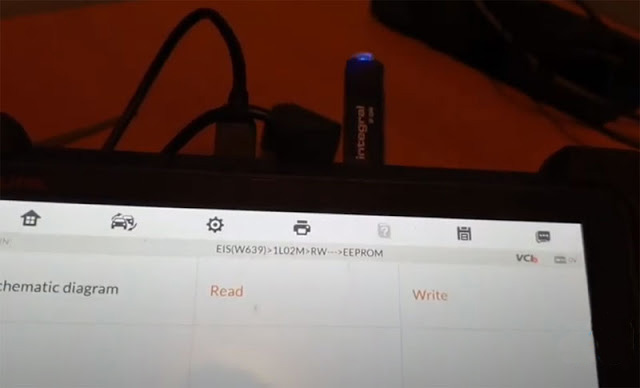
Then insert usb disk to laptop and export data to PC.
If you want to learn more about Autel Scanner, please visit our website Cnautotool.com
