Yanhua Mini ACDP programming master with KVM module 9 can support adding key and all keys lost for new Jaguar and Land Rover 2014-2018 no need soldering. Here share the related guide with ACDP users.
Preparation:
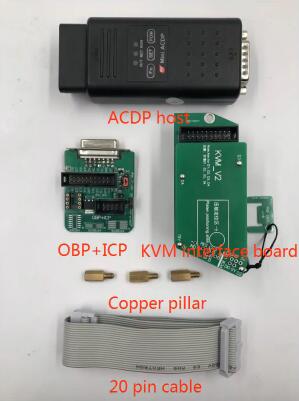
ACDP host
OBP+ICP adapter
KVM interface board
Copper pillar
20 pin cable
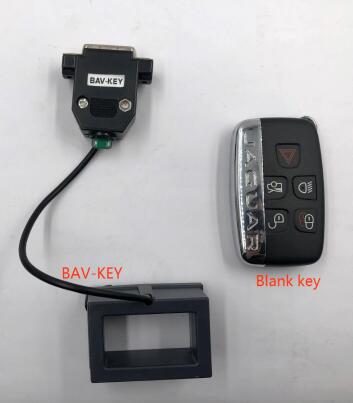
BAV-key
Blank key
KVM module (where is the position of KVM module in the car? See the procedure below)
Procedure:
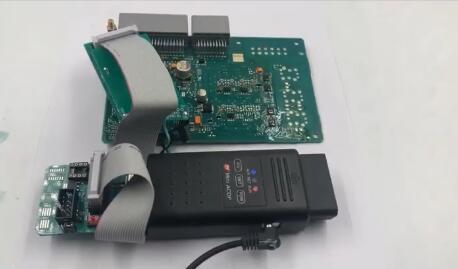
Step 1: Connect all the devices
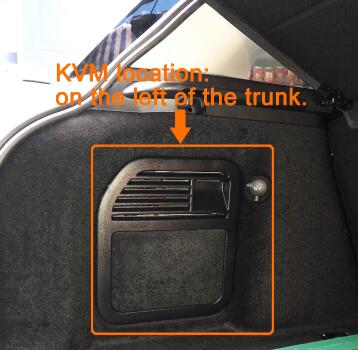
Open the trunk of the Jaguar/ LANDROVER
Find the location of KVM on the left and remove it
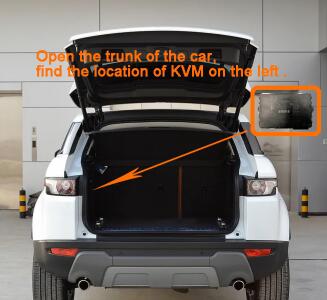
Note: Land Rover’s KVM module is generally located on the left side of trunk in the car
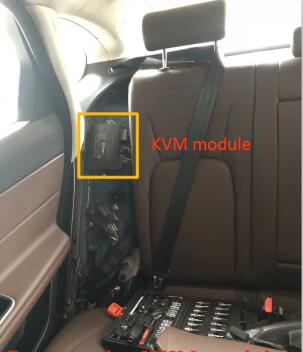
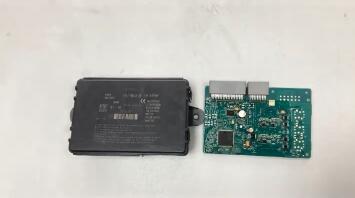
Open the KVM module shell and remove the PCB
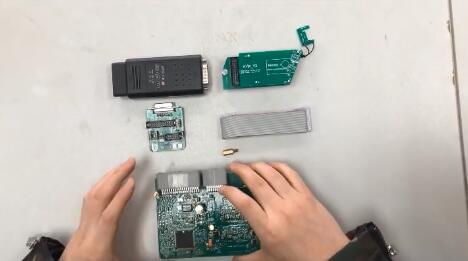
Install KVM copper pillar
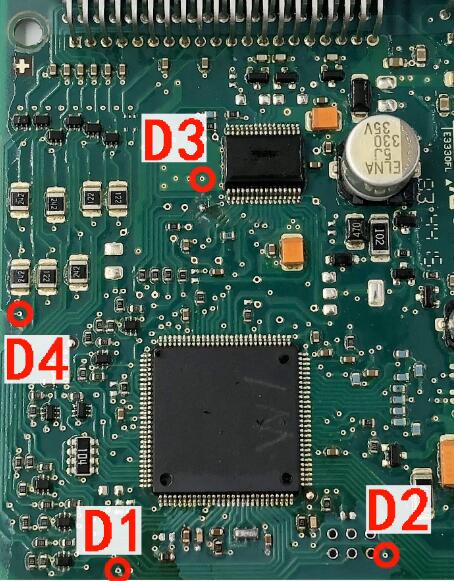
D1-D4 regional figure
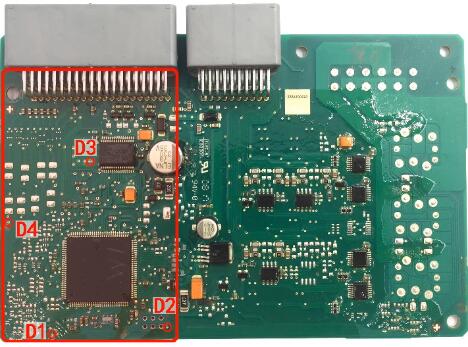
Enlarged drawing
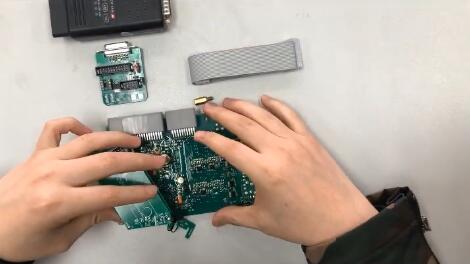
Install the KVM interface board
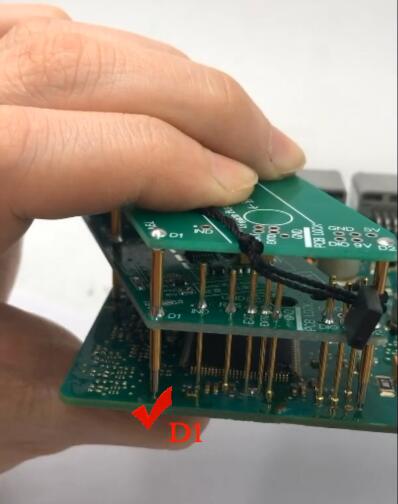
Aim for D1
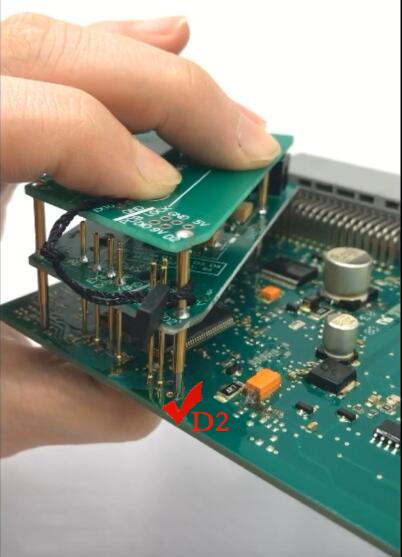
Aim for D2
Aim for D3
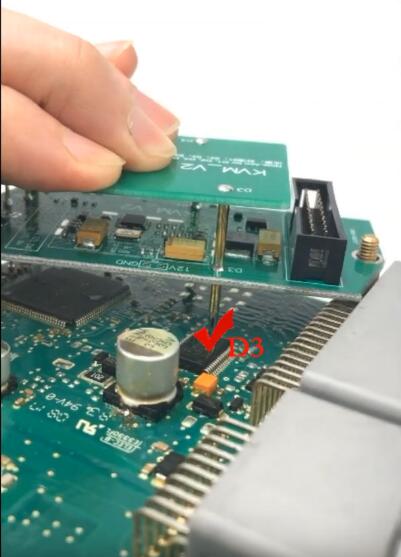
Aim for D4
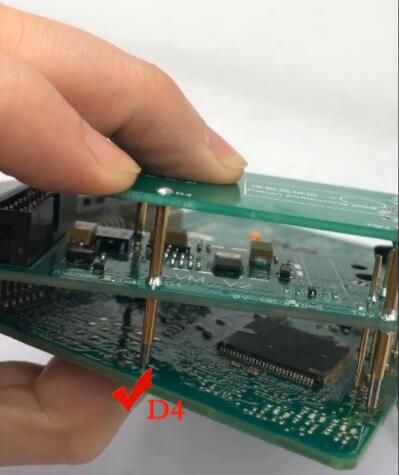
After D1-D4 is confirmed, press down the interface board
Use PCB lock to fix one end of KVM interface board
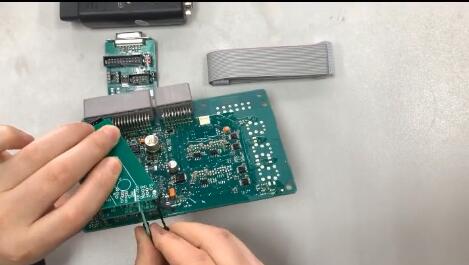
Install copper pillar to lock on the other end of the KVM interface board
Connect ACDP host and ICP+OBP adapter
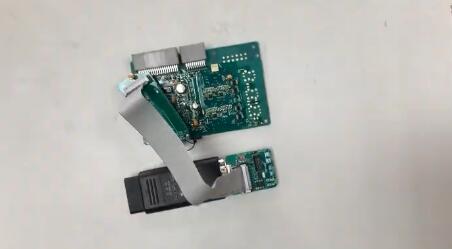
Finally, power the ACDP host
Step 2: Program key
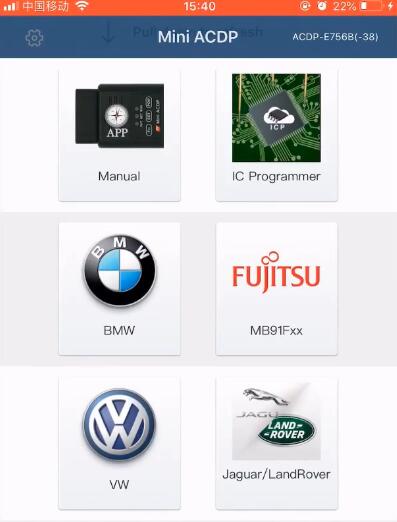
Open Mini ACDP APP
Select “Jaguar/ Land Rover”-> “Jaguar/LandRover add key/all lost (2015-) -> “IMMO”
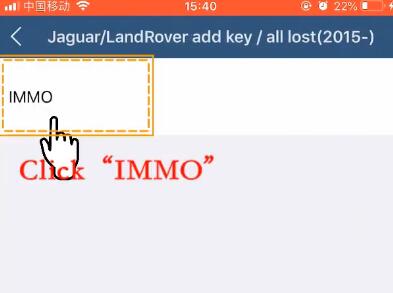
Loading resource…
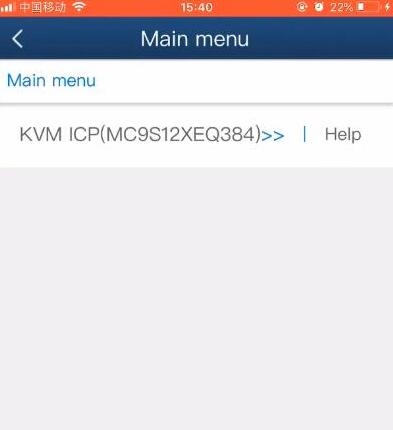
Select “KVM ICP (MC9S12XEQ384)”-> “Add key auto mode”
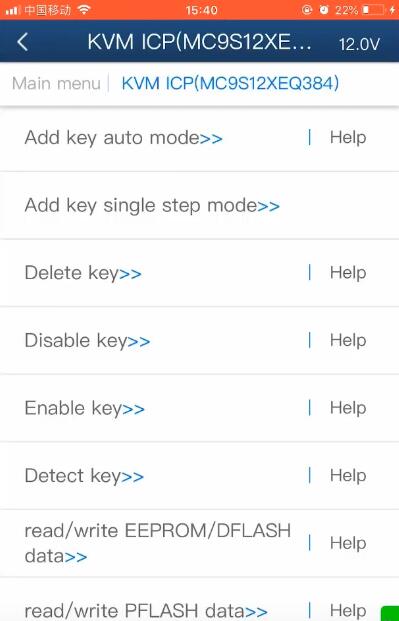
Pay attention to the prompt
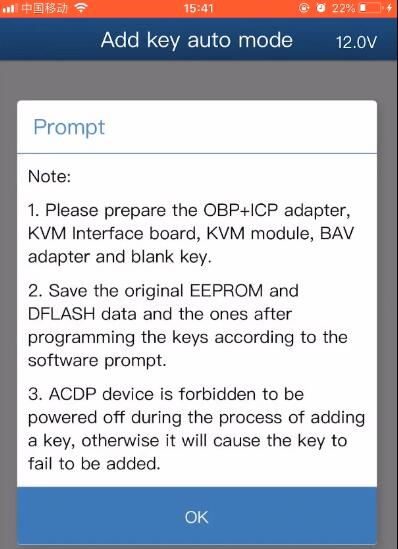
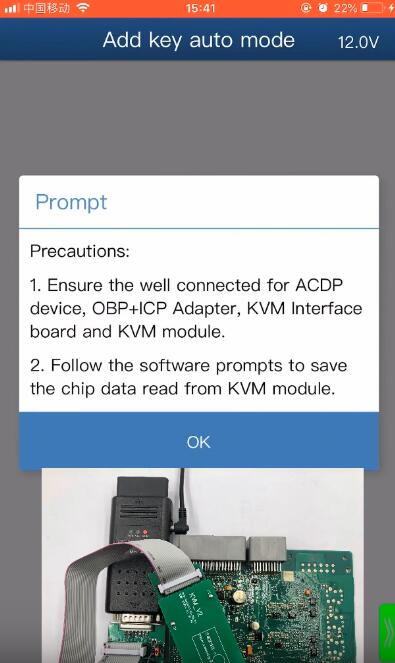
Detecting pins status…
Pin detection passes
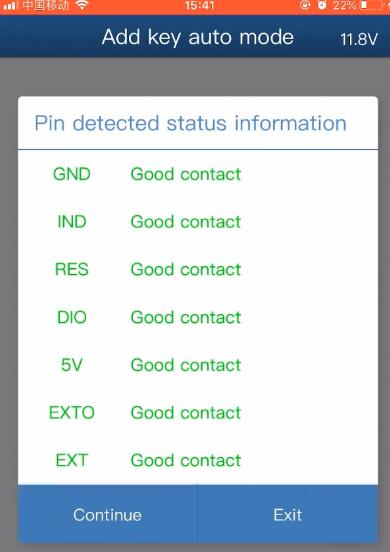
KVM module chip has been encrypted, click “Continue”
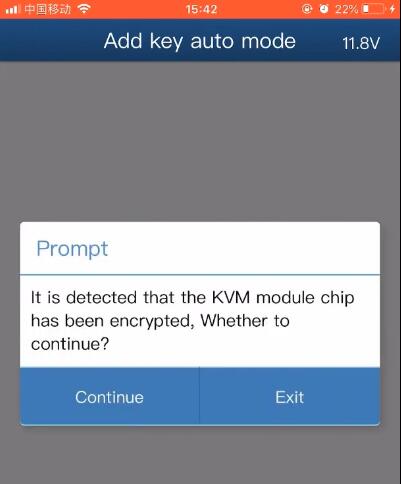
Reading chip PFLASH data…
Follow the prompt to save the original PFLASH data of the KVM module
Confirm the PFLASH data save path
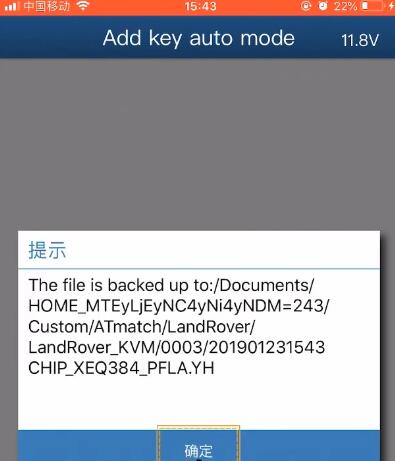
Reading EEPROM/DFLASH data…
Save the original EEPROM data of the KVM module
Confirm EEPROM data save path
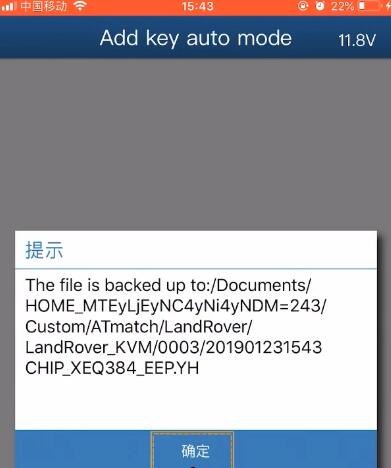
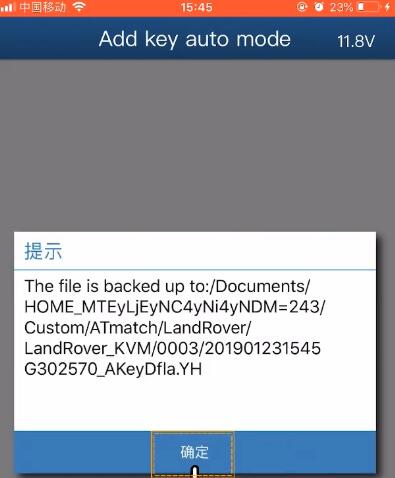
Save the original PFLASH data of the KVM module
Confirm DFLASH data save path again
Check VIN and other vehicle information
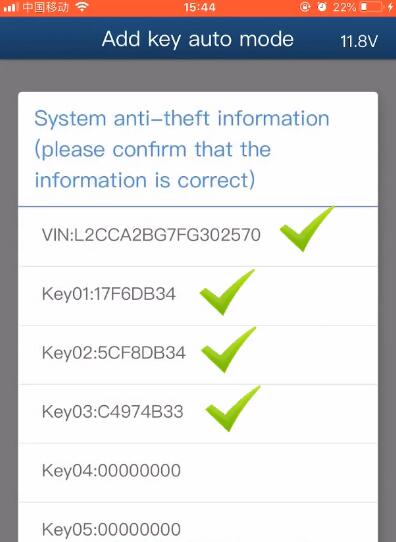
Follow the prompt to connect ACDP device to the BAV-key adapter
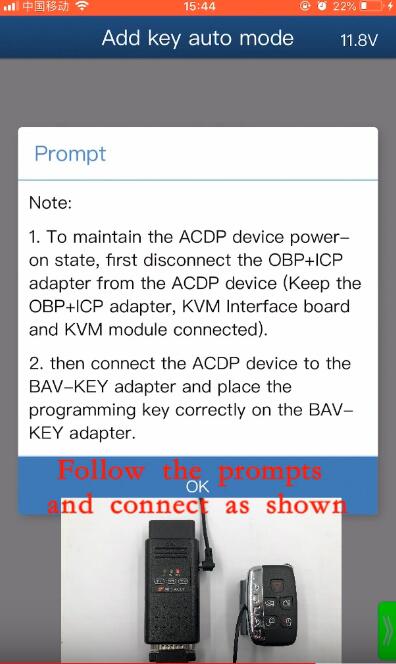
Check the blank key ID
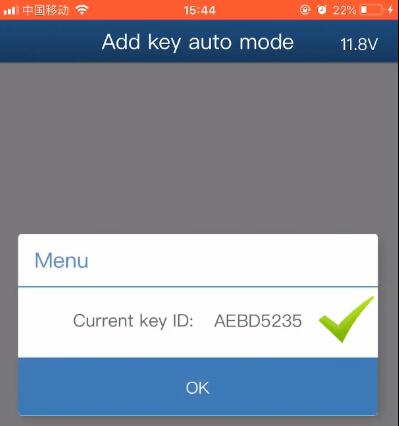
Reading key information…
Select any blank key number
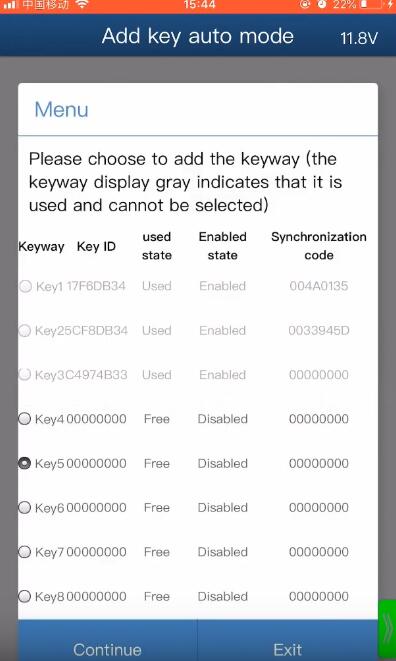
Programming key…
Save the EEPROM data of the KVM module after adding the key
Confirm the new EEPROM data save path
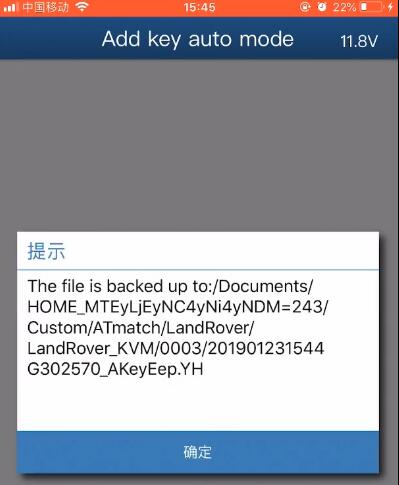
Save the new DFLASH data of the KVM module after adding the key
Confirm the new DFLASH data storage path
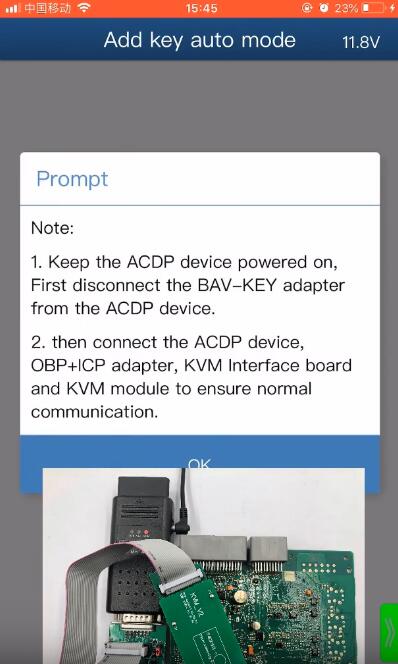
Follow the prompt to connect ACDP device, OBP+ICP adapter, KVM interface board and KVM module to ensure normal communication
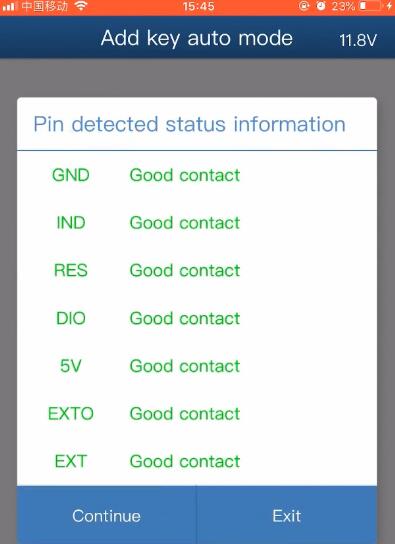
Checking pin again…
Pin detection passes
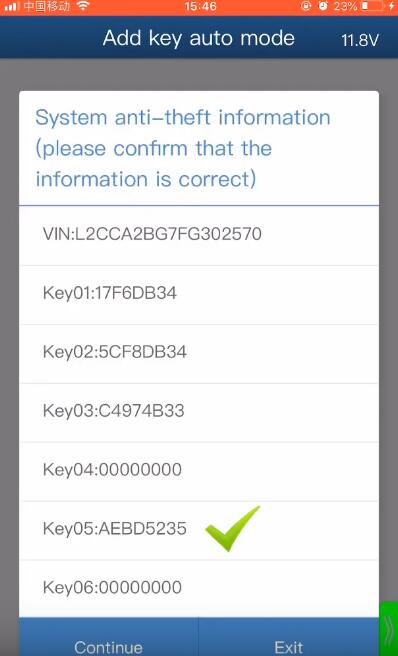
It will prompt “KVM module chip has been encrypted” again, just click “Continue”
Check the new key ID is in the key list
Writing EEPRM/DFLASH data…
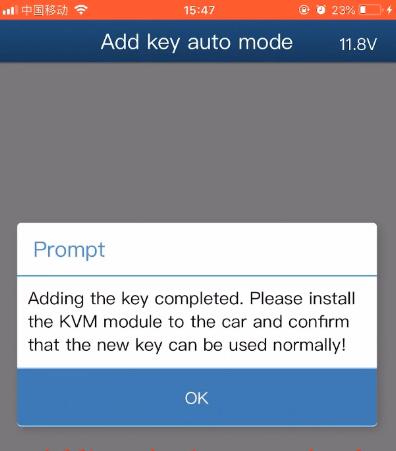
Yanhua Mini ACDP add the new key completed
Install the KVM module to the car and confirm that the new key can be used normally
Yanhua mini acdp do JLR locked kvm’s Feedback
Someone wonder if Yanhua mini acdp do JLR locked kvm’s, some says 100% yes, someone says yes but need skills, someone says tried with no lucky. This article tell the truth and share the guide.
Feedback 1: 100% yes
Yanhua mini acdp does JLR locked kvm’s. I did one today.
Feedback 2: yes but need skills
It’s done everything I’ve asked of it so far.
JLR locked kvm
FEM and bdc spare keys
Cas3+ 9389115 all keys lost
Make sure you’re using the correct frequency keys though. I had one wrongly labeled as 433 when it was 315 and that caused problems.
Only discovered when I went to do it with CGDI and it spotted the wrong frequency. ACDP doesn’t check obviously.
Feedback 3: with no luck
The constant warnings about poor wifi when its a full strength, it still can’t crack encrypted KVM’s.
It struggles to even read them.
The software constantly locks making you have to close the app and power down the interface to reset it.
