Here is a guide on how to install Xentry.Open.Shell 2020.Hope it helps!
Note:Before installation,please go to BIOS setting to disable secure boot option for Windows 10 system

Xentry Related Contents
Newest Mercedes-Benz Xentry.OpenShell.XDOS 2020 Free Download
How to Install XentryOpenShell 06.2020(This guide is apply on the version provided by us)
After downloading,just double click “start” to start installation
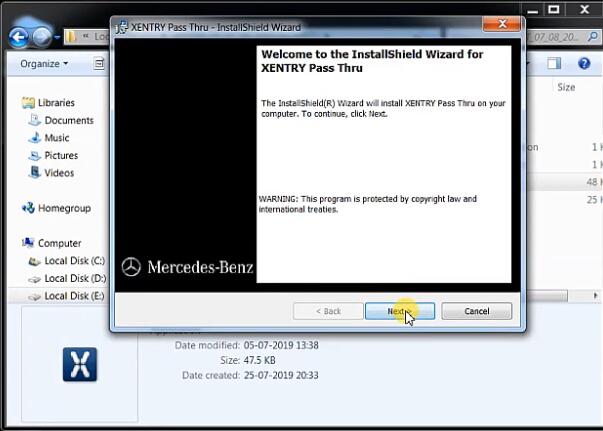
Then follow the prompt click “Next”
Accept the terms and click “Next”

Here recommend you instal Xentry to the default,just click “Next”

Click “Next”

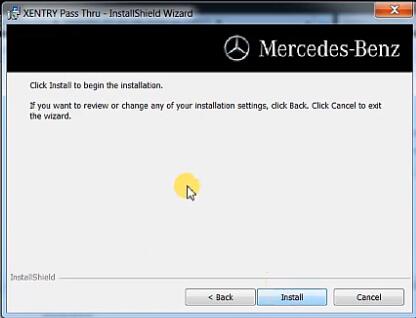
Installing modules,for new version it more than 390

Here it take about 2 hours to install,so just wait
After all modules installation done,follow prompt to restart your PC
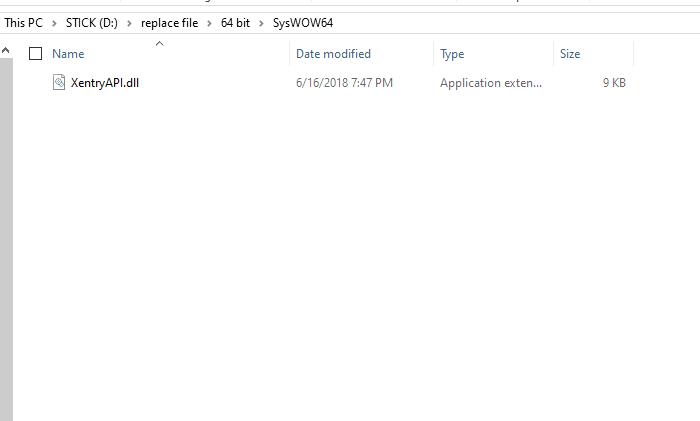
Then copy XentryAPI.dll and paste C:\Windows\SysWOW64 (64bit) to replace
If you PC is 32 bit,just paste to C:\Windows\System32(32bit)
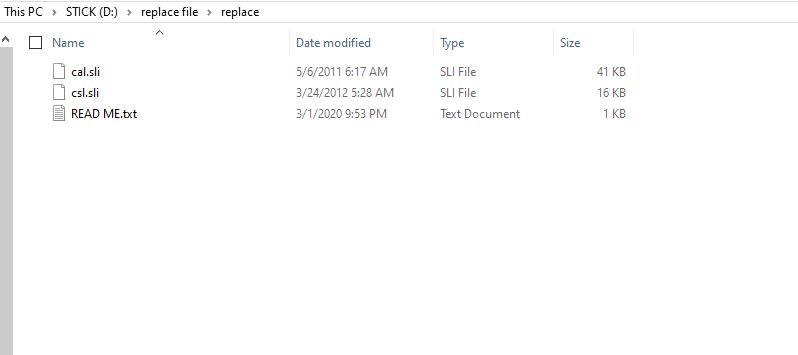
After then copy two file cal.sli and csl.sli file in the repalce folder to C:\Program File(x86)\Mercedes-Benz\Xentry\llist foder to replace
And then please double click “key loader for configassit 64bit.reg” run it (if your pc is 32 bit ,run 32bit reg)

