If you drive forward or the back door opens,the seat belt warning appears on the display.It will turn off after about 30 seconds and this sometimes interferes.Here CnAutotool.com show you guide on how to use Xentry software to disable it.This method work on Benz W212,W204,W207,W218.

Preparations:
06.2020 Benz Xentry.OpenShell.XDOS Free Download
How to Install Benz Xentry 06.2020 Diagnostic Software
Procedures:
Connect Mb Star C4 to vehicle and then run Xentry software on PC
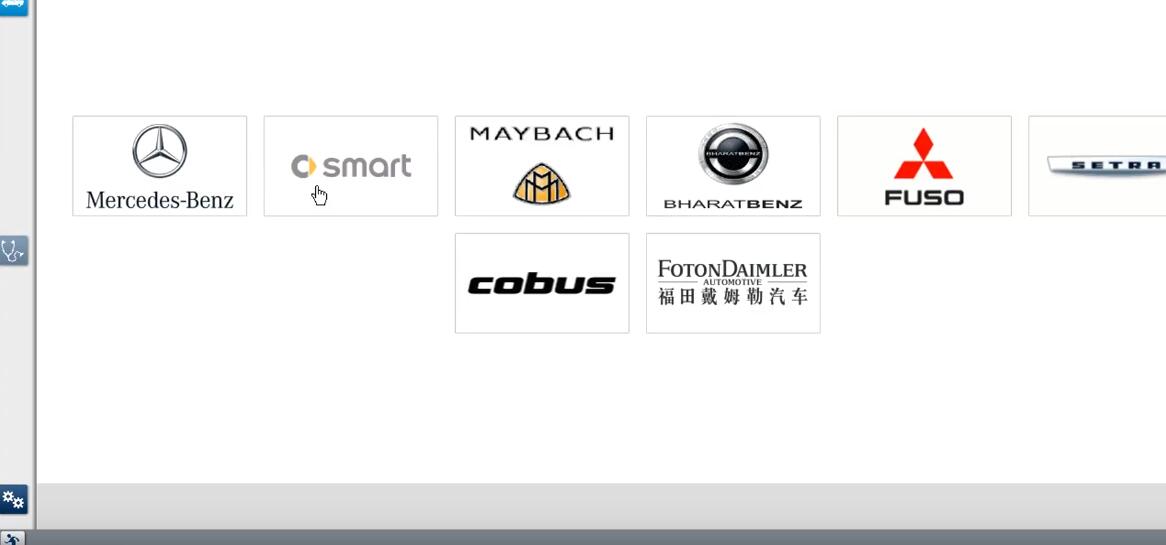
Select “Mercedes-Benz” and select your car type model
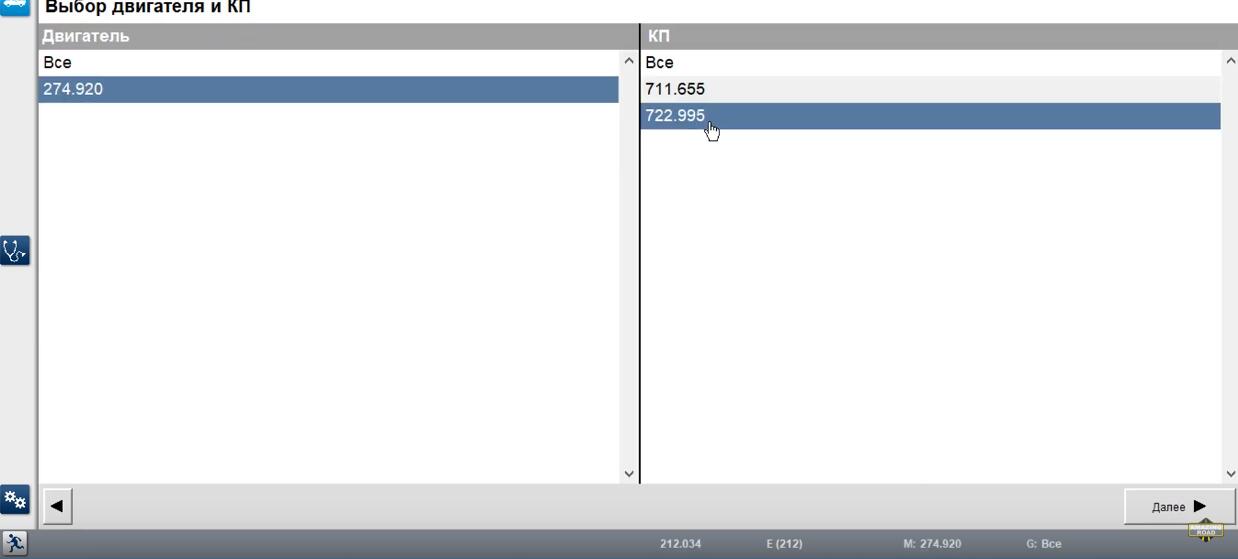
274.920–>772.995
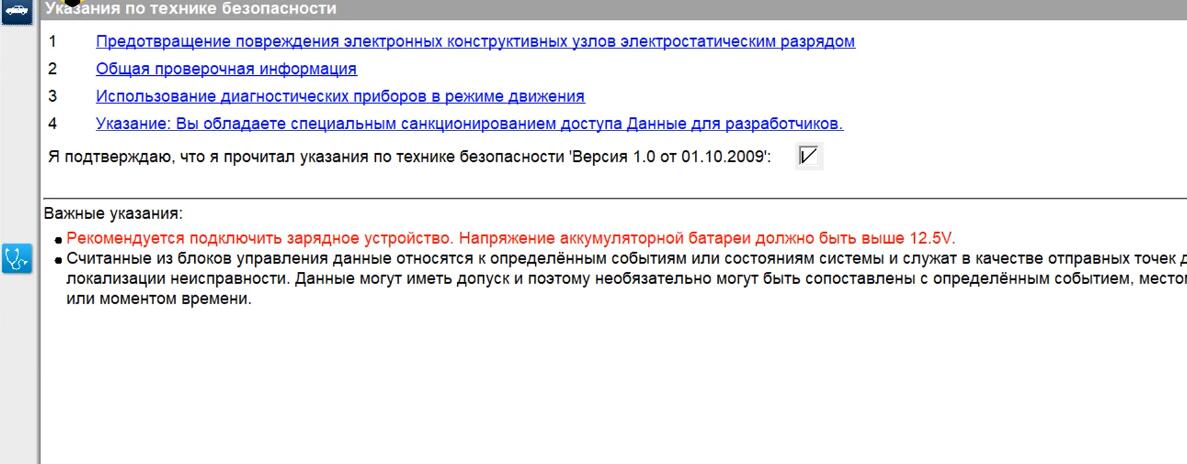
After vehicle identification
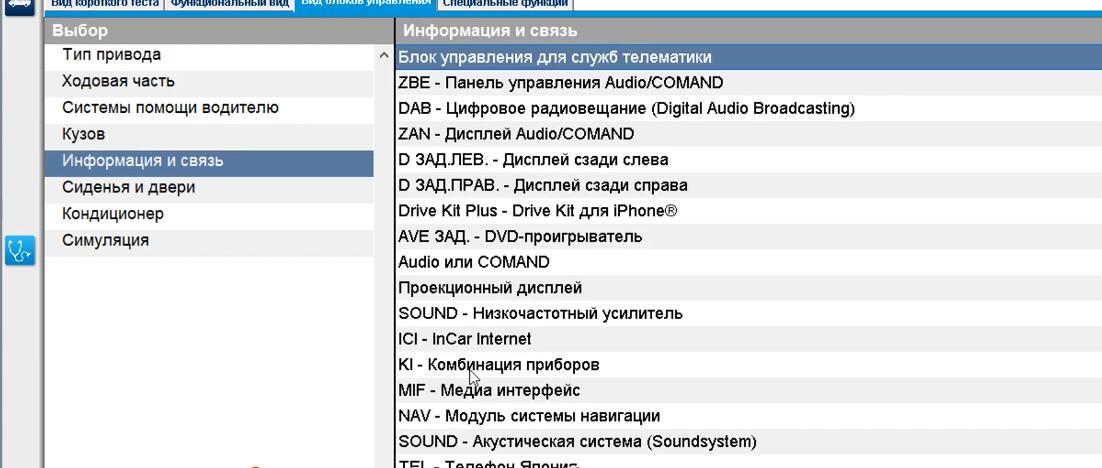
Select “Type of control units” and click “Next”
Select “Information and communication”–>”KI-instrument cluster”
Select “Developer Data” and “+”alee-Codierungen”
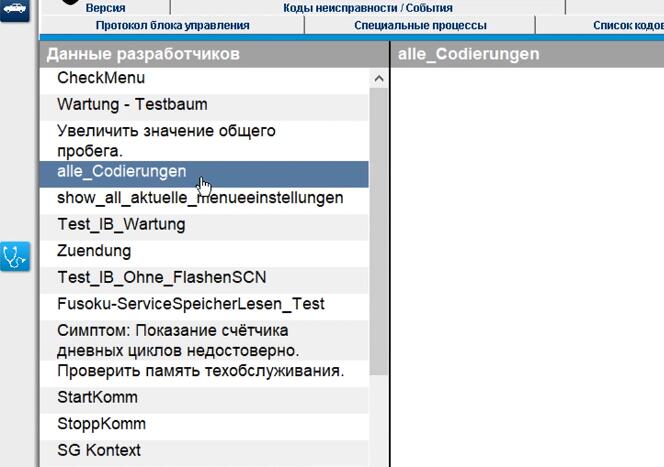
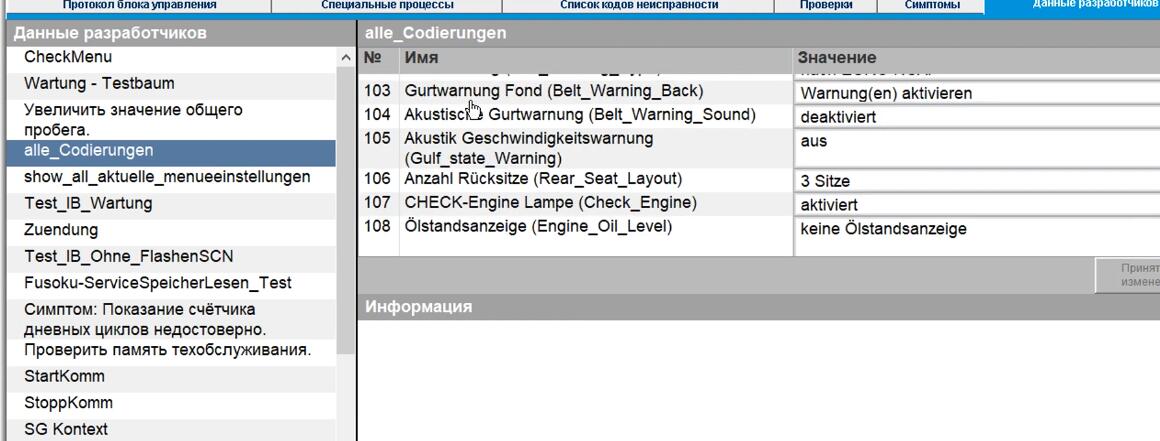
Scroll down to select “103” Belt_Warning_Back
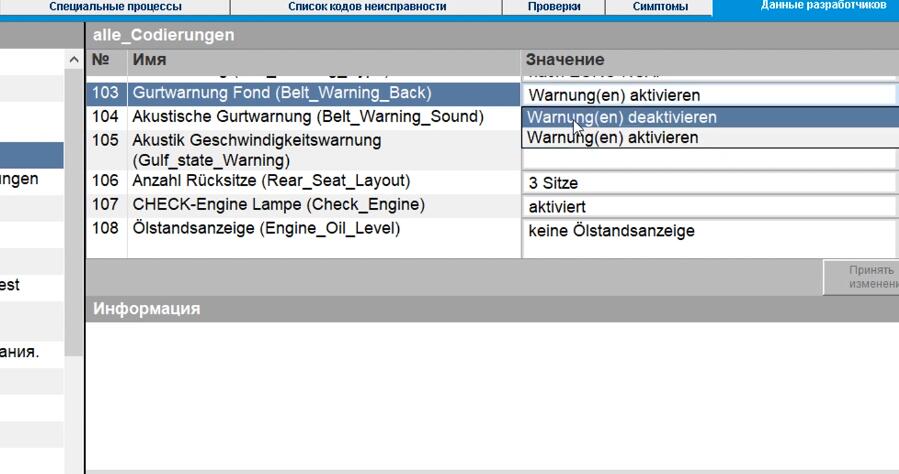
Change value from “Warnung(en) aktivieren” to “Warnung(en) deaktivieren”
And click “Yes” to change value
Done!
