In this instruction CnAutotool.com show you guide on how to use XTOOL AutoProPAD programmer to reflash/initialize immobilizer system for Toyota/Lexus.More topics about Toyota immobilizer,please check here:Toyota Key Programming
What You Need?
XTOOL AutoProPAD Programmer
XTOOL EEPROM Adapter Set
Toyota/Lexus Immbilizer Box
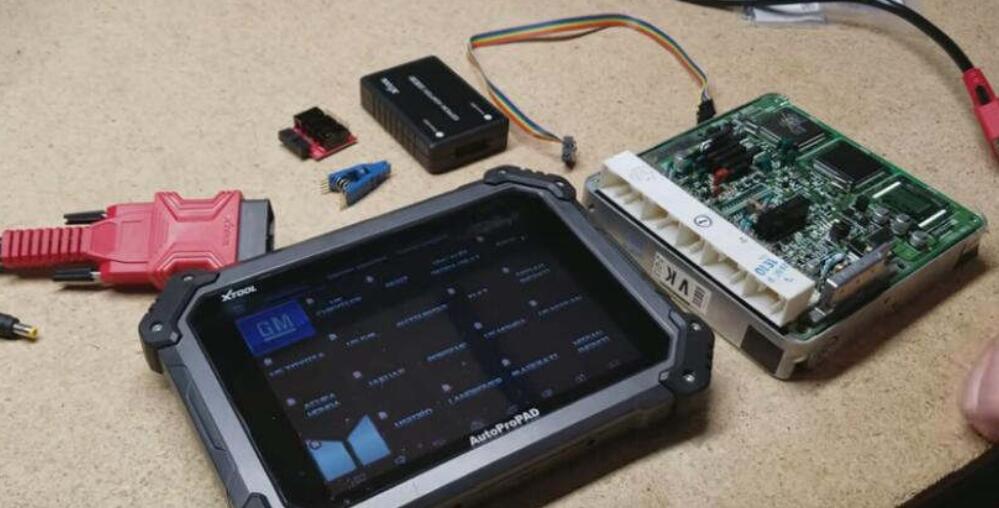
Procedures:
Plug the EEPROM PCB to EEPROM adapter,and rainbow cable on the EEPROM PCB
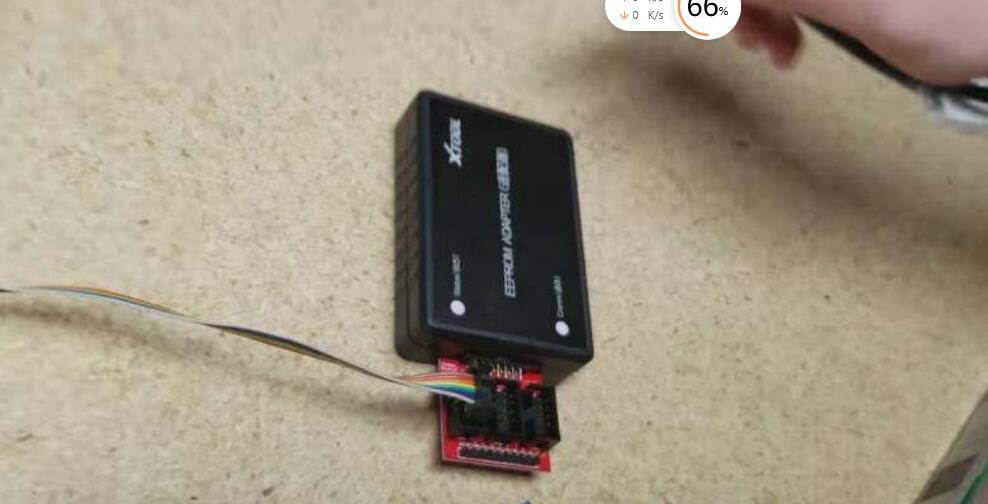
Connect clip to the rainbow cable
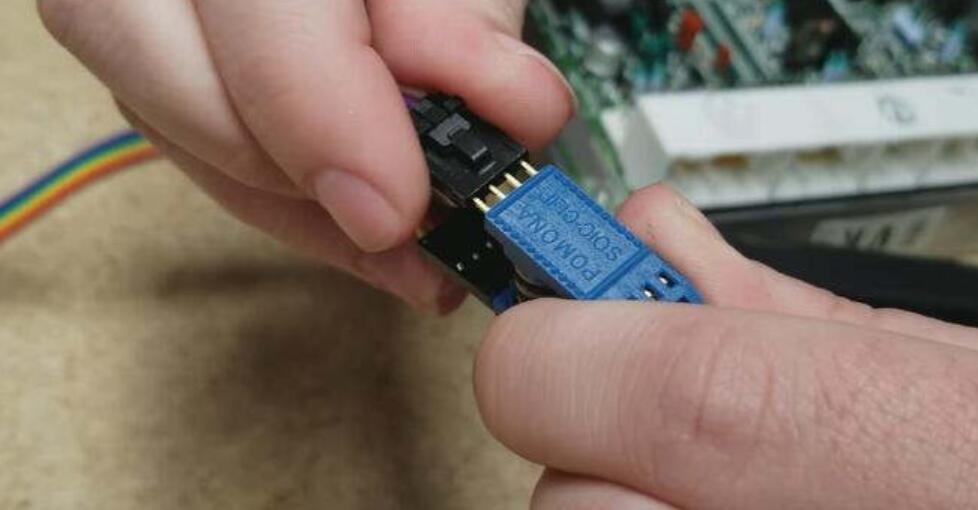
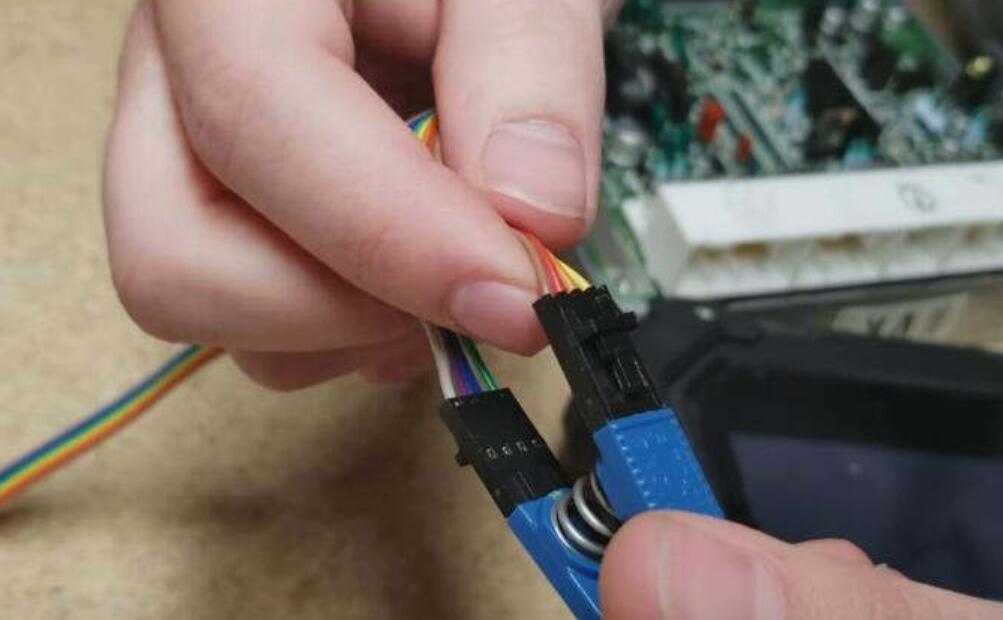
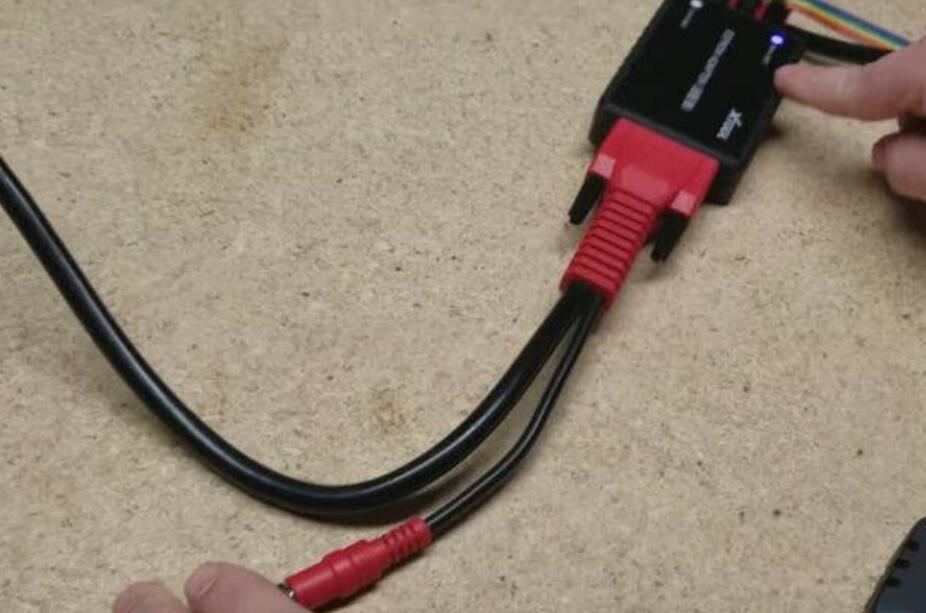
Build connection between XTOOL AutoProPAD and EEPROM adapter
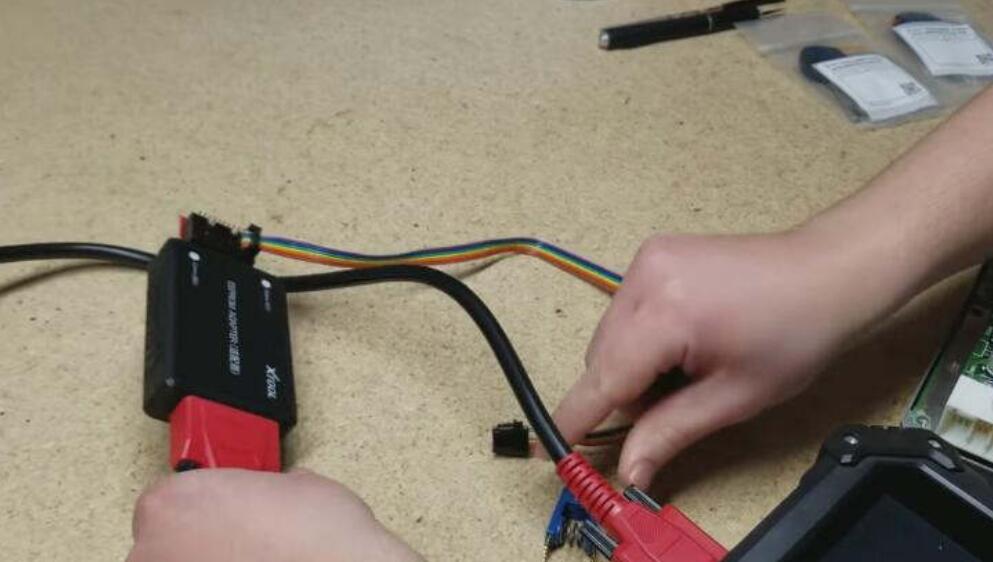
And provide 12v power for EEPROM adapter
Enter menu to select “Other Service”
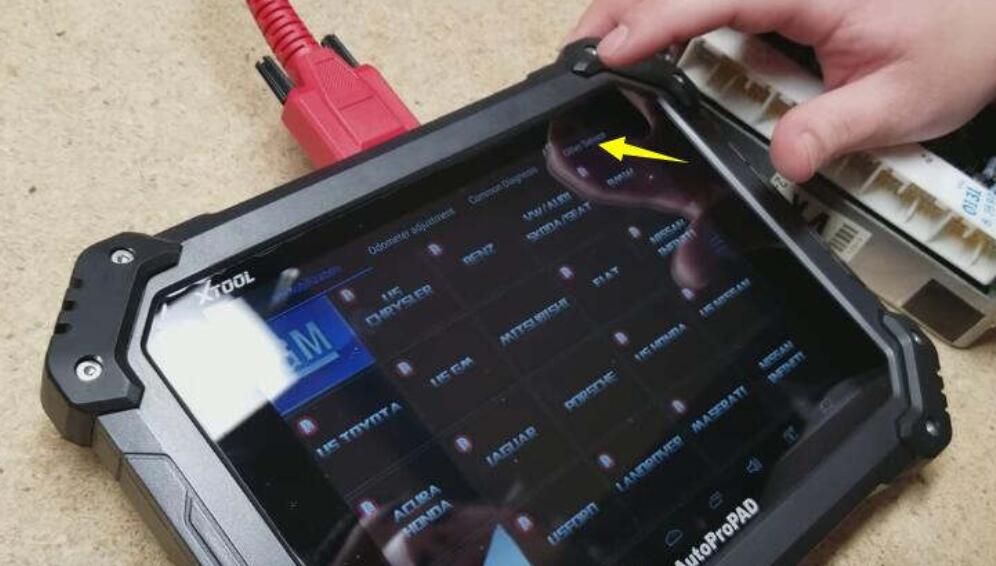
Select “EEPROM Adapter”

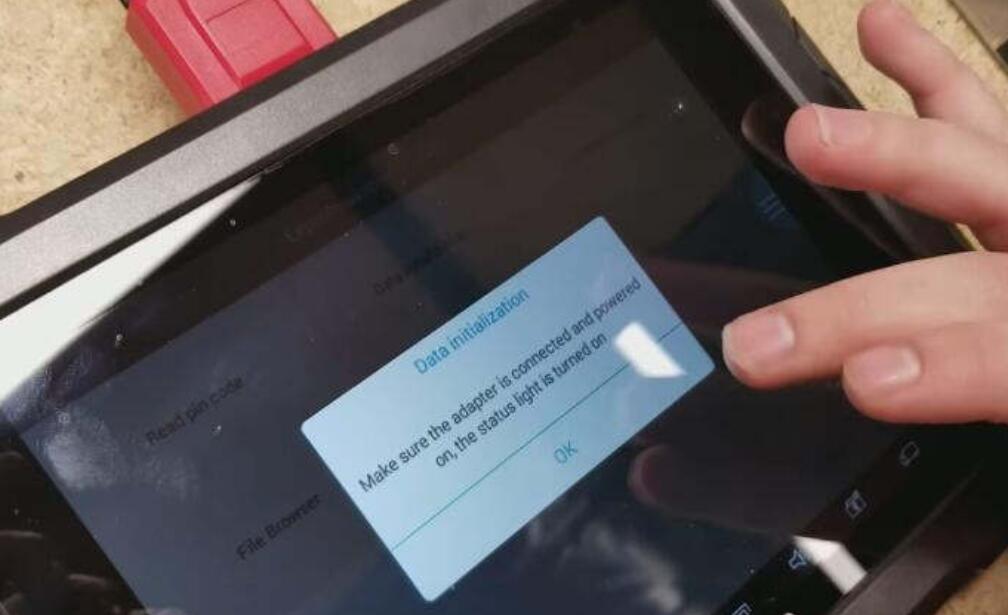
Select “Data initialization”

Make sure the adapter is connected and powered on,the status light is turned on
Press “OK” to contine
Select “Toyota”

Now locate the IC900 on the Toyota immobilizer system box
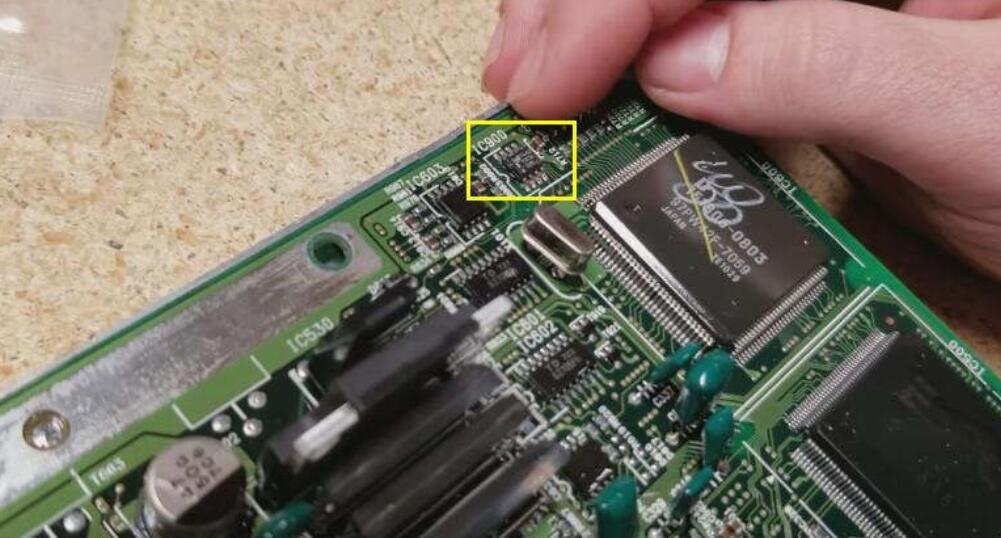
Use 8 pin clip to clamp the chip
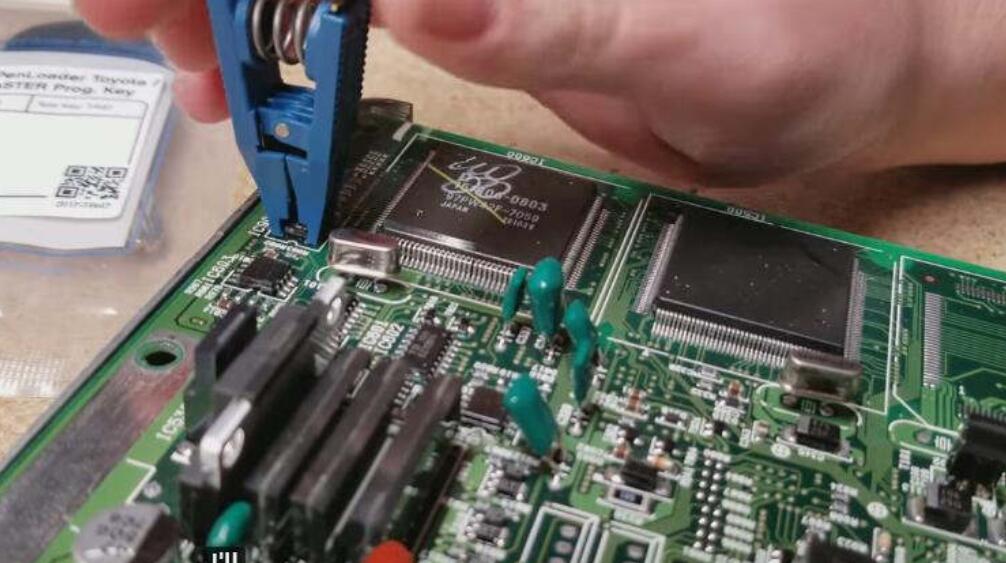
Press “Toyota 16 bit (93C56)”
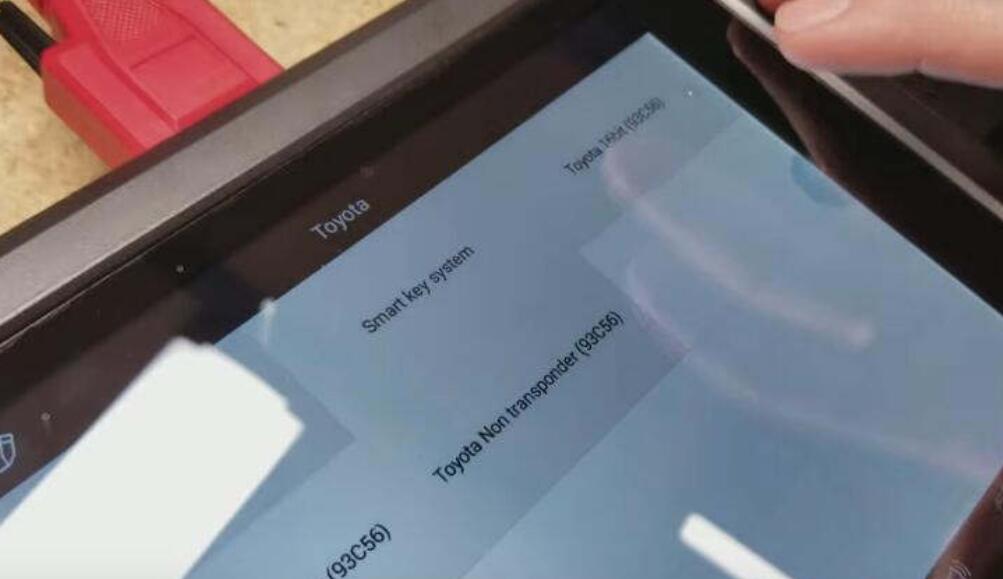
Then input the file name to make a backup on the XTOOL AutoProPAD,in case immobilizer data damaged during reflashing.


Press “No” to continue
And the file is saved successfully
Whether to continue
Press “Yes” to continue

Repair the data…

Data initialized successfully!
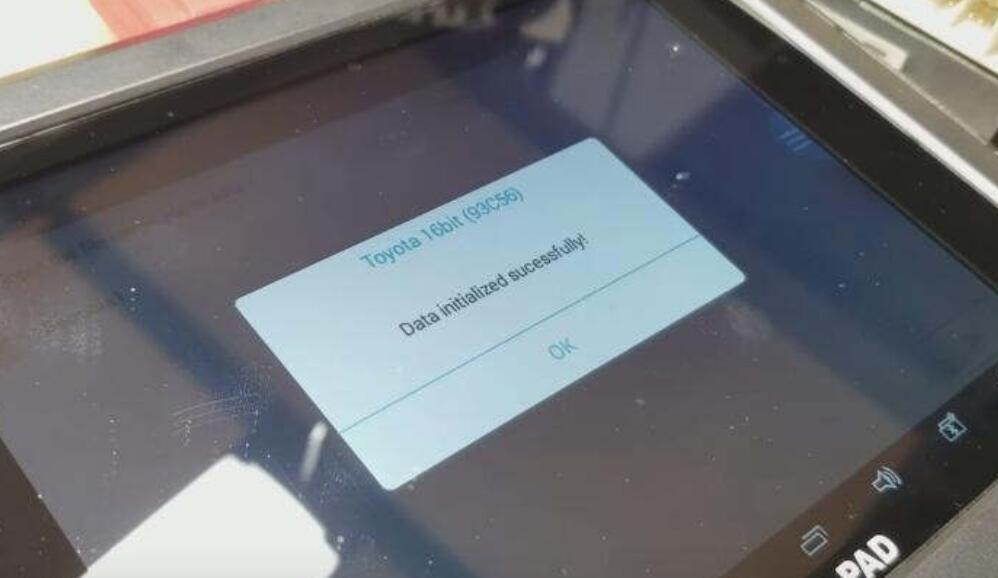
Now install the immobilizer box back on Toyoa/Lexus,then just do regular key programming proceudres.
