One consumer wrote that Xentry Does not accept the key.(Startkey is invaild)
In the Mercedes-Benz folder, open ConfigAssist


Disconnect the internect and press configuration

Next+Next

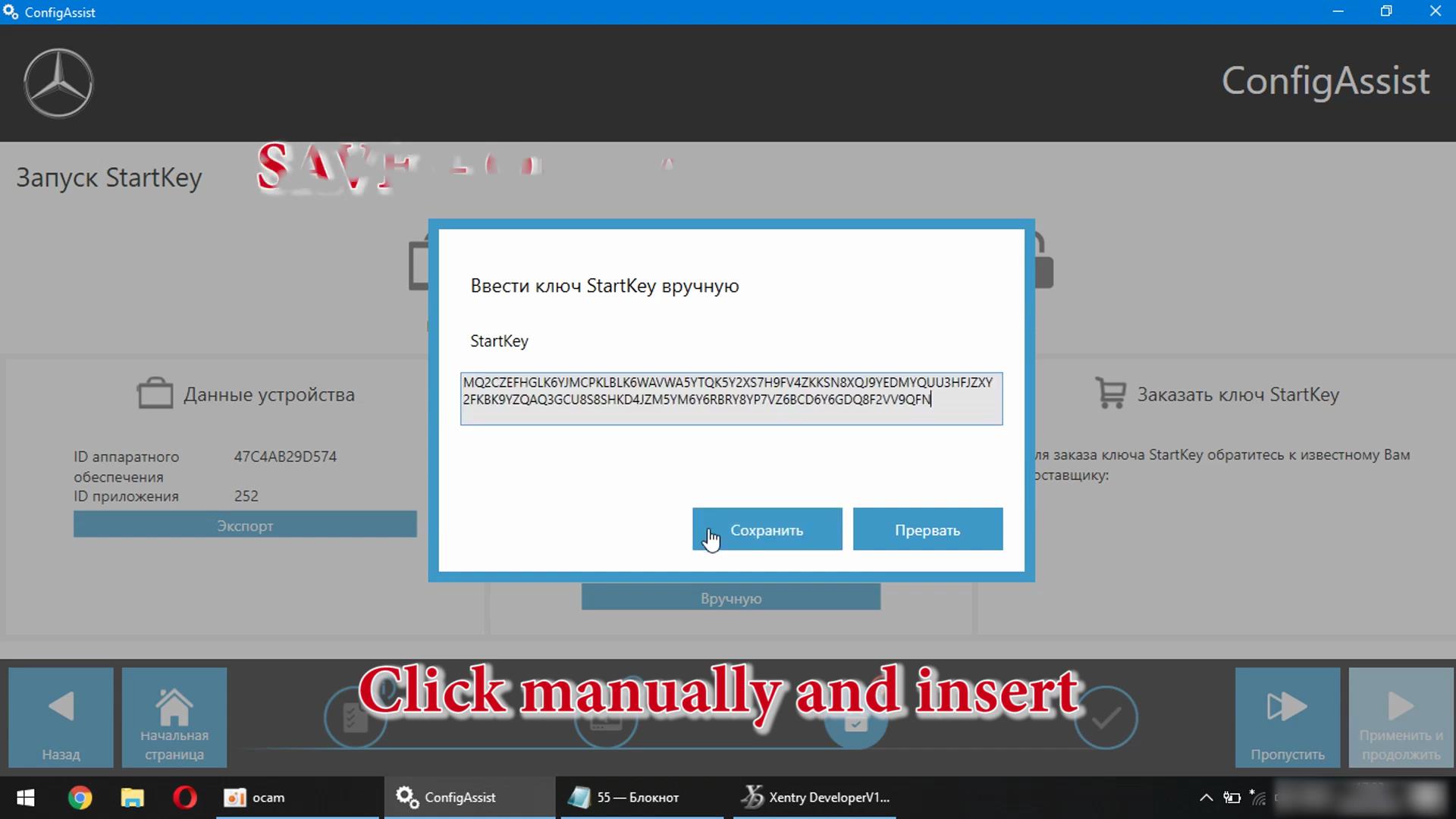
Click Mannually and insert


Click Save and here’s the error, Supplied Startkey is invalid

Many People had such an error


We reboot the computer and enter the BIOS. Either the F2 button or Delete
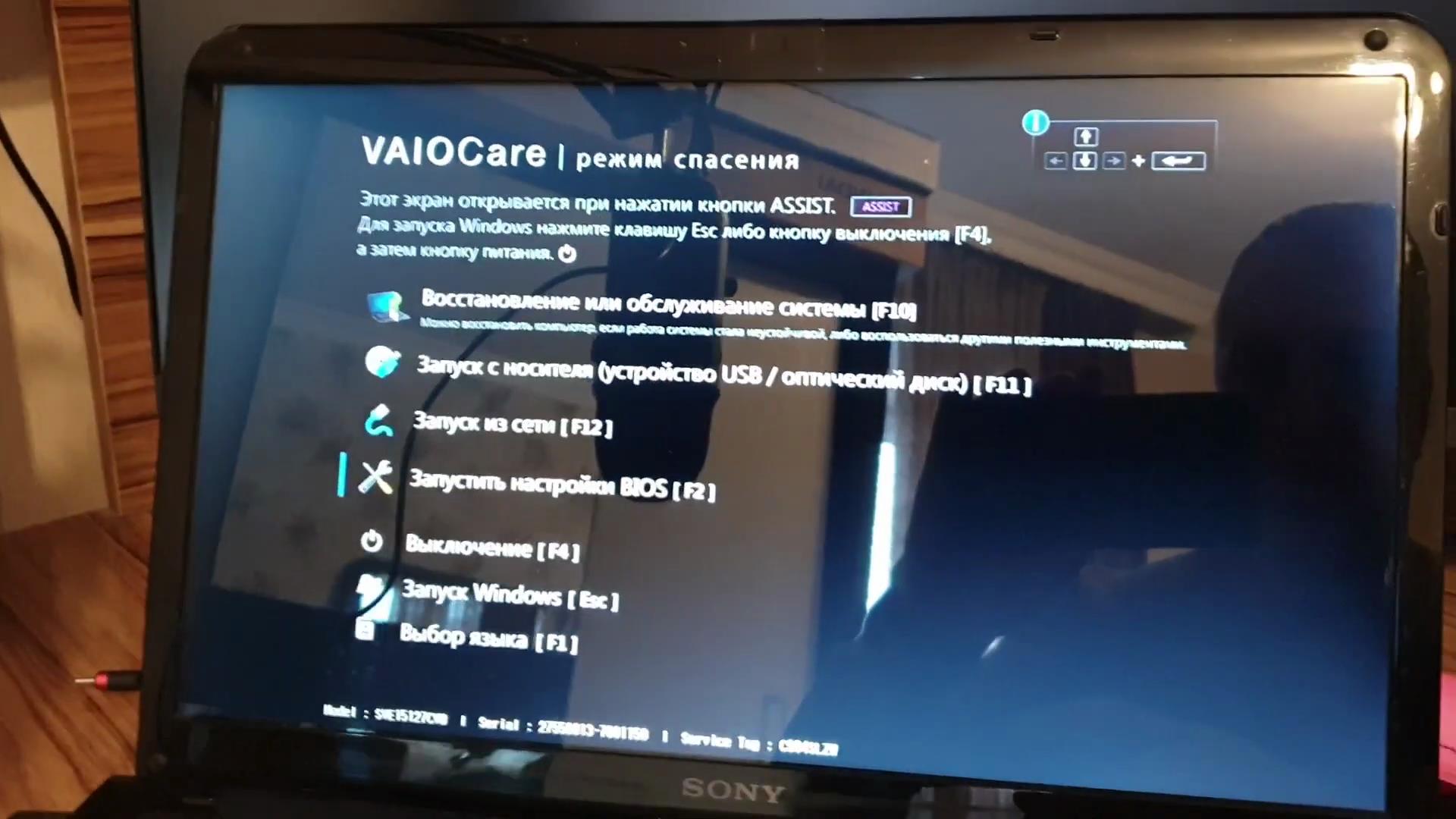

Secure Boot – Disabled
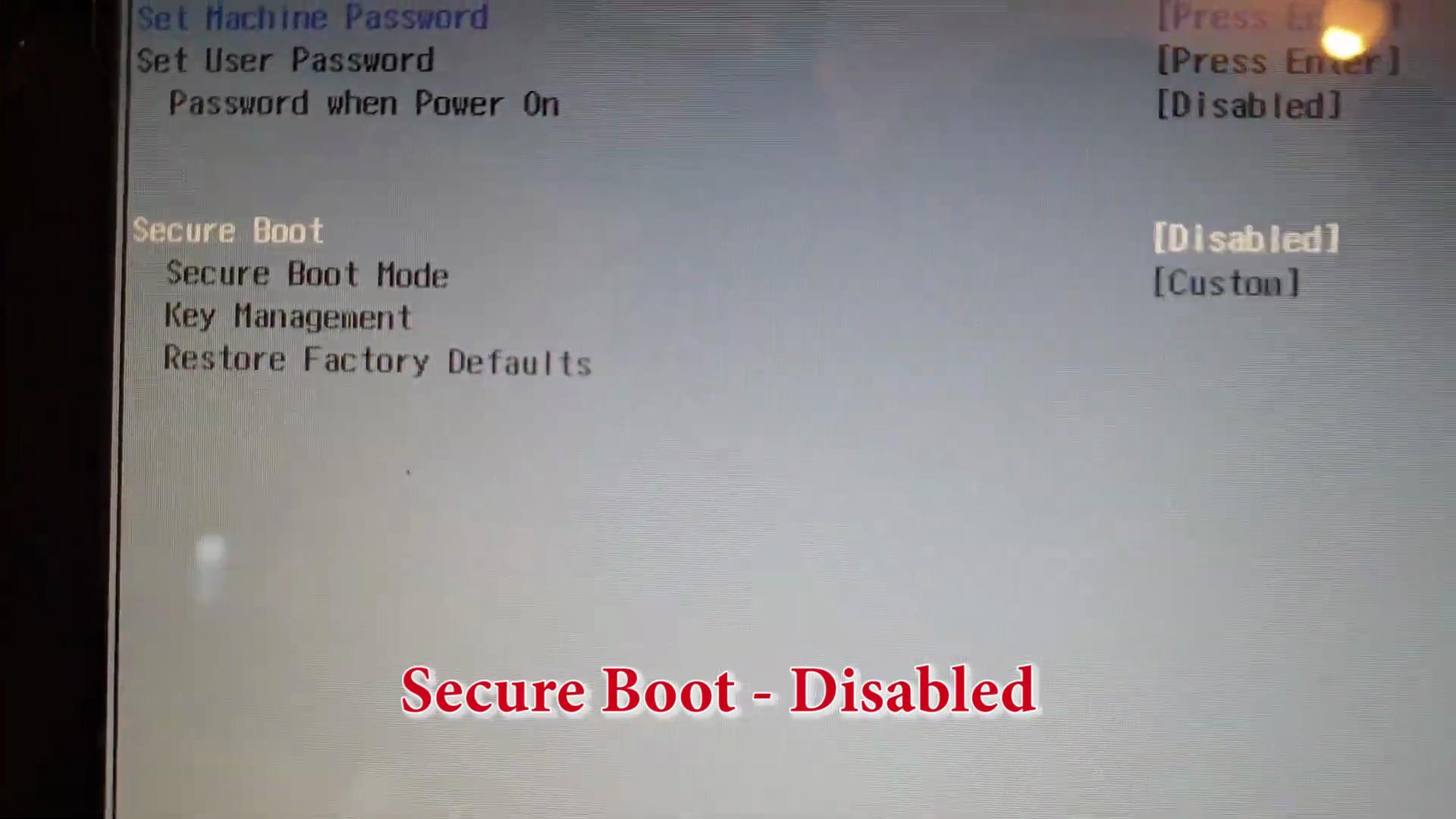
Save Changes

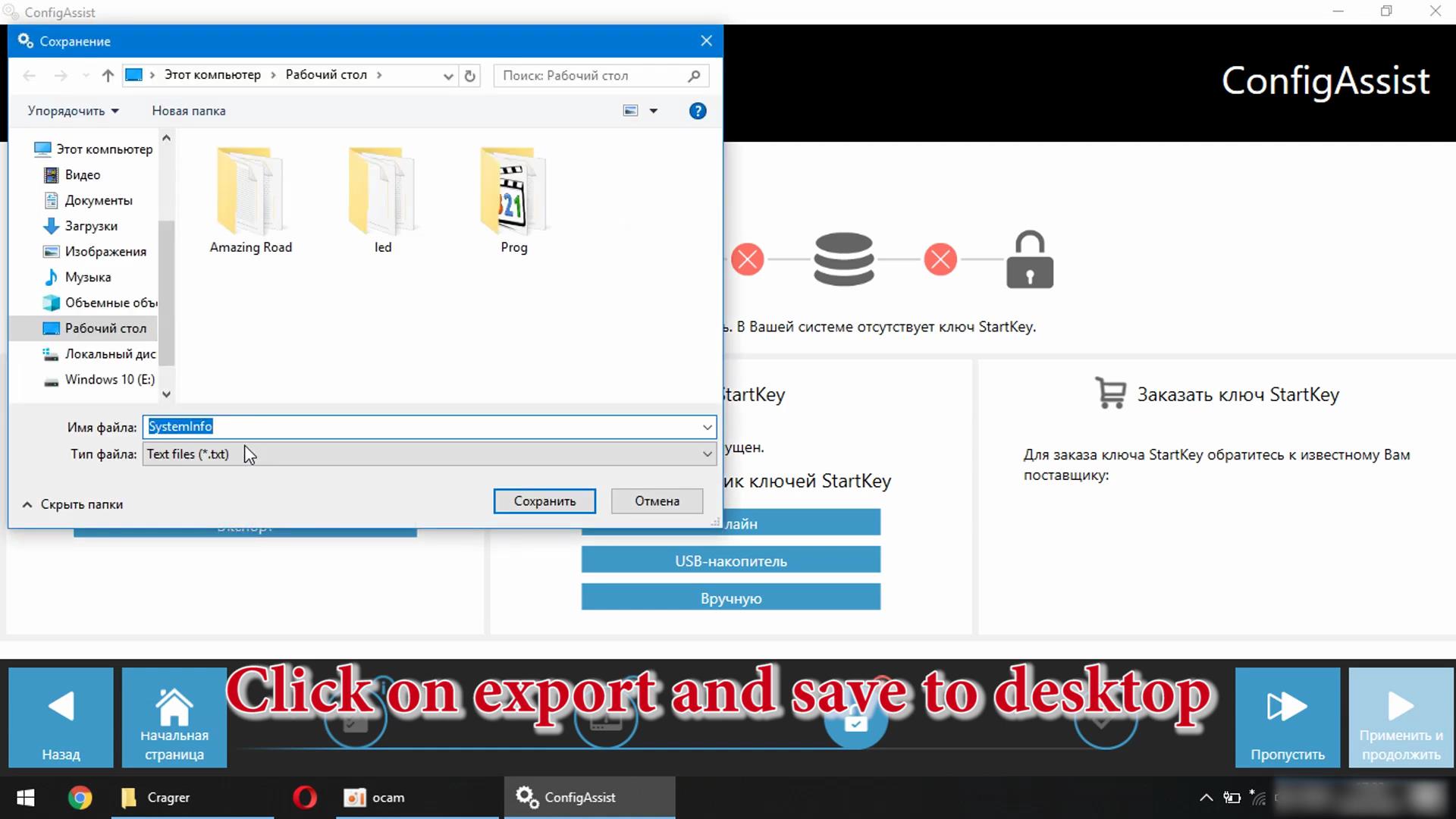
Then open ConfigAssist->…->Click on export and save to desktop
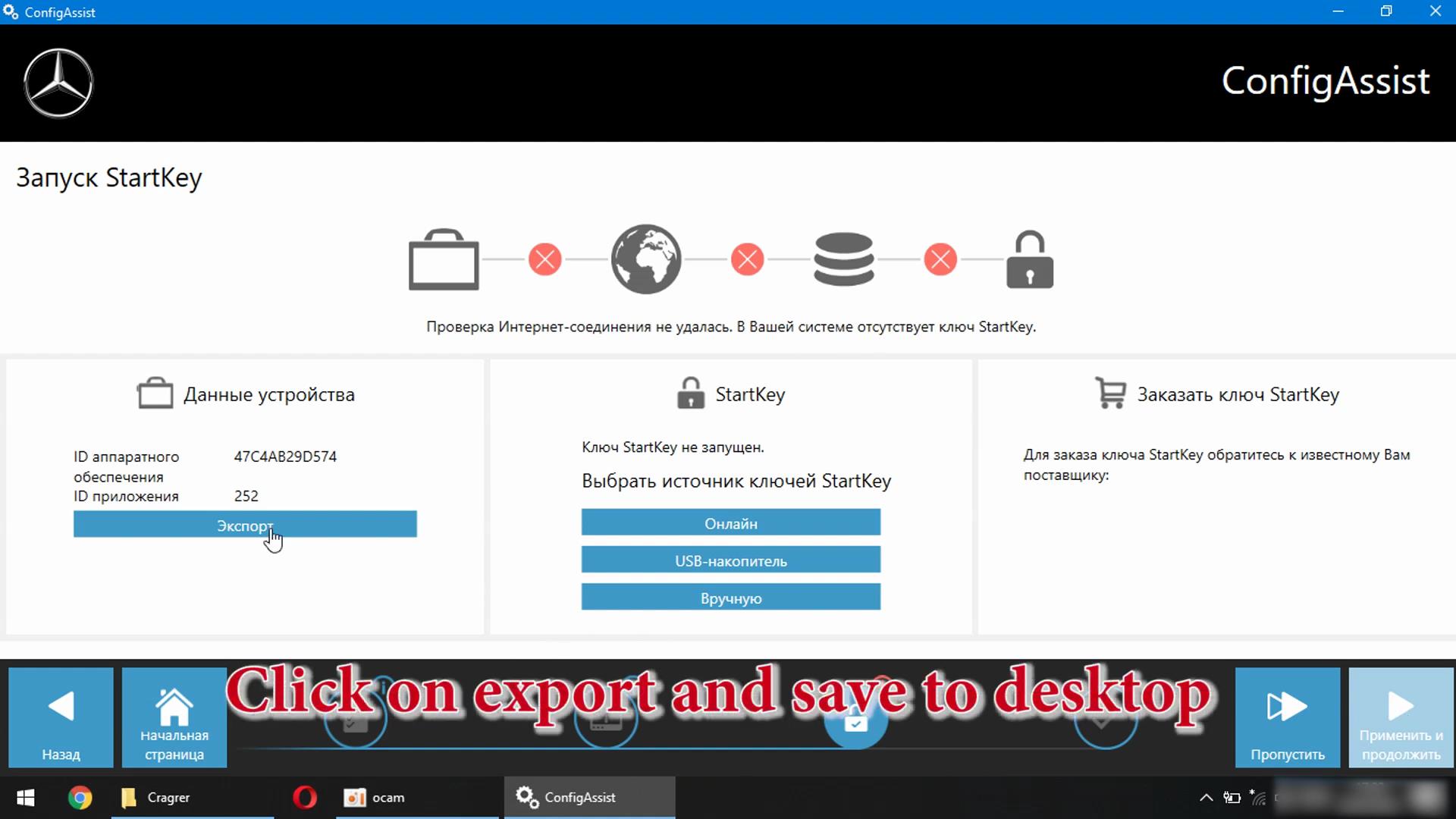
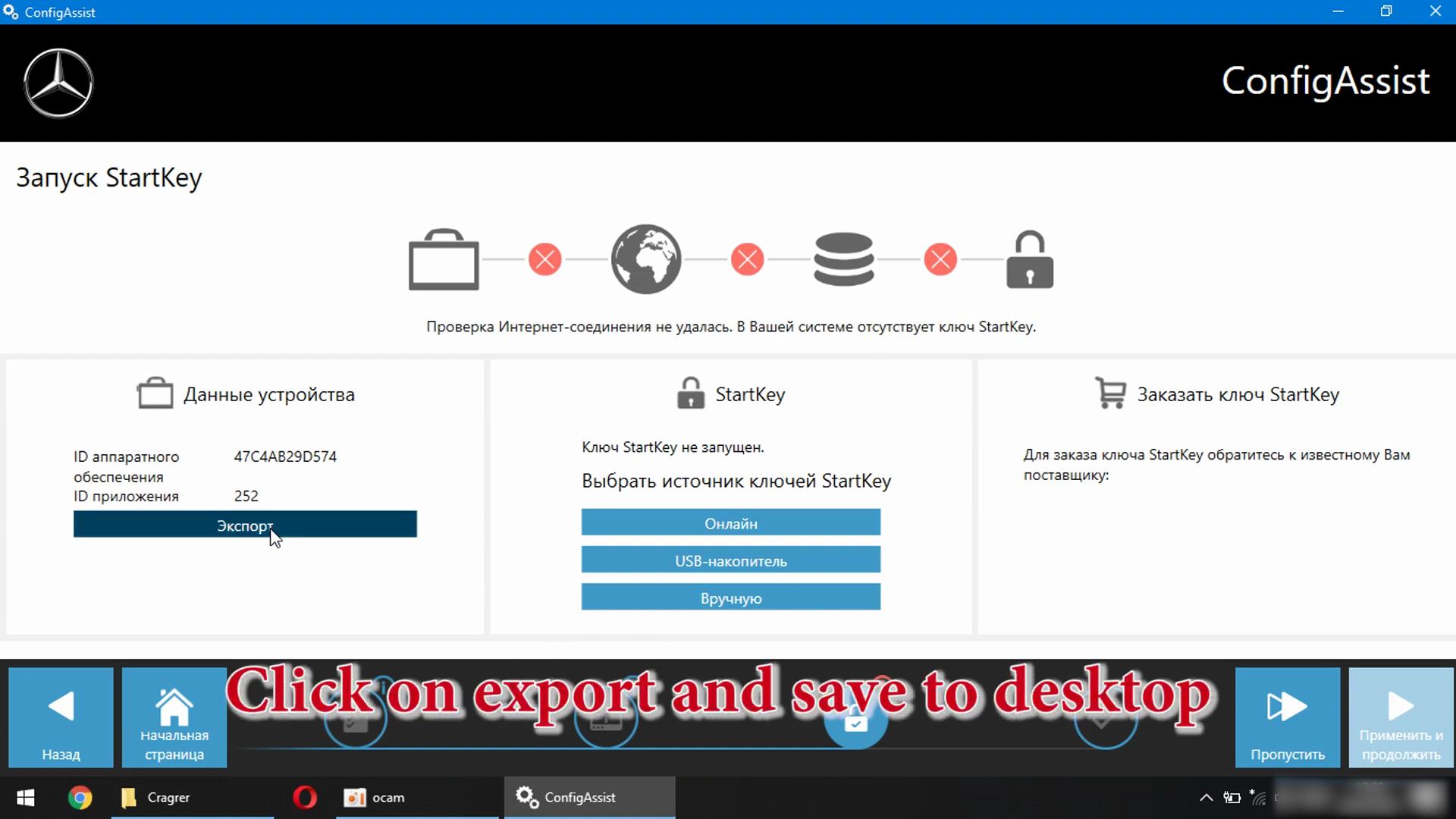
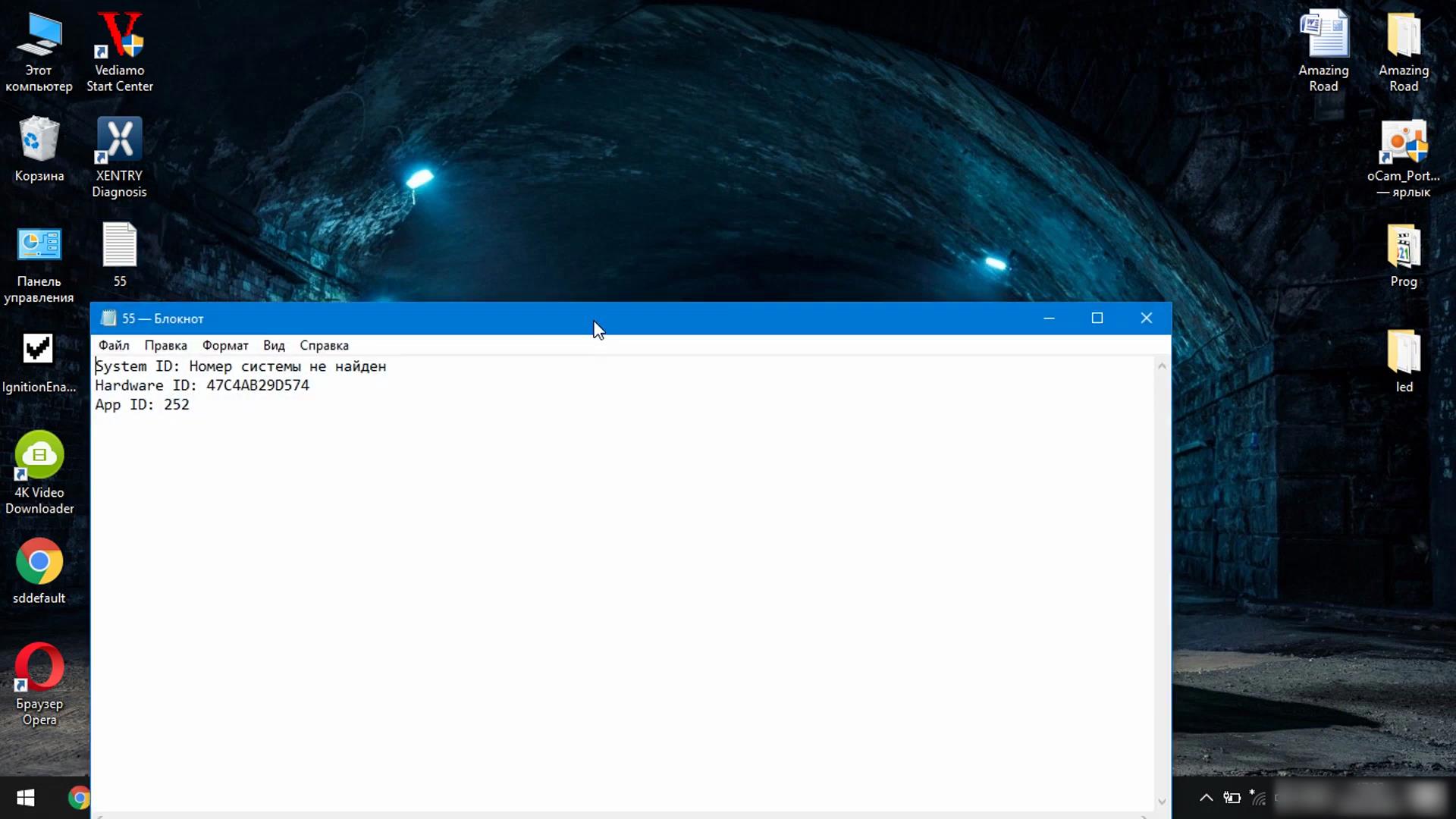
In the folder that you downloaded, open the Xentry Developer file

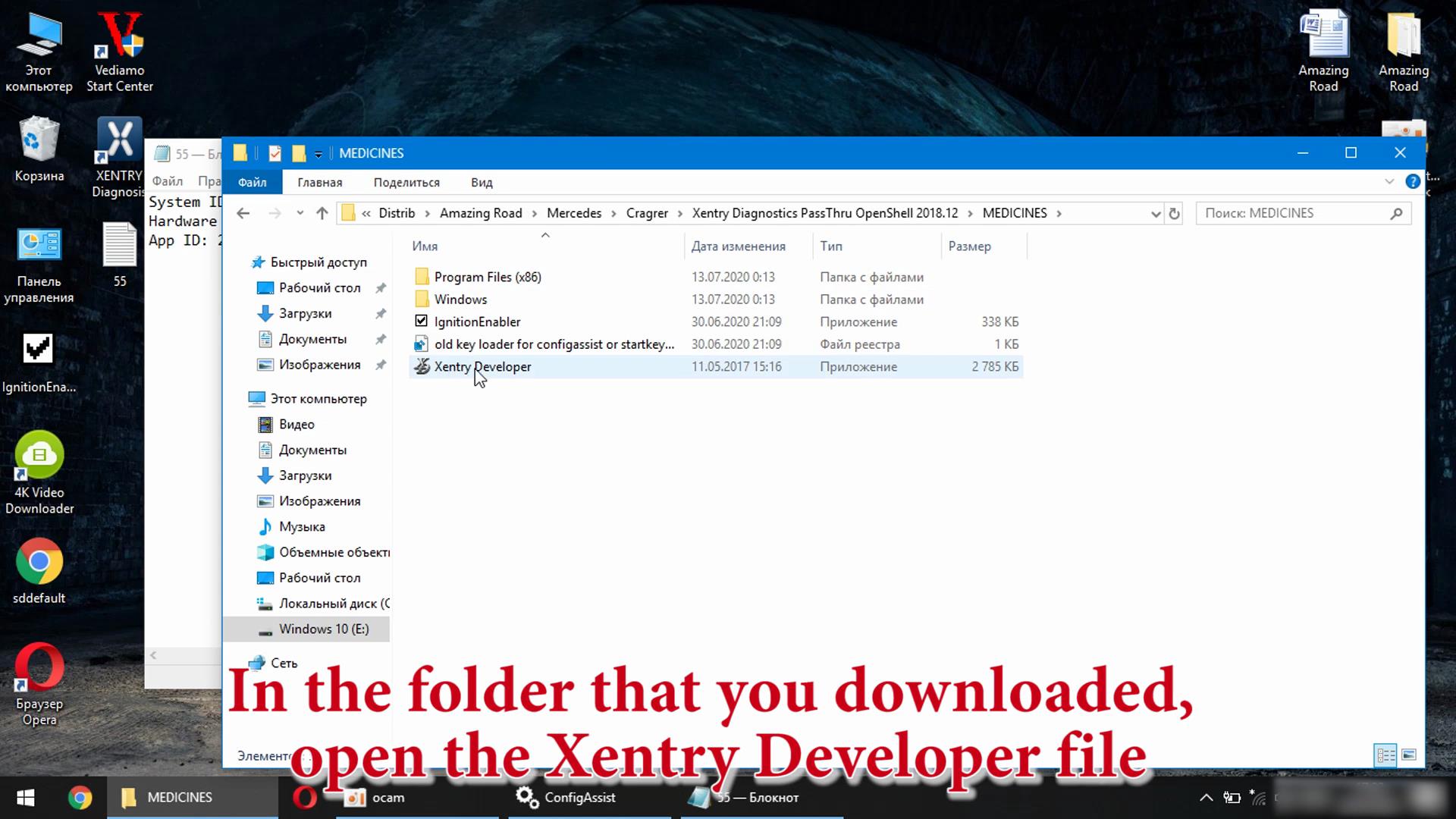

Copy + Paste

2021.01.01 and 2025.01.01
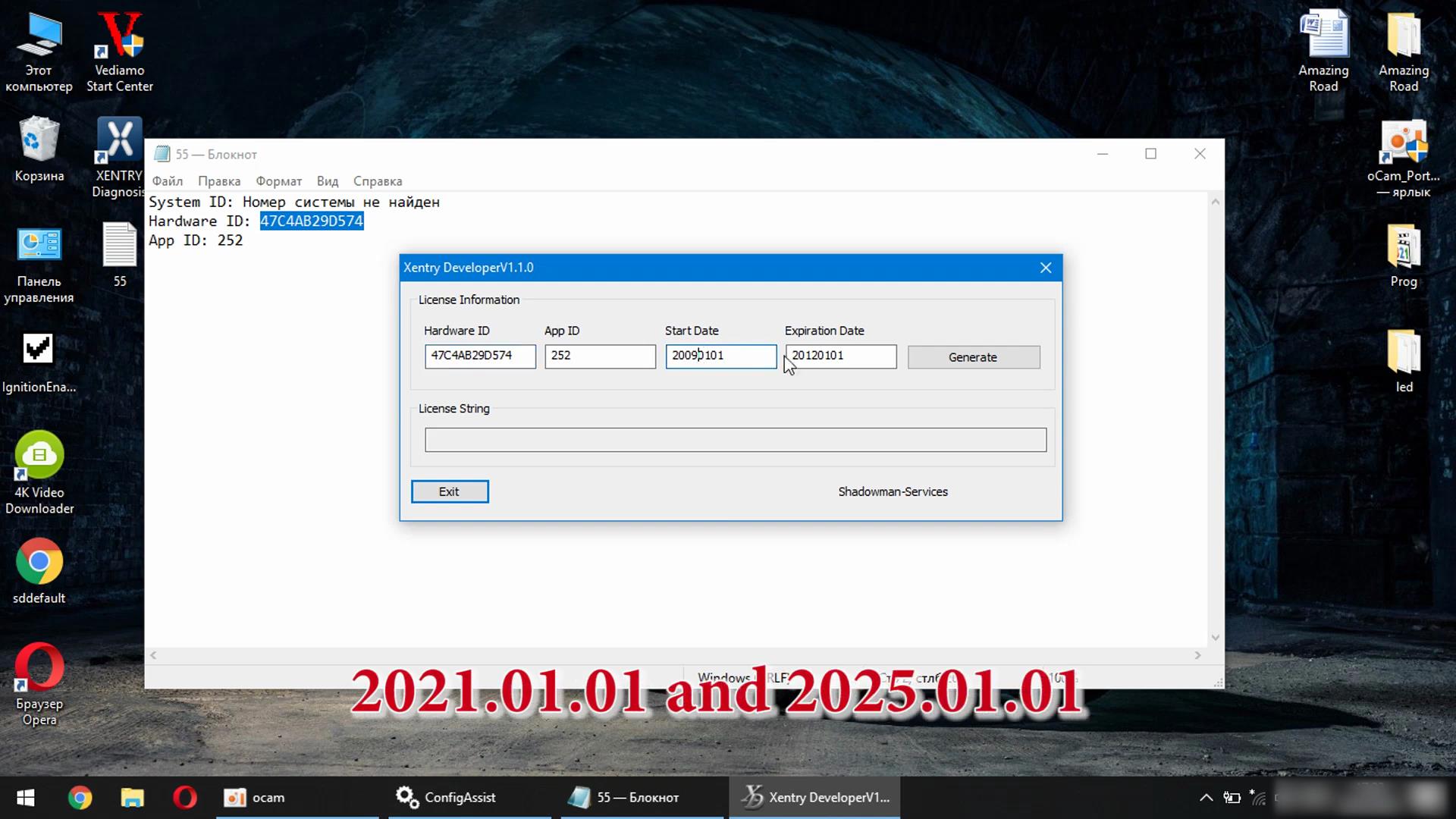
Click Generate
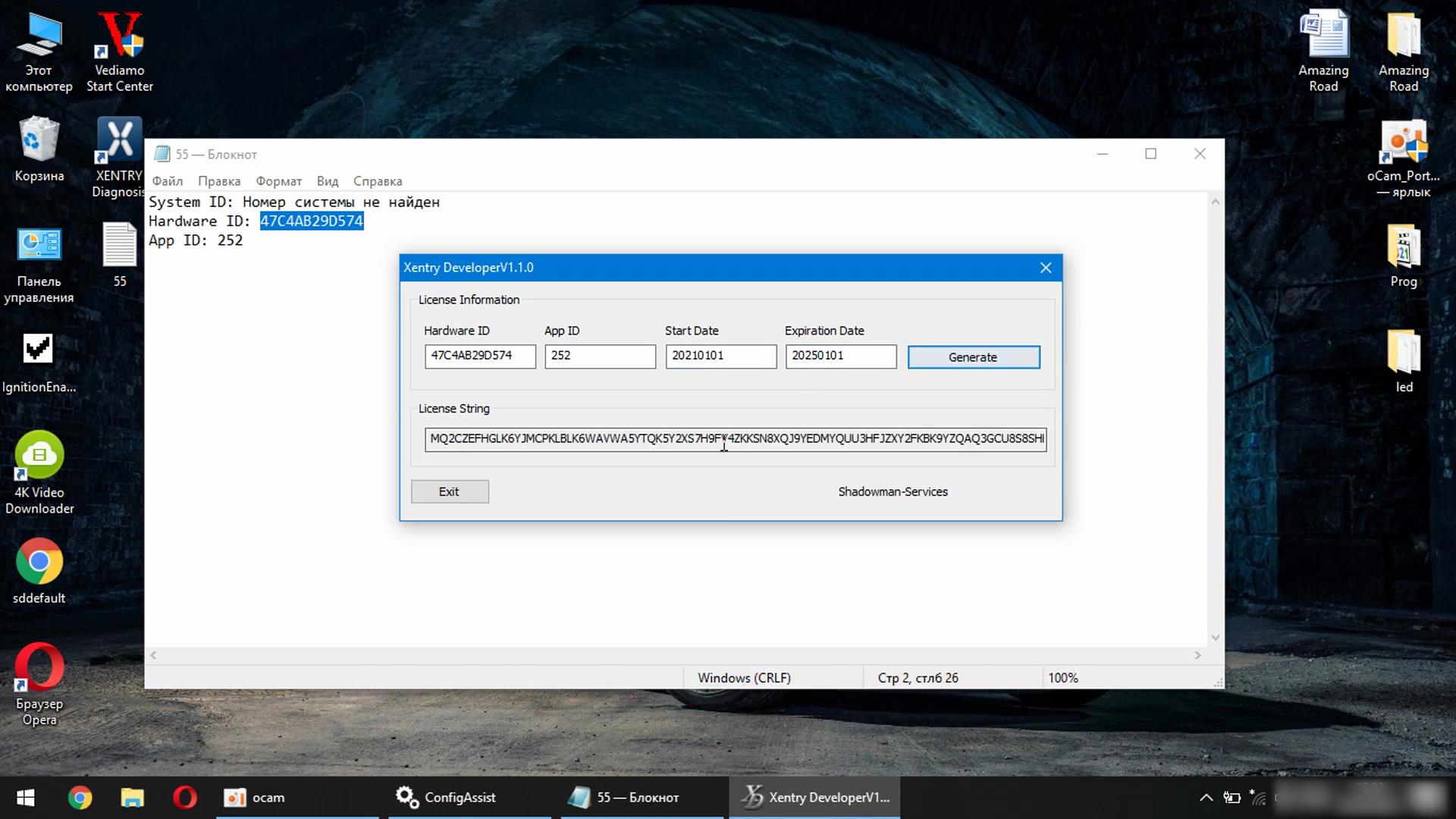
Click Mannually and insert

Save + OK + Apply and continue
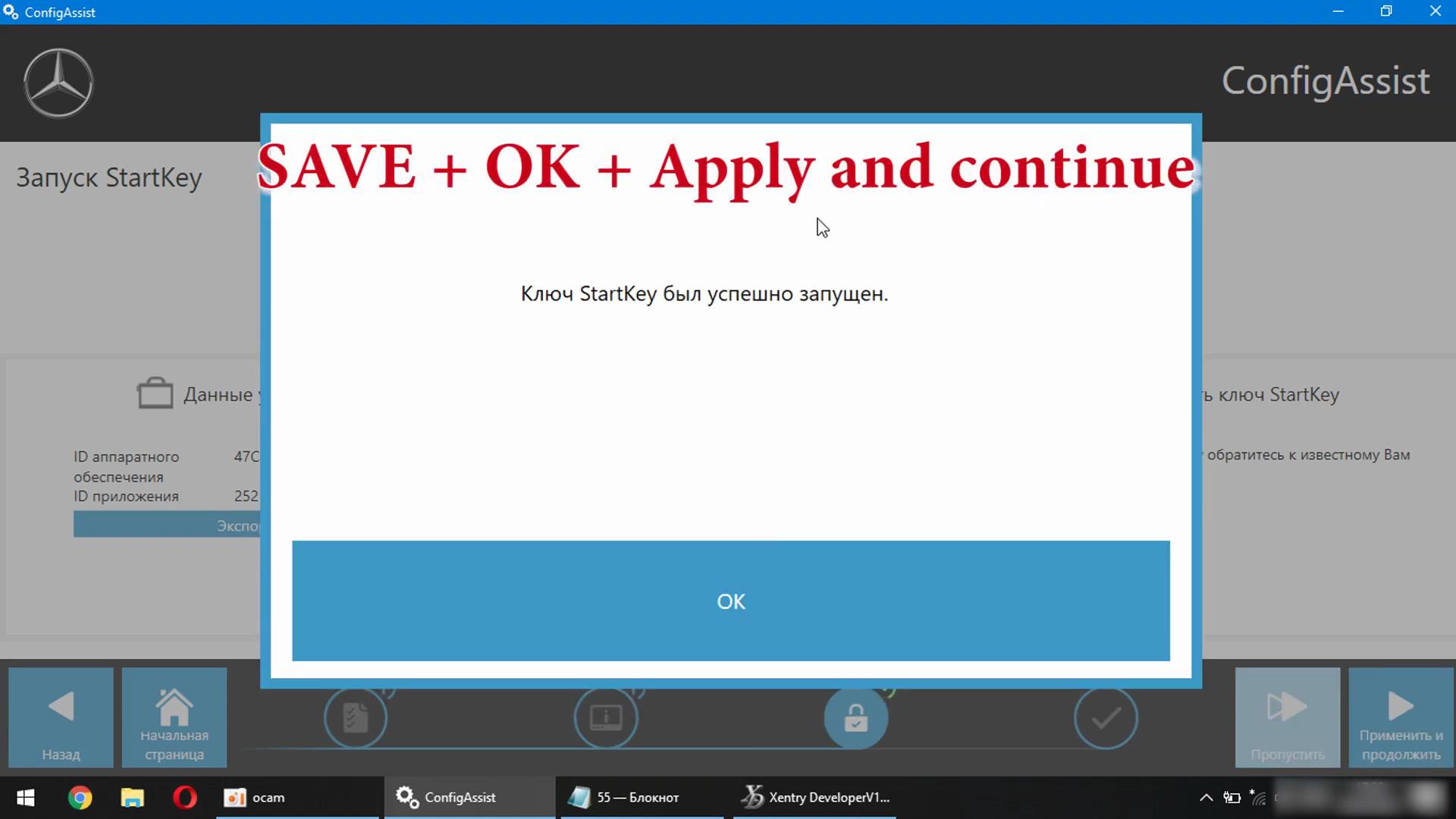
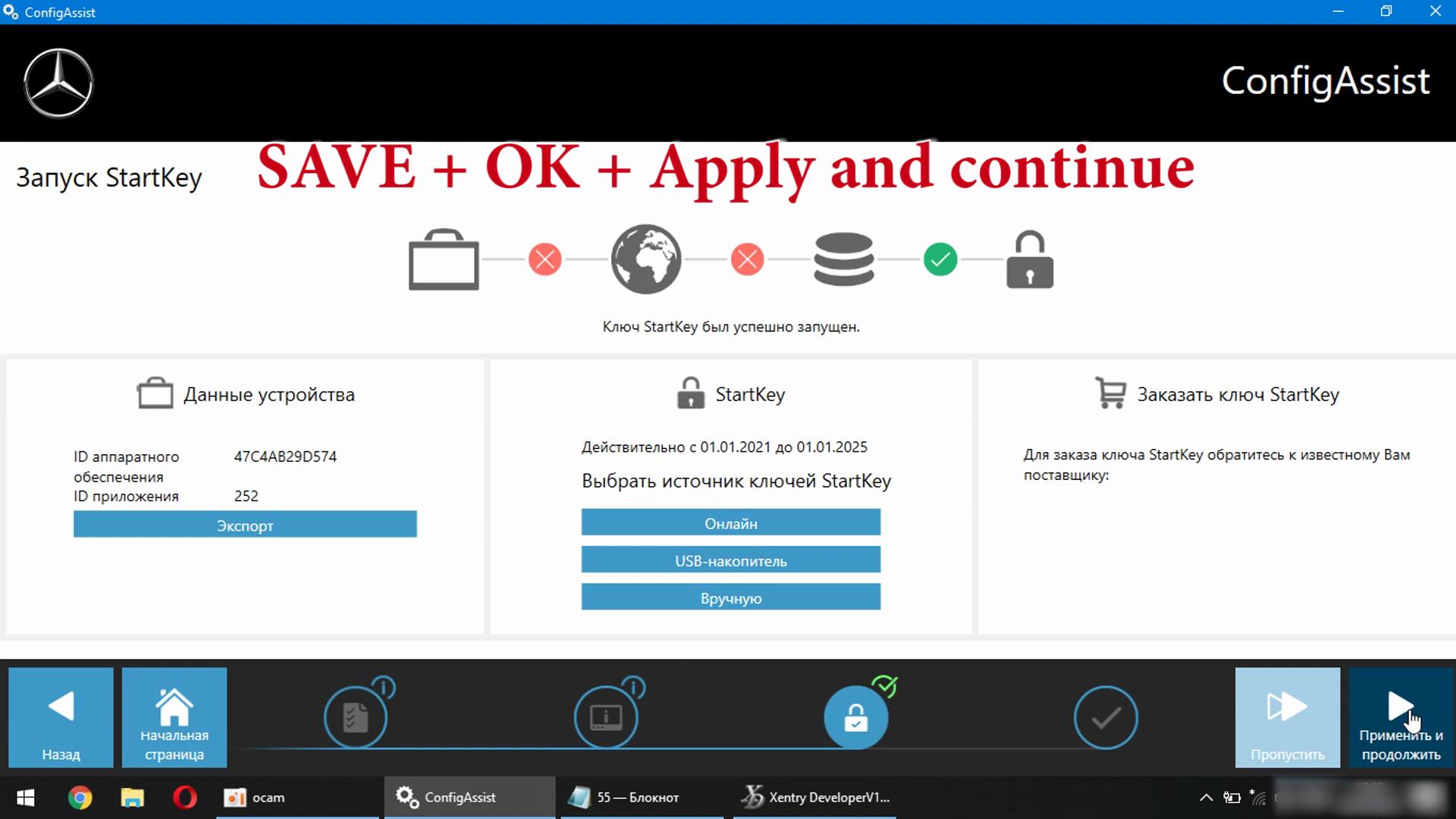

Xentry Works. You can do the same for Xentry 2016,2018,2020,2021

