Problem Overview:
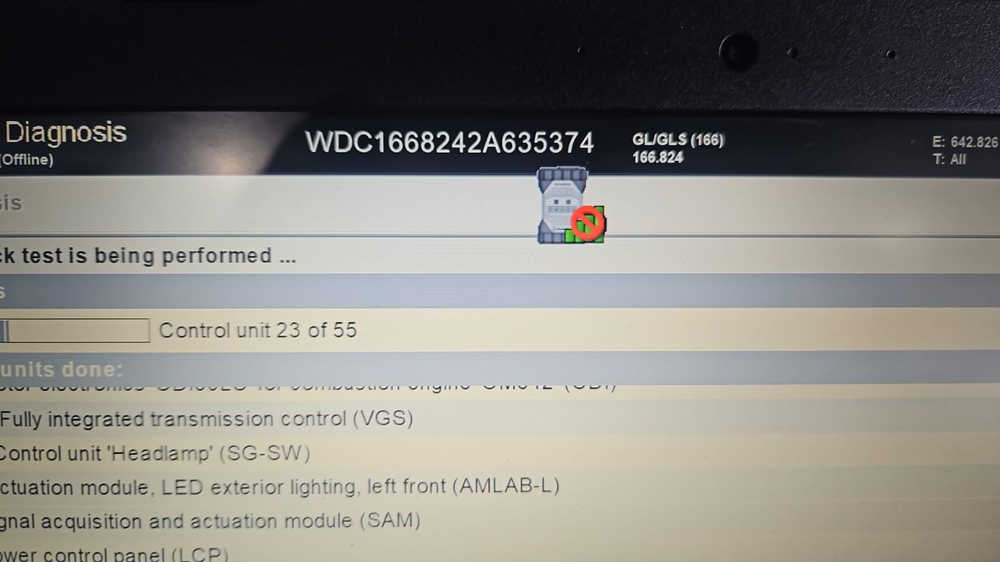
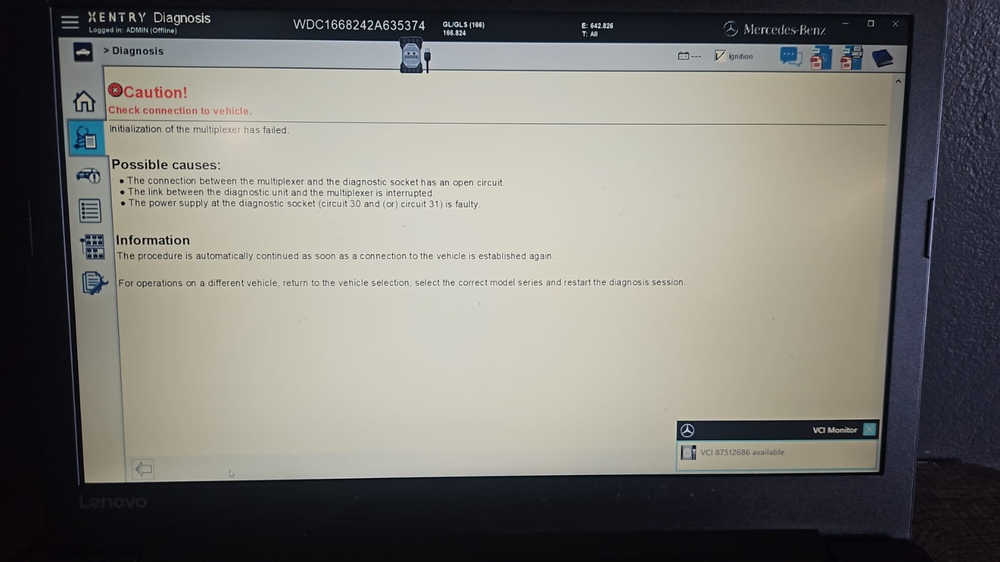
While performing vehicle diagnostics using the MB Star C6 multiplexer, the device intermittently disconnects and then reconnects on its own. This issue can prevent successful diagnostics and disrupt workflow.
Issue 1: Unstable Connection During Diagnostics
Observation:
During diagnostics, the MB Star C6 suddenly loses connection with the system and reconnects shortly after.
Response:
-
Check your distance from the vehicle. The issue may be related to weak WiFi reception on the diagnostic laptop.
-
Ensure the device is placed outside the car for a clearer signal path.
Issue 2: Diagnostics Cannot Start Due to Lost Multiplexer Connection
Observation:
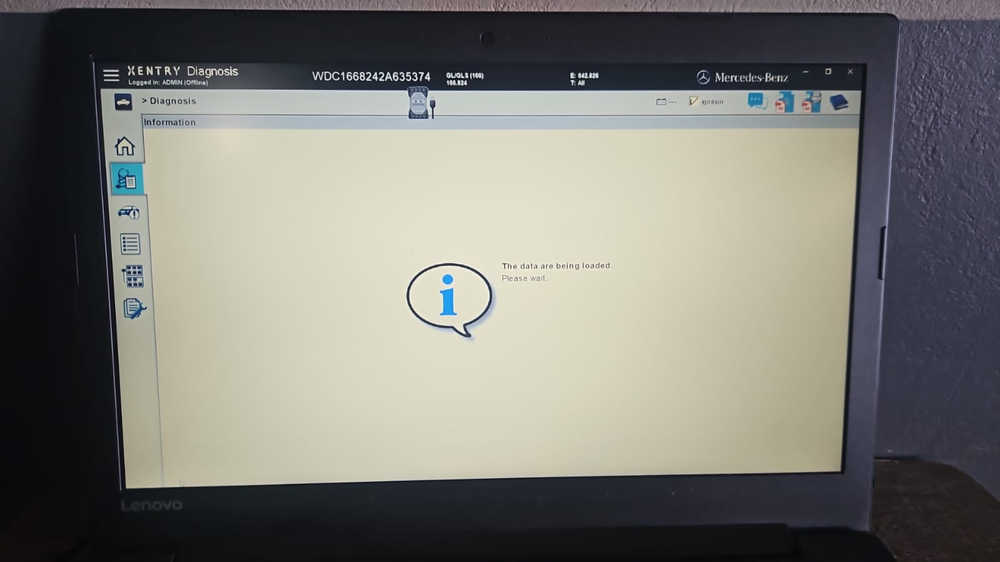
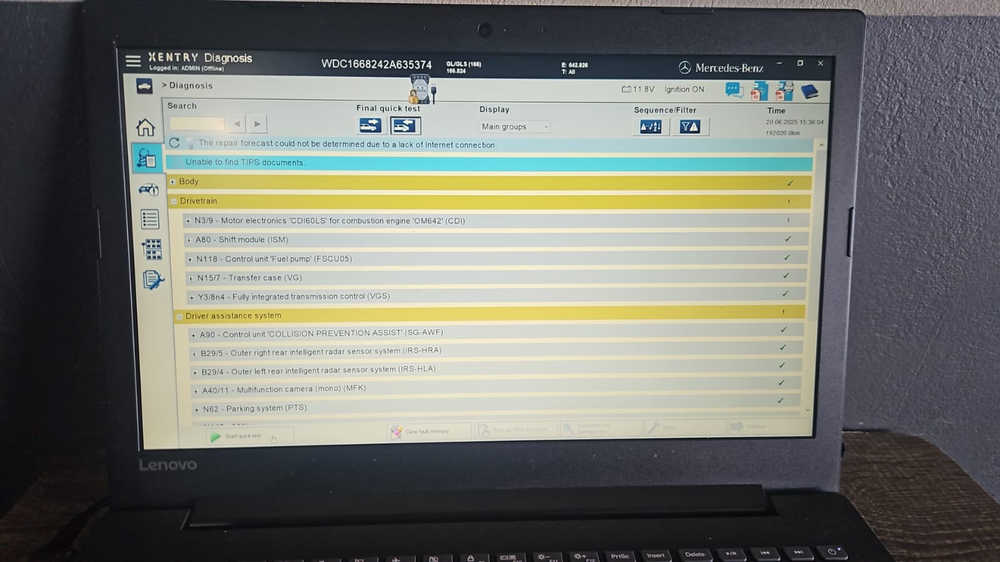
The system fails to initiate diagnostics due to constant disconnection from the multiplexer.
User reports that after restarting the entire setup, the system begins to work again.
Response:
-
According to the engineer, signal interference in the workshop could be causing unstable connections.
-
In factory tests, the MB Star C6 WiFi connection remains stable up to 10 meters from the vehicle.
Issue 3: Diagnostic Failure on Multiple Vehicles
Observation:
The user reports that this is the second vehicle since Saturday where diagnostics could not be performed.
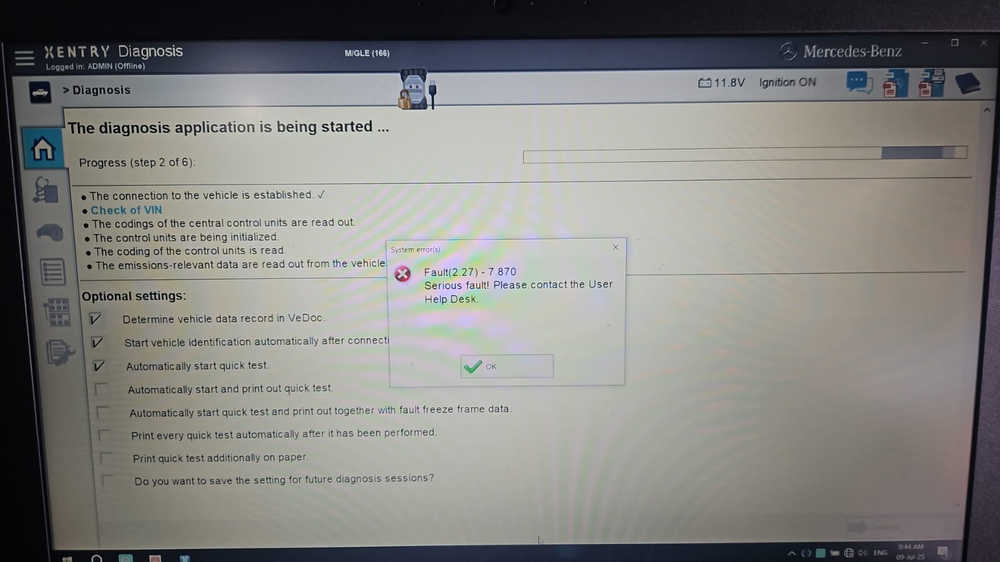
Response:
-
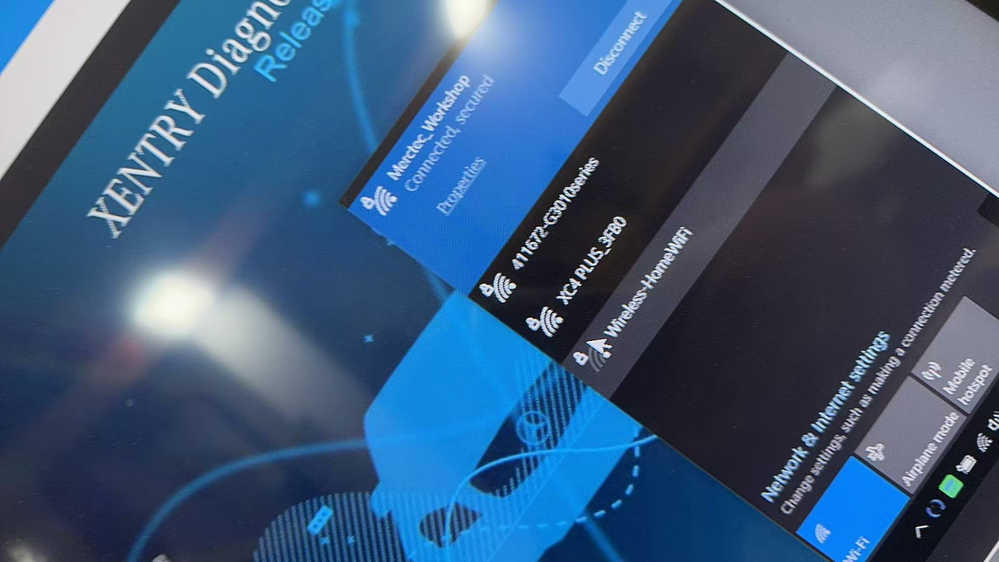
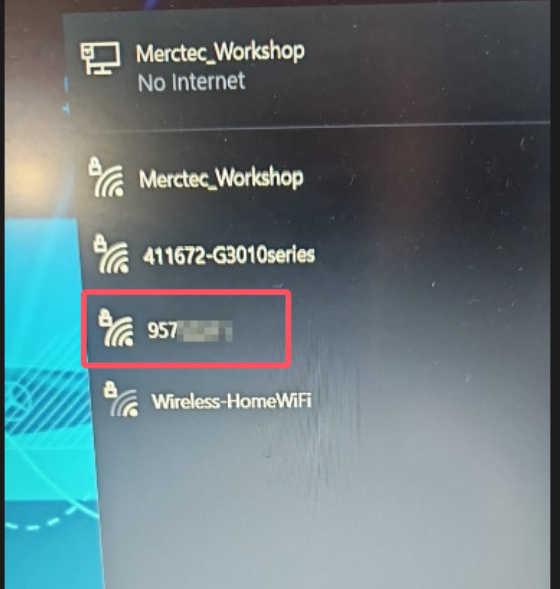
The engineer found that the device was connected via WiFi using a C4 device ID instead of the C6.
-
The correct WiFi name should match the serial number of your C6 device.
-
Ensure the correct WiFi network (matching your C6 serial) is selected to allow proper communication.
User Feedback:
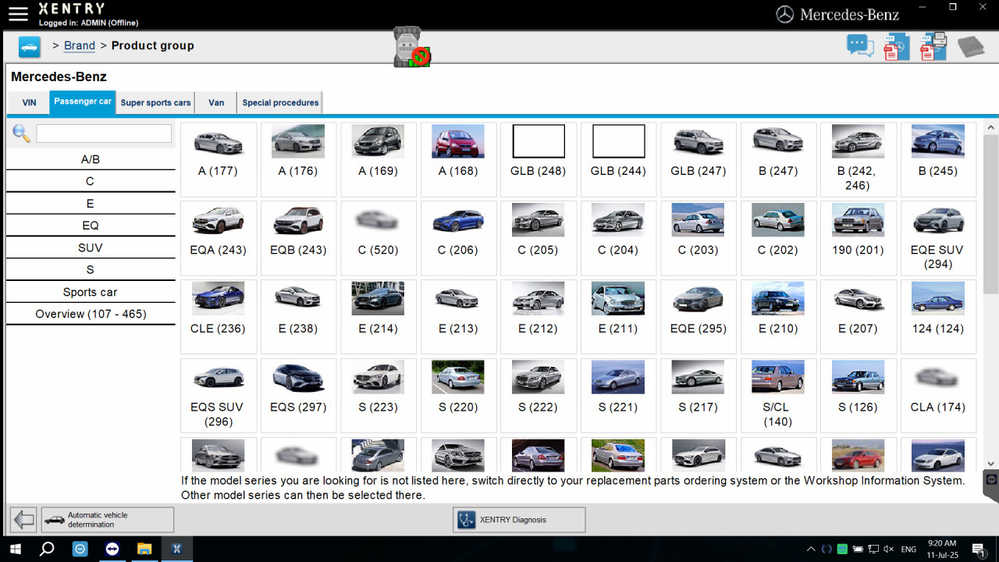
After correcting the WiFi connection to the appropriate C6 network, the device started working correctly again.
Feedback: “It seems to be working again. Thanks a lot!”
Conclusion:
If your MB Star C6 multiplexer disconnects during diagnostics:
-
Verify WiFi signal strength and minimize interference.
-
Place the device outside the vehicle.
-
Ensure you’re connected to the correct WiFi network (specific to your C6 serial number).
-
Restarting the setup can also help re-establish proper communication.
If problems persist, consult with technical support for deeper troubleshooting.
