Some customers running our Mitchell Ondemand software , dont know how to open the corresponding disk , lets check the details here
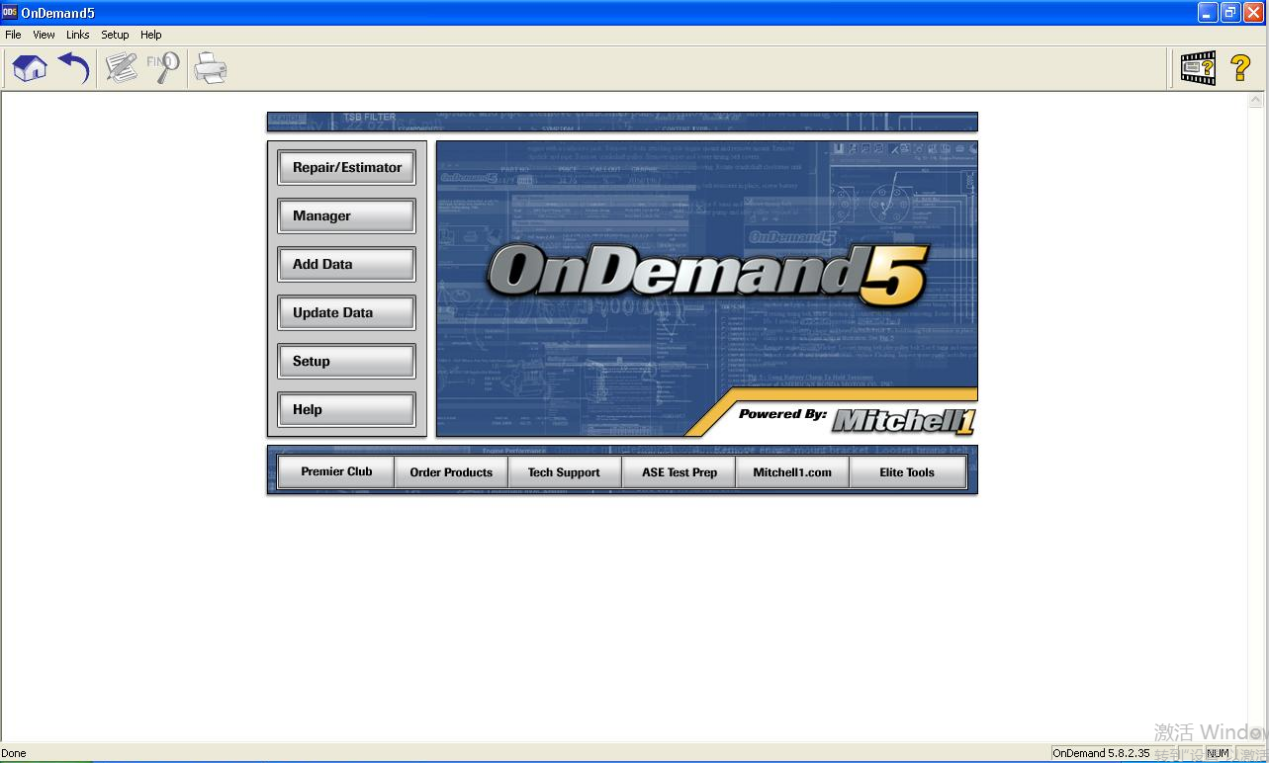
1.Double click Ondemand5 , running Mitchell Ondemand software :

Select the Year , brands ,model and system :
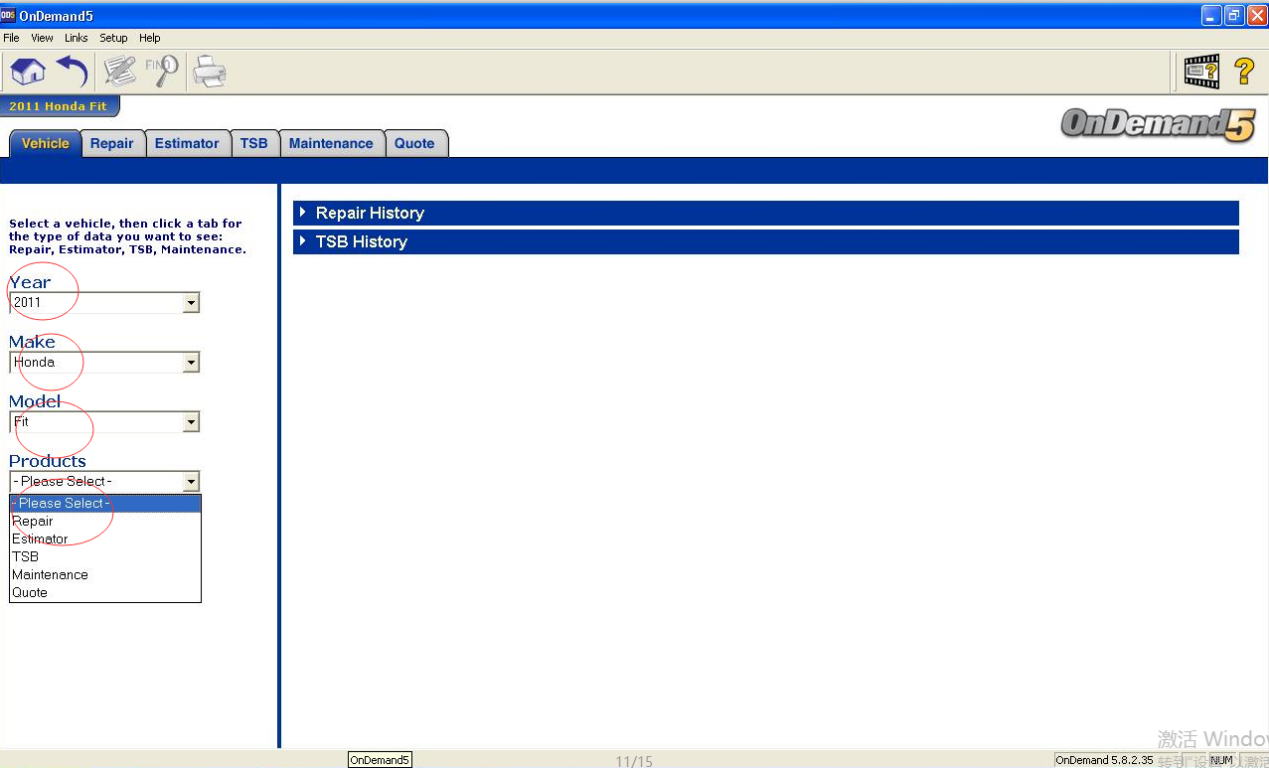
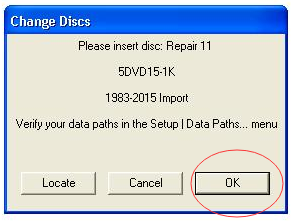
Then you will see the windows like picture display as bellow :
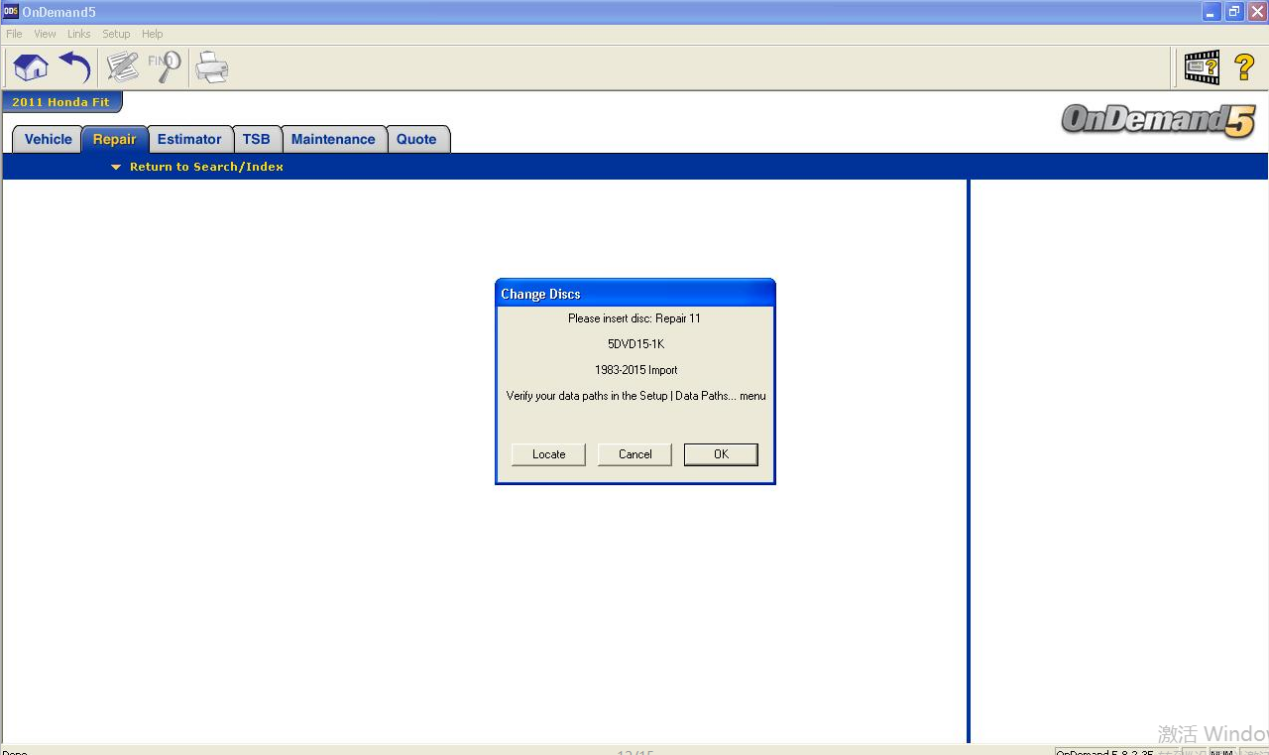
Some customers thought this is the software issues .
But of course not , this display “ please insert disc : Repair 11 “ . Actually we have made the DVD files to the virtual DVD files to the hard disk .
2. You should running the Virtual drive software from the desktop :
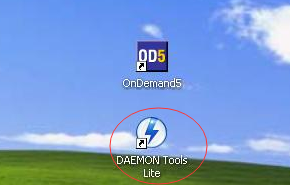
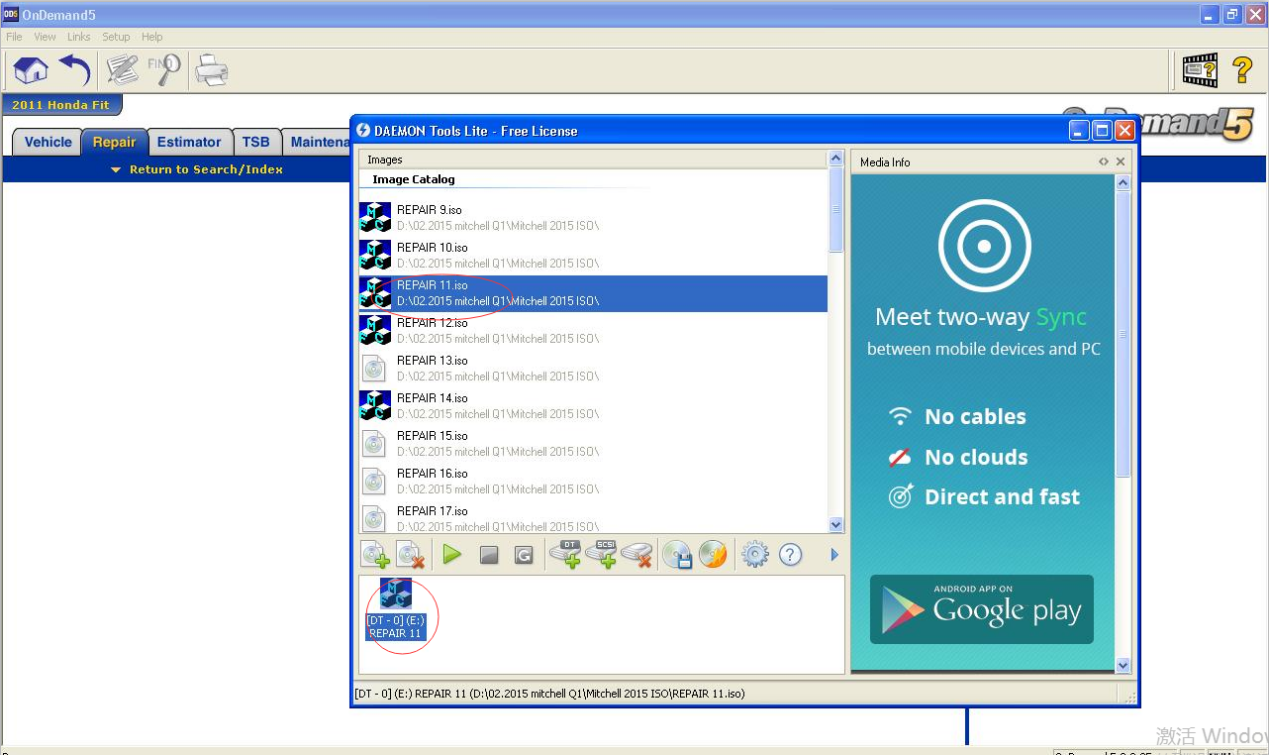
3.Running the corresponding DVD file :” REPAIR11.ISO” , you will see the details like the picture display :
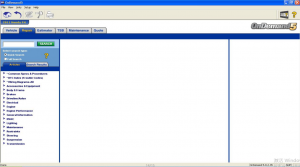
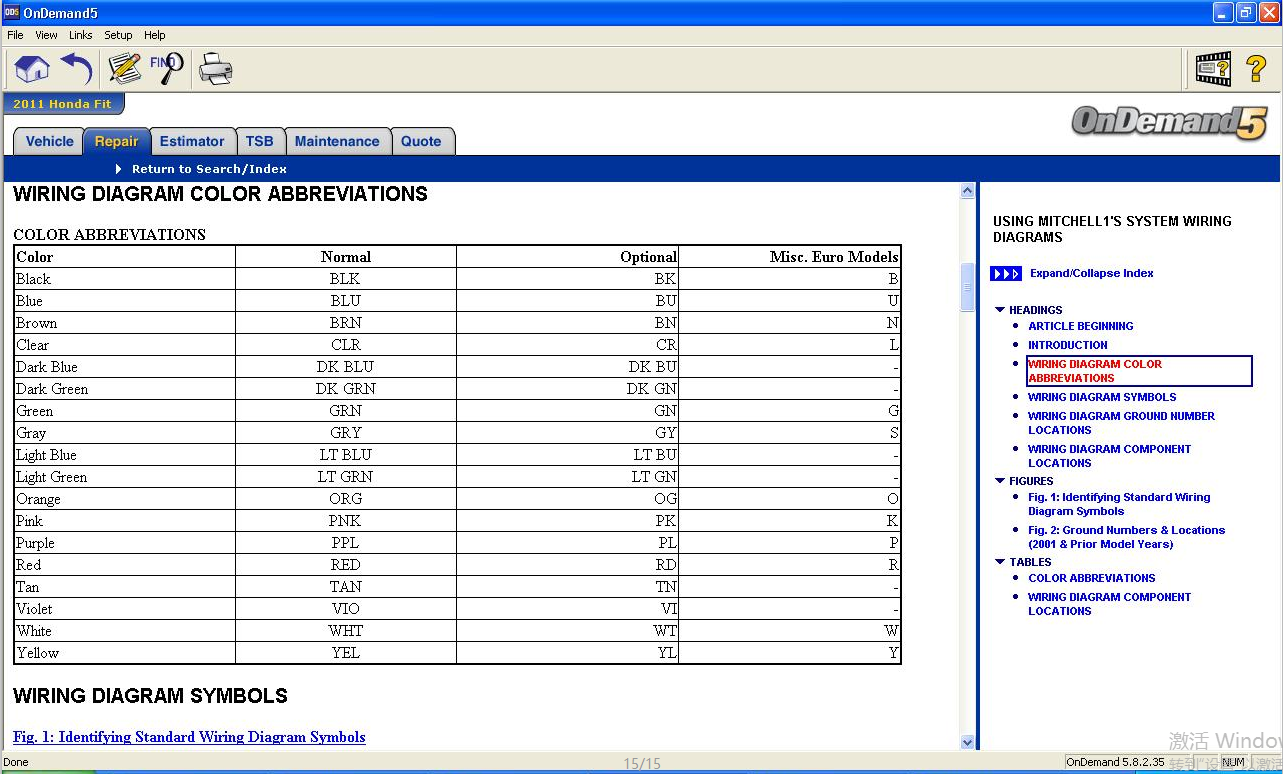
4.Back to Demands5 software , you can click OK , and you can check all what you want to see now
For more request , welcome to contact our sales by email ( sale@cnautotool.com ) or online directly .
