The SVCI ING Nissan J2534 diagnostic tool can be used to program both new (blank) and used ECM, TCM etc control units after replacement. Here’s the guide demonstrating a black TCM programming in less than 4 minutes.
Nissan TCM (Automatic Transmission Control Module) example:
310F6-1VA5A BEA01-120NA1 3603
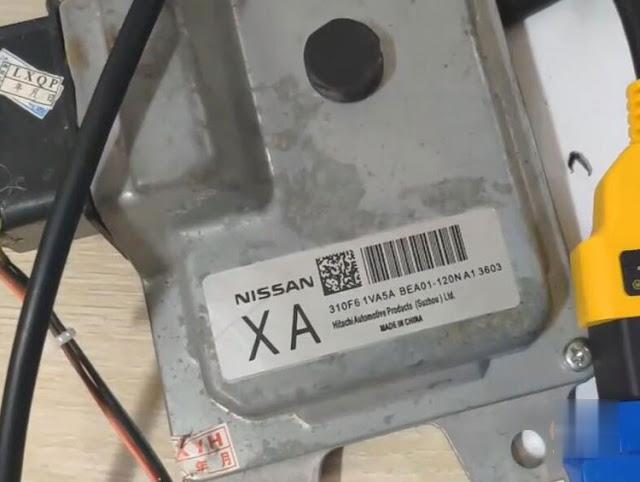
Preparation:
Download, install, register Baochi Cloud diagnostic software and bind device to laptop
check SVCI ING Nissan user manual
Nissan TCM Programming Procedure:
Connect TCM module with SVCI ING J2534 interface and 12v power adapter
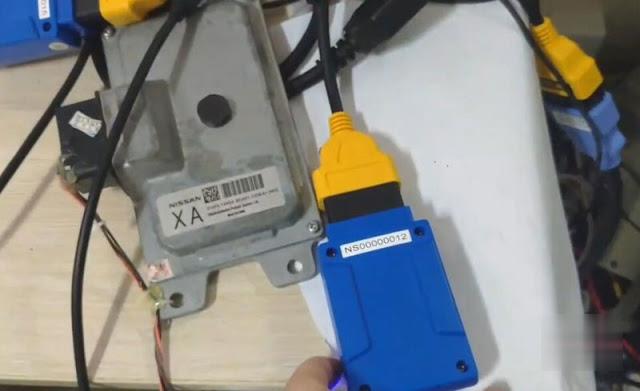
Check the svci communication indicators’ status, the left indicator turns on and the right indicator flashes
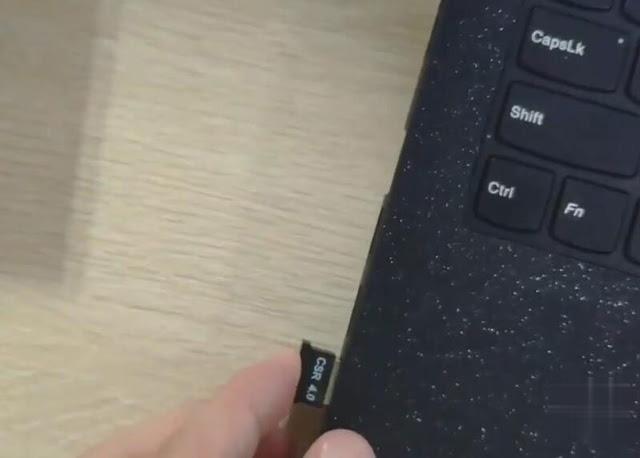
Insert the SVCI ING Bluetooth dongle to laptop
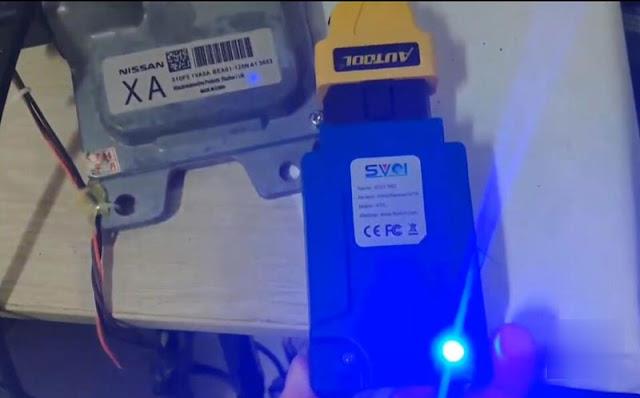
Add a Bluetooth device
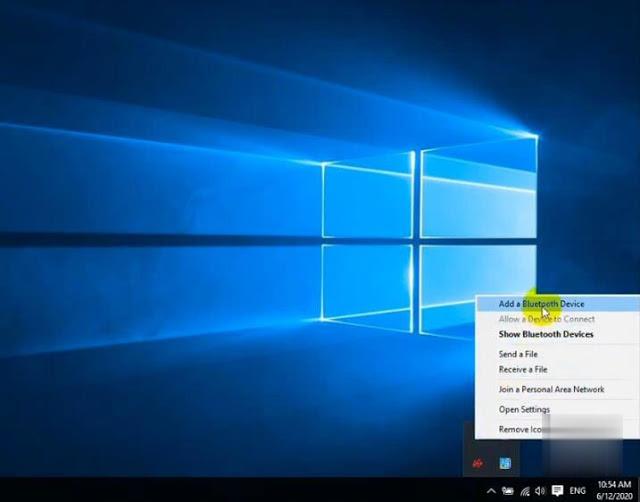
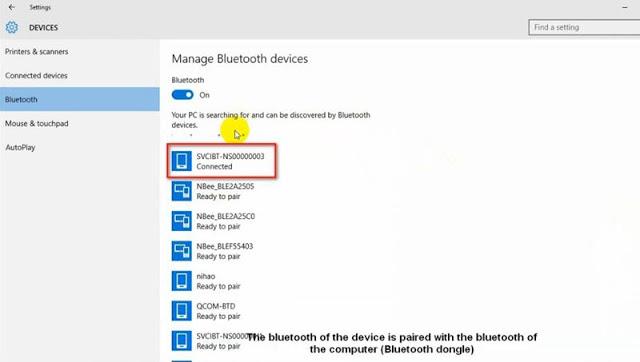
Search the SVCIBT-NS******** (with your serial number) device and pair
Open Baochi Cloud Diagnostic software on desktop and login
(click to enlarge following images if cannot see clearly)
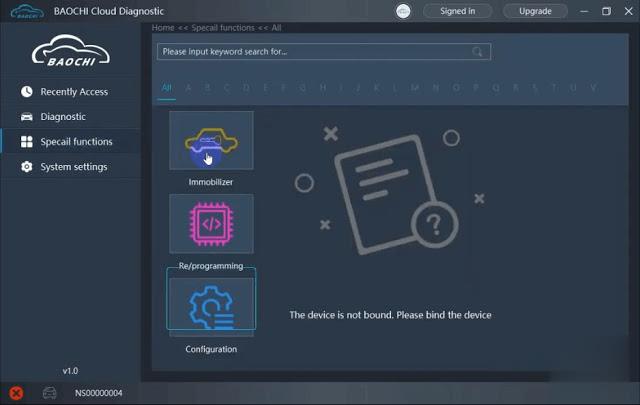
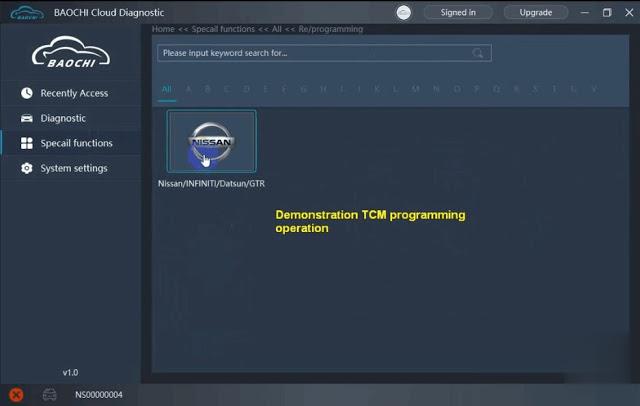
Select Special Functions-> Re/Programming->Nissan/Infiniti/Datsun/GTR-> Replacement/Blank->TCM
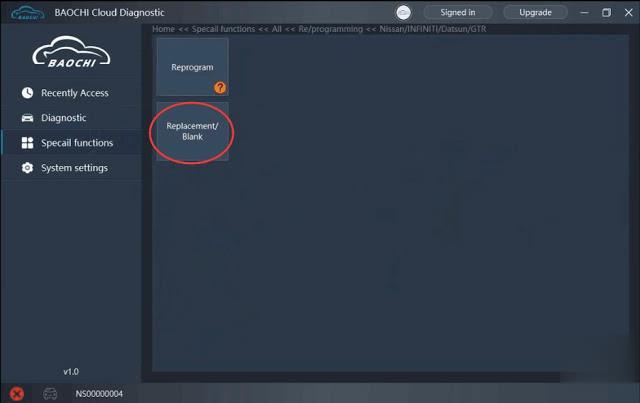
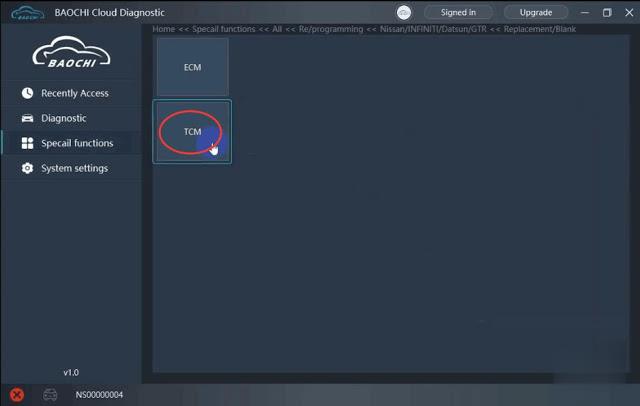

Select operation mode: Default mode is recommended

select proper file, press OK to continue
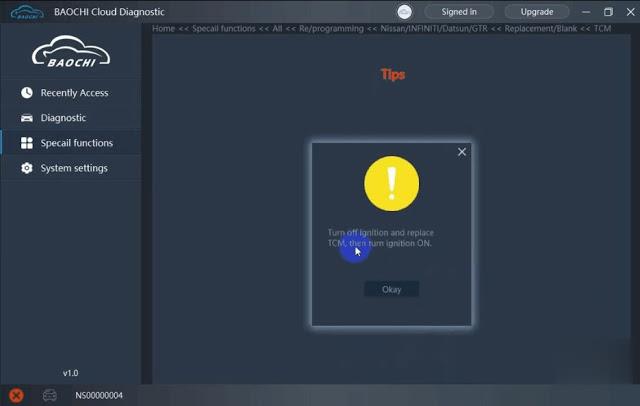
Turn off ignition and replace TCM, then turn ignition to ON position
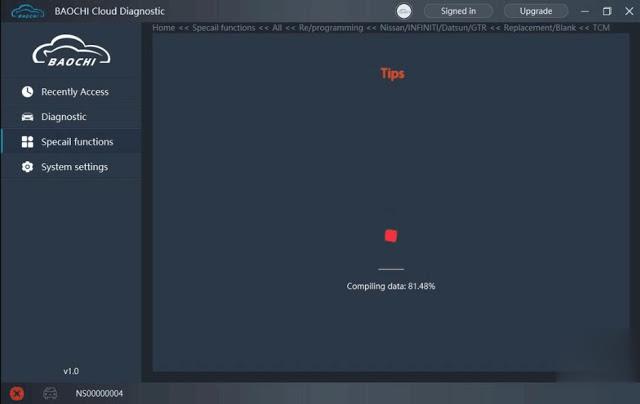
Loading data
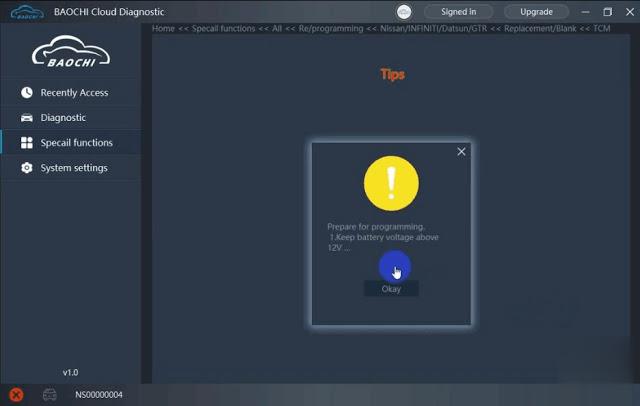
Prepare for programming. Make sure keep battery voltage above 12V
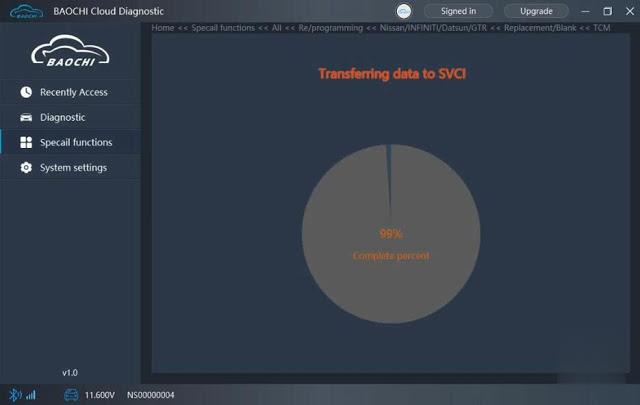
Transferring data to SVCI ING Nissan
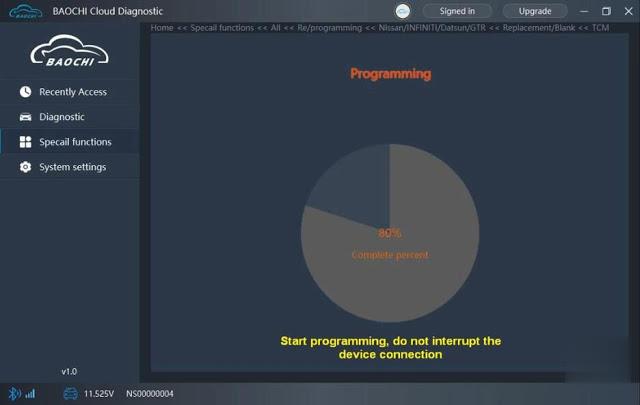
Programming in process. Don’t interrupt SVCI connection.

Wait until programming completed. Turn ignition OFF/ON several times.
Click OK and clear stored DTCs.

The TCM programming process takes 3 minutes and 49 seconds which is very fast.
