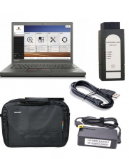
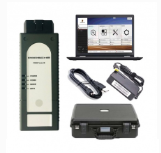
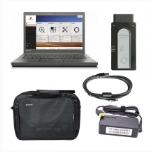
If your piwis 3 bought from China as bellowing pictures :


When you have issues like the picture as bellow :
“License expired! Available time 2. Please update VCI!”
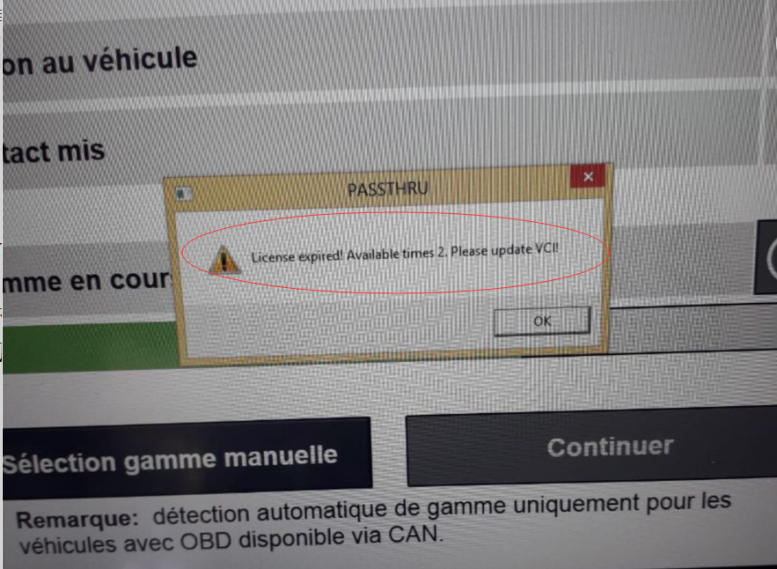
Then cant work , please dont worry , the device not have issues , just need you update your Porsche 3 hardware online
The steps as bellow :
1.Connecting the network
2.Open Porsche Piwis 3 software
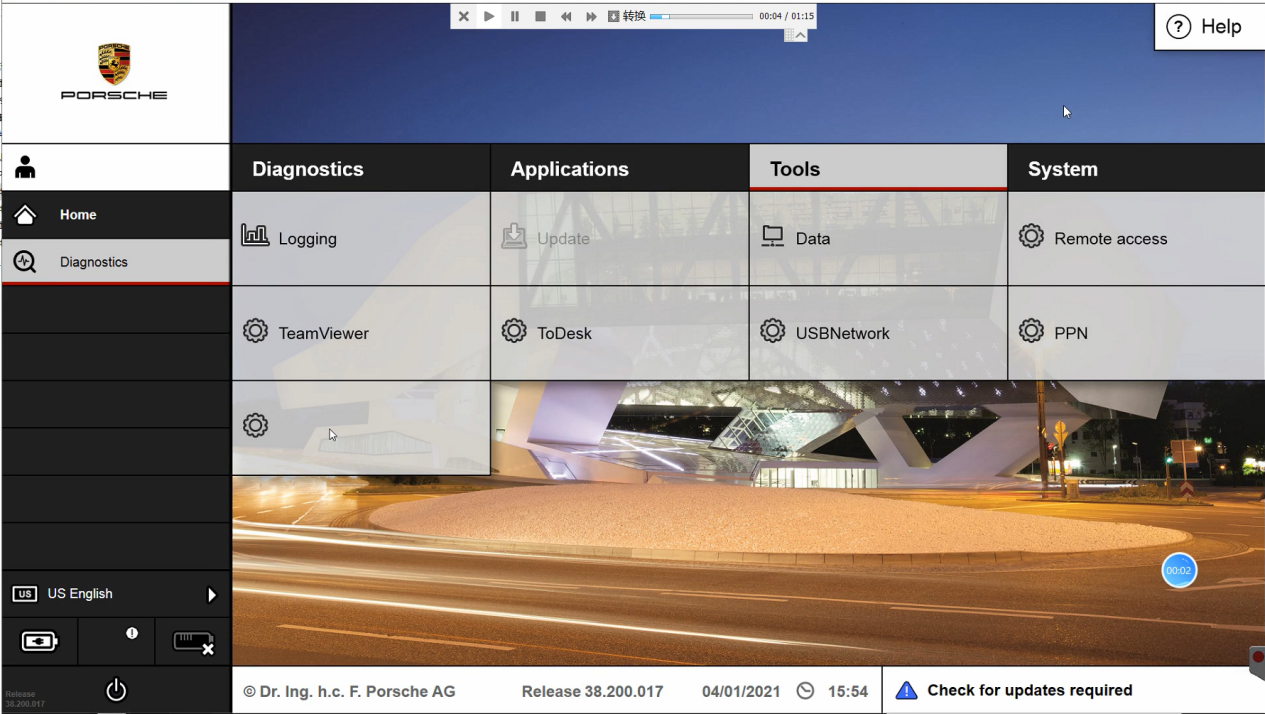
3.Click setting button
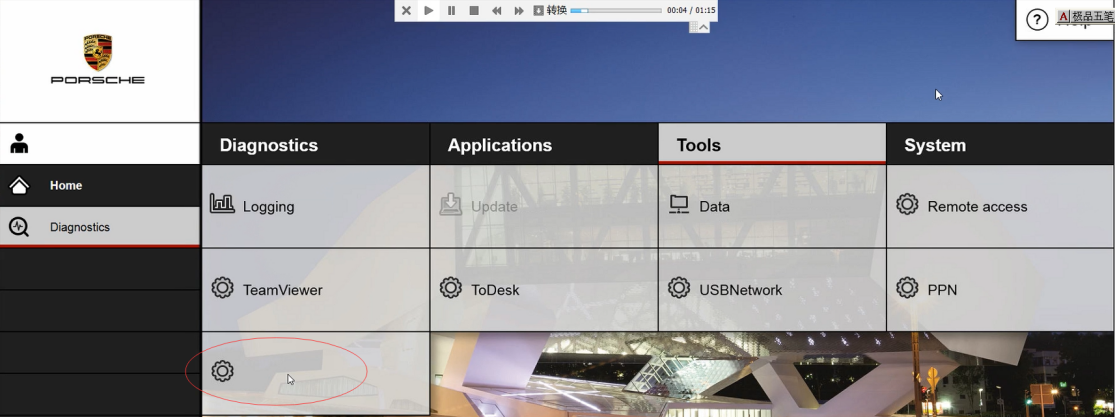
4.Choose Configure
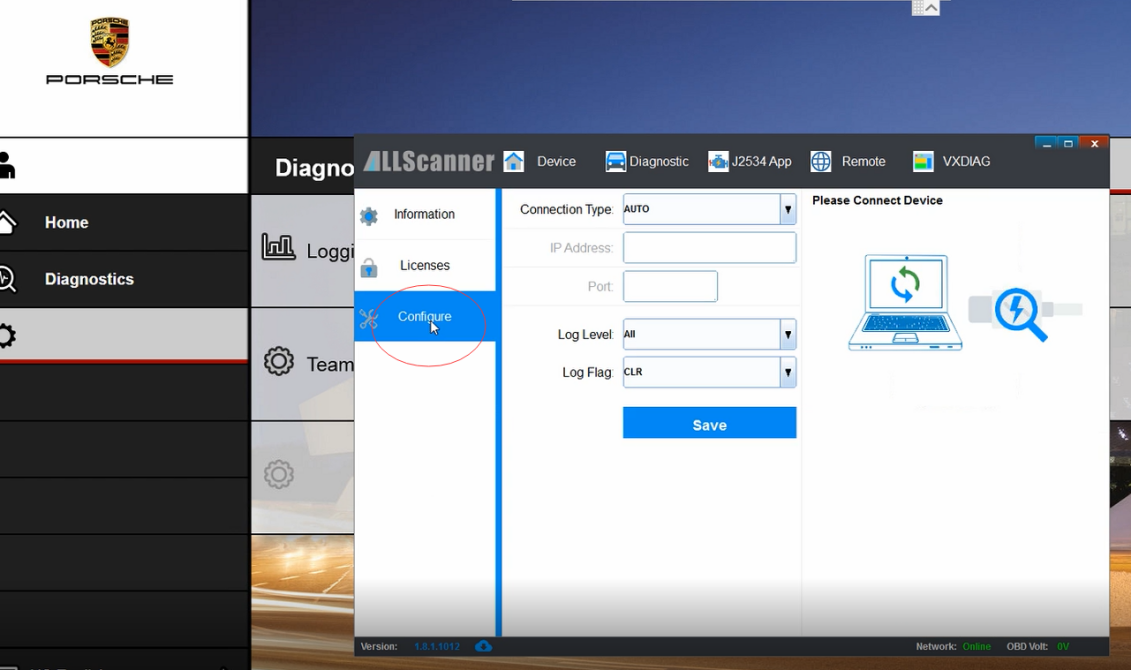
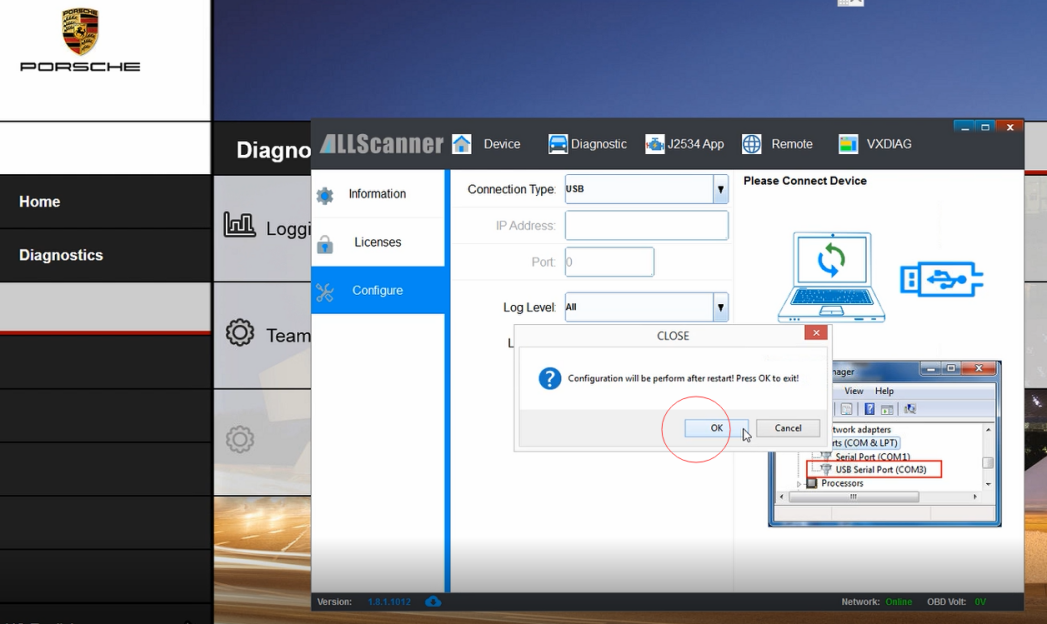
5.Select USB
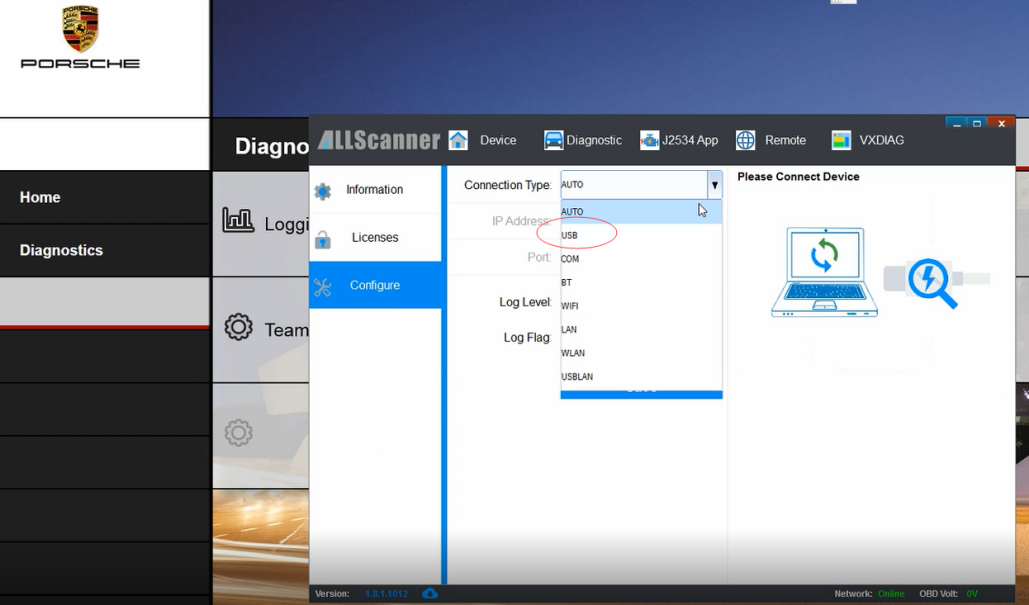
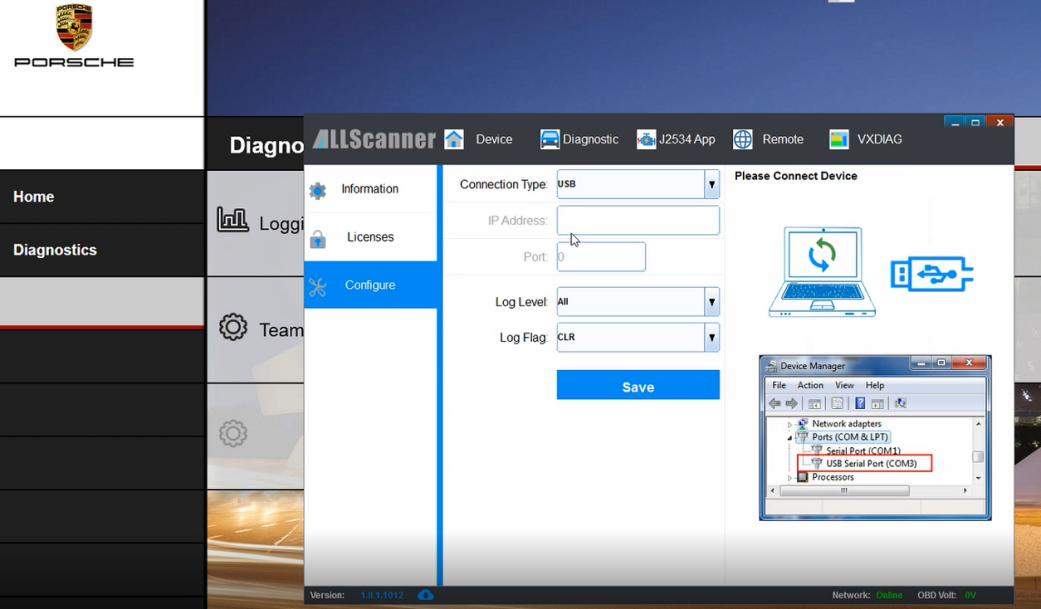
6.Then click OK
7.Choose Licenses
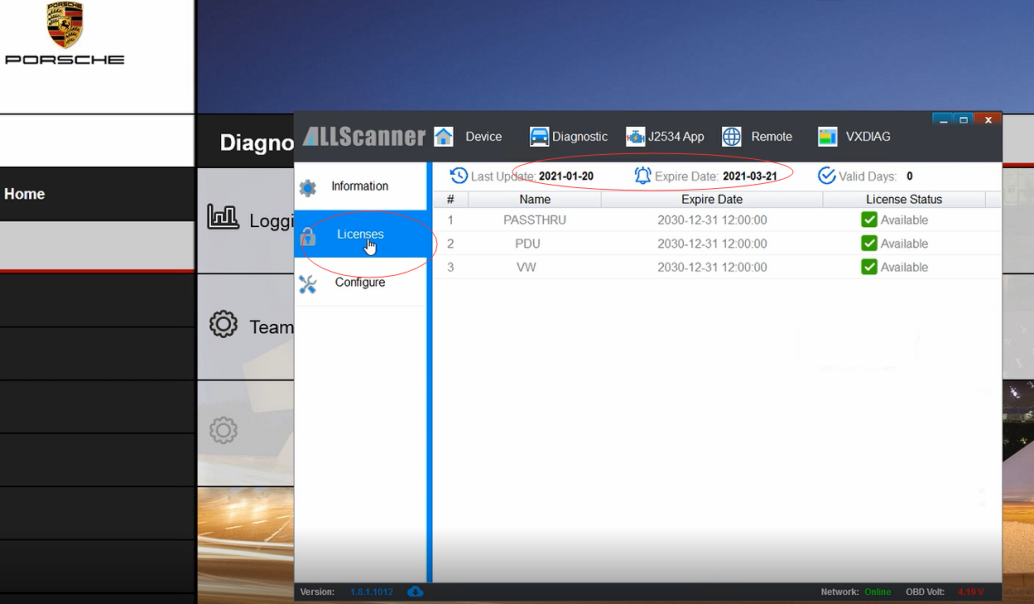
Change the date to current time
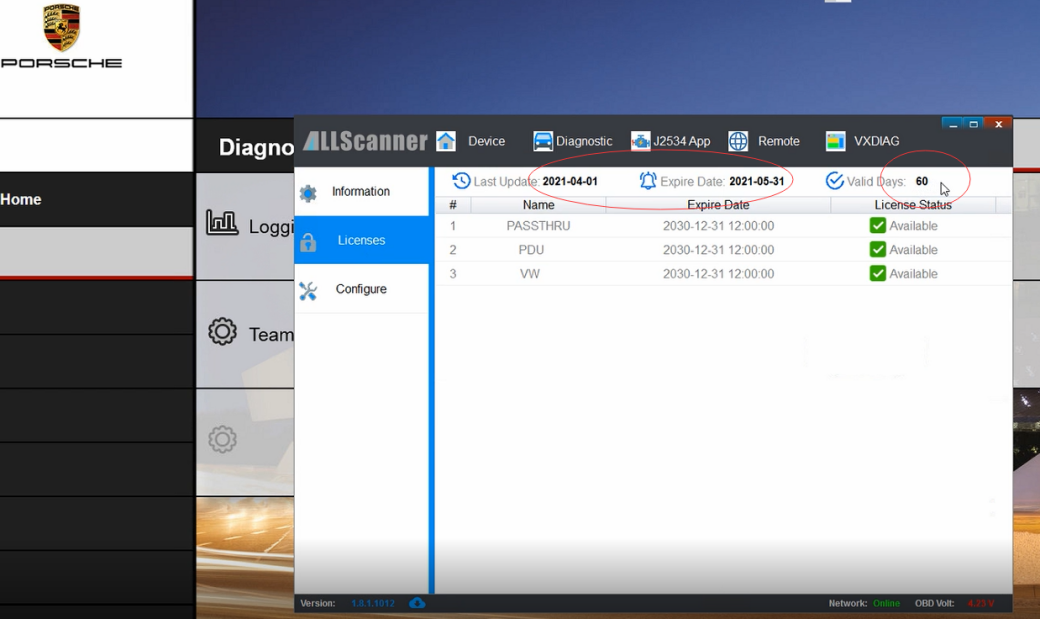
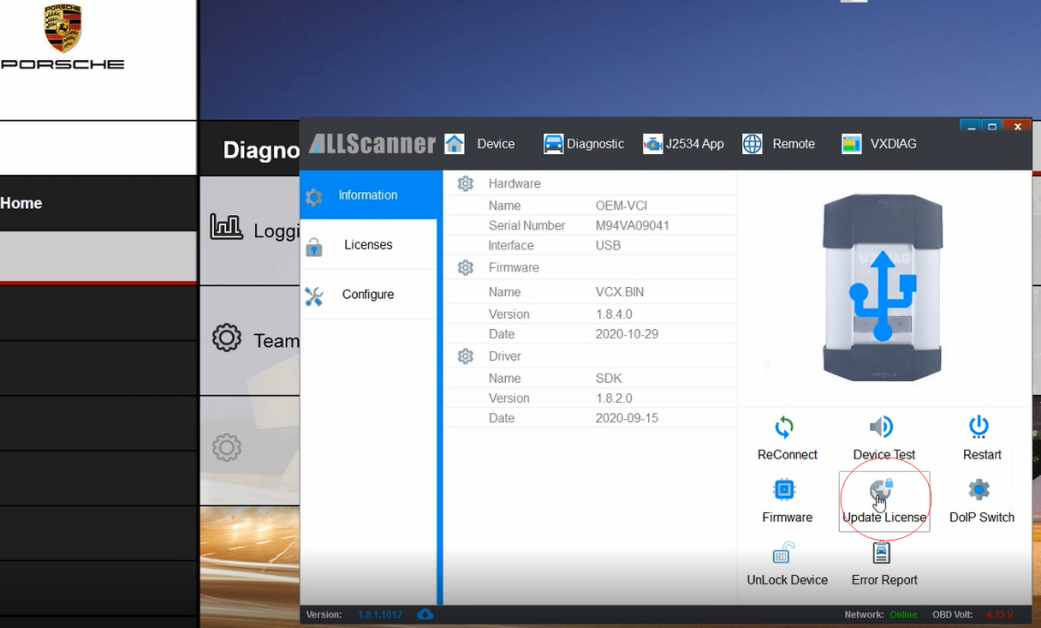
8.Choose information , Click Update License
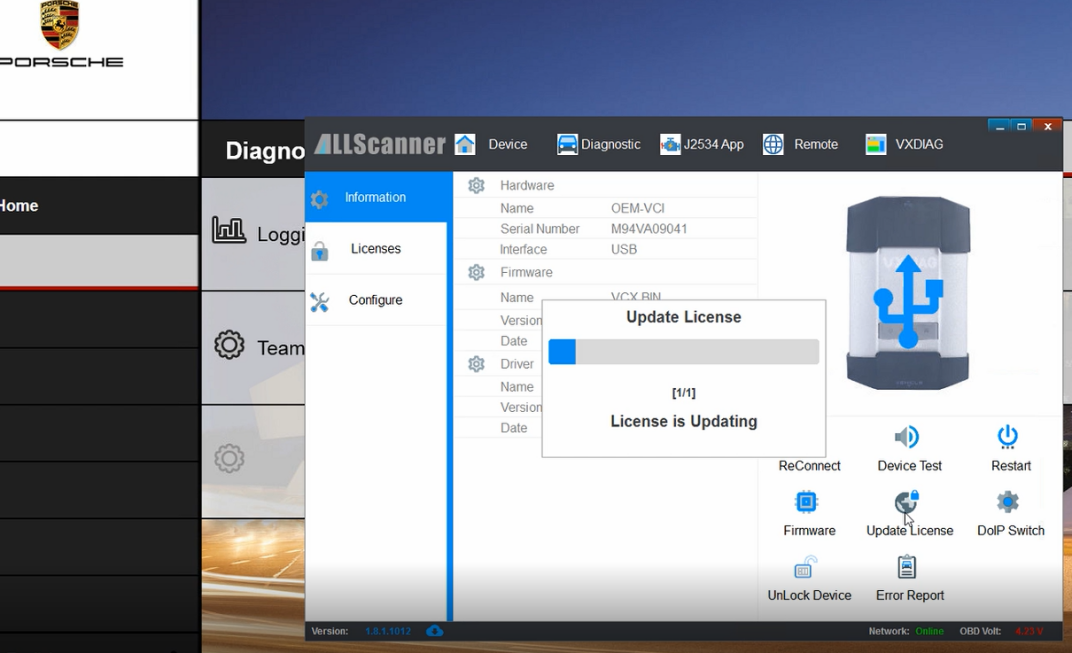
Licenses Updating
Click OK when finished update
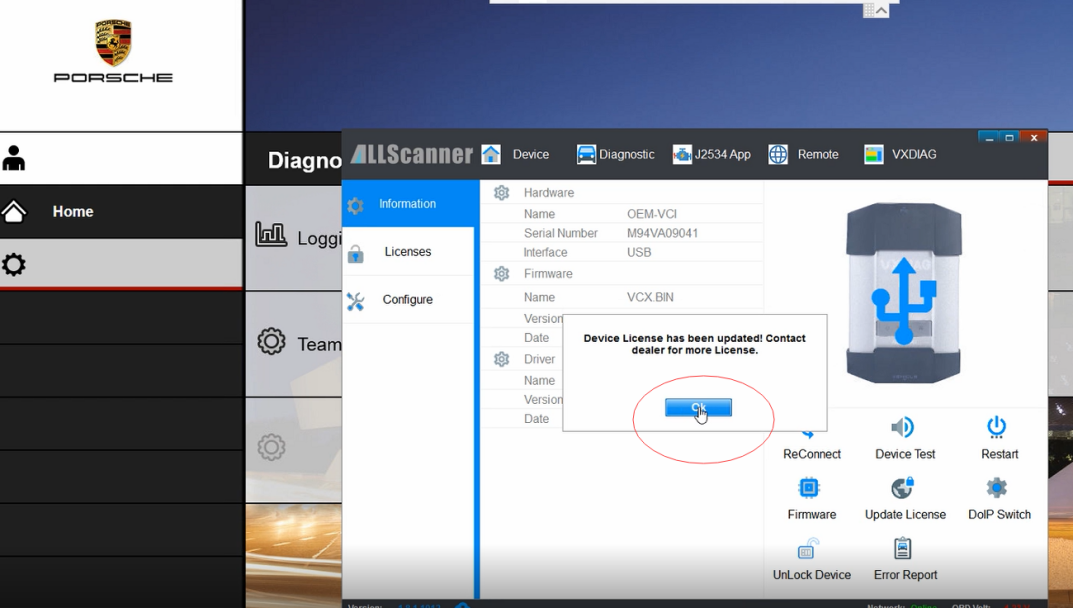
Hardware updated successful , you can use the machine again
If you still have problem , please check our Porsche piwis 3 hardware update video as bellow:
Porsche piwis 3 hardware update video:
