This is a question recently raised by a customer of CnAutotool.com.
The answer is yes. What you need is Yanhua Mini ACDP programming master basic version+ ACDP BMW ISN Module 3+ DME N55 integrated interface board.
The BMW ISN of Yanhua ACDP can be easily read through the desktop mode, without the need to open the DME case, drill holes, or insert cables.
Connection:
Step 1: Please prepare ACDP, OBP + ICP adapter, Mini ACDP N55 interface board and DME module
Step 2: As shown in the figure, correctly connect the interface board to the DME interface
Step 3: Short-circuit the CAN resistance on the OBP + ICP adapter to “CAN-R Join”
Step 4: Connect ACDP, OBP + ICP adapter, ACDP BMW N55 interface board and DME
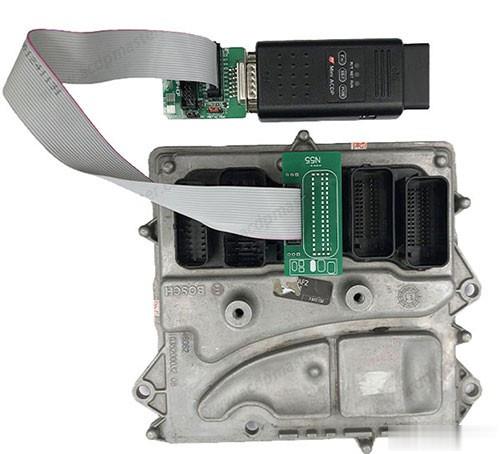
Operation method:
Run Mini ACDP APP
Select BMW-> DME ISN-> BENCH mode Read/Write DME ISN-> FXX-> N55 (MEVD172G)
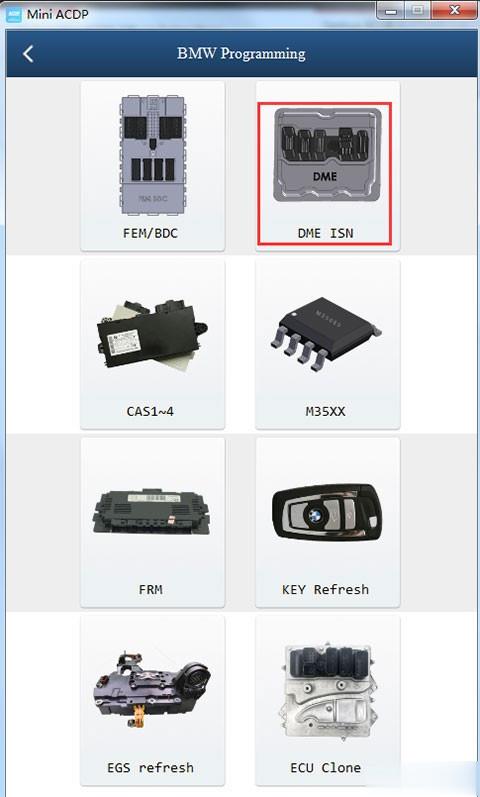
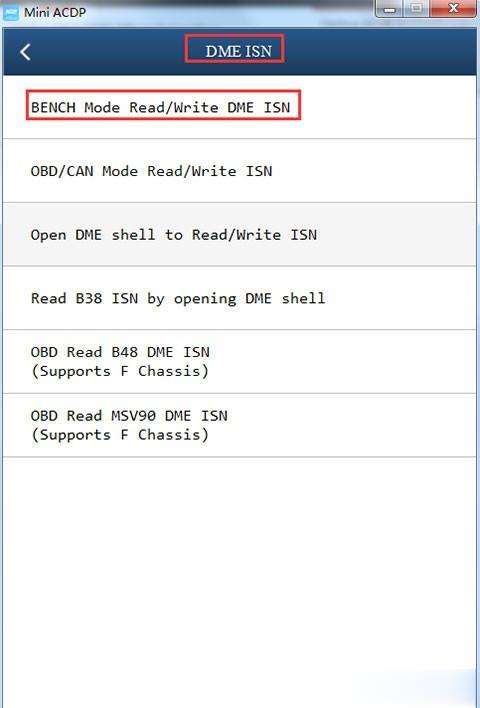
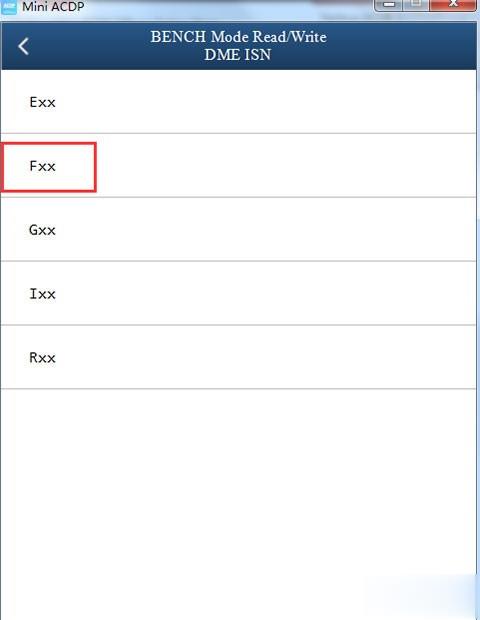
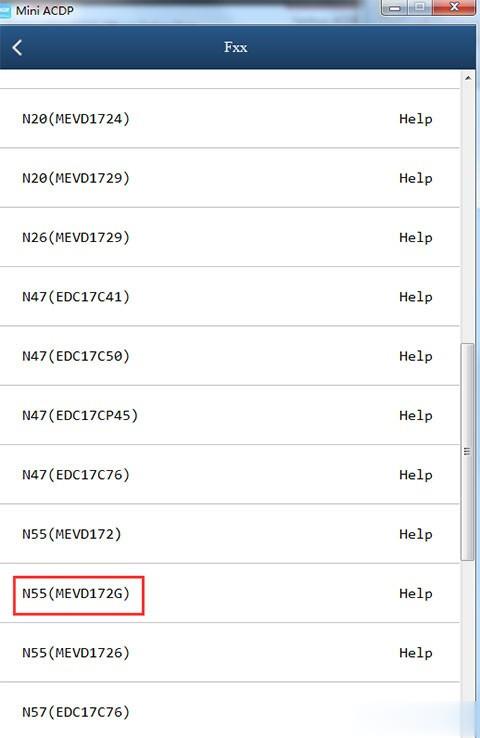
First identify the DME to check whether the module is normal, and then read the ISN.
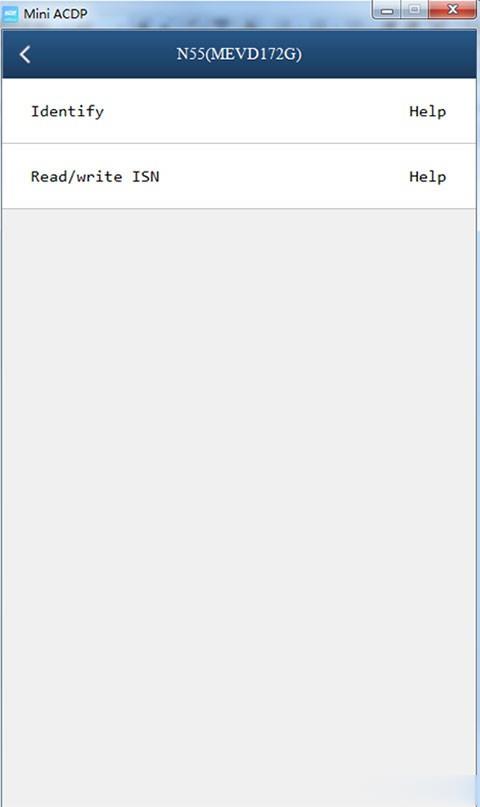
Click “Help” to check the specific connection diagram, and follow the instructions on the screen to operate correctly
During the operation, please pay attention to the following precautions.
1. Correctly connect ACDP and DME;
2. Do not power off or unplug the device during programming;
3. Please back up the ISN data carefully.
