Issue:
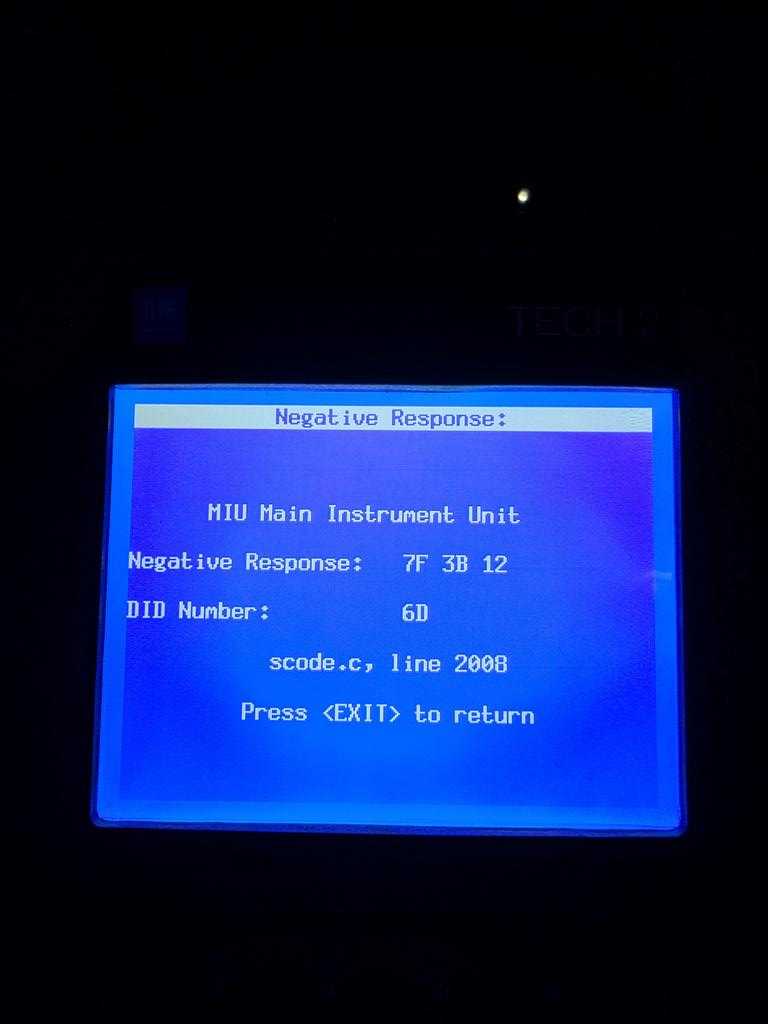
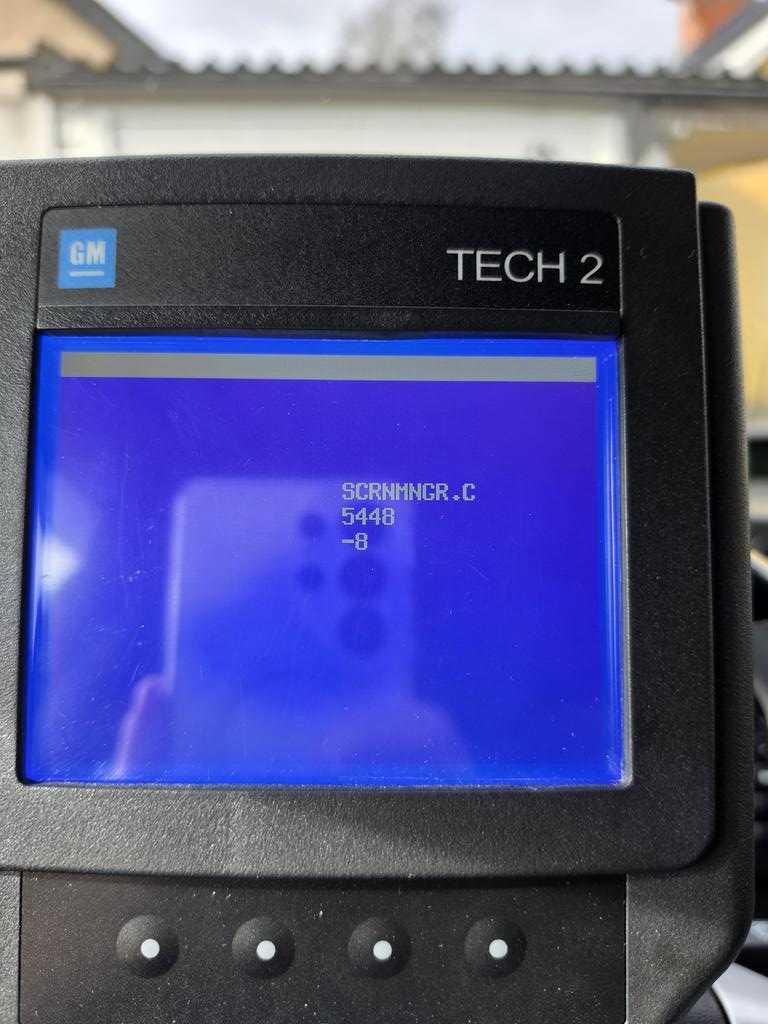
It is struggling to add and remove control modules and other programming, it gives me multiple fault codes.
Reply:
Generally, programming requires installing TIS2000 on a computer (wind7 32bit) and operating it in conjunction with the Tech2 tool; the standalone Tech2 tool is primarily used for diagnostics.
Steps:
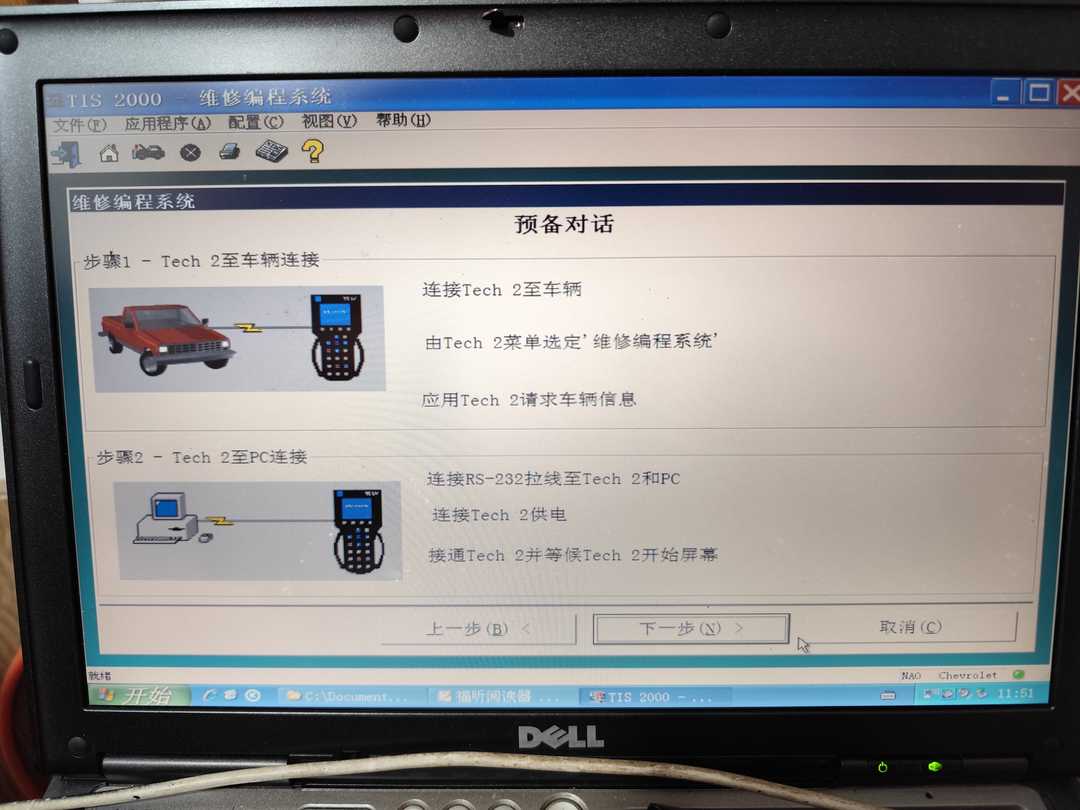
Connect the Tech 2 to the vehicle and turn on the ignition to supply power.
Select “Service Programming System” from the Tech 2 menu.
Use the Tech 2 to request vehicle information.
Connect the RS-232 cable to the Tech 2 and the PC.
Connect the Tech 2 power supply.
Turn on the Tech 2 and wait for the Tech 2 start screen to appear.
More request,welcome to contact us directly: sale@cnautotool.com
Our Website link: https://www.cnautotool.com/
