XTOOL A80 H6 OBD2 Scanner is based on Android system, combined with OEM-level vehicle coverage, carried on a fashionable and beautiful tablet and brand-new interaction design, provides you same simple operation but totally different experience.
Some customers dont know how to active and update the tool , so lets check the details with steps as bellow :
1. How to Active ?
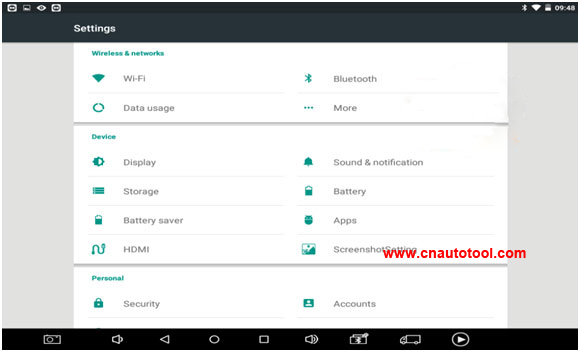
Step 1. Click the Settings icon on H6 Elite.
Step 2. Turn on Wi-Fi and connect to available internet.
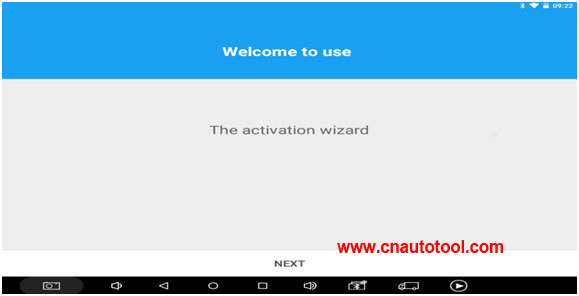
Step 3. H6 will automatically prompt that you need to activate, please click NEXT.
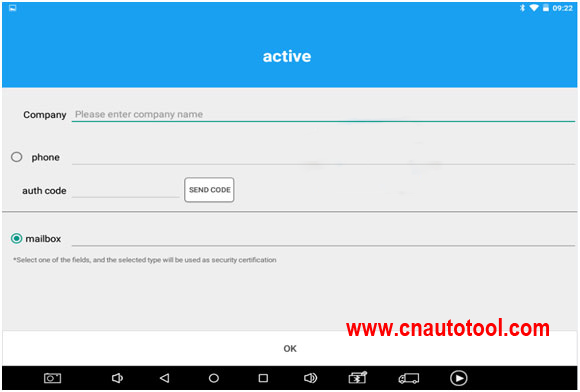
Step 4. Please fill in the company name and mailbox, (no need to fill in Phone number cause overseas phone number cannot receive the auth code.), then click OK to complete the activation.
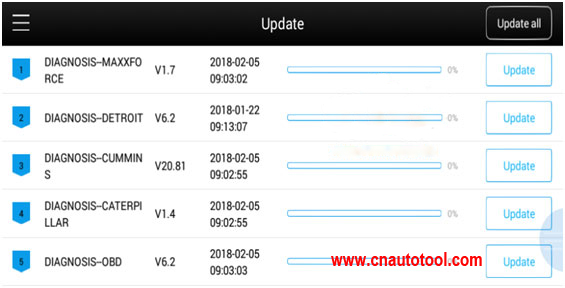
How to do Software Upgrading
Step 1. Please open H6 APP and click update.
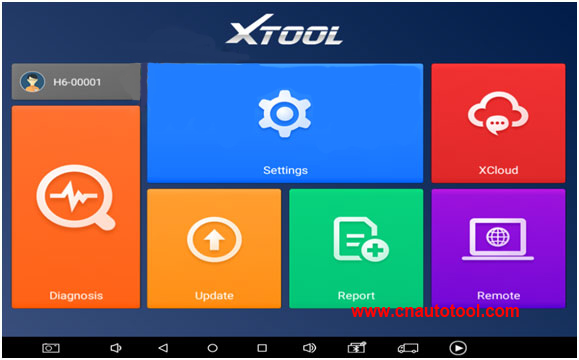
Step 2. You can choose Update all or any single software to upgrade.