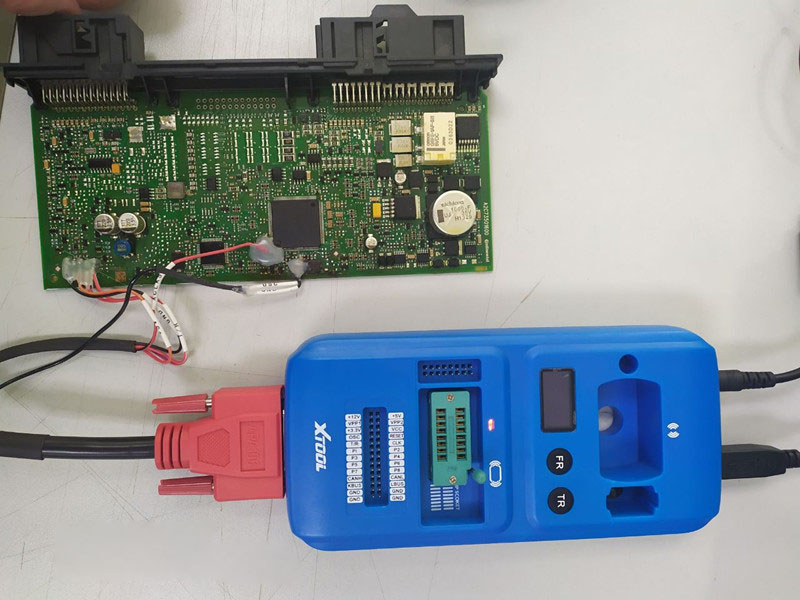
Steps on EEPROM Chip ReadingWriting Via Xtool KC501
1.First of all, connect USD with PC
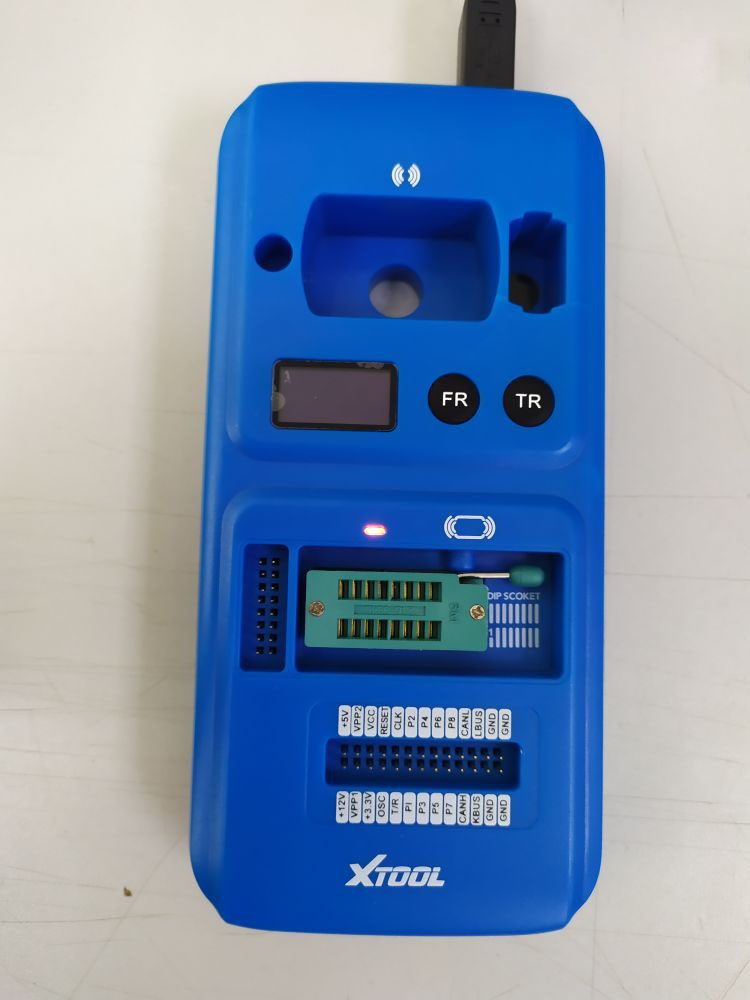
2.Check the light Red Light on: standby mode Green Light on: Data Transmission
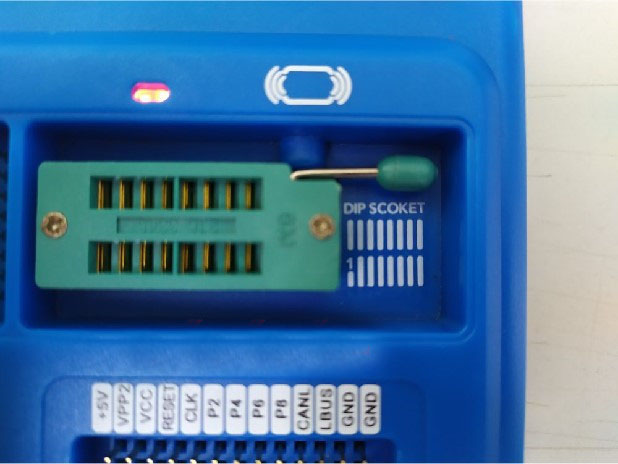
E.g.: Atmel AT24C01A Chip Read/Write
3.Then, Open the chip lock socket lever and put into the chip according align with the pin.


4.Open software in PC, “Successfully Connected” will be shown:
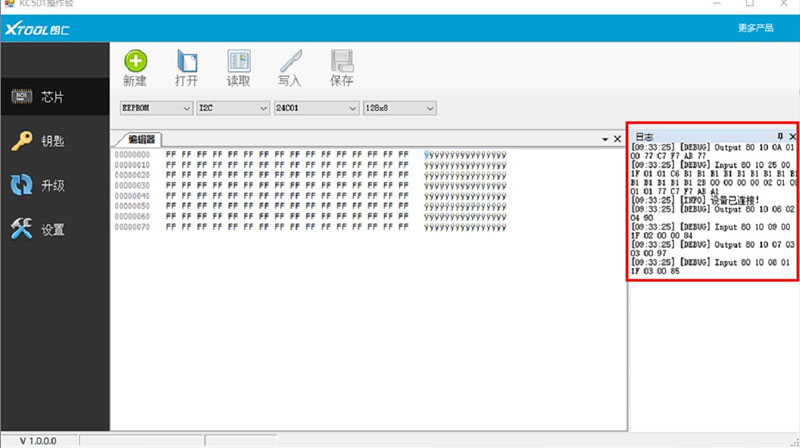
E.g.: EEPROM – Atmel – AT24C01A Chip Read/Write



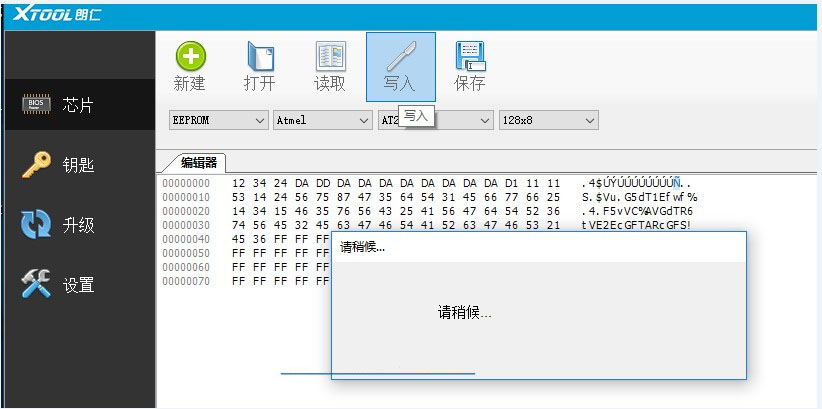
5.Write data into the chip
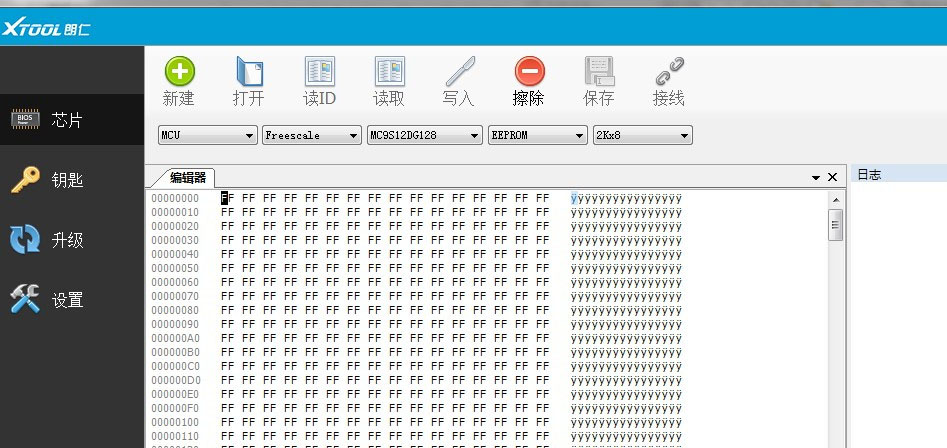
6.Can Read/Write/Erase 7 kind of Freescale’s MCU

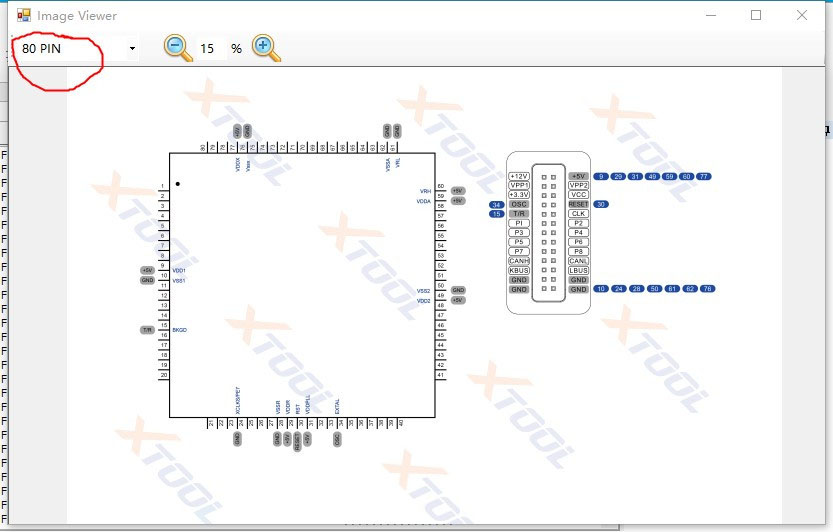
7.Connect chip In terms with below diagram, have it connect with KC501.
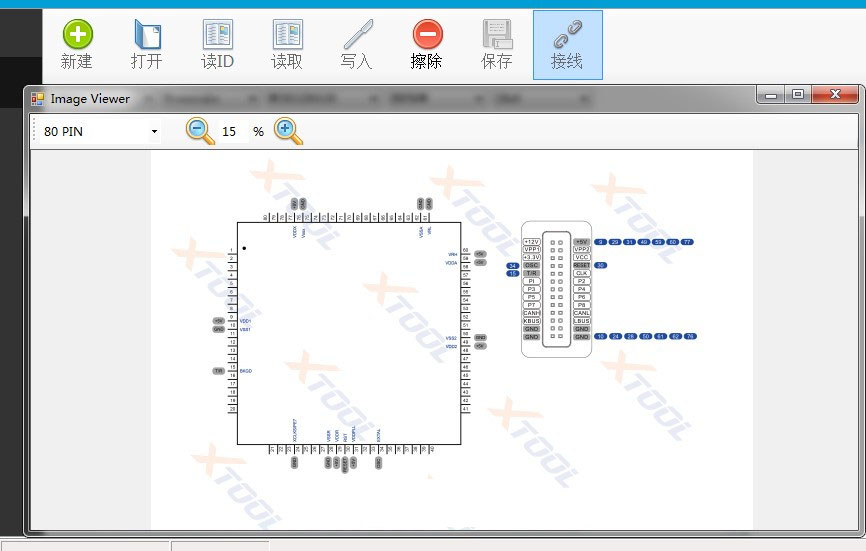
8.Same type of chip may have different pin number, e.g. 80PIN, 112PIN,144PIN…
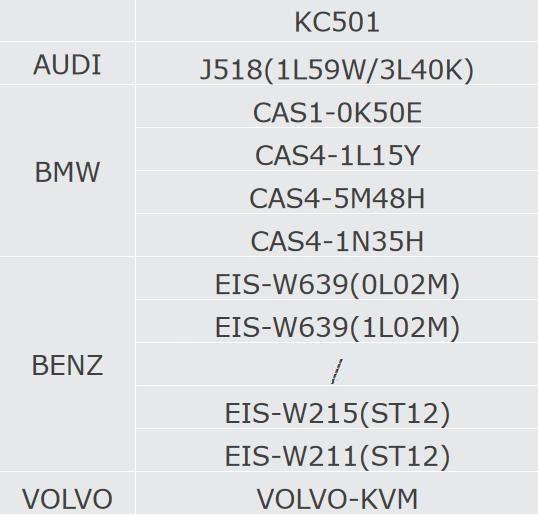
Supported ECU:

Warning: Please turn off the power when connecting the ECU, turn on 12V power after its connected. Read/Write MCU could be a reference when doing Read/Write the chip here.