MaxiSys MS906 is based on the Android operating system and is featured with an extensive coverage of OE-level diagnostics at an affordable price.
It’s the updated Version of Autel MaxiDAS DS708 , in order to get access to the Support platform and obtain update and other services from Autel, you should to register the Autel MaxiSys MS906 Diagnostic System the first time when you use it.
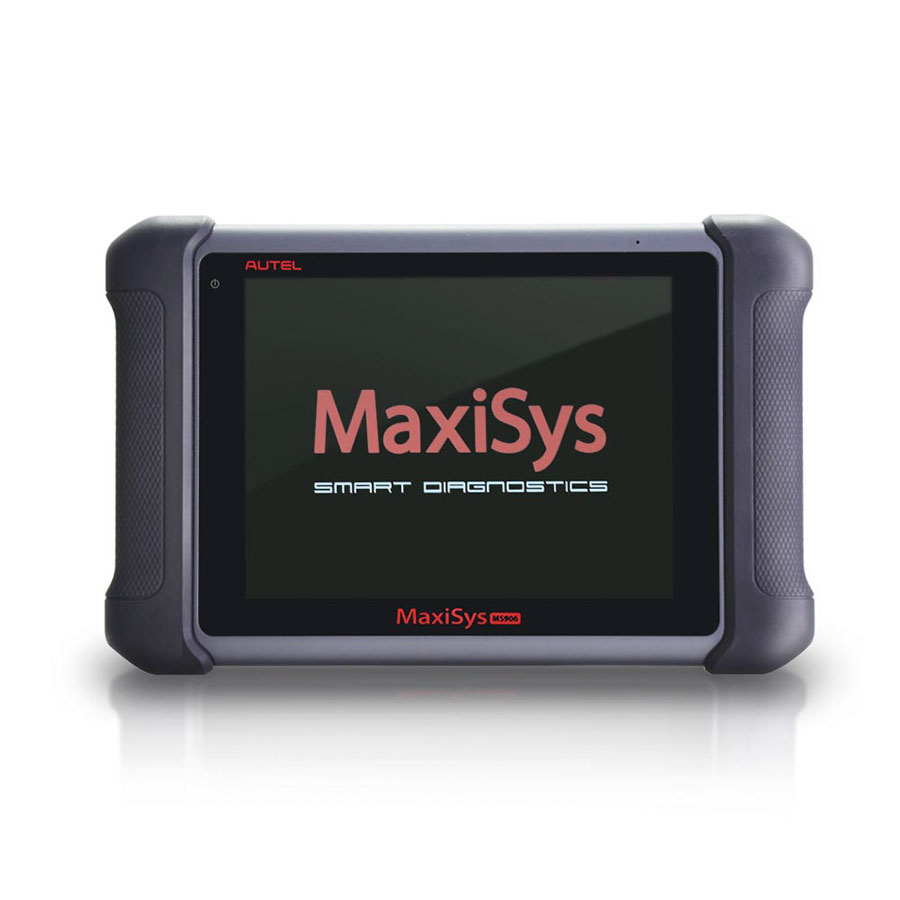
So how to register it ? Let’s check the steps as bellow :
1. Visit the website: http://pro.autel.com.
2. On the Sign In page, input your account ID and other information to log in, if you already have an account.
3. If you are a new member to Autel and do not have an account yet, click the Create Autel ID button on the left side.
4. Enter the required information in the input fields, read through Autel’s Terms and Conditions and tick on Agree, and then click Create Autel ID at the bottom to continue.
5. The online system will automatically send a confirmation email to the registered email address. Validate your account by clicking the link provided through the mail. A product registration screen opens.
6. Find out the device’s serial number and password from the About section of the Settings application on the display tablet.
7. Select the product model of your device, enter the product serial number and password on the Product Registration screen, and click Submit to complete the registration procedure.
By the way , we have good news for Autel maxisys ms906 , we offer the price USD928/set free shipping now , and we also offer 2 years free update online service recently , if you have any interesting , welcome to contact us any time
Thank you
