Problem:
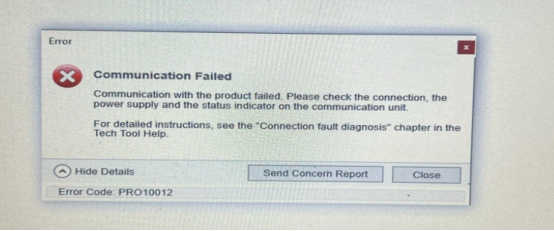
It always shows error code: PRO10012, what does it mean ?
Reply:
The computer needs to be configured.
Steps:
1.Find the tech tool file and click Log Manager

2.clean up all log files


3.click start service

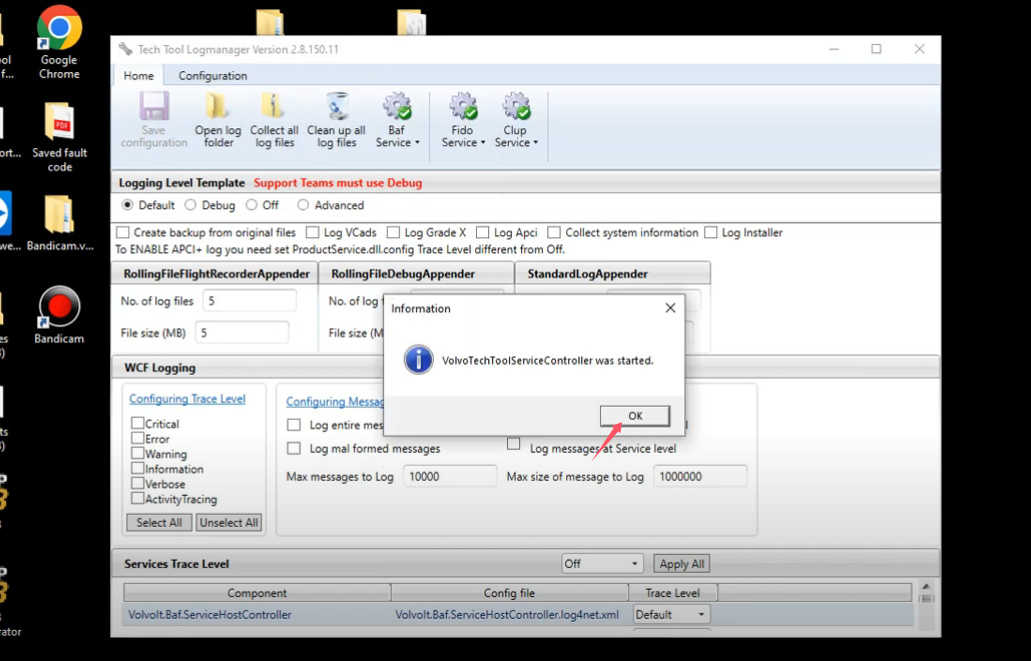
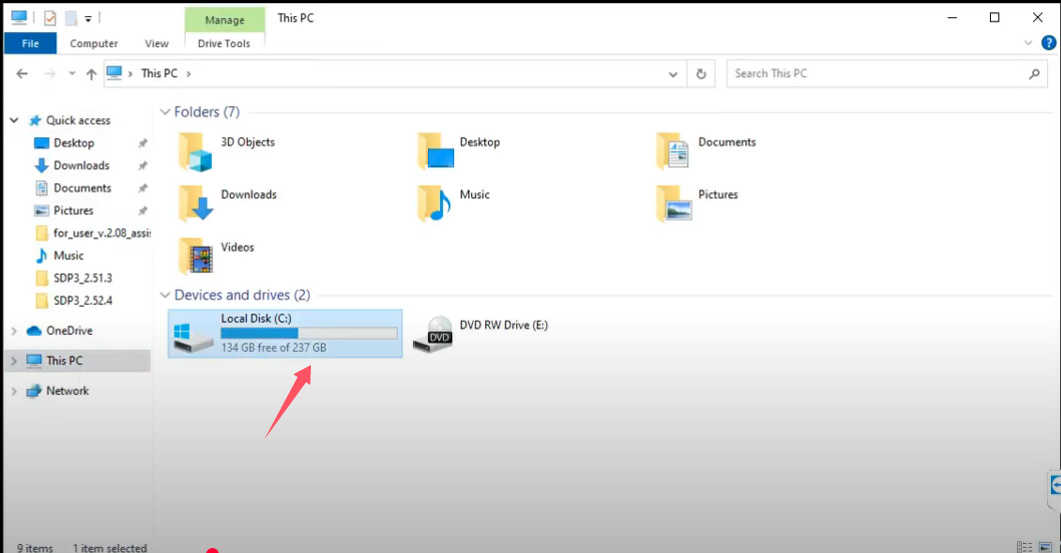
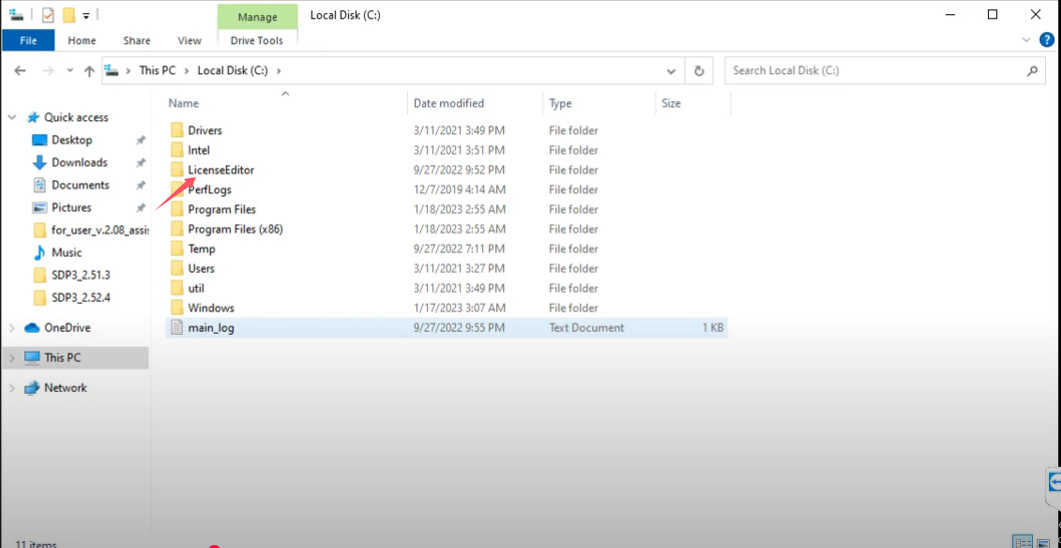
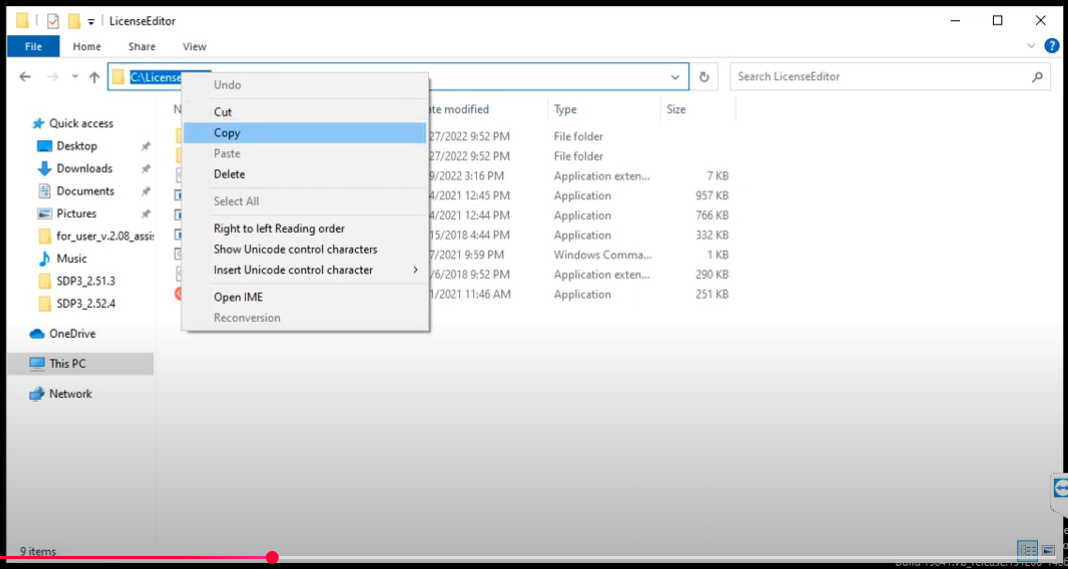
4.find the system C disk on your PC, find the LicenseEditor and copy it.

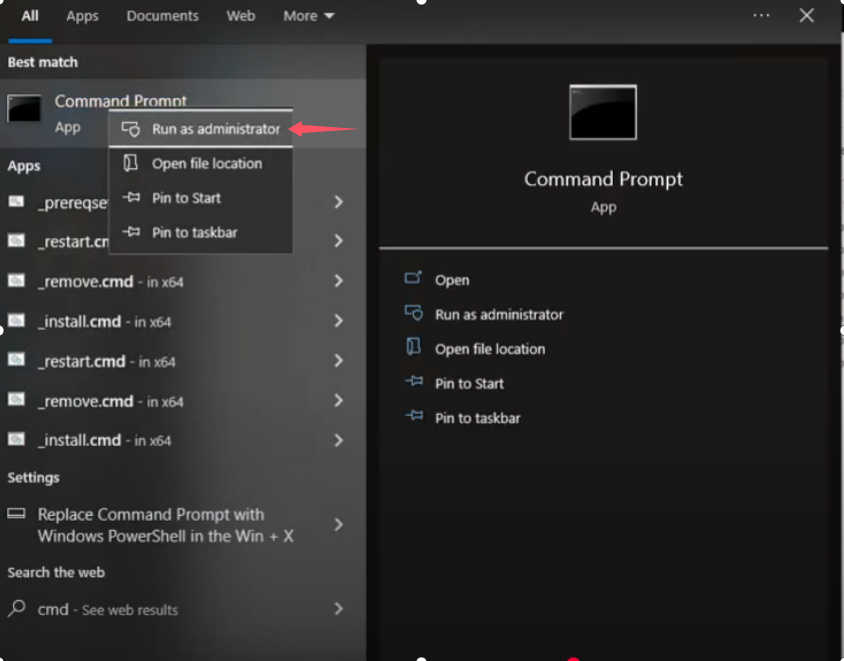
5.command prompt and run as administrator

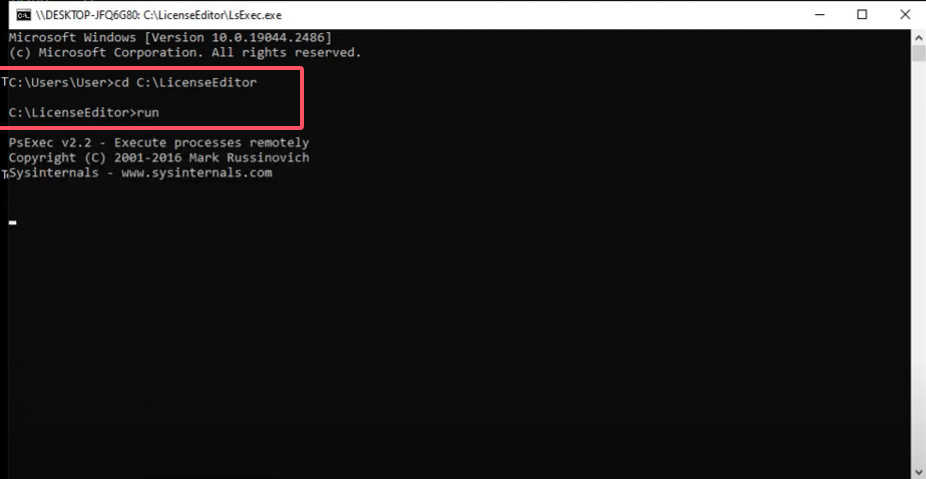
6.input these information and will call license editor automatically.
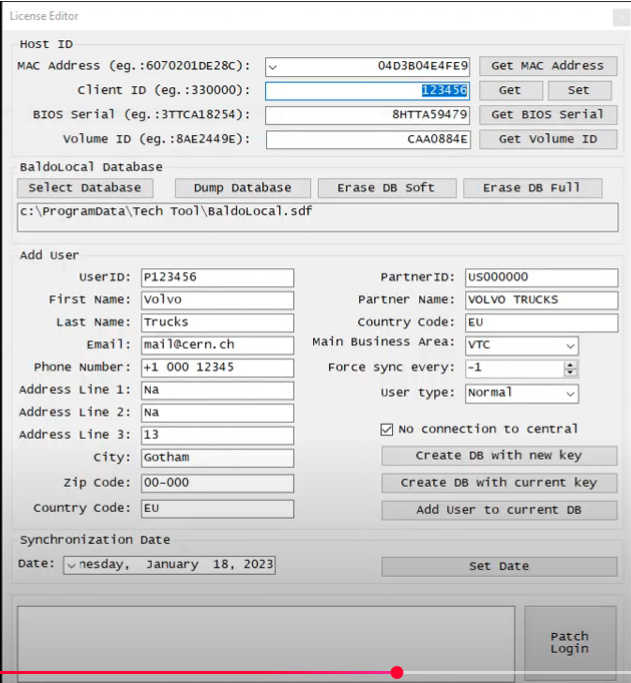

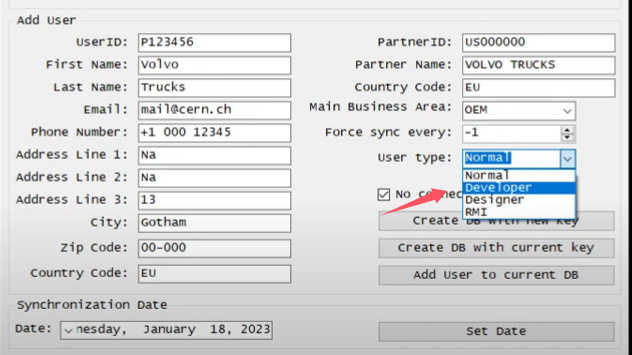


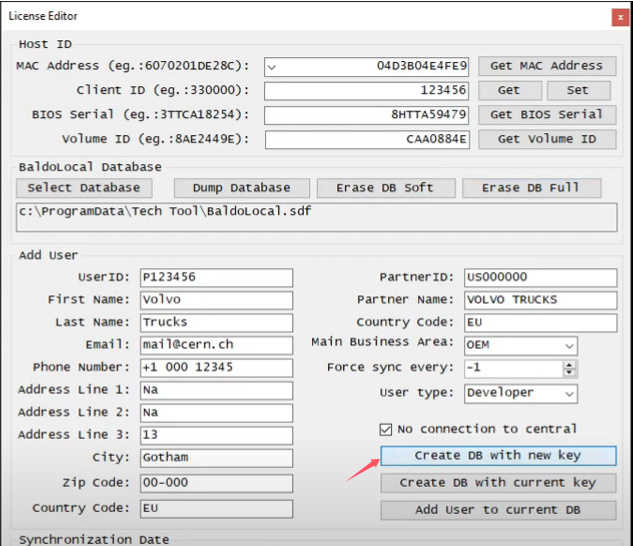
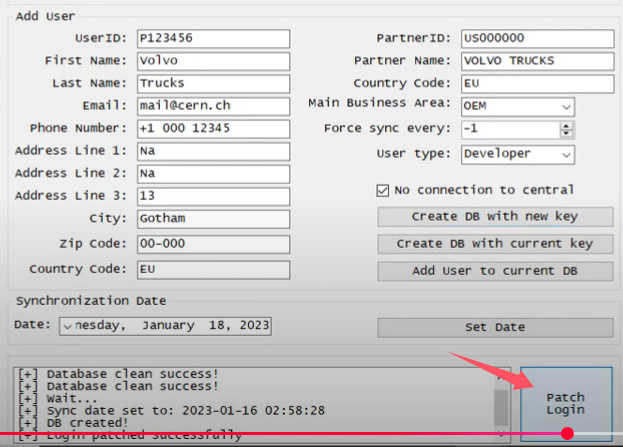
7.Select user P123456 and activate it.
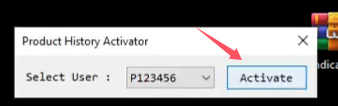
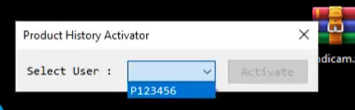
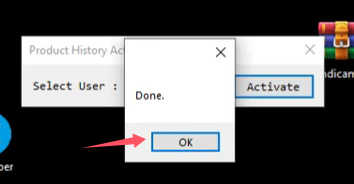
8.running software again , the problem will be solved.

More request,welcome to contact us directly: sale@cnautotool.com
Our Website link: https://www.cnautotool.com/
