This is my BMW car.

Now, let’s get inside and I’ll show you how to use Autel MaxiIM IM508 to program BMW key via OBD.
Here are the steps:
1.Click “Immo” and accept the disclaimer, then choose “BMW” button.

2.Choose “smart selection” and it will automatically scan CAS4/ CAS4+immobilizer system, DME engine system and EGS transmission system, then click “Report”.

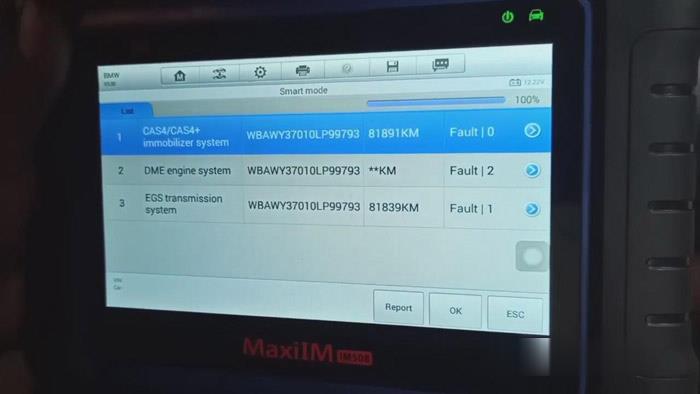
3.Clear the DTCs of the systems which have DTCs.


4.Click “OBD learning”>>“OK”>>“OBD Read SK”.
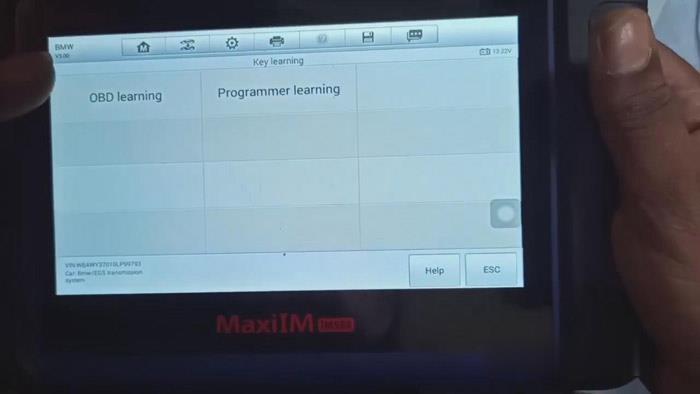

5.Read information about current ECU and download file.


6.Back-up coding file, program, restore coding files and establish vehicle communication.
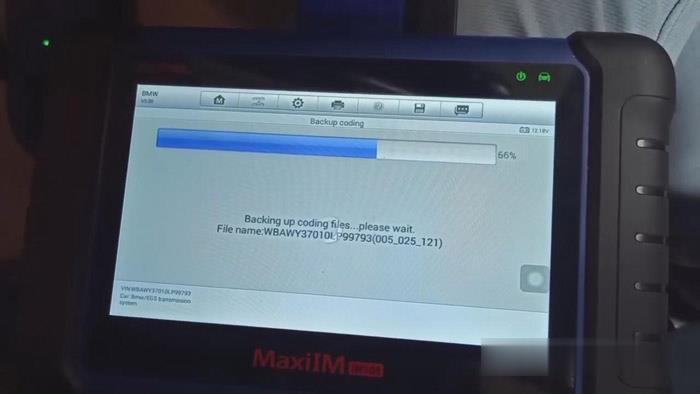


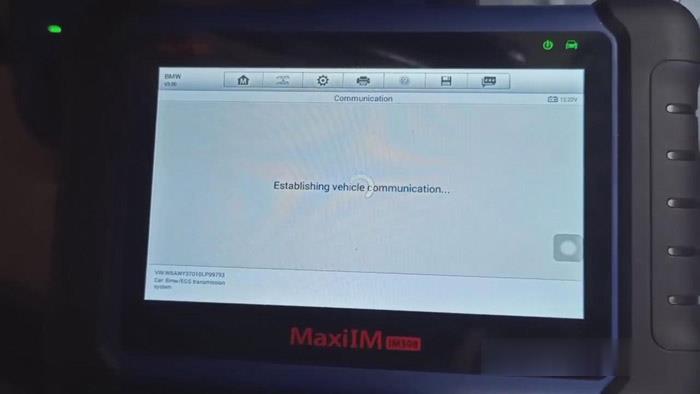
7.Click “OK”>>“OK”again, then it will begin to read password.

8.When reading password is finished, take a picture of the password and Click “OK”.
9.Choose a free key, say “Key3” and click “Write key”.
10.Put a new key close to the start coil and exit.
Job is done, now you can test the key.
