OBDSTAR X300DP PLUS / X300 Pro 4 Tablet applies to Android operation system, which is as the same as our smart phones. They share the similar method to install and uninstall the software.
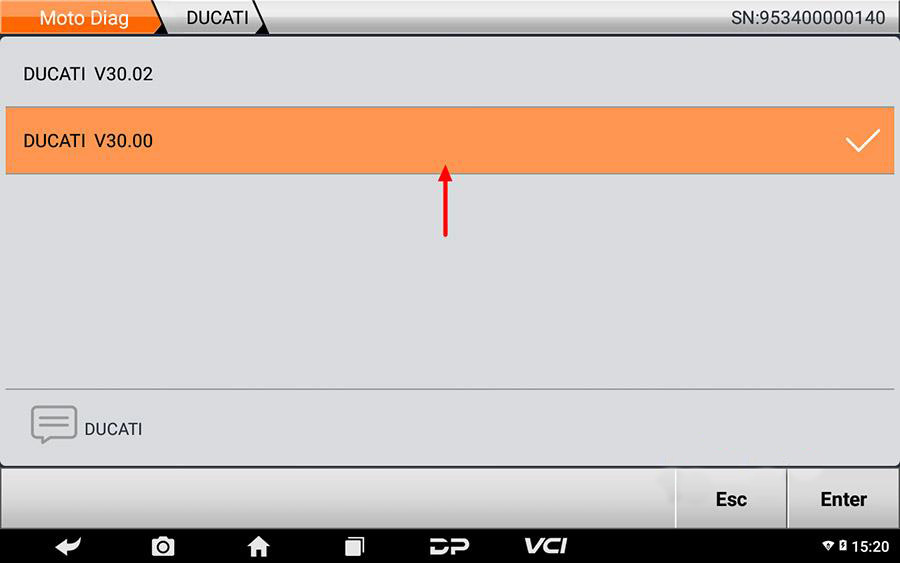
Method 1: Delete a single software
1. Enter corresponding car series software interface, long press on the software name, such as Ducati V30.00.
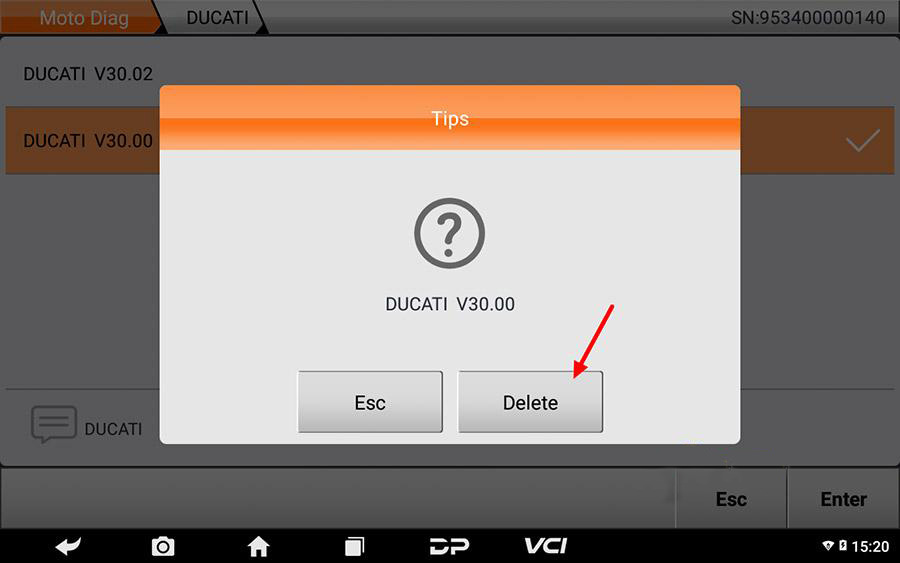
2. After tips comes out, click on [Delete].
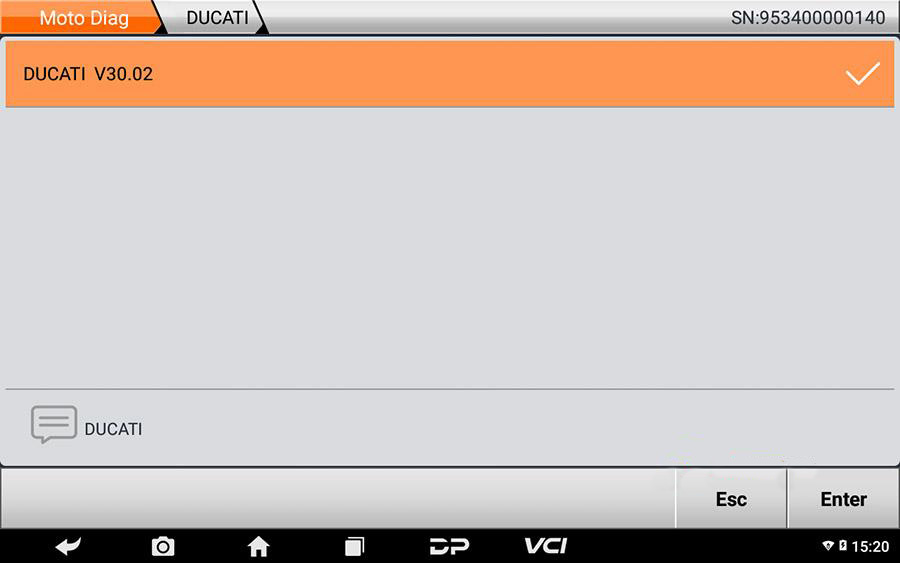
3. V30.00 has been deleted.
Method 2: delete software in bulk.
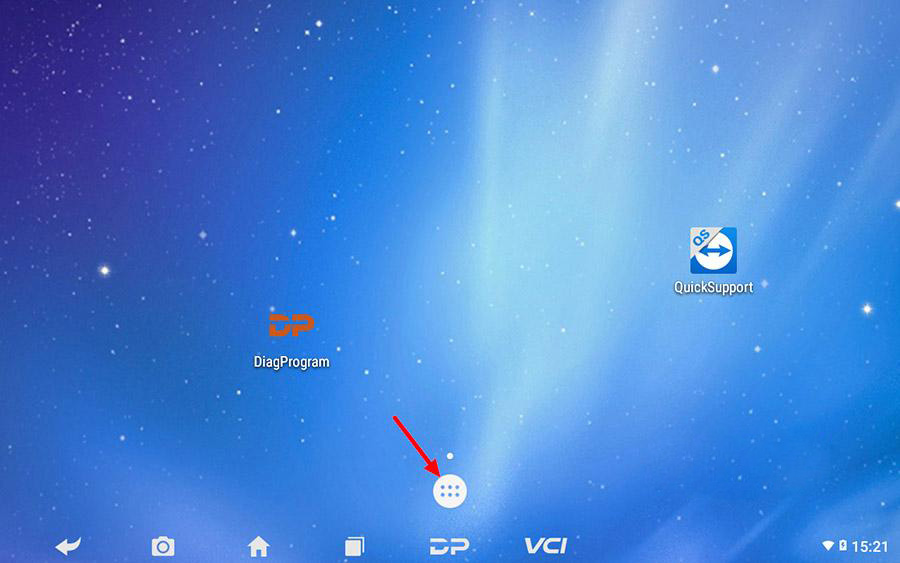
4. click on the house icon
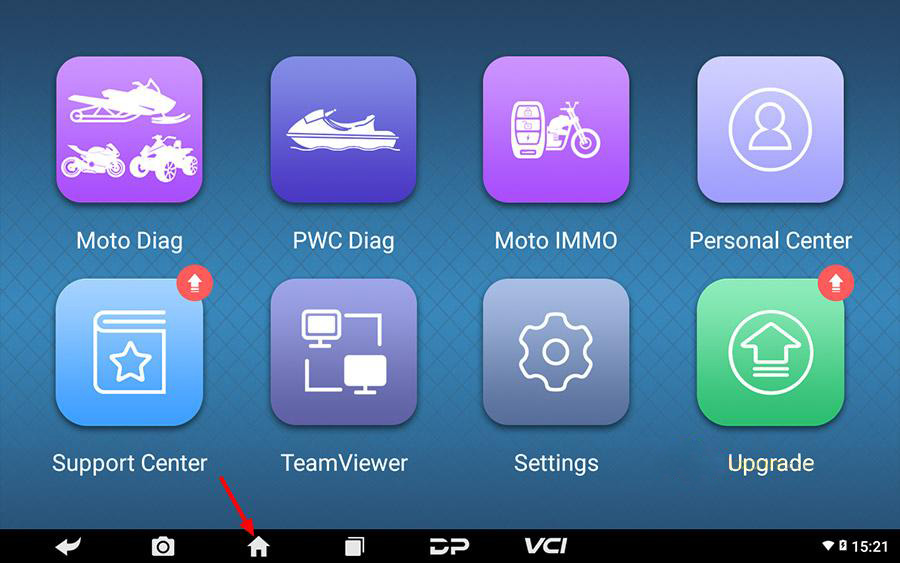
5. Click on the following icon shown as below.
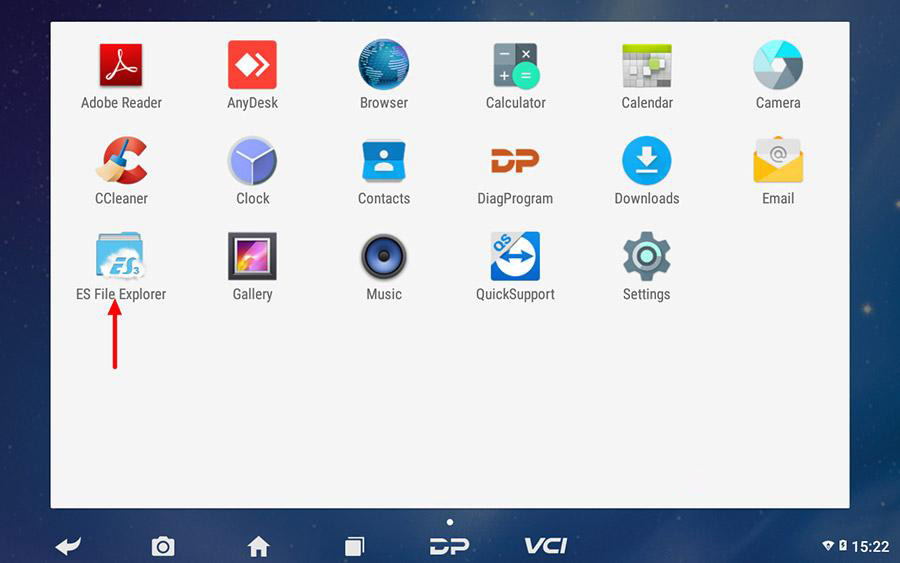
6. Click on [ES File Explorer].
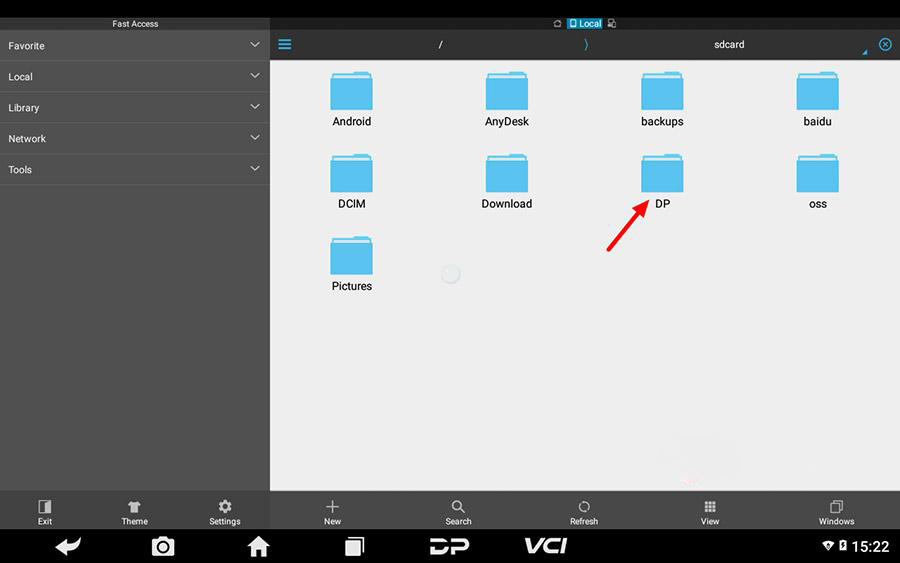
7. Click [DP] folder.
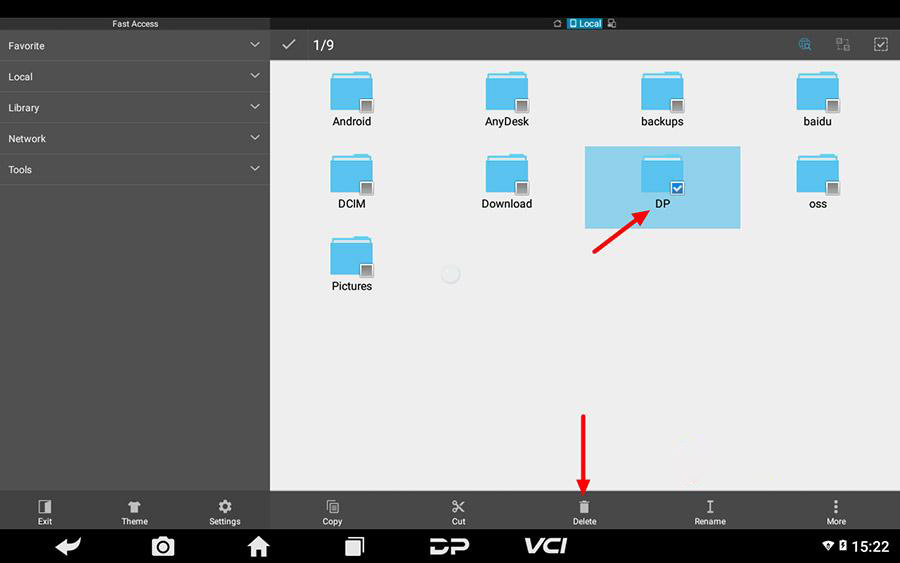
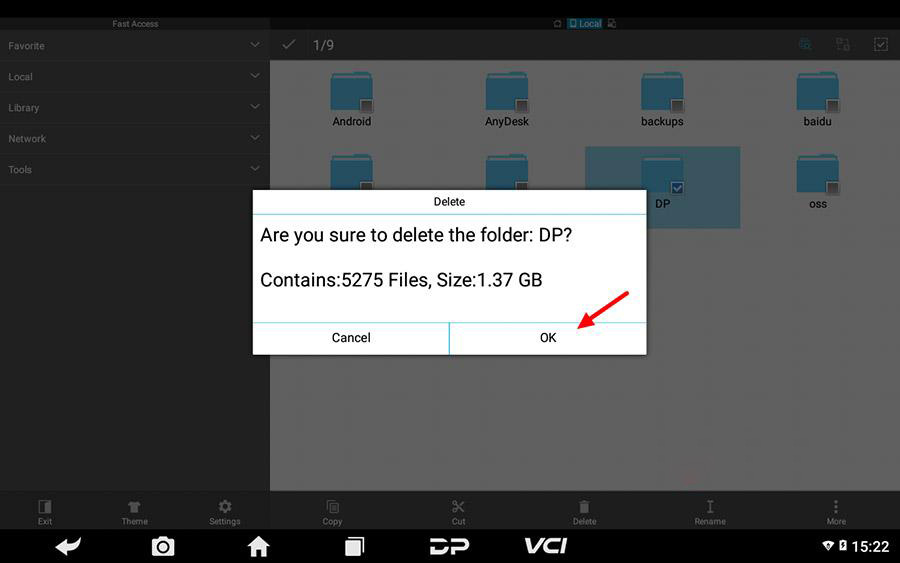
8. Tap on [DP] check box, click [Delete].
9. Click [OK].
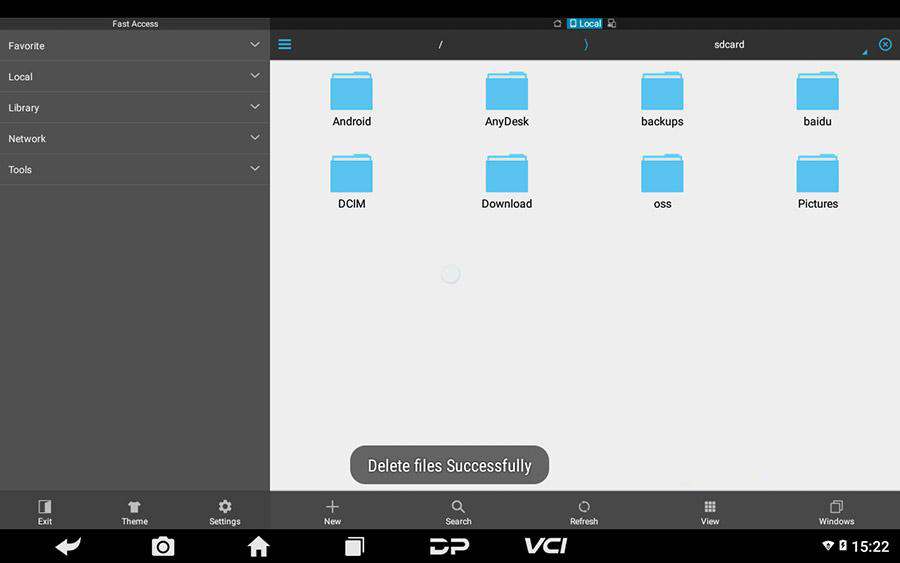
10. File has been deleted successfully.
Enjoy!
