When installing the SVCI 2019 software and installing SVCI 2019, ” Error: 3 ” Problem. Don’t worry! One only has to try to solve it on the basis of the reference to CnAutotool engineers.
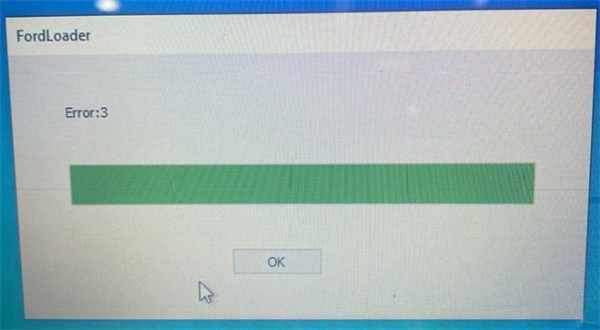
Caused the error reason:
1.The SVCI auto diagnostic tool is not connected to the computer properly.
2.The car model is not supported.
3.There is something wrong with the software.
The solution:
1.Make sure the connection between SVCI 2019, computer and the vehicle is correct;
2.Try to test on other cars;
3.If it also cannot work, please uninstall the current software and install the newest one by the following free download link:
https://mega.nz/file/hlZmRRyB#it27mAkK2iJaOnnsXxO7gi70e08yomWQl9iK6YANMuU
Note: You must make sure the anti-virus was uninstalled.
