It looks like you’re providing a guide on how to use the Launch X431 X-PROG3 programmer for reading and writing to the TCU (Transmission Control Unit) of a BMW 8HP Gen3. Here are the steps you outlined in a clearer format:
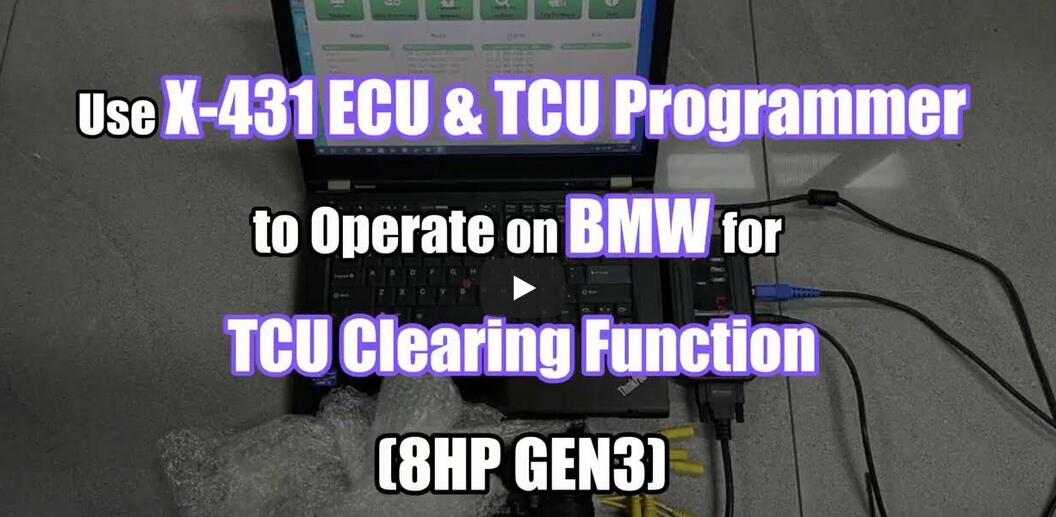
Tools Needed
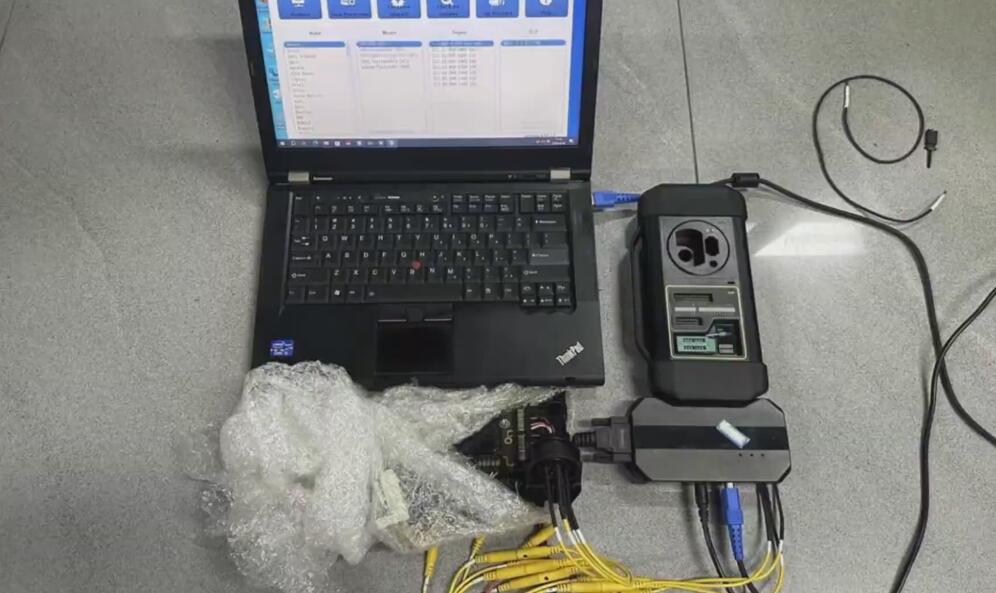
Procedures
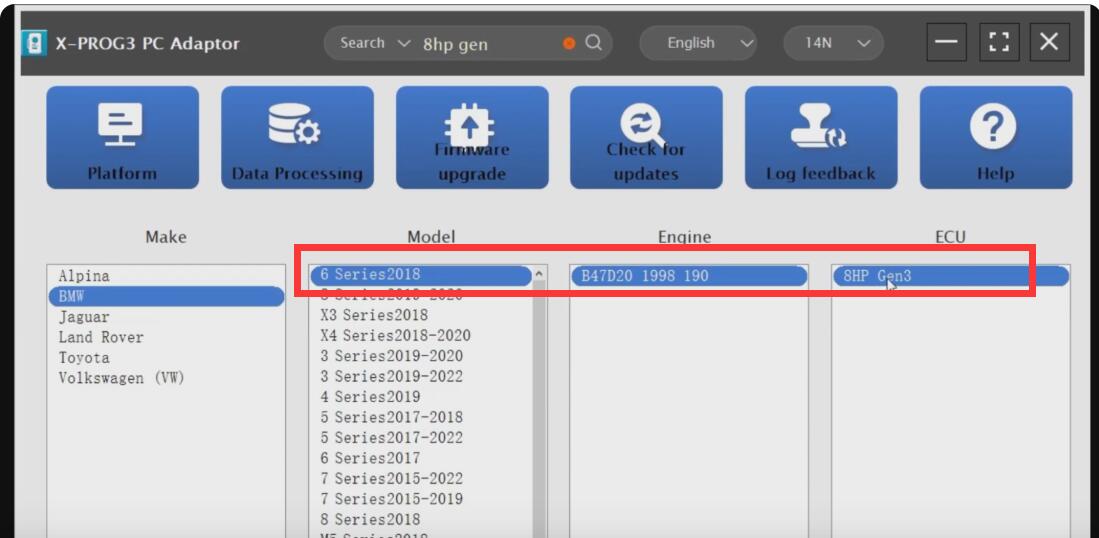
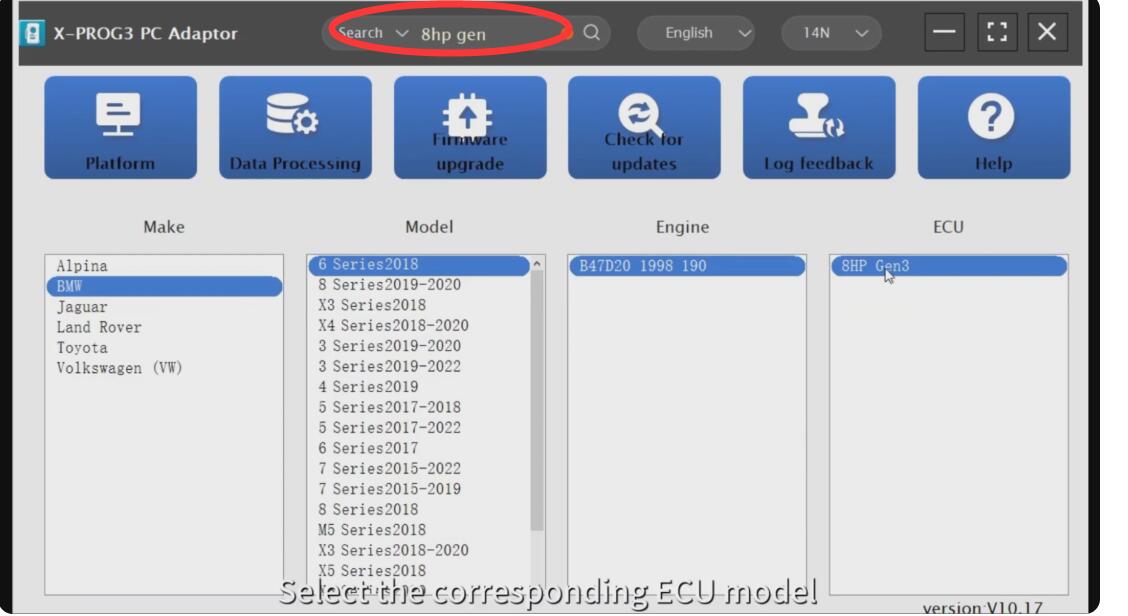
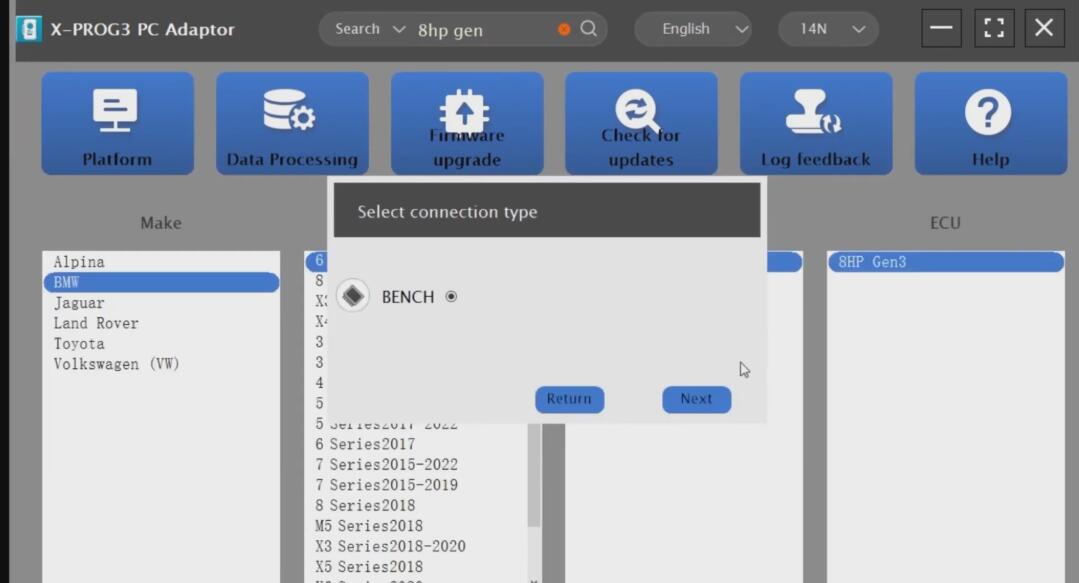
- Run X-PROG3 Software: Start the software, then enter “8hp gen” in the search bar to locate the specific module for the BMW 8HP Gen3 TCU.
- Select Vehicle and Module:
- Choose “BMW”
- Select “6 Series 2018”
- Pick engine type “B47D20 1998 190”
- Choose “8HP Gen3”
- Connection Type:
- Select “BENCH”
- Click “Next”
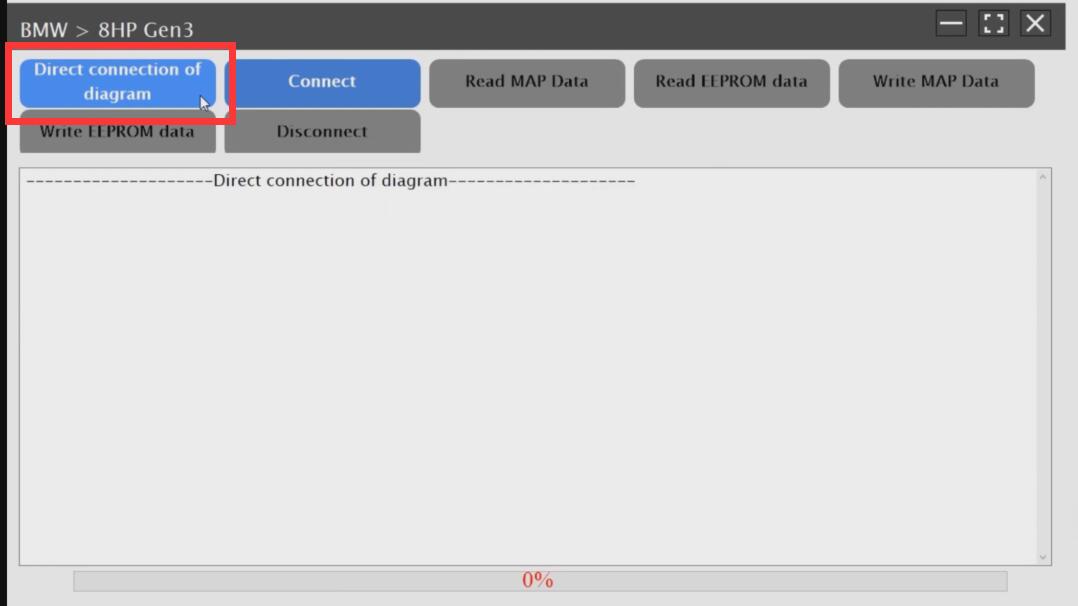
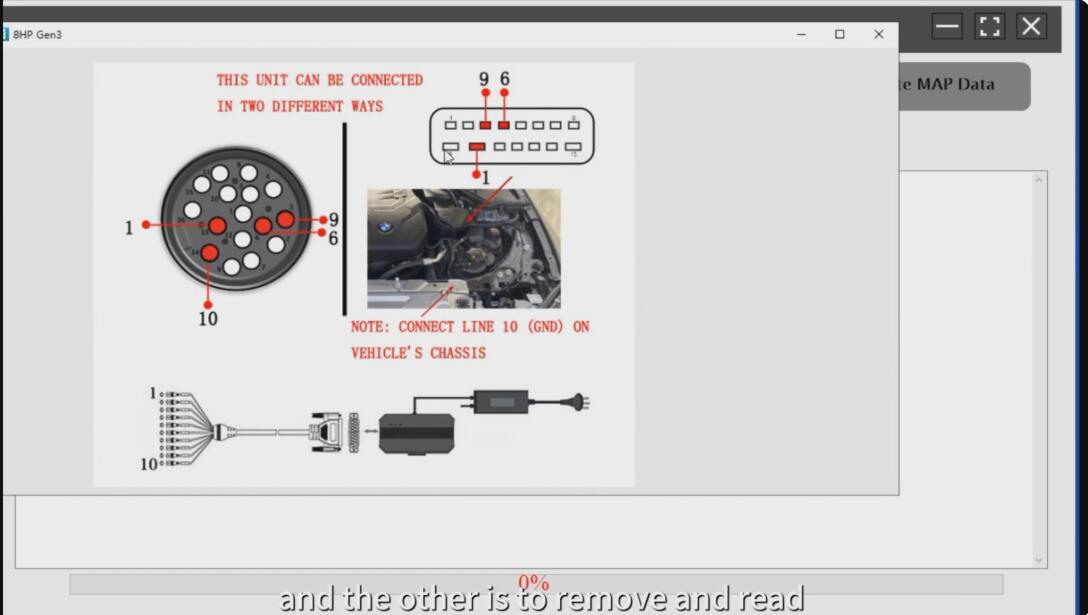
- Choose “Direct connection of diagram” and follow the provided diagram to establish the connection.
- Connection Methods:
- There are two methods to connect:
- Read in the car directly
- Remove TCU and connect on the bench
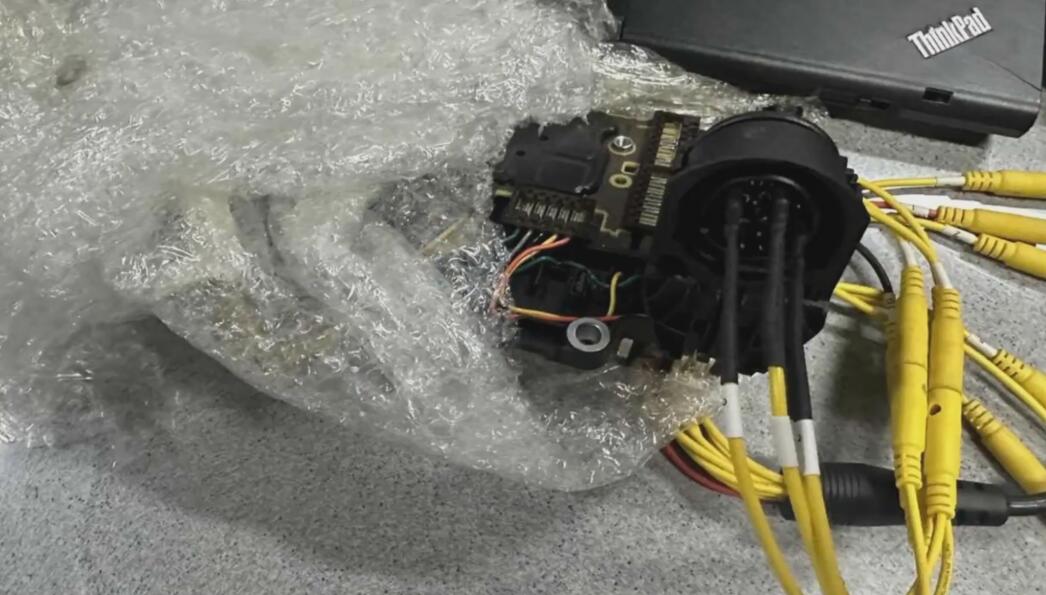
- There are two methods to connect:
- Operational Choices:
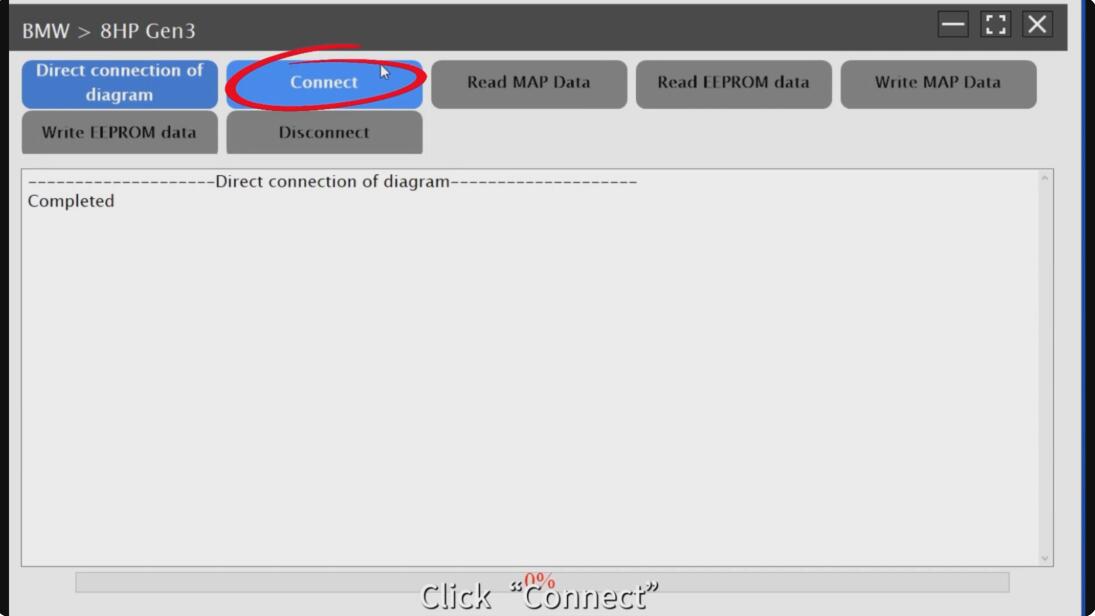
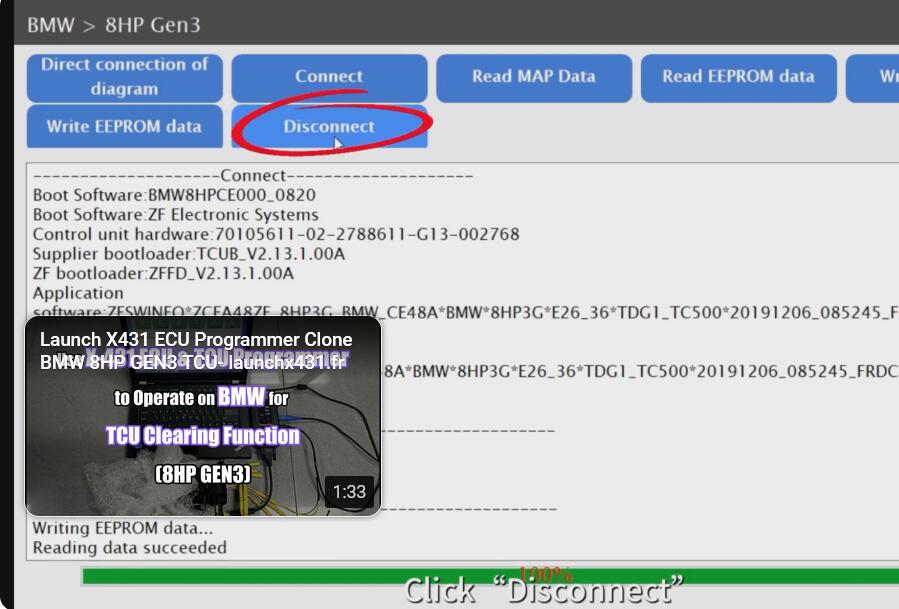
- Click the “Connect” button.
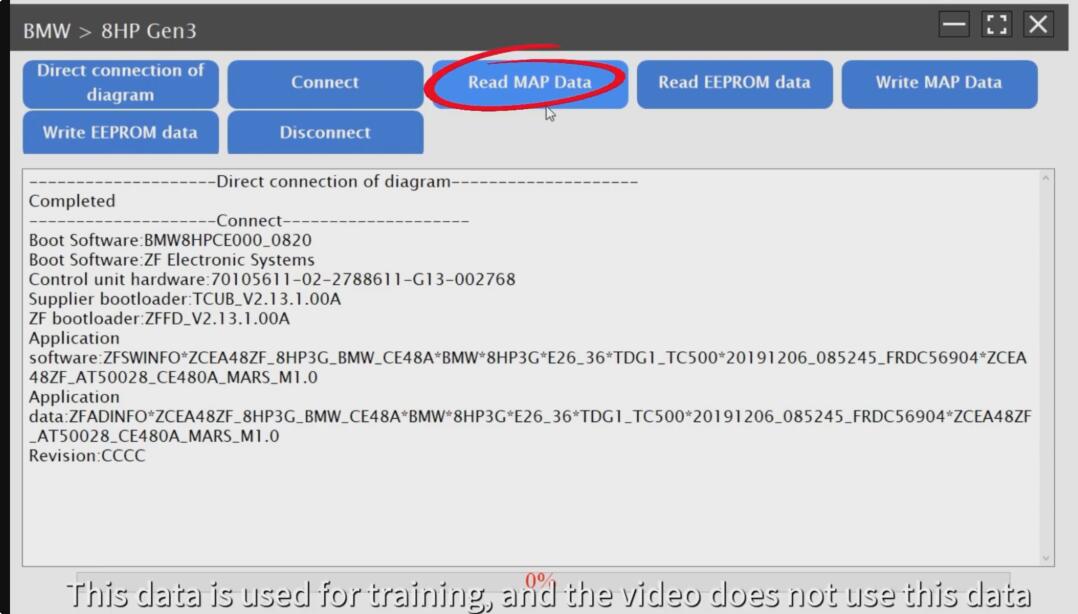
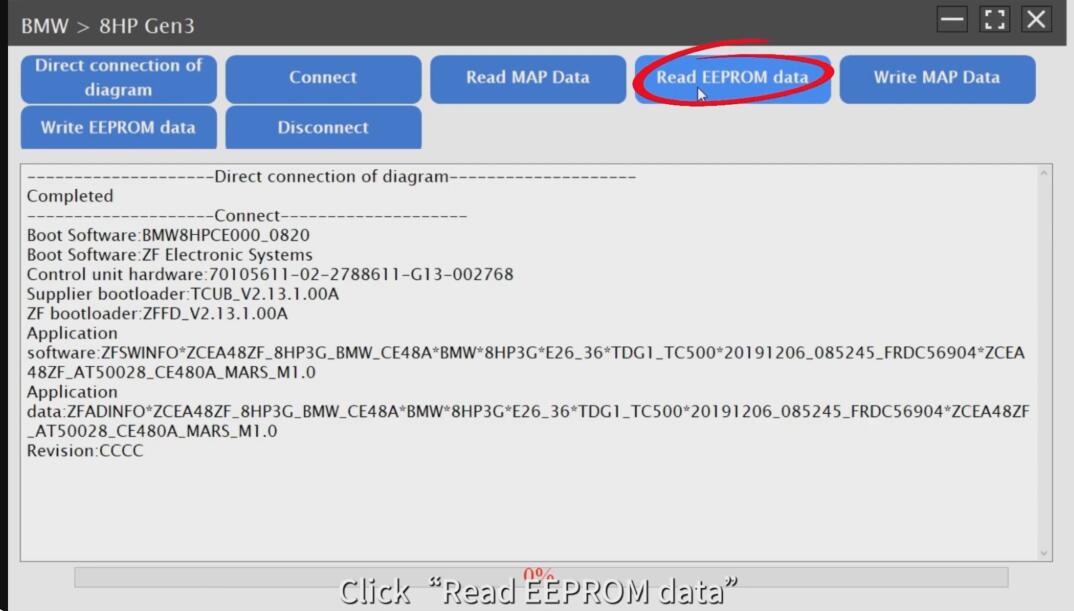
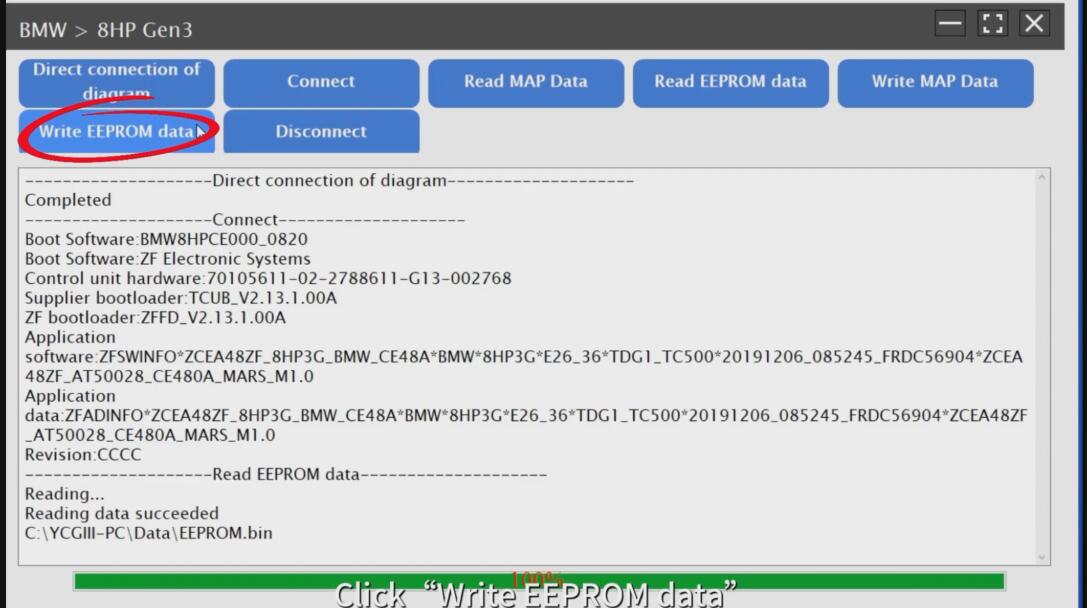
- After connecting, you will have four options:
- “Read MAP Data”
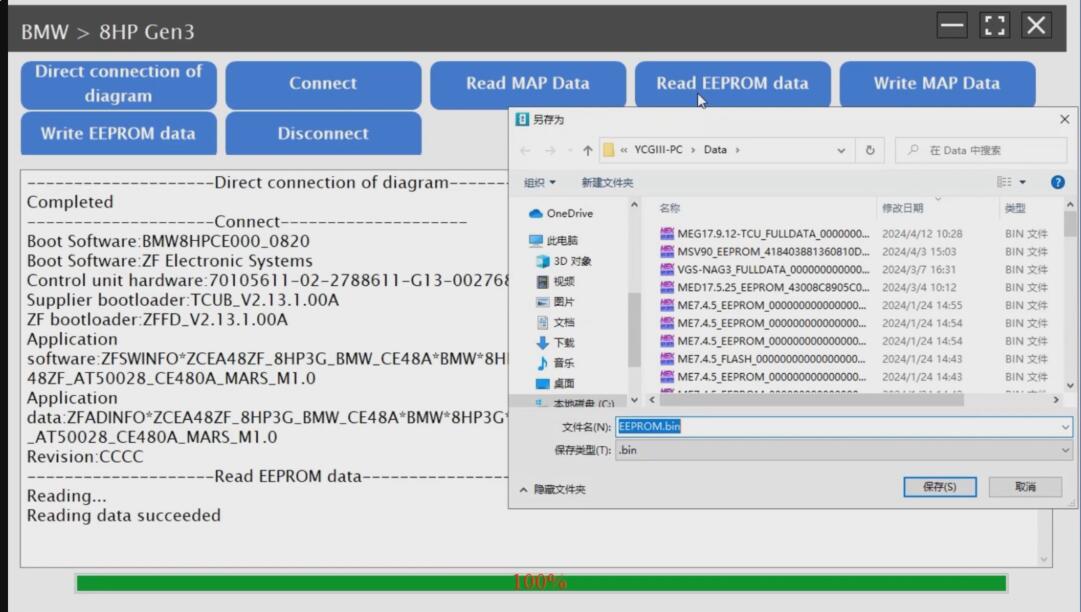
- “Read EEPROM Data”
- “Write MAP Data”
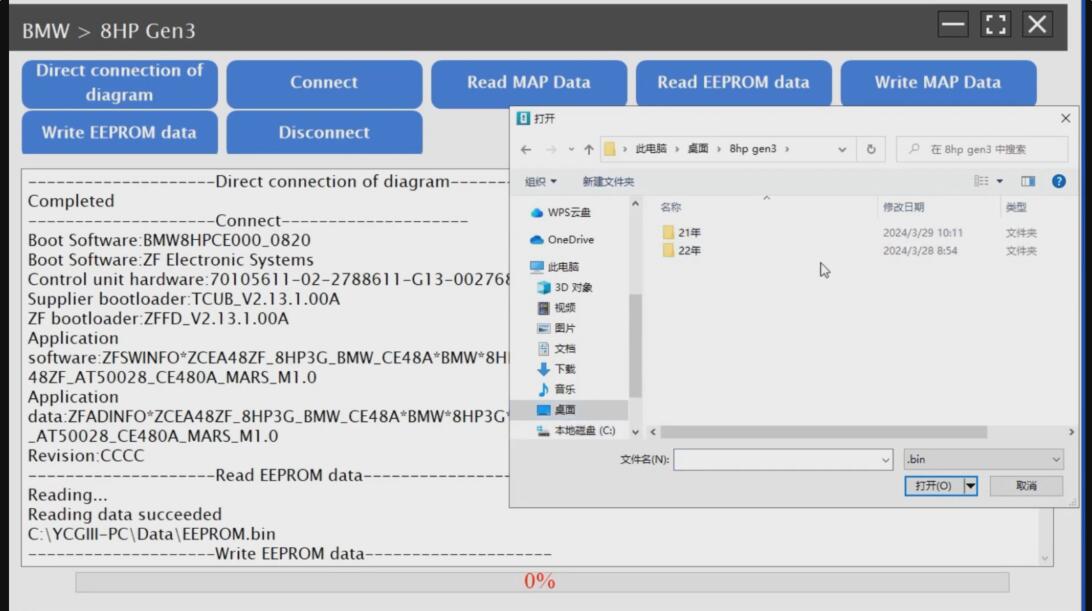
- “Write EEPROM Data”
- Backup:
- Always make sure to backup the file before clearing any data.
Important Notes
- It’s crucial to follow the software and connection diagrams precisely to avoid any damage to the TCU or incorrect programming.
- Always ensure the vehicle’s battery is stable and charged during this process to prevent any interruptions or data corruption.
- Consider checking for more detailed instructions or test reports on the Launch X431 to ensure you’re following the most effective and safe procedures.
If you need more detailed steps or have specific questions about any part of this procedure, feel free to contact us sale@cnautotool.com!
