Here is the tutorial for re-learning Immo for the new key programming on the GMC L5P Duramax with the GM MDI2 clone scanner and the SPS2 (Service Programming System).
Relearn L5P Immobilizer with the AC Delco Techline Connect software: Before going to your web browser, you will run it as the administrator of the adelco website. If you don’t have an account yet, you need to log in
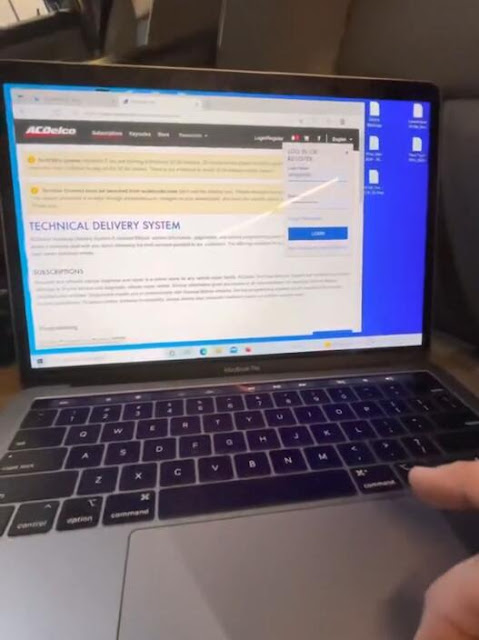

So here where it changes completely to view and add now before you can do that
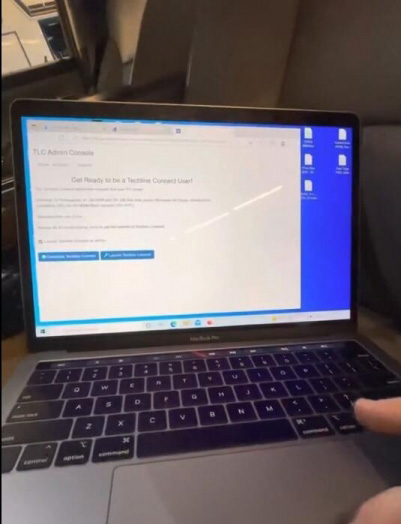

It takes quite a while before you have to open the program three times for it to be fully installed
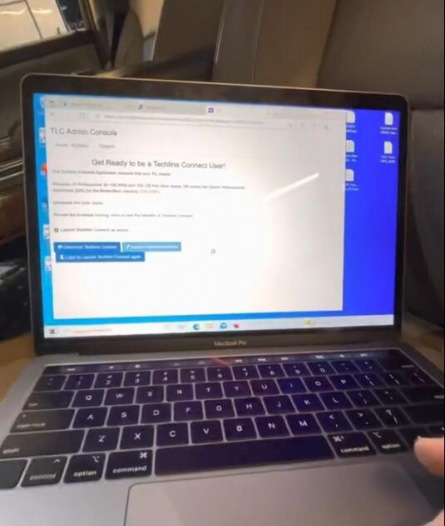
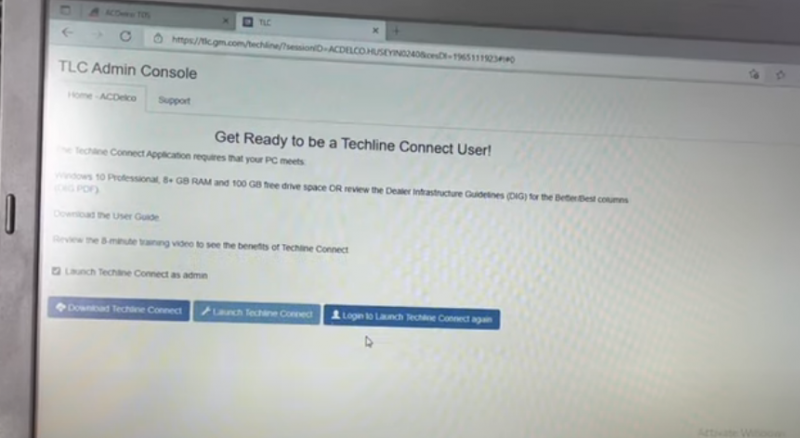
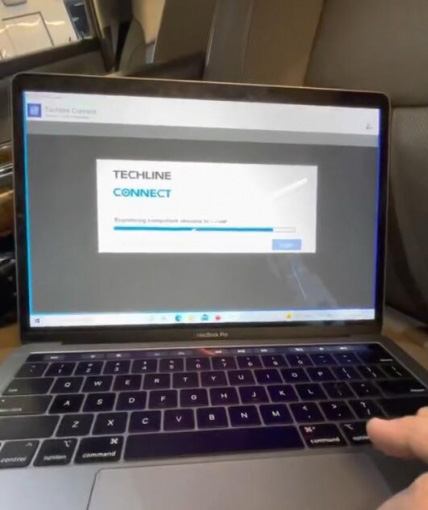
launch as admin, so start it the same way make sure you have an internet connection wherever you are. This will automatically connect to the internet This is shown because I came here earlier and connected it to my vehicle
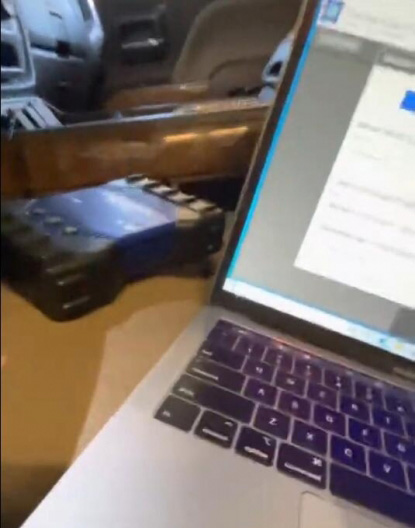
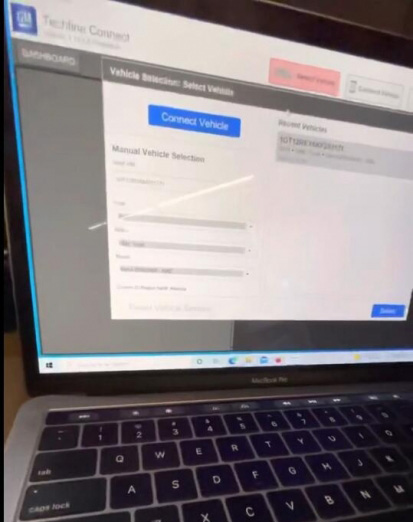
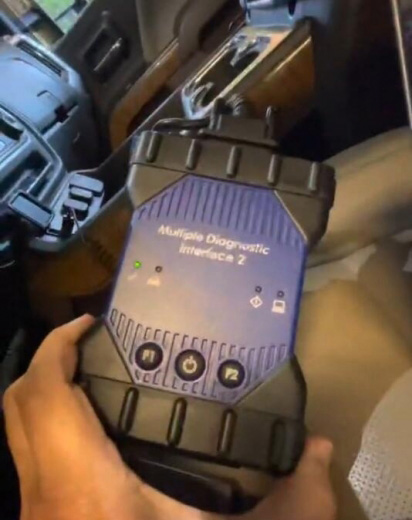
All right, same deal, you have the green light here, what’s going on here, I’ll try to connect the vehicle
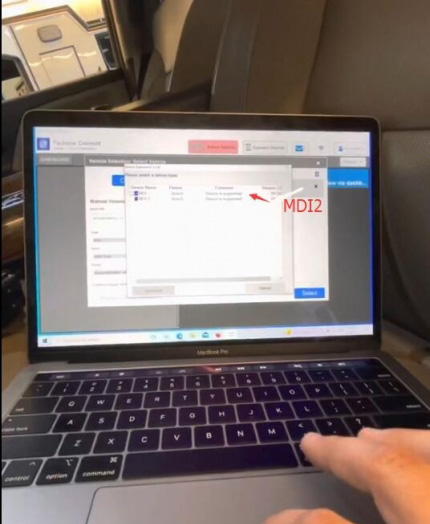
I choose the MDI2 and see what happens
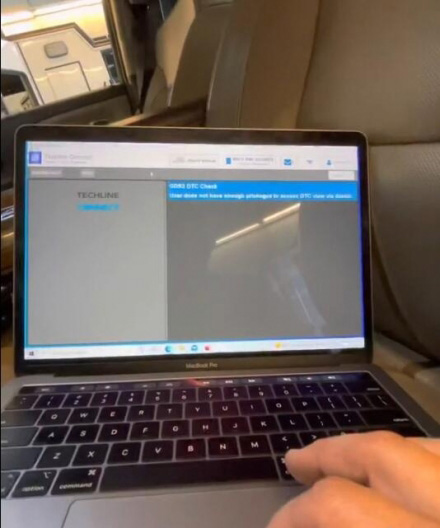
so we are at this part here we’re gonna click up at the top SPS2 which is the menu section we’re already in
select programming reprogram and then there’s a little green next
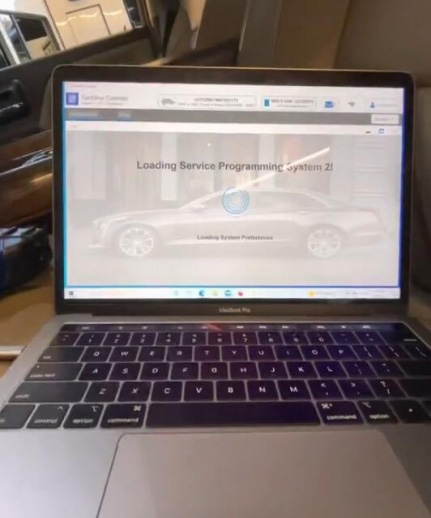
Button below would do that, then we’ll scroll right here to relearn immobilizer
z1
next
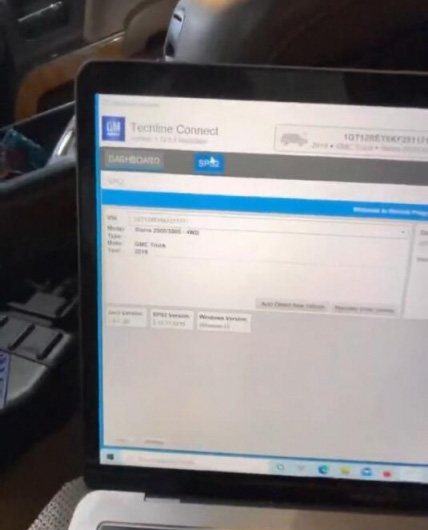
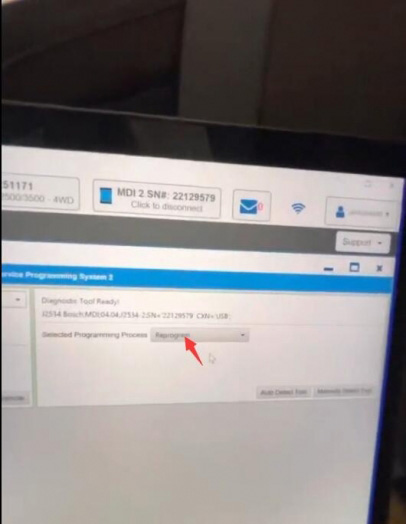
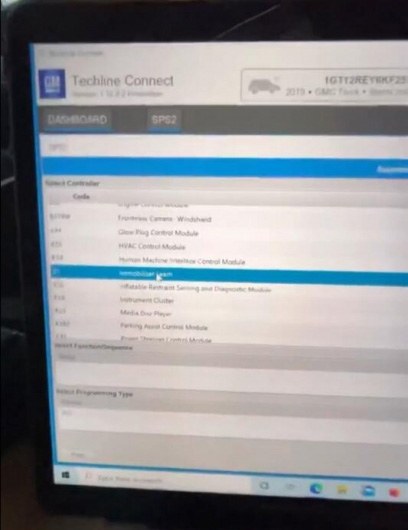
It asks me if i want to use my vin that i bought earlier, i will continue with programming next body control mobilizer relearn with existing transponder will next switch on the vehicle to run do not start please wait i think good now, just follow the instructions
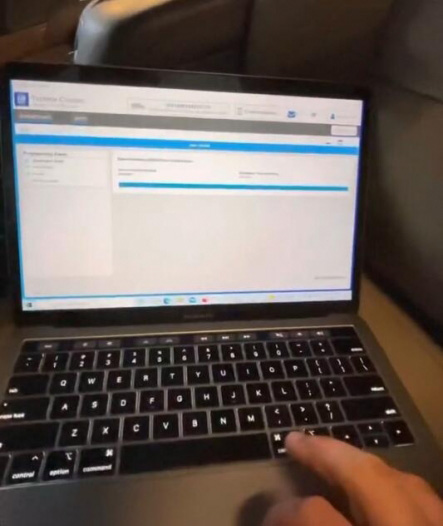
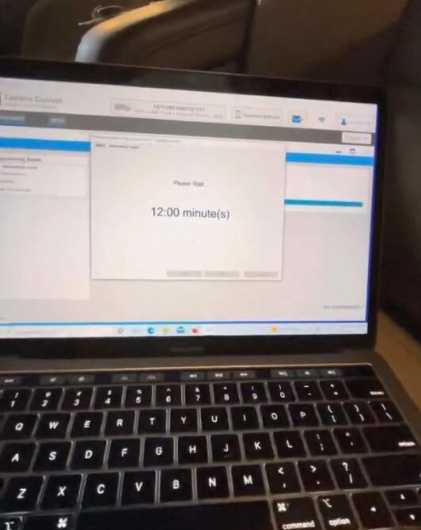
not gonna wait 12 minutes
You need to come back when 12 minutes is over. Follow SPS2 prompts until completed.
