CGDI Prog BMW is able to erase and reset BMW EGS (F Series-6HP and F series 8HP).
With a CGDI EGS/FCU harness platform adapter, it is easy to reset EGS without soldering.

Take F-series 6hp gearbox for example:
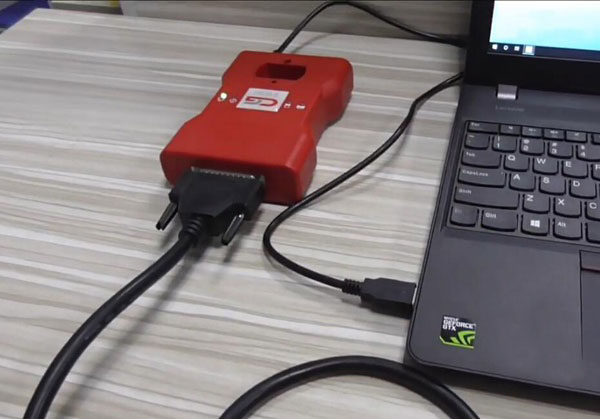
Connect CGDI BMW with computer
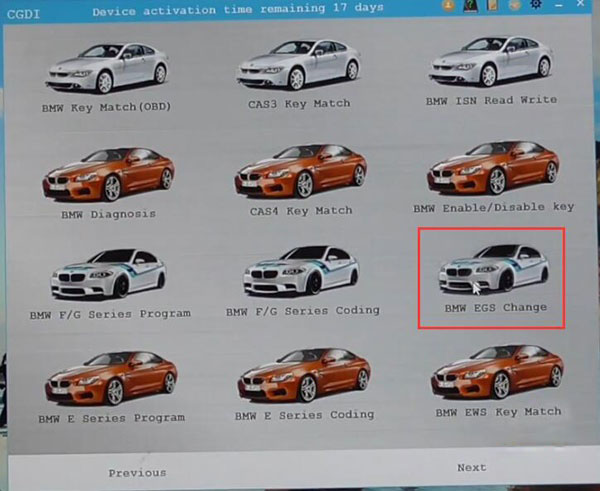
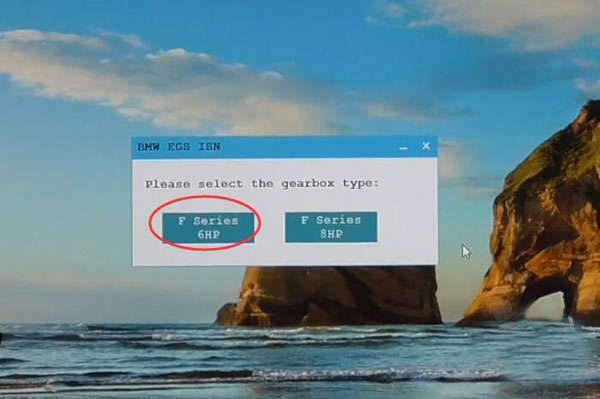
Run CGDI software, select BMW EGS Change-> F series 6HP
Make sure the OBD cable is connected to the vehicle and turn the ignition switch on.

Check wiring diagram

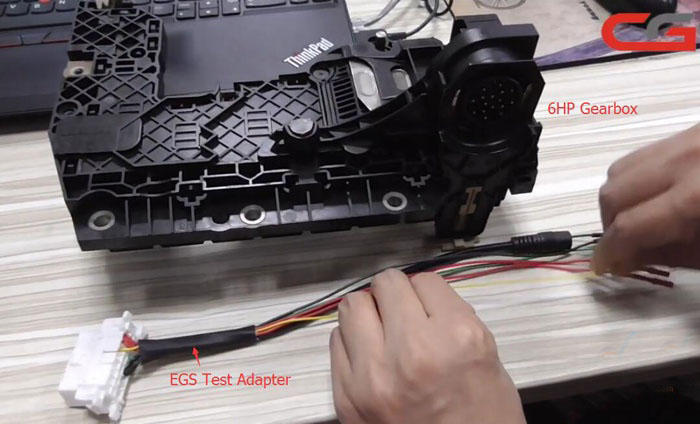
Follow wiring diagram to connect EGS cable with 6hp gearbox
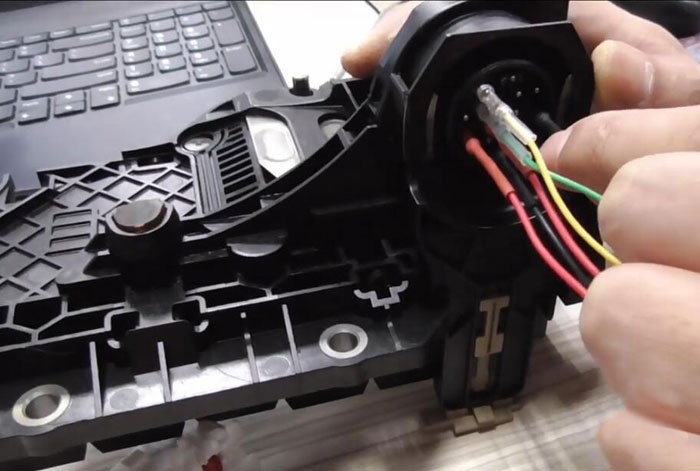
Connect EGS adapter with CGDI Prog through main test cable.

Run CGDI BMW software again, select BMW EGS Change-> F series 6HP->Backup data
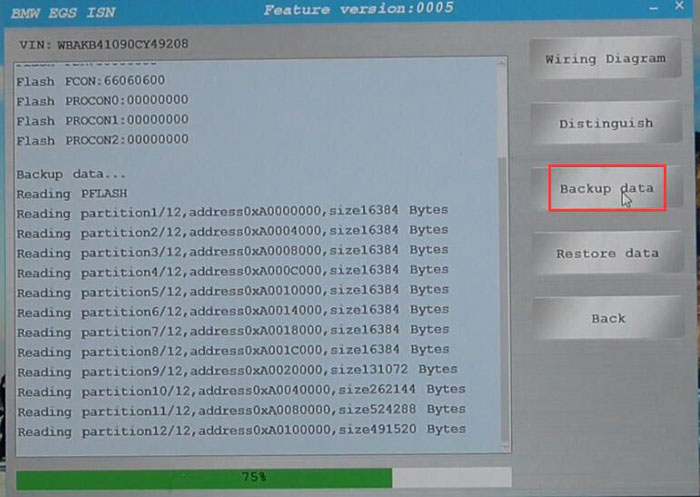
Backup data successfully.

Choose Restore Data to reset 6HP EGS until success.
Video guide:
